 ZEG
ZEG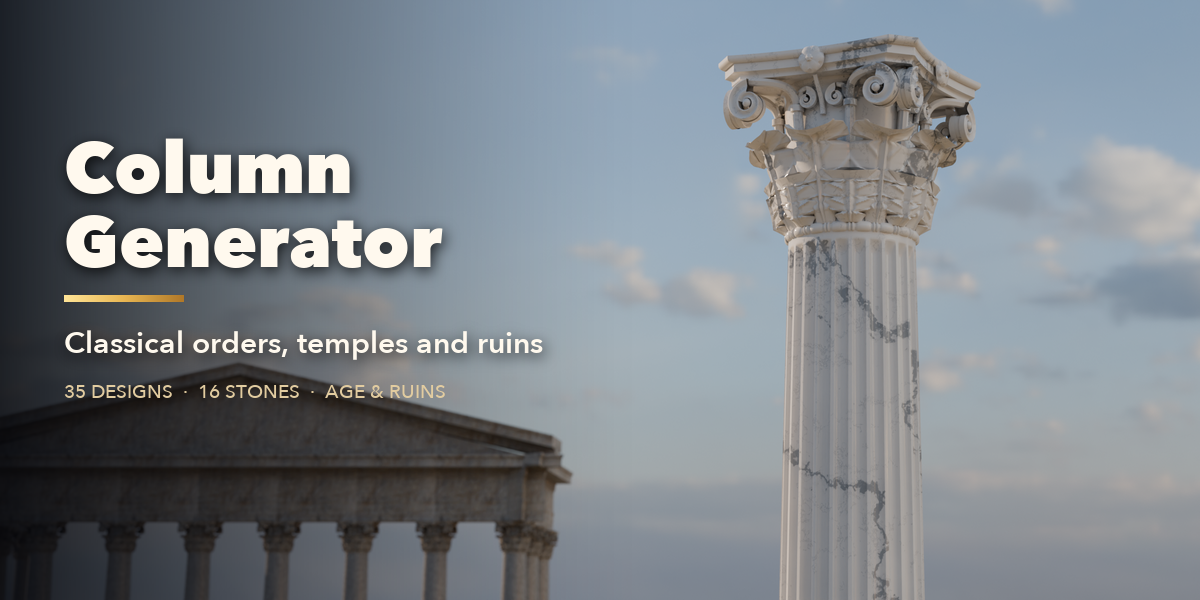






Installation
In Blender open Edit, Preferences, Get Extensions, then use Install from Disk and pick the column_generator zip.
Usage
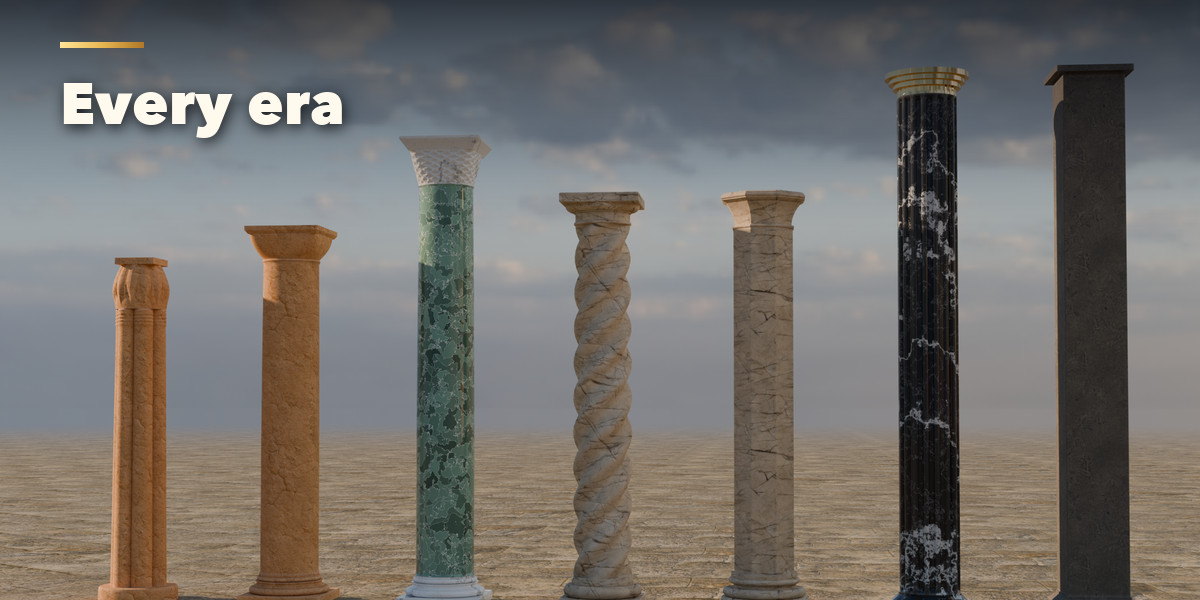
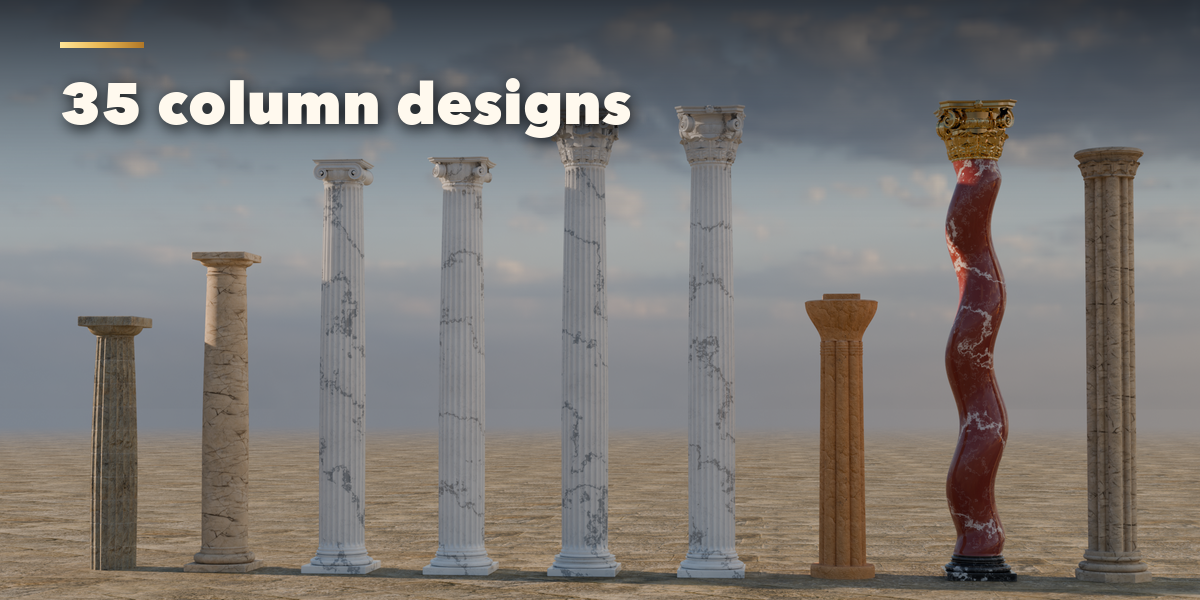
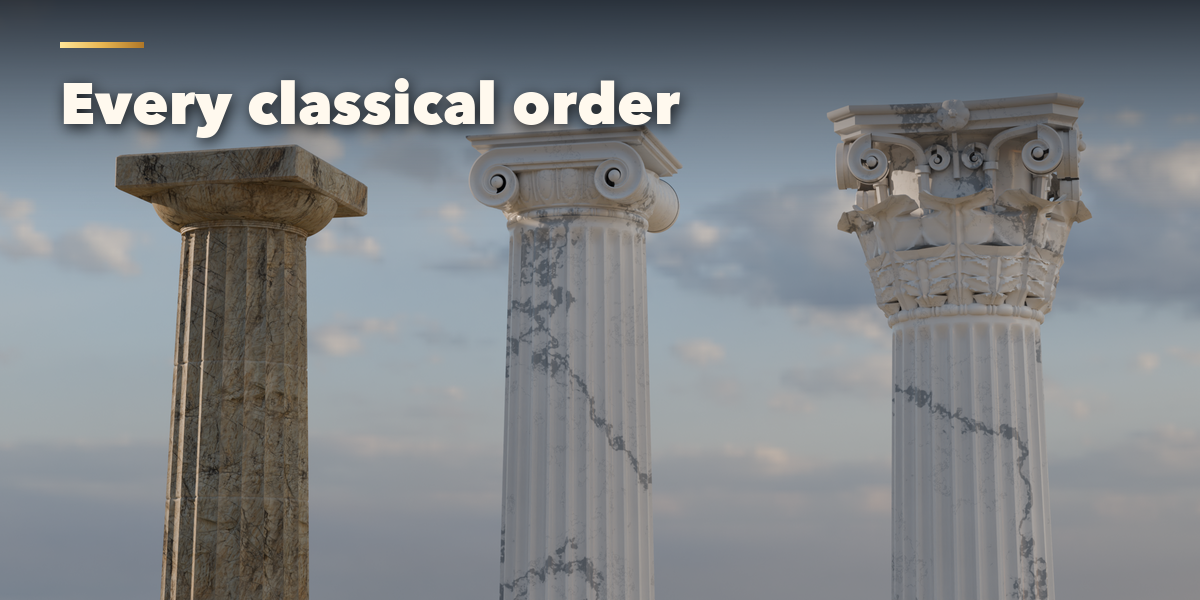
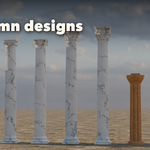
- Open the Column tab in the 3D viewport sidebar (N). With no column selected, click the big picture for a gallery of every design, or a design tile, to add it at the 3D cursor. You can also use Shift+A, Mesh, Column.
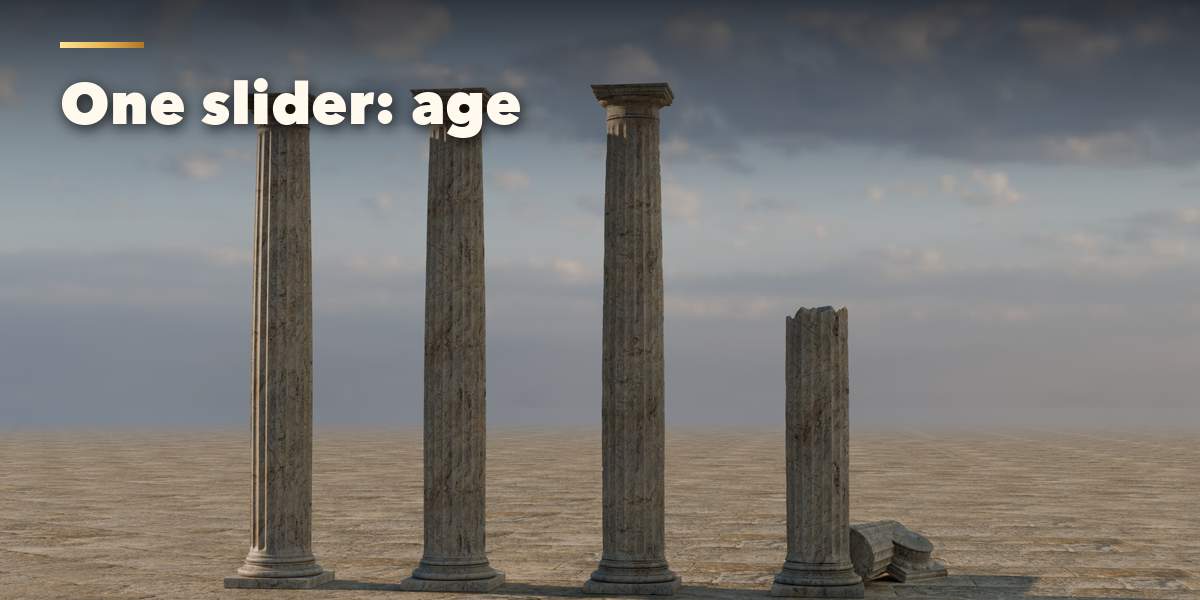
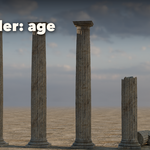
- The card at the top shows the design and its size. Click its picture to switch design; Surprise makes a random new design and Variation changes the current one a little. The Age slider weathers and damages the column in one move.
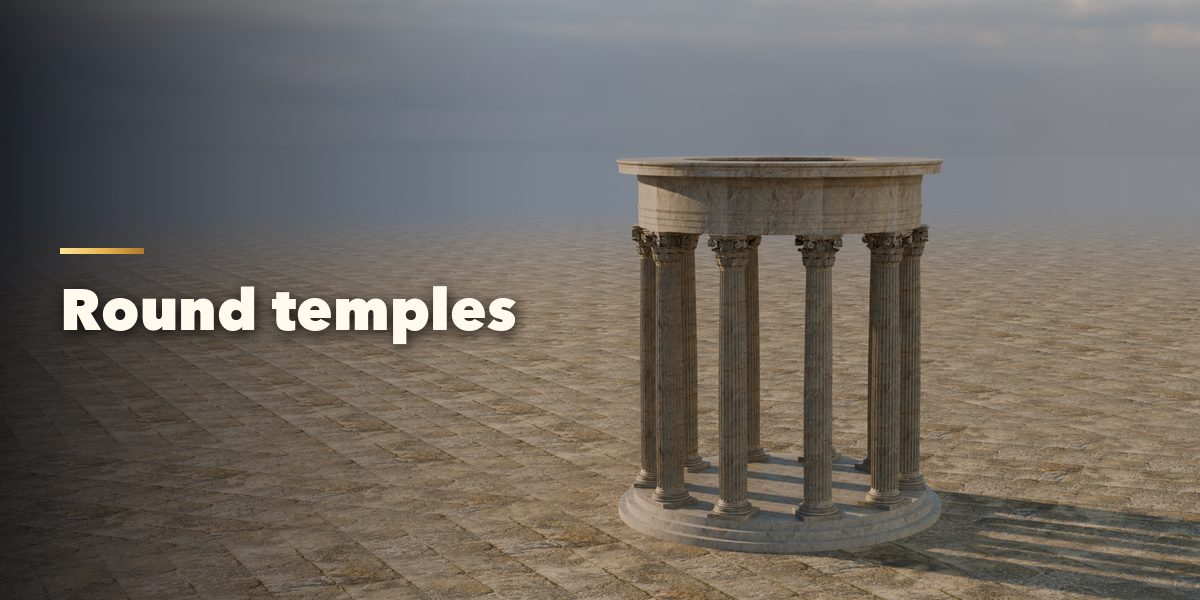
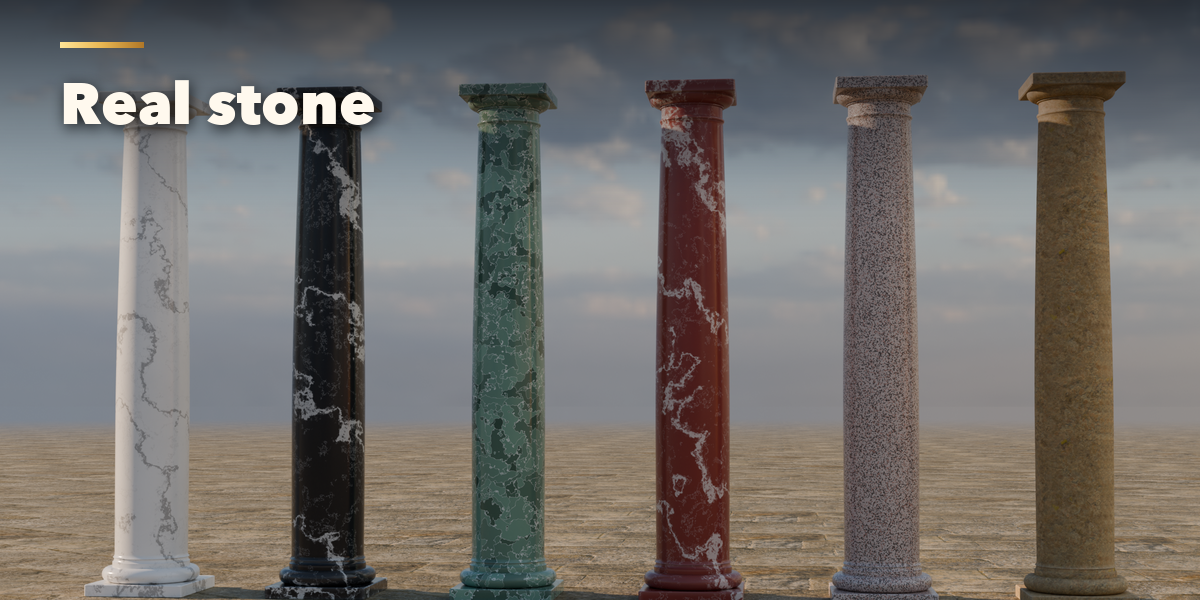
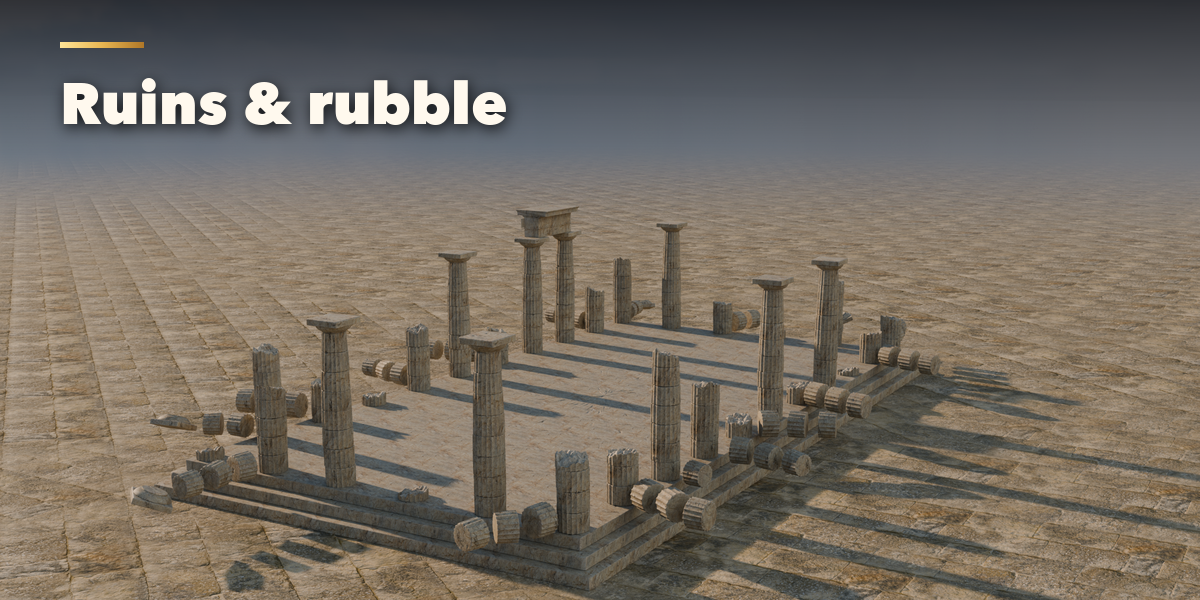
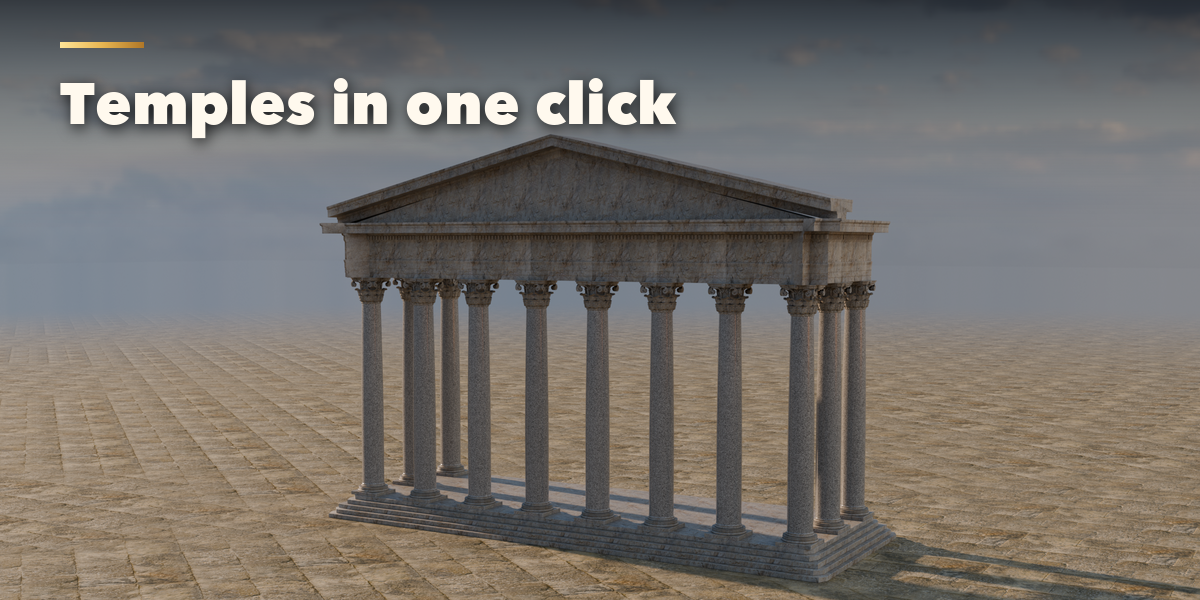
- The tabs hold every setting: Shaft (section, fluting, taper, entasis, twist, drums), Base & Capital (base mouldings, capital style, volutes, leaves, carving), Layout & Building (size, colonnades, porticoes, temples, pedestals, entablature, pediment), Age & Damage (weathering, chips, cracks, broken columns, rubble), Stone (stone per part, carving finish, dirt, rain streaks, moss, polish) and Detail & Export (mesh detail, seed, Convert to Mesh).
- Convert to Mesh copies the column as a plain mesh for editing, sculpting or export. Delete removes the column.
Use Material Preview or Rendered view to see the stone.
Have questions about this product?
Login to message
| Blender Extension Compatible | Yes |
| Published | about 15 hours ago |
| Blender Version | 4.2 - 5.2 |
| Extension Type | Add-on |
| Render Engine Used | Cycles, Eevee |
| License | GPL |

Discover more products like this
classical architecture Marble ruins greek column pillar roman Generator temple procedural corinthian