Complete Sci Fi Bundle
 Steven Seidler (Blendscapes3D)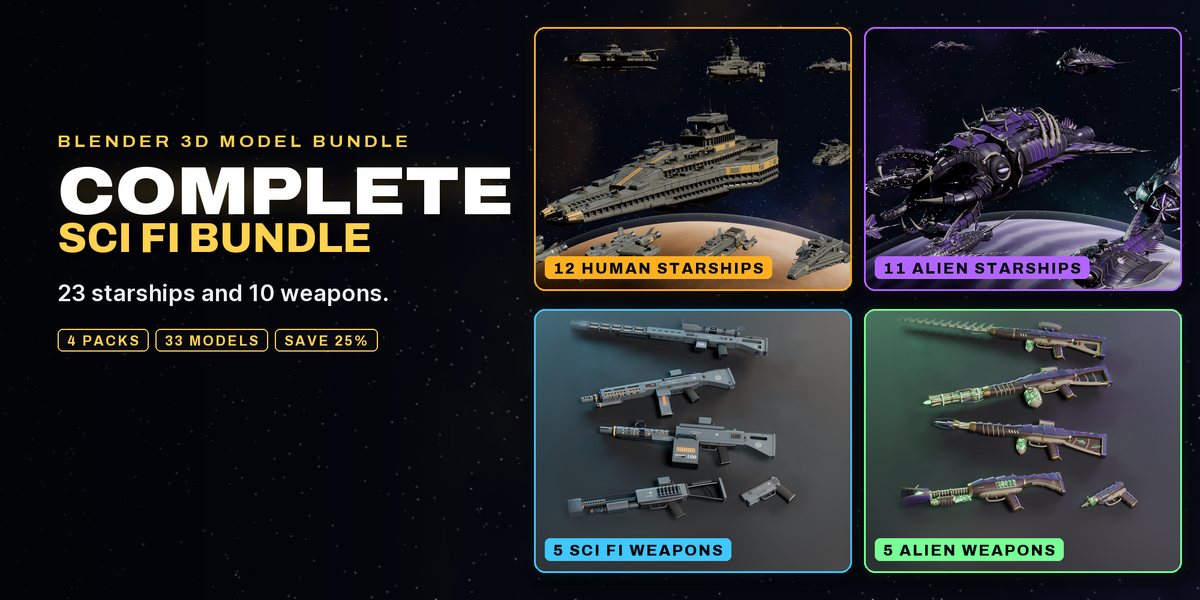
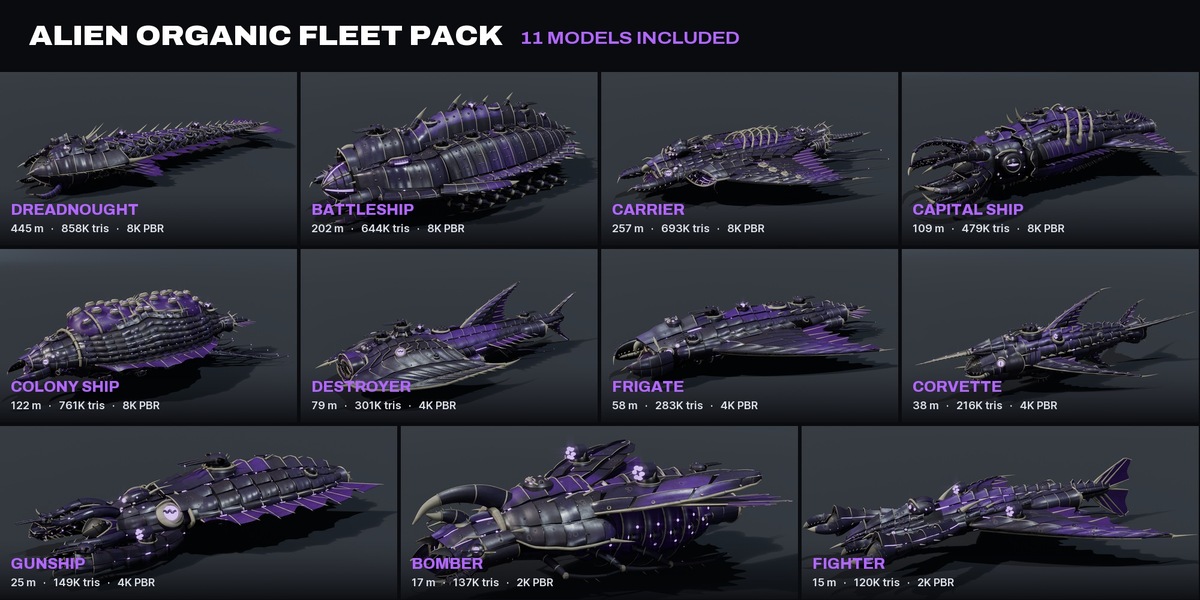
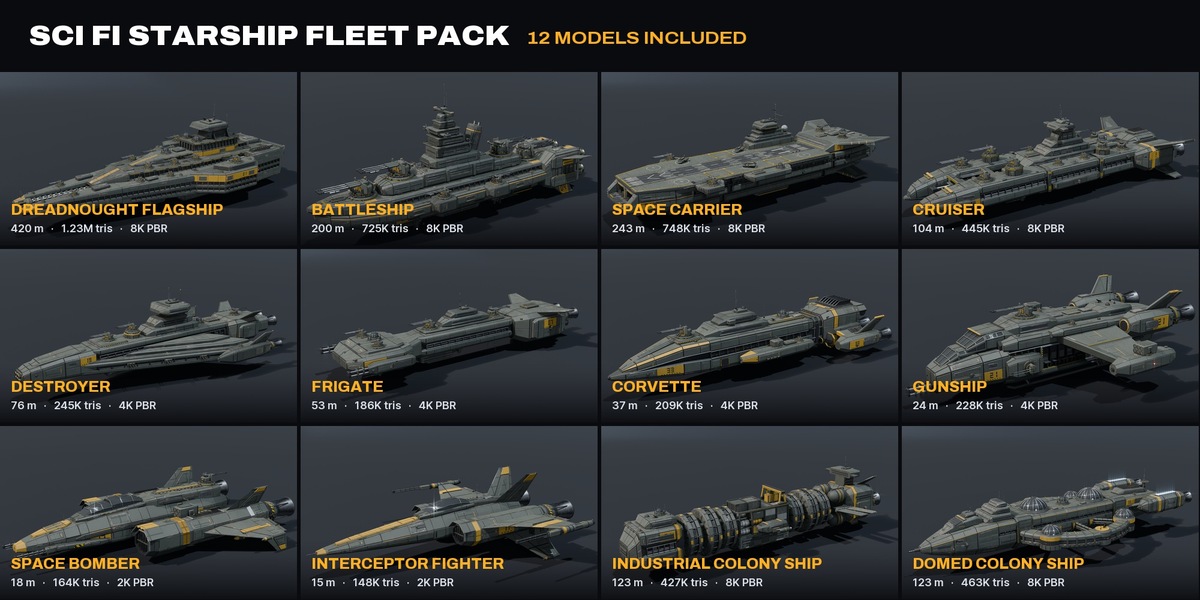
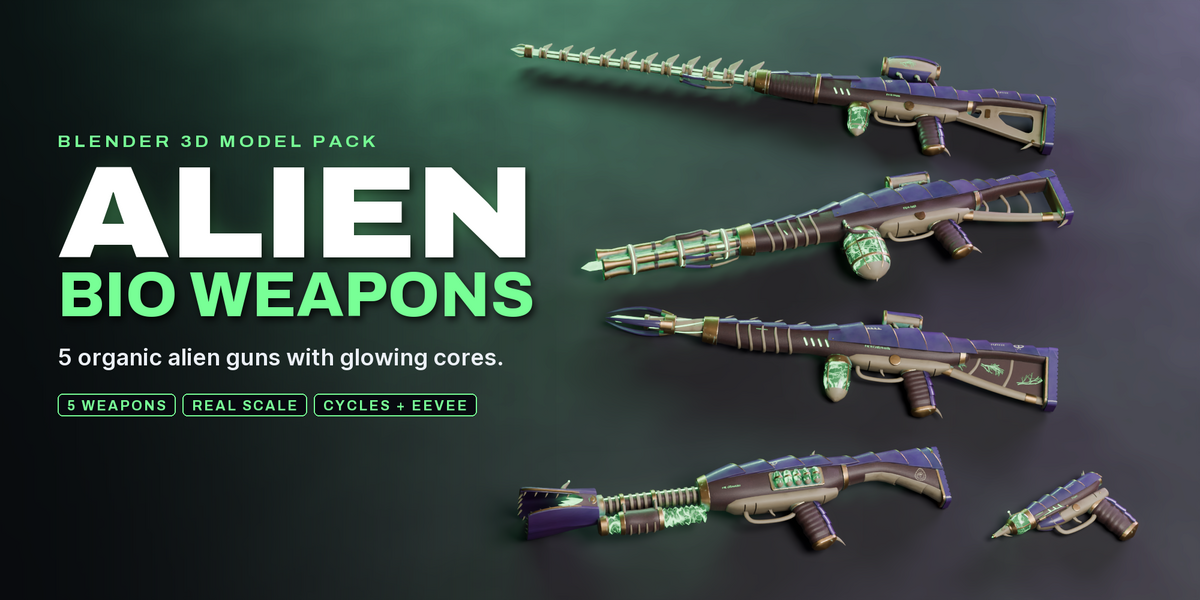
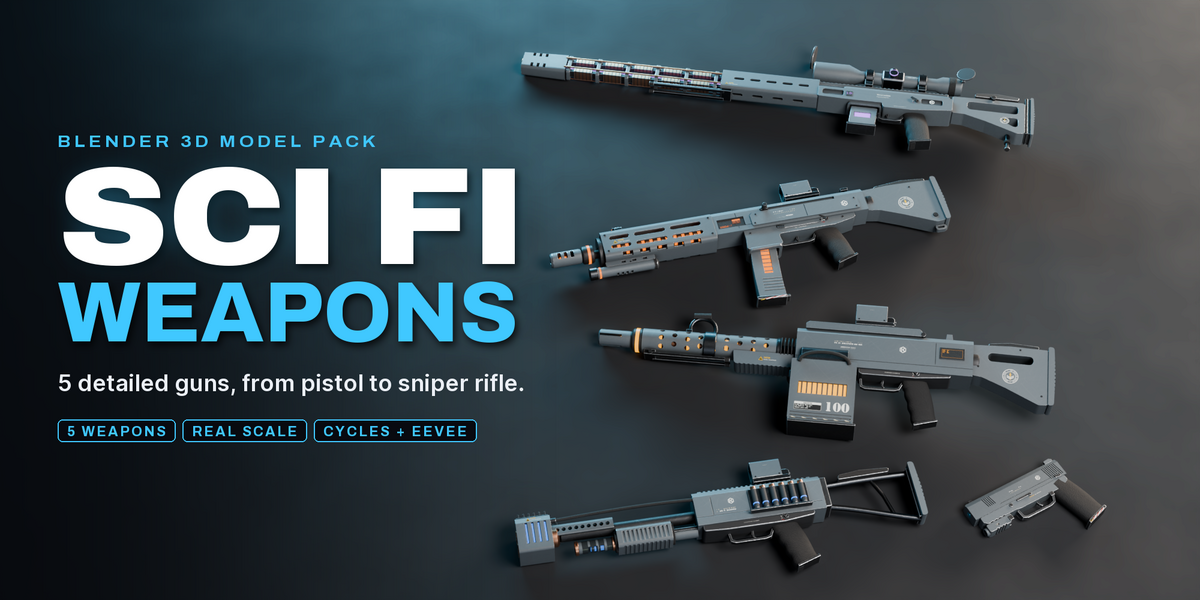
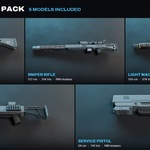
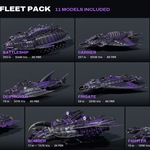

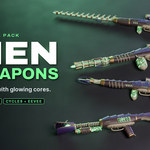
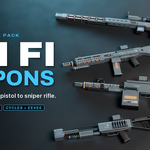

Getting started
- Unzip the pack. Every model is its own .blend file, all textures are packed inside.
- Open a file directly, or use File > Append > the .blend > Object and pick the parent empty with the model name together with its children.
- Models are in real world scale (meters) and sit at the world origin with the front facing -Y. Scale the parent empty to resize.
- Use Material Preview or Rendered view to see the materials. Cycles and EEVEE are both supported.
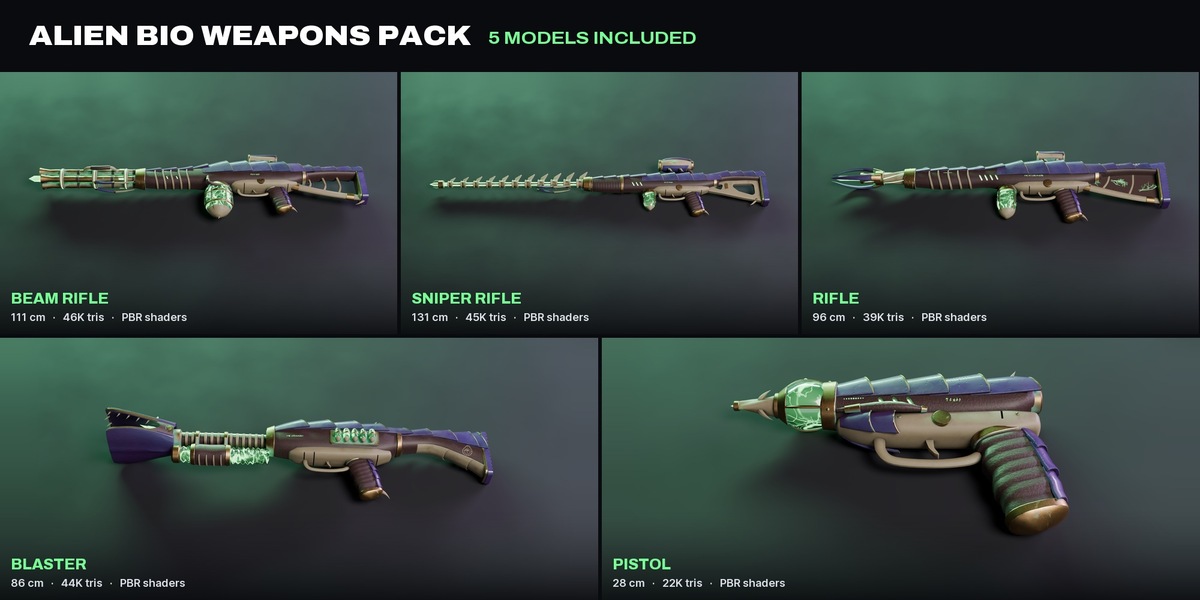
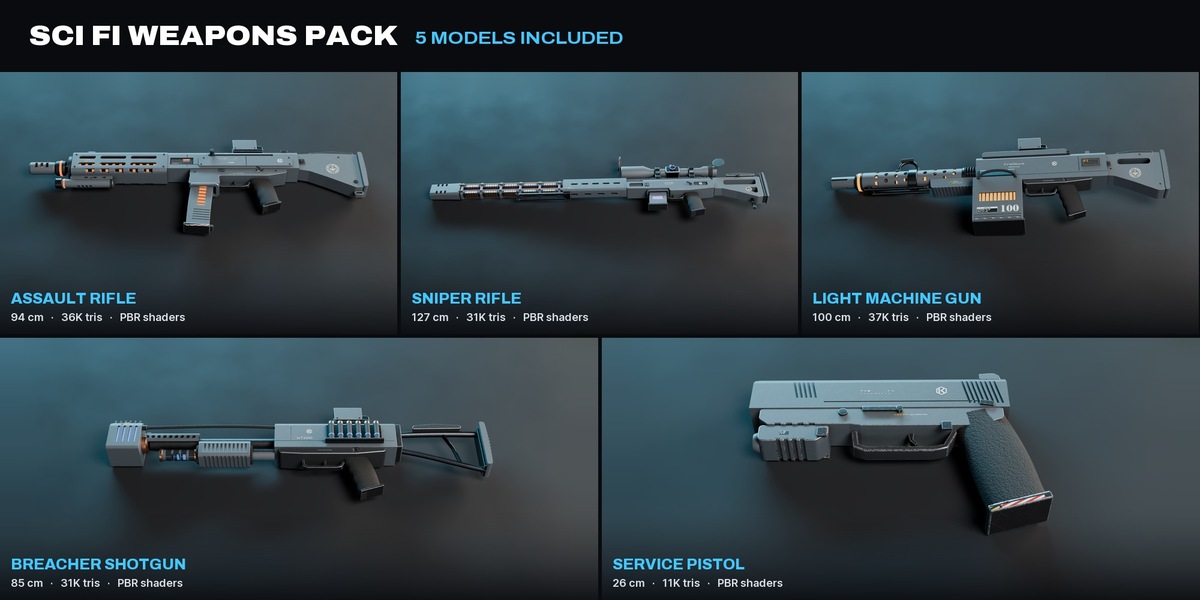
Previews of every model are in the previews folder, the README lists sizes and triangle counts.
$54.99$49.49
Have questions about this product?
Login to message
| Published | about 21 hours ago |
| Blender Version | 4.5 - 5.2 |
| Render Engine Used | Cycles, Eevee |
| Misc Data | Uvs-Unwrapped, Normal-Mapped, Textured |
| License | Royalty Free |