Compositor Fx Pack
 blueish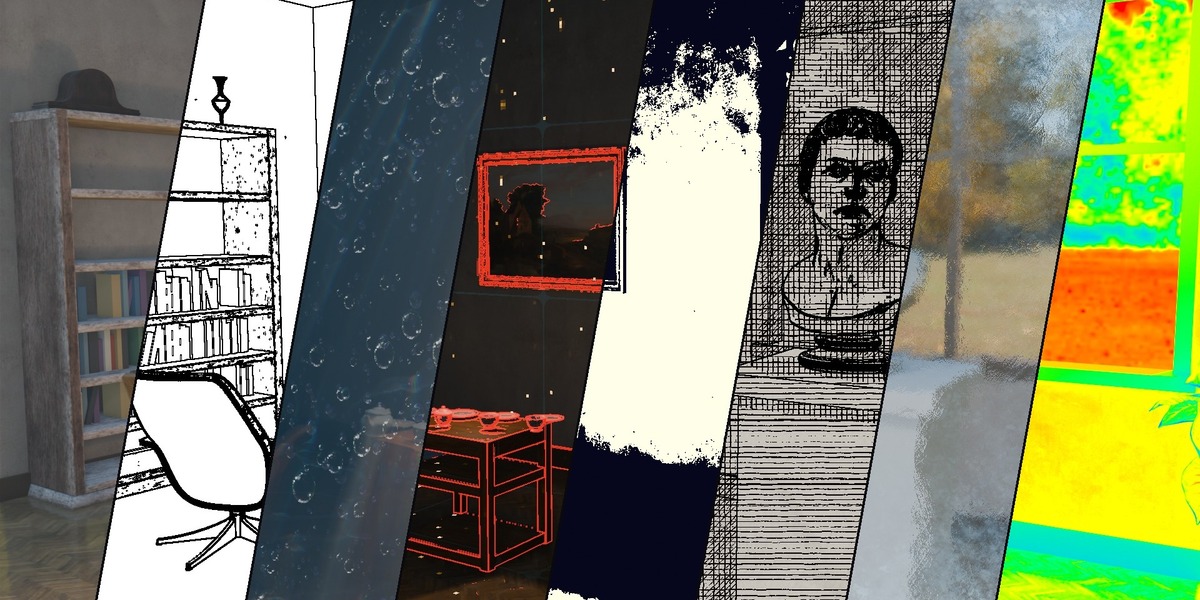
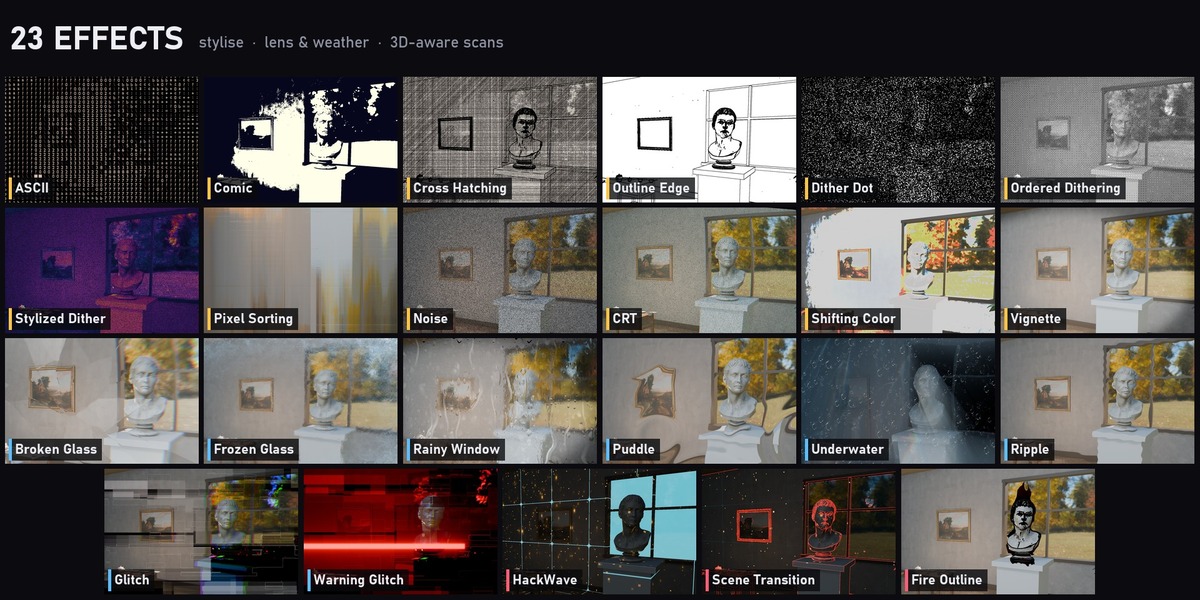
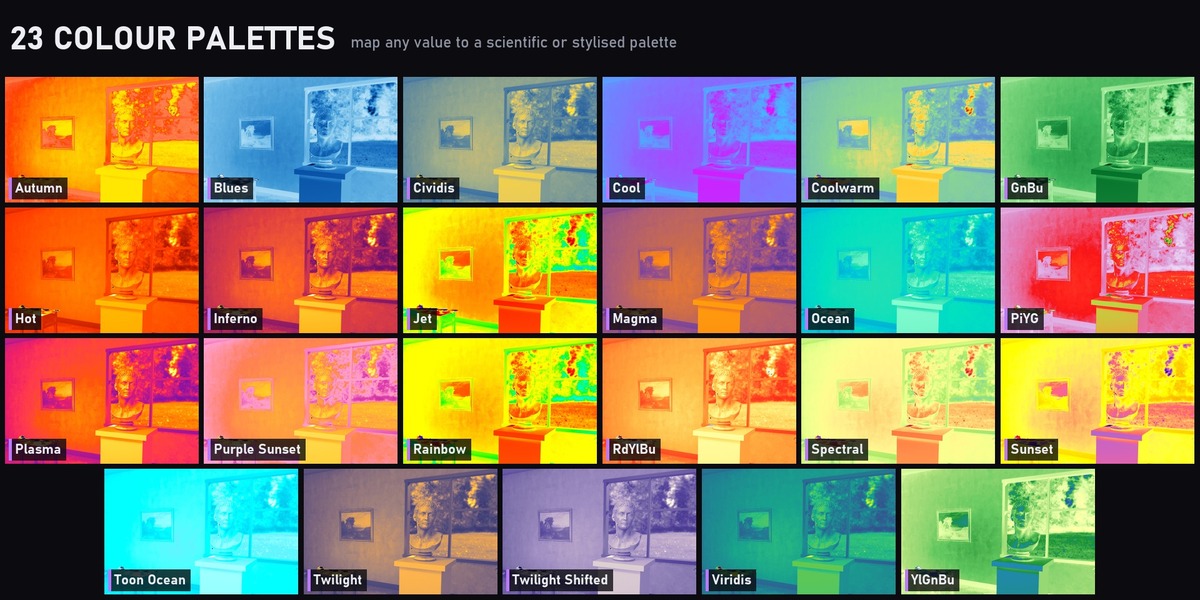
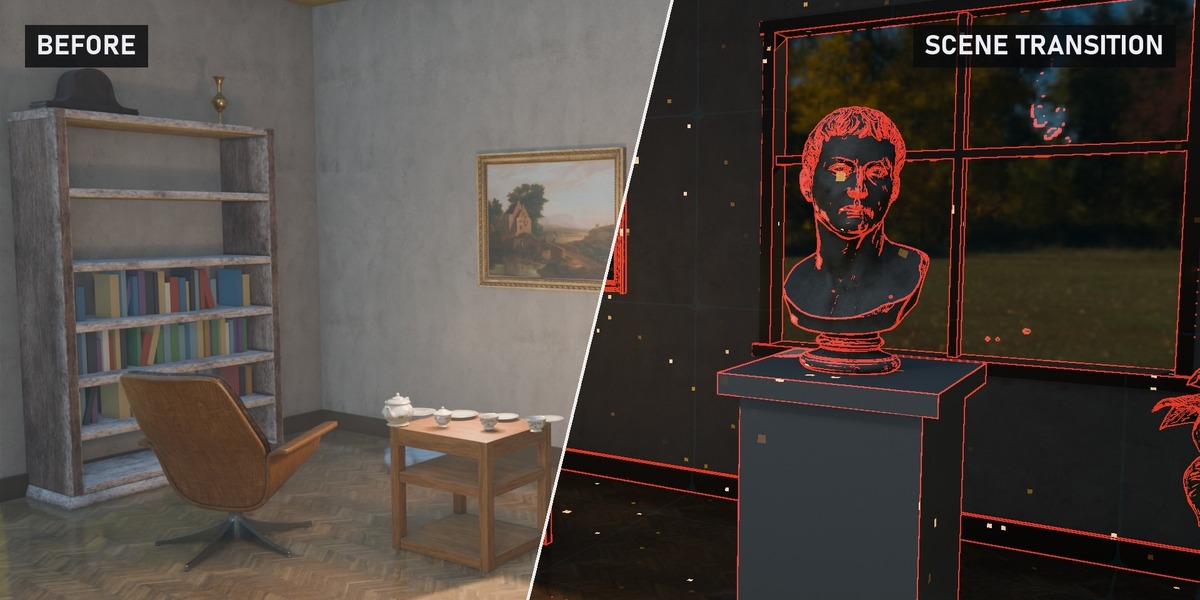
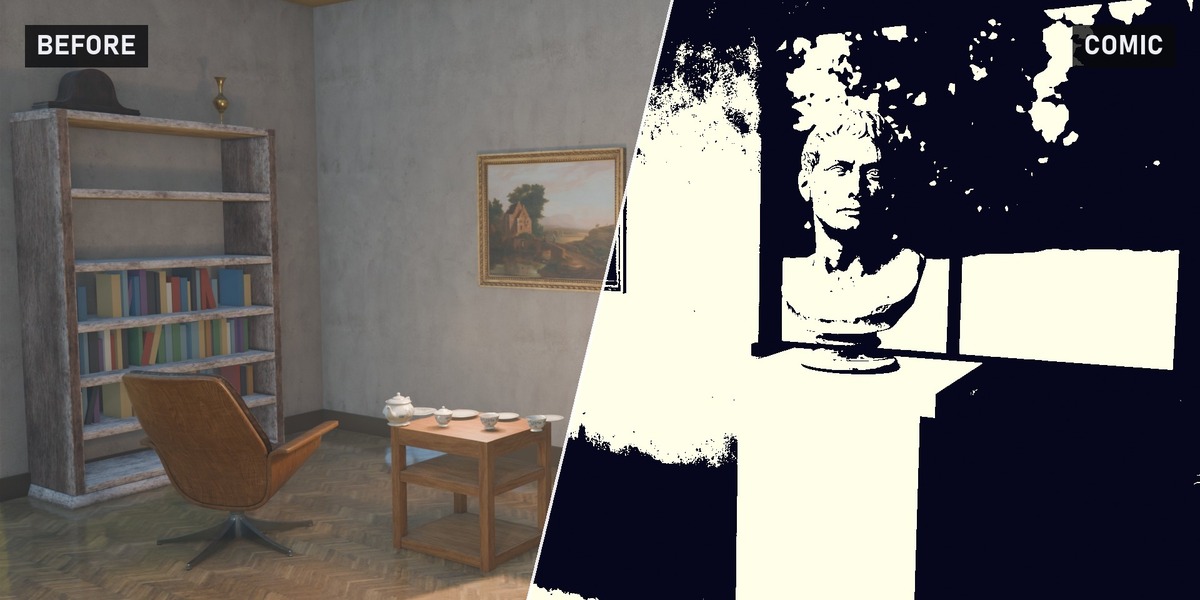
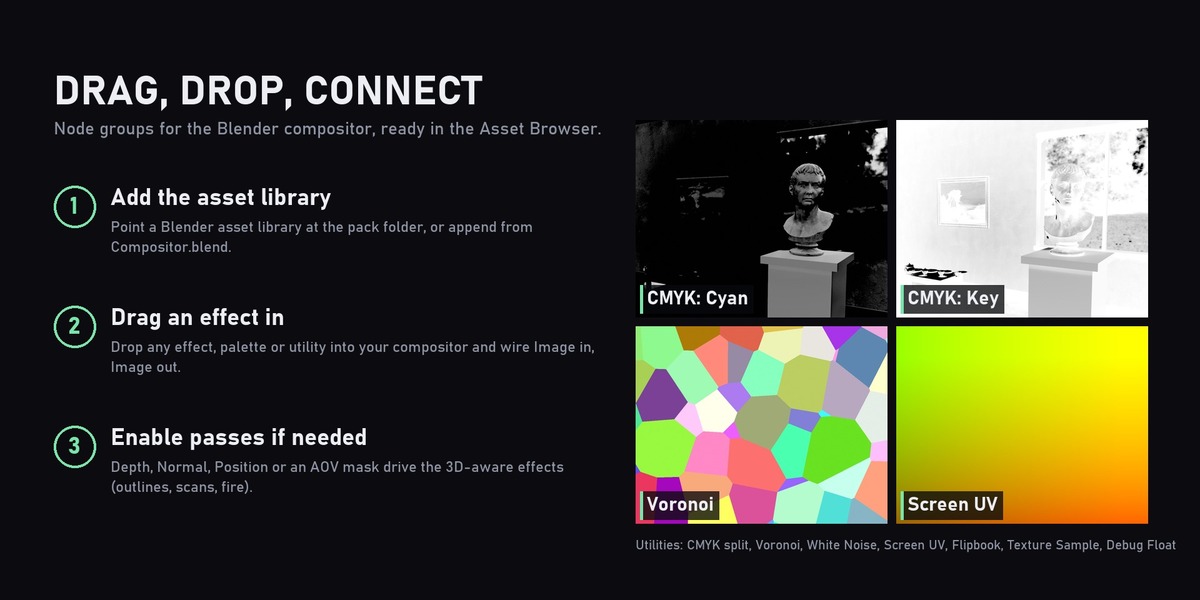
Install
- Unzip Compositor_FX_Pack_Blender5.2.zip. Keep the Tex folder next to Compositor.blend: Glitch and Puddle read their video textures from it.
- In Blender 5.2+, open Preferences > File Paths > Asset Libraries, click +, and pick the unzipped folder. (Or simply append the node groups from Compositor.blend.)
Use
- Open the Compositor and the Asset Browser, then pick the library.
- Drag an effect, palette or utility into the node tree and connect Image in and Image out.
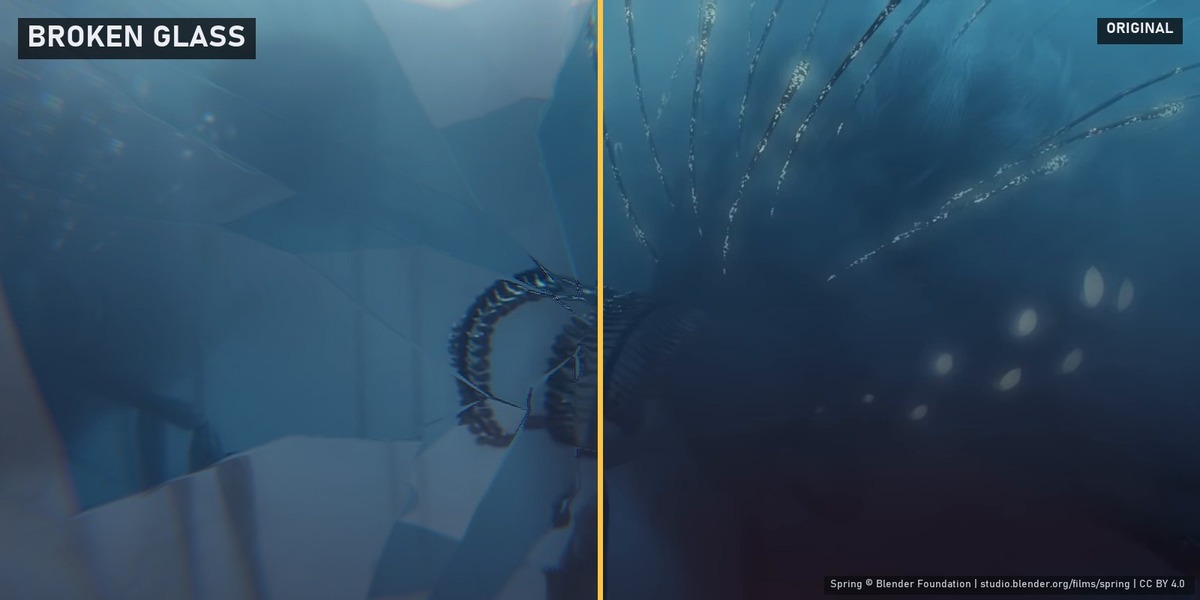
- Tweak the inputs on the node. Most effects animate with the timeline, and every input can be keyframed (e.g. animate Broken Glass's Displace for a shattering impact).
- Render to see the final result. A few effects can differ in the viewport compositor.
Render passes some effects need
Enable these in View Layer Properties > Passes and connect them to the matching inputs:
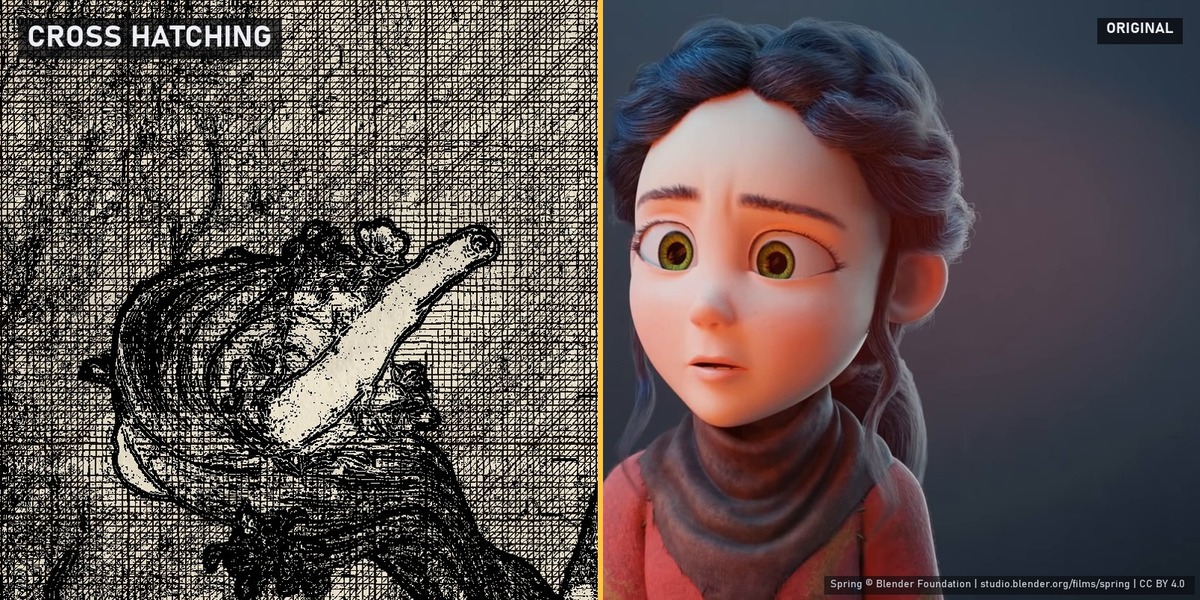
- Depth (Z): Outline Edge, Cross Hatching, Fire Outline, Underwater, ASCII (optional)
- Normal: Outline Edge, Cross Hatching, Fire Outline, Rainy Window, HackWave, Scene Transition
- Position: Underwater, Rainy Window, HackWave, Scene Transition
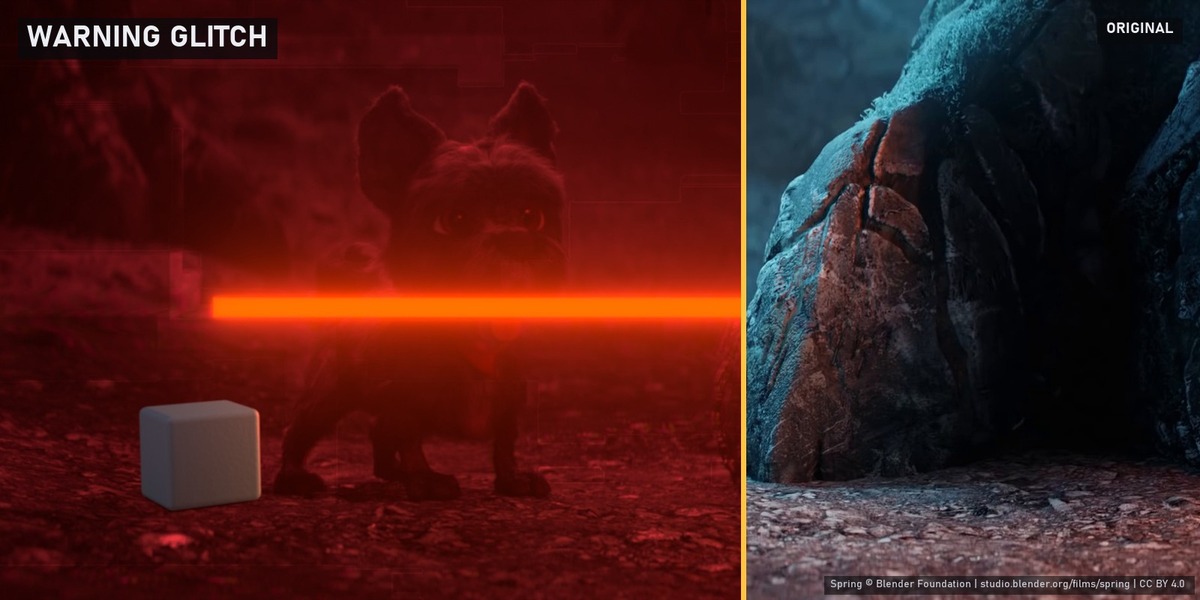
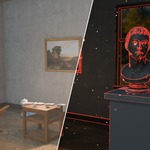
- Shader AOV (object mask): Fire Outline and Warning Glitch. Add an AOV Output node to the target object's material with value 1, add a matching AOV in View Layer Properties, and connect it to the AOV input.
Tips
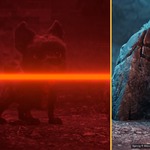
- Warning Glitch: feed the camera and object world positions into Camera / Object Center. The bar turns from green to red as the camera gets closer than Distance.
- Ripple: Strength is in pixels (try 40).
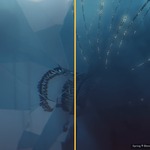
- Underwater: Depth is in scene units; scale it up for small scenes.
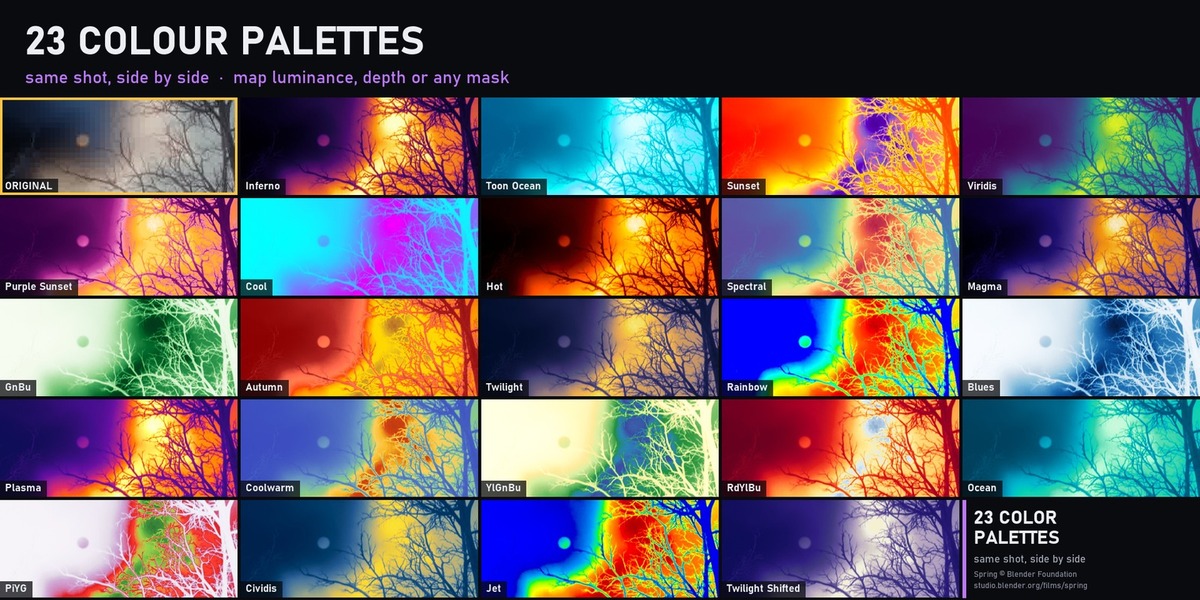
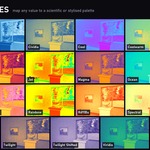
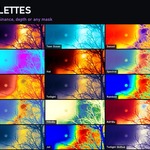
- Palettes: feed any 0-1 value (luminance, depth, a mask) into the Thermal input.
- For footage or images, use an Image or Movie Clip node as the input; effects that need passes can use luminance or a hand-made mask instead.
Have questions about this product?
Login to message
| Published | 5 months ago |
| Blender Version | 5.2 |
| Render Engine Used | Cycles, Eevee |
| License | Royalty Free |
Discover more products like this
compositor Dithering VFX ascii Compositing Post-Processing node groups comic toon glitch color grading underwater