 VK Gamedev


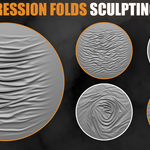
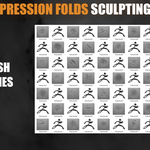
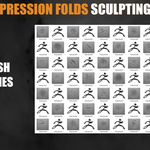
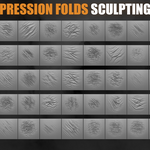
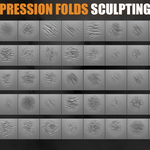
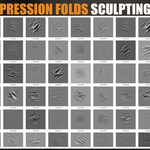
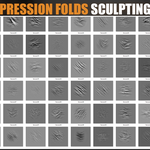
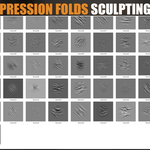
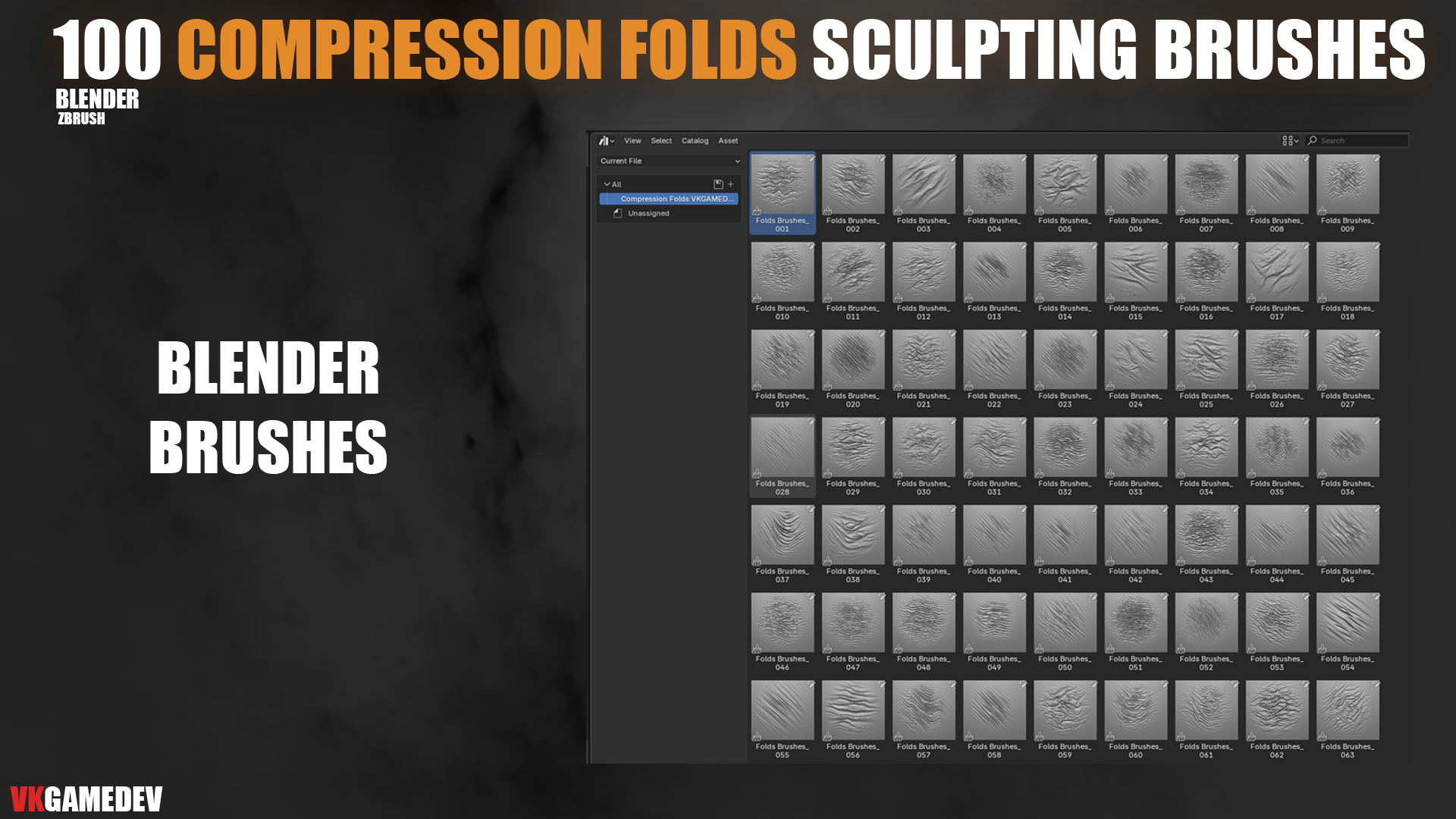
100 Compression Fabric Folds Brushes
A professional sculpting pack for creating compression folds, fabric wrinkles, cloth tension, drapery, clothing details, furniture fabric, bags, curtains, and soft-surface assets.
Includes 100 unique brushes and alphas for Blender & ZBrush, with 16-bit PNG & PSD alpha maps.
| 100 Unique Brushes & Alphas | 16-bit PNG & PSD Formats | 2K 2048x2048 Alpha Maps |
📦 What’s Included
- 100 unique fabric fold brushes and alphas
- High-resolution 16-bit PNG alpha maps
- Layered PSD alpha files for editing and customization
- 2048x2048 resolution for clean sculpting detail
- Custom icons and large previews
- Organized folders for easy navigation
⚡ Key Features
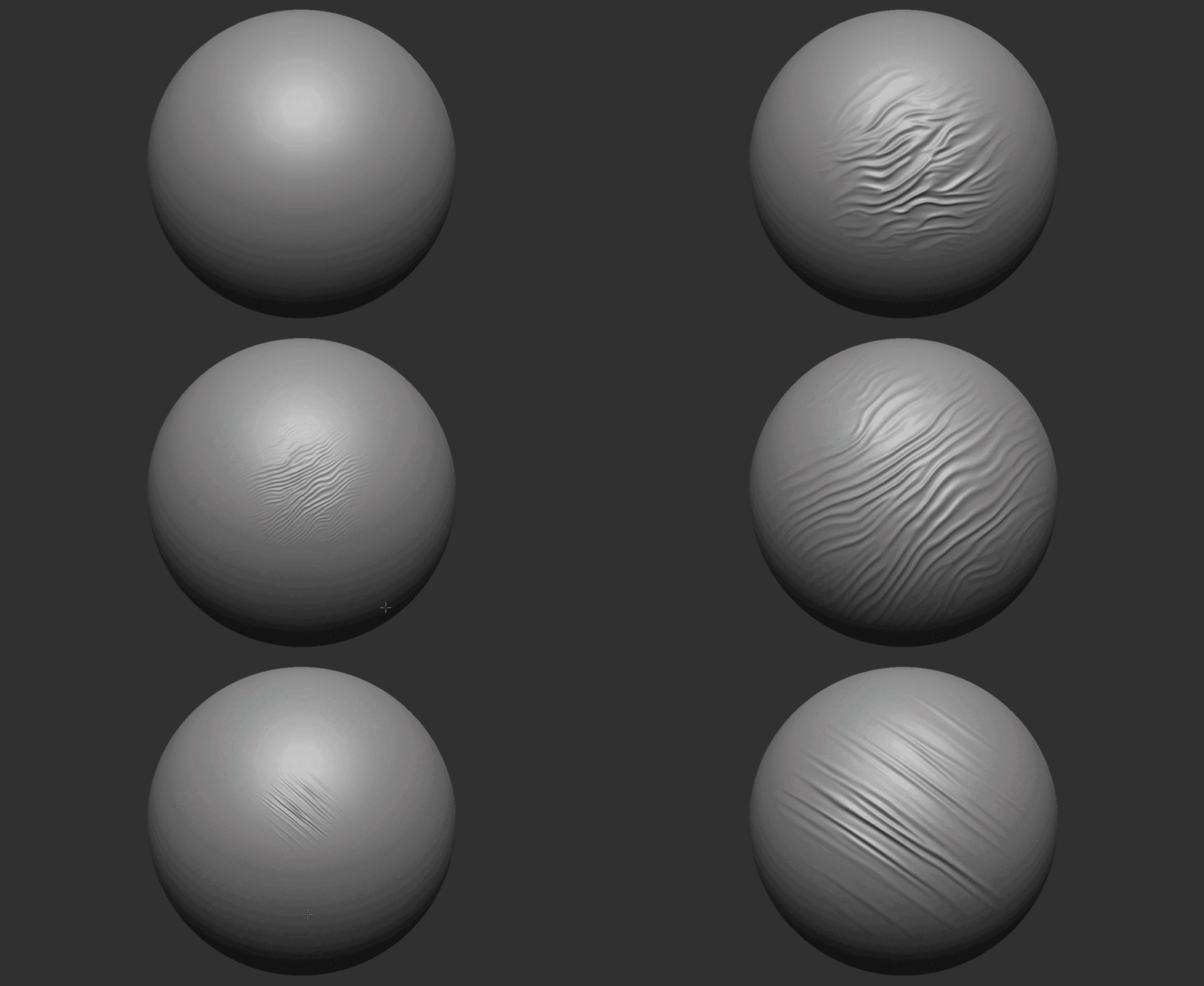
- Realistic compression folds, wrinkles, creases, and cloth tension details
- Great for clothing, curtains, furniture, bags, fabric props, and cloth-based assets
- Useful for both subtle fabric drapes and deep dramatic folds
- Optimized for Blender Sculpt Mode and ZBrush workflows
- Designed to save hours of manual sculpting and detailing work
🎯 Perfect For
- Clothing and costume sculpting
- Fabric folds, compression wrinkles, and soft-surface details
- Character artists, game artists, and product designers
- Curtains, sofas, pillows, bags, straps, and cloth accessories
- Game-ready assets, cinematic models, and high-resolution sculpting
🔧 Installation FAQ
How do I install the brushes in Blender?
Open Edit → Preferences → File Paths and add the folder with brushes from the package to your Asset Library paths. The brushes will appear in the Asset Browser for easy drag-and-drop use.
Important! For the best results, reduce the brush pressure.
How do I install the brushes in ZBrush?
ZBrush brushes are supported in ZBrush 2021 and above. Place them into your ZBrushes folder or load them directly from Lightbox.
C:\Program Files\Pixologic\ZBrush 2021\ZBrushes 


Questions or installation help? Message me anytime.
