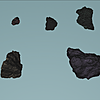
Concrete Rubble
 ArtOfKarlB
in Models
ArtOfKarlB
in Models
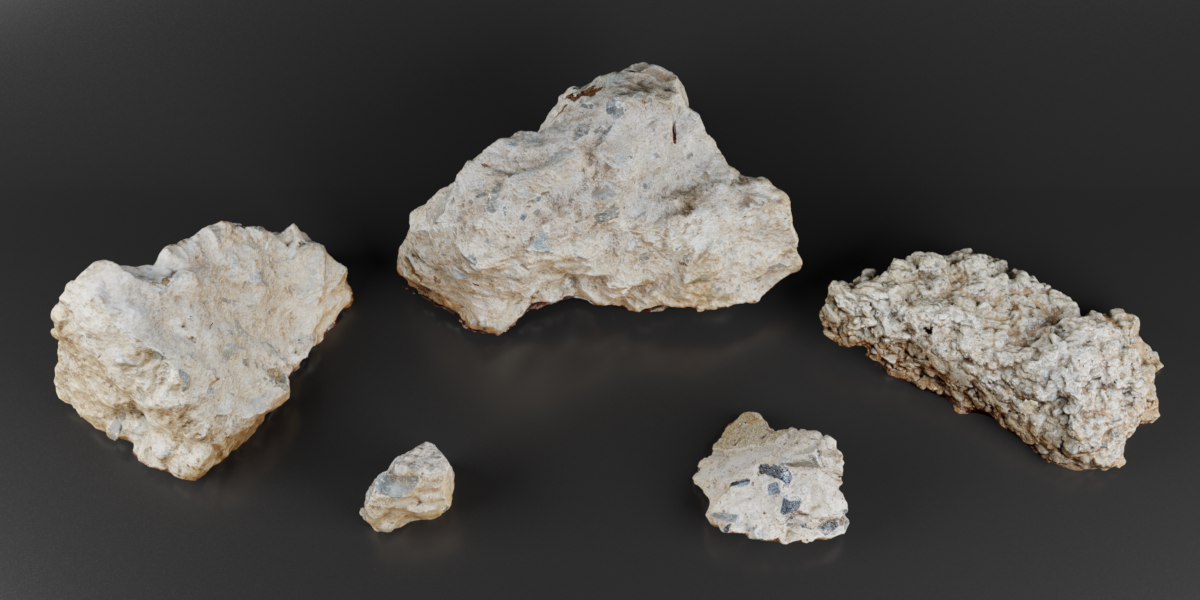
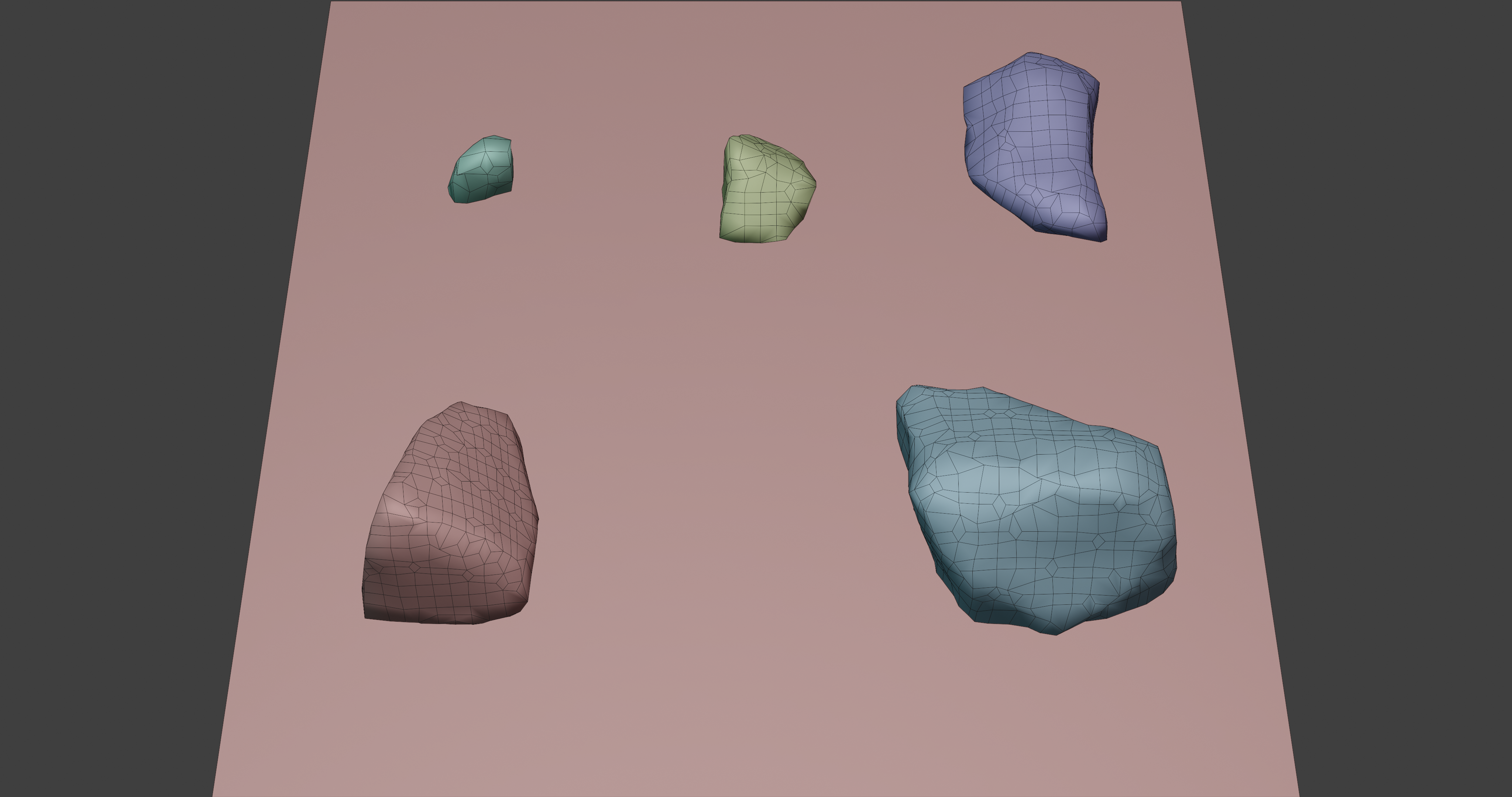
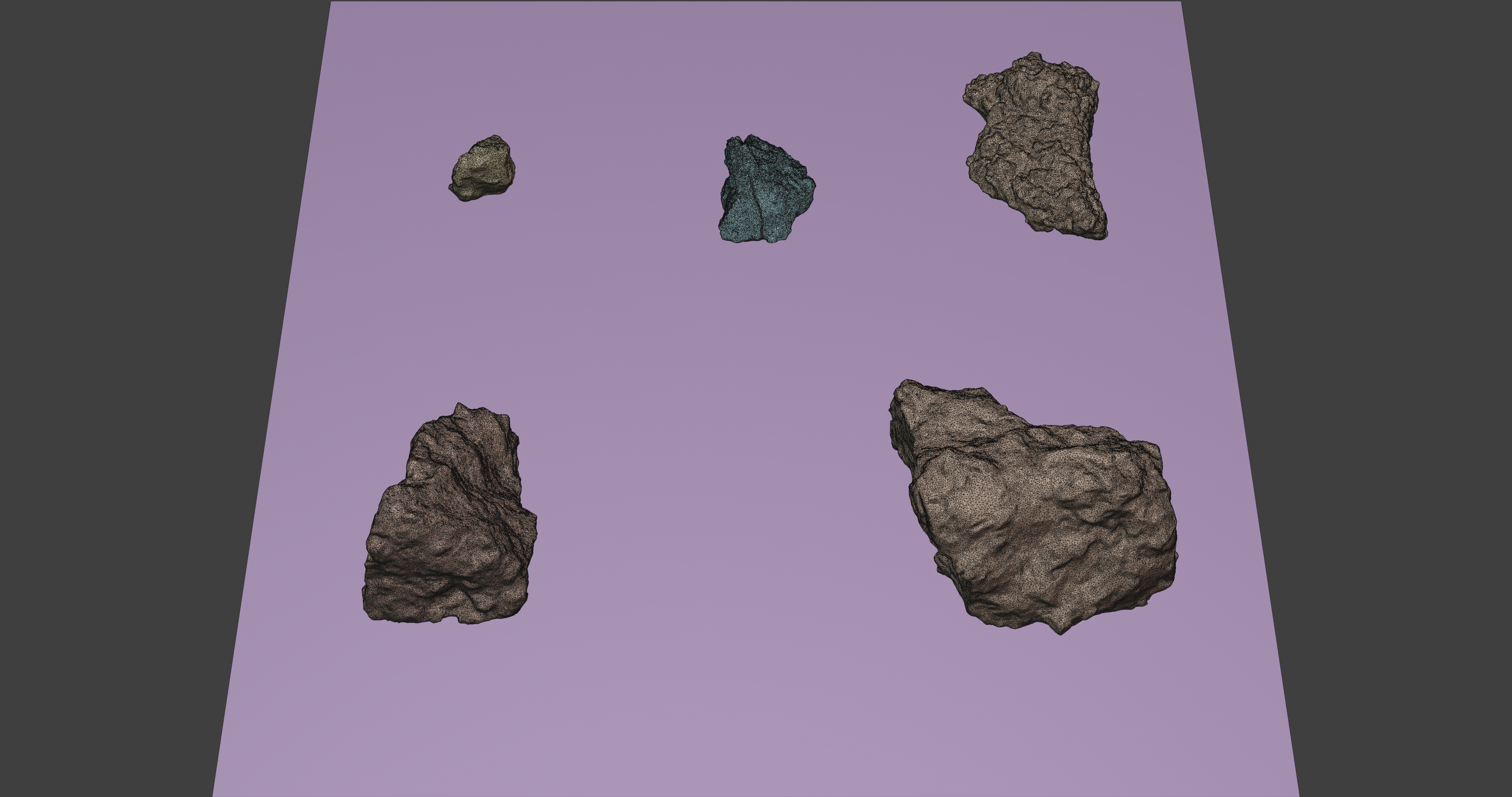



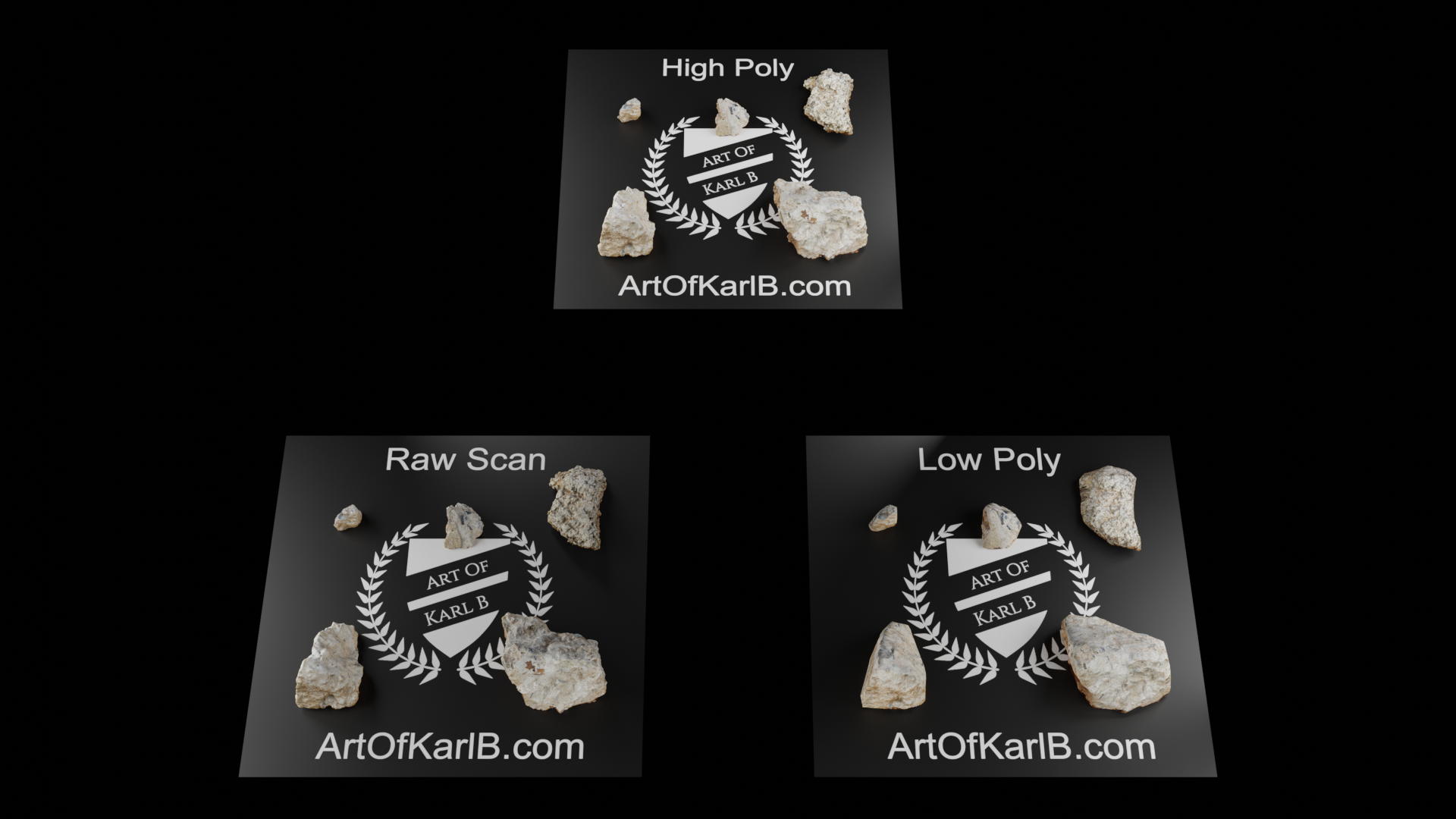
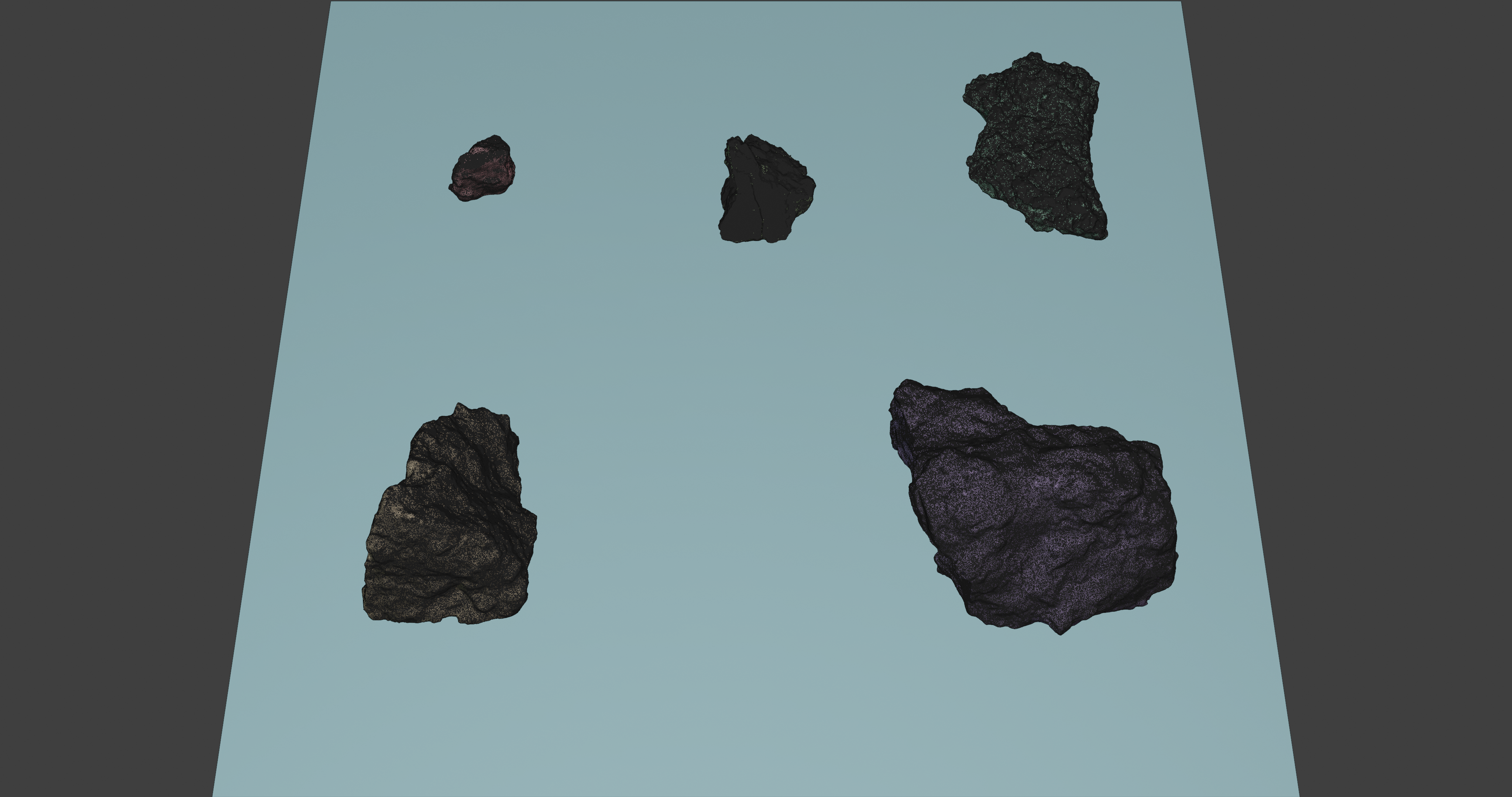




How to use (in Blender)
1. From your working scene, click File.
2. Select Link or Append for the Blend or Import for .OBJ
3. Browse to the location where the blend or OBJ file has been saved and click it.
4. Select Objects and double-click the object(s) you want in your scene. Note: This step is not needed when importing the OBJ.
Trouble with these assets?Use any of the contact methods below! A message on my profile is best.
1. Send a message through my profile.
2. Any of the methods listed in the resume section of my website.
Have questions about this product?
Login to message
| Dev Fund Contributor | |
| Published | over 6 years ago |
| Blender Version | 4.2, 4.1, 4.0, 3.6, 3.5, 3.4, 3.3, 3.2, 3.1, 3.0, 2.93, 2.92, 2.91, 2.9, 2.83, 2.82, 2.81, 2.8, 2.79 |
| Render Engine Used | Cycles, Eevee |
| License | Royalty Free |
Discover more products like this
artofkarlb 4k Rubble debris high poly photoscanned photogrammetry 3D Scan rocks Concrete low poly 3dscan spring23 b3d photo-scanned retopologized summer24 2k photorealistic stone PBR highpoly Photo-realistic blender3d cement