 ConGen
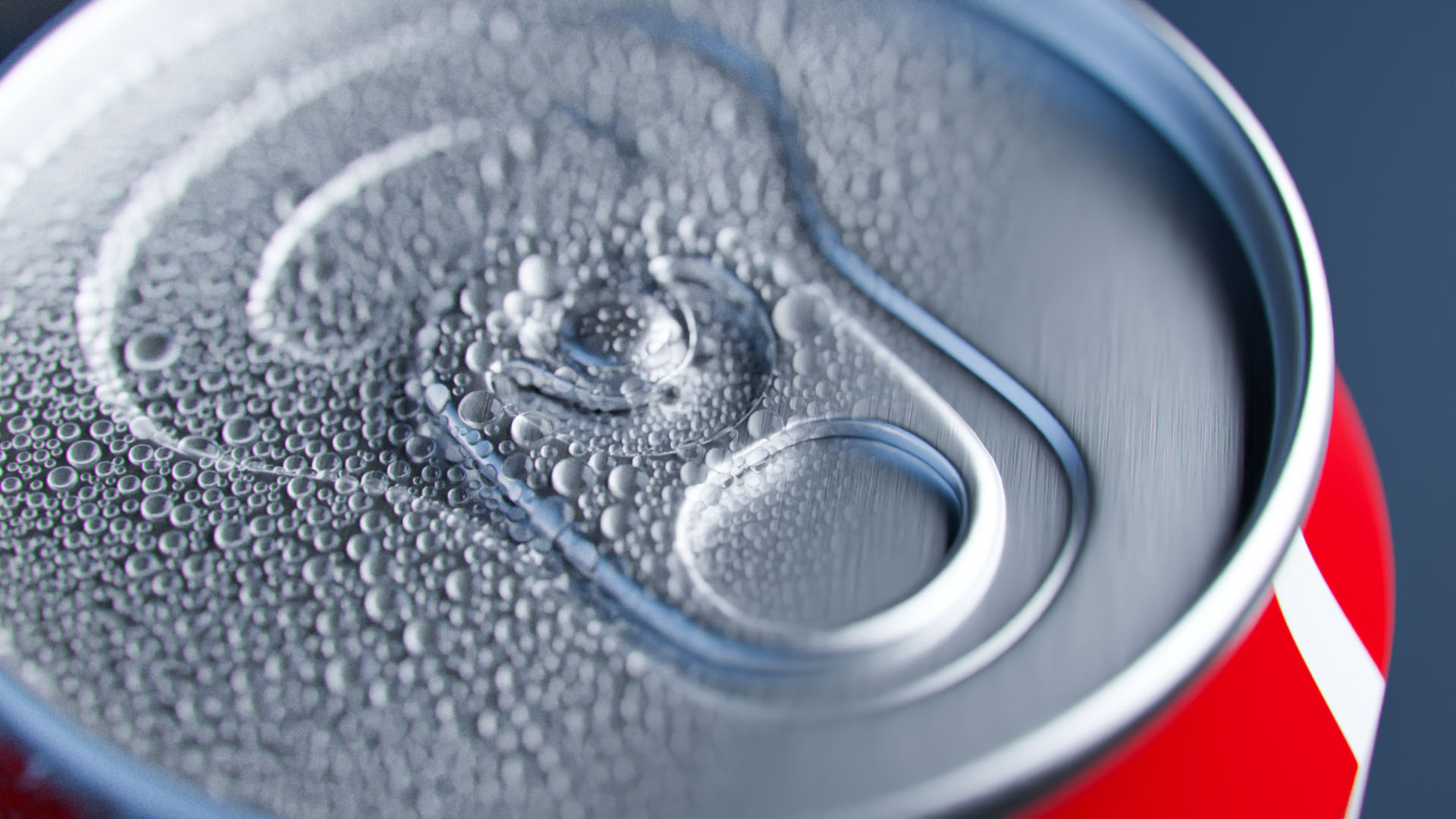
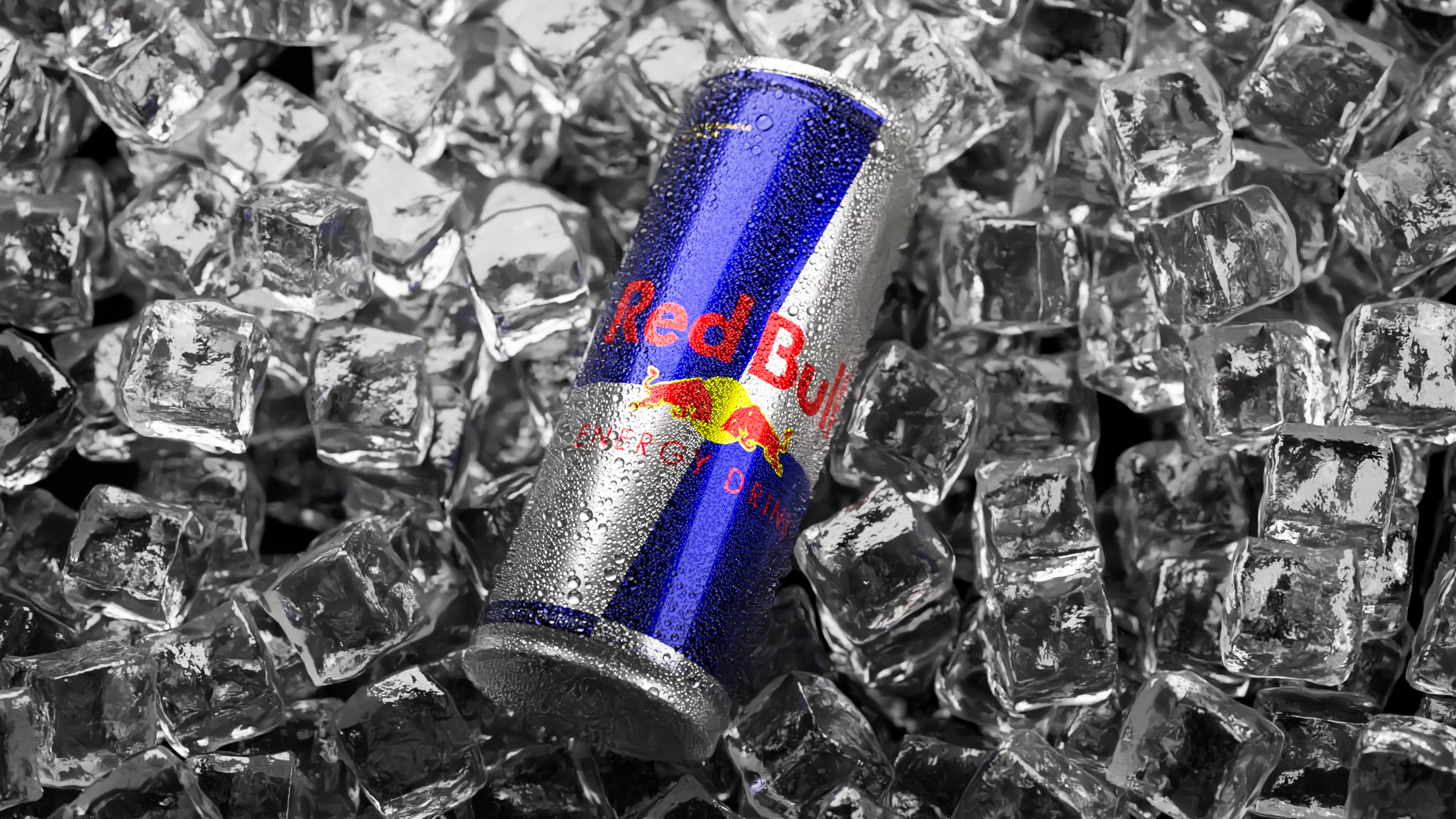
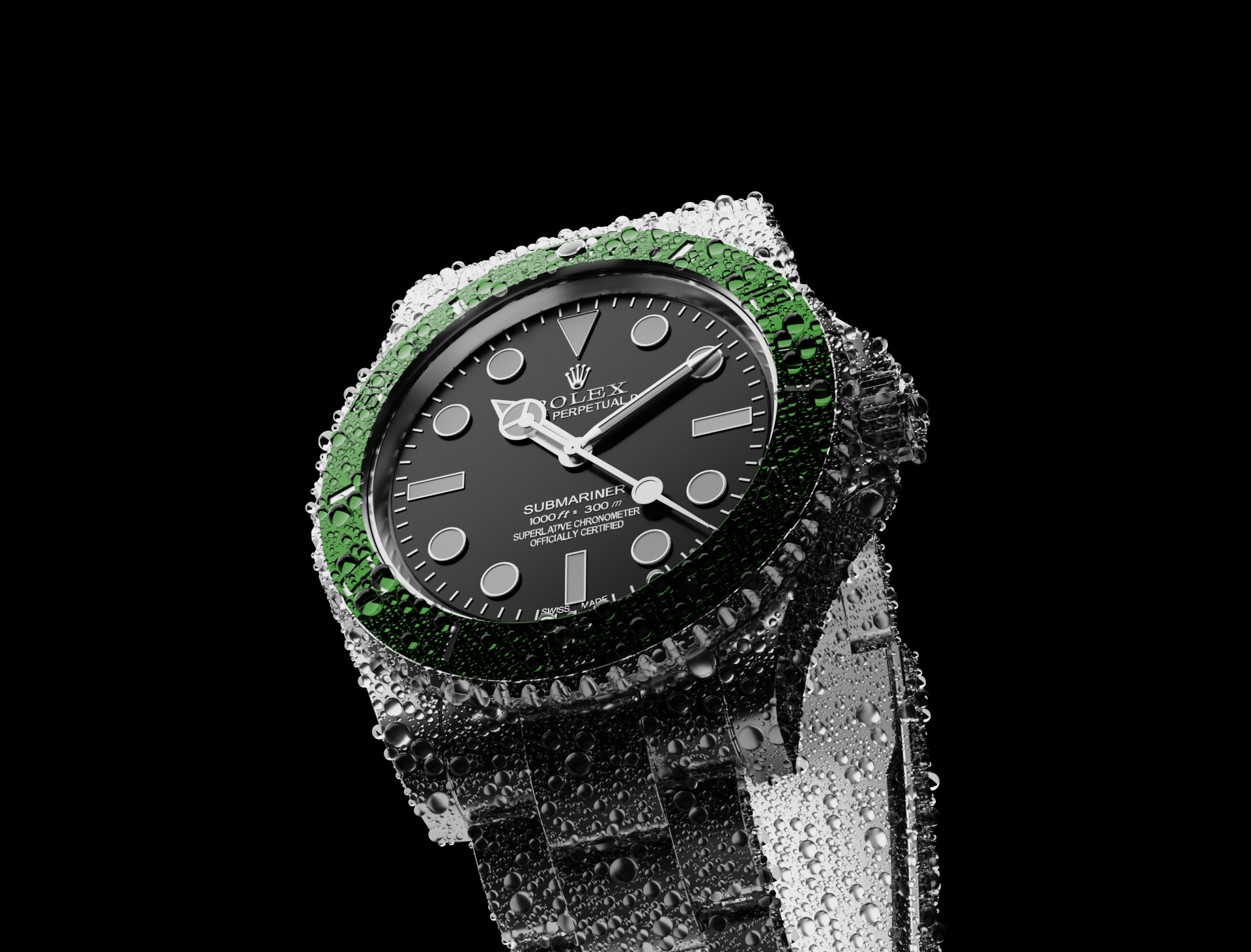
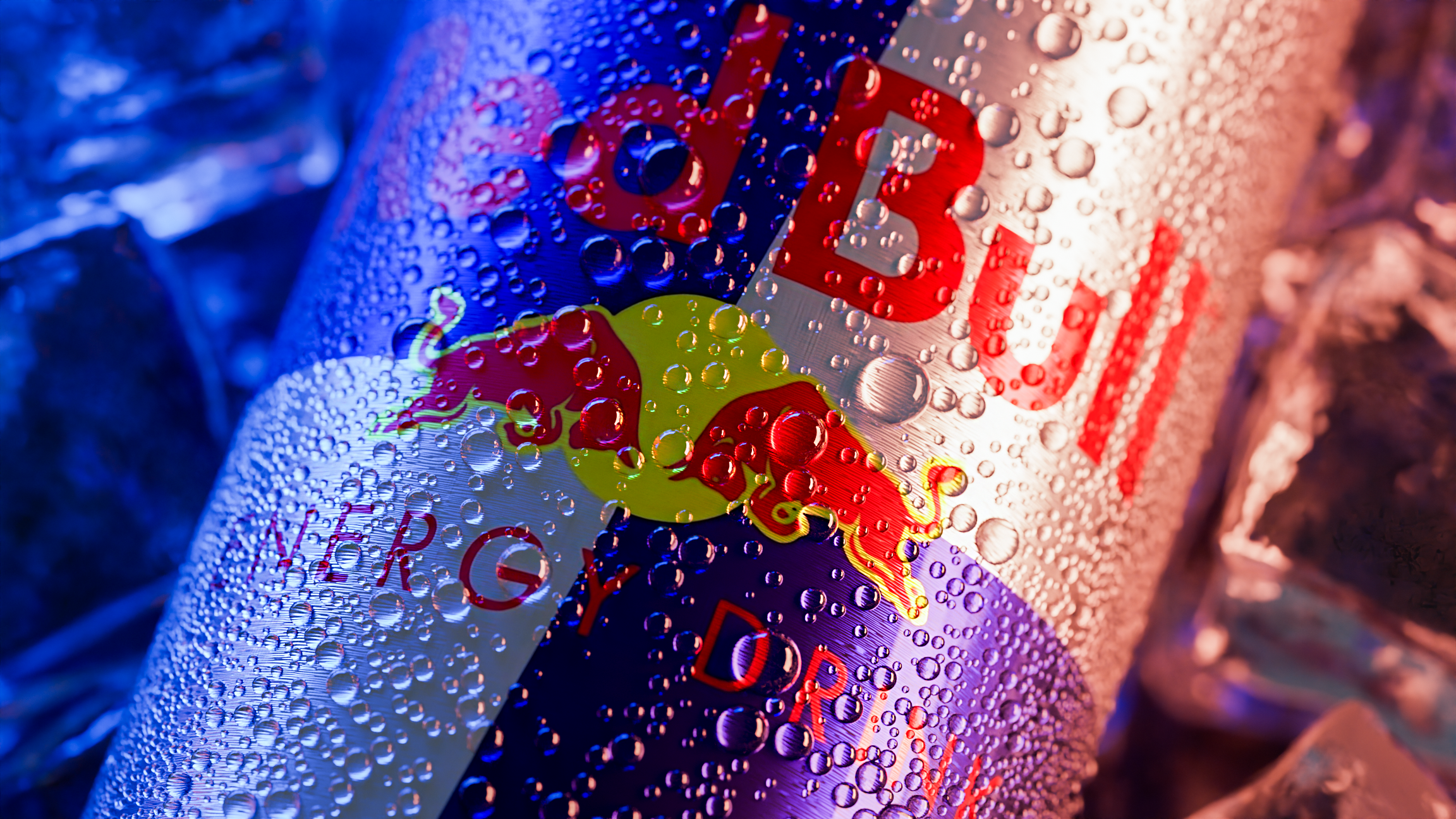
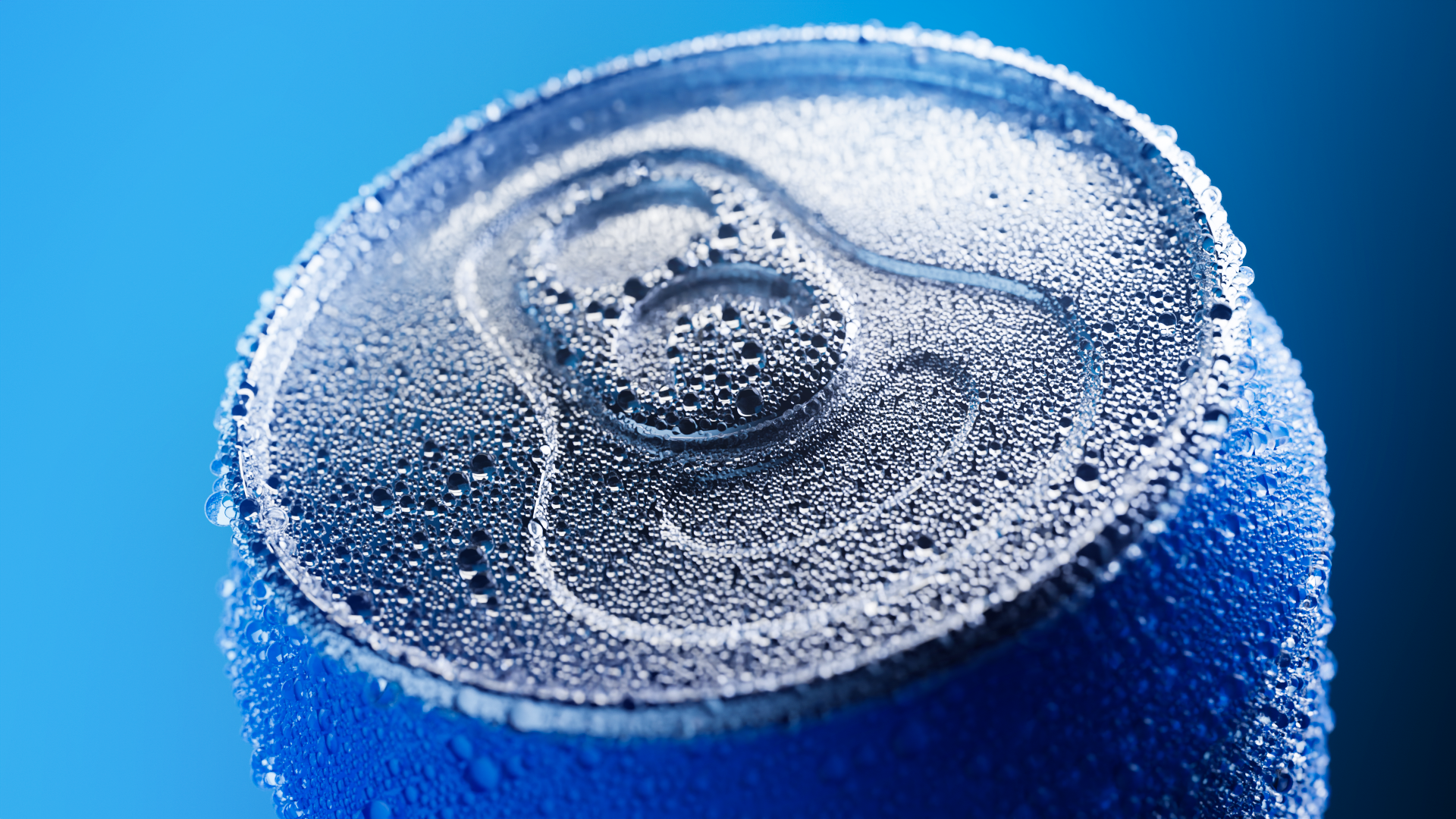
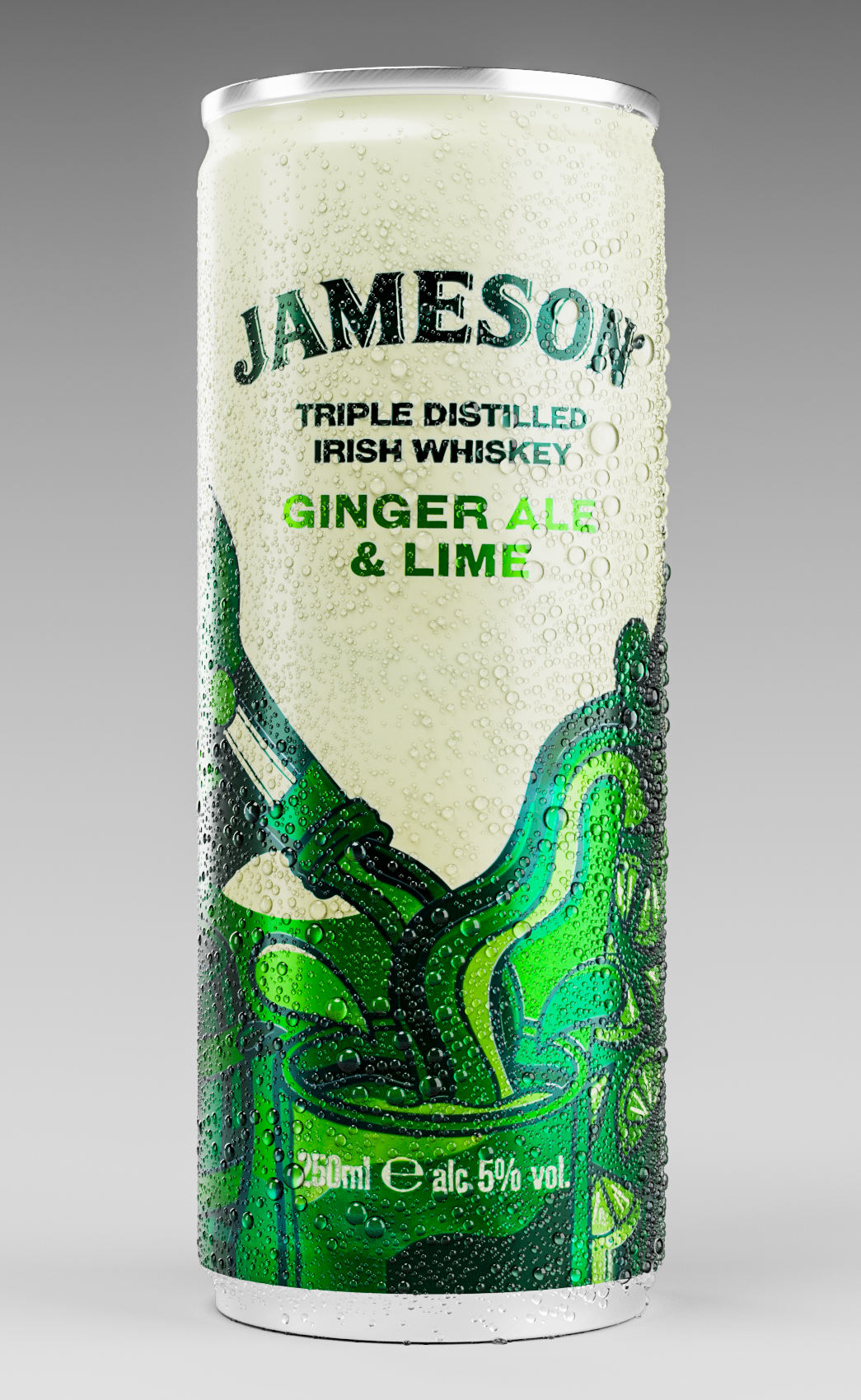
When you select the object and click the "Generate" button the add-on will generate a particle system and create an instanced sphere if it doesn't already exist.
The add-on does not support animation unless you convert the generated droplets into objects and then animate them.
To apply droplets to multiple objects you have to generate them on one by one object and convert them to objects from particle system.
If you get this error you didn't select the object:

Sometimes particles will disappear if you go into different modes (edit mode, vertex paint mode etc.) but that is only due to blender's viewport system. To get them back just move the frame.
To set the material of the droplets you select the object named "DropletParticleSystem_InstanceObject" which is just an object that is instanced at particles.

Iterations will be equal to amount of droplets when possible.
Minimum size and maximum size define the maximum and minimum size of the droplets. (Minimum size must always be less than the maximum size)
If you have any problems/questions contact me here on blender market or:
My Gmail: [email protected]
Have questions about this product?
Login to message

Discover more products like this
summer23 bfcm22 bfcm24 sprinkles water with bubbles can aluminum soda droplets drink food decoration productviz visualization fluid droplet condens cold drink cupcake condensation cupcakes dessert bubbles droplets winter24 nonpareils droplets drops bfcm23 summer24 spring23 condenser loveblender bcon22 bubble colddrink-can spring24 fine