 Layerform



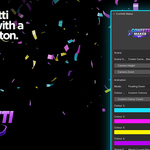

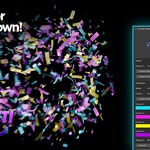
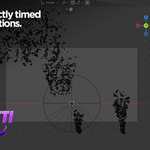
Confetti Maker V1 is a simple Blender add-on for creating colourful confetti animations in seconds.
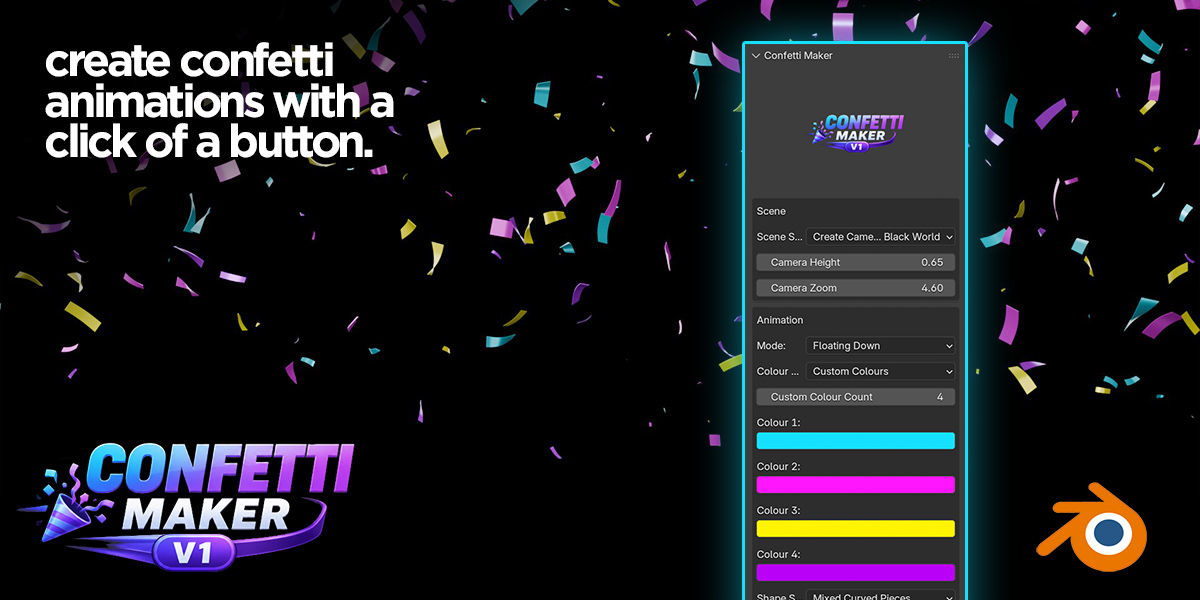
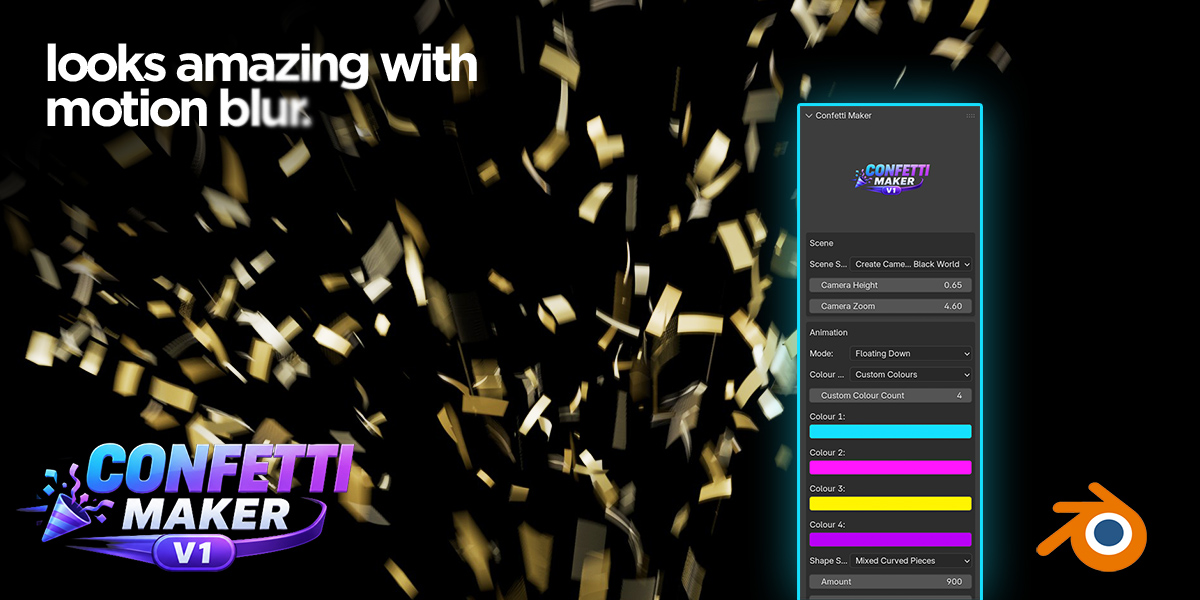
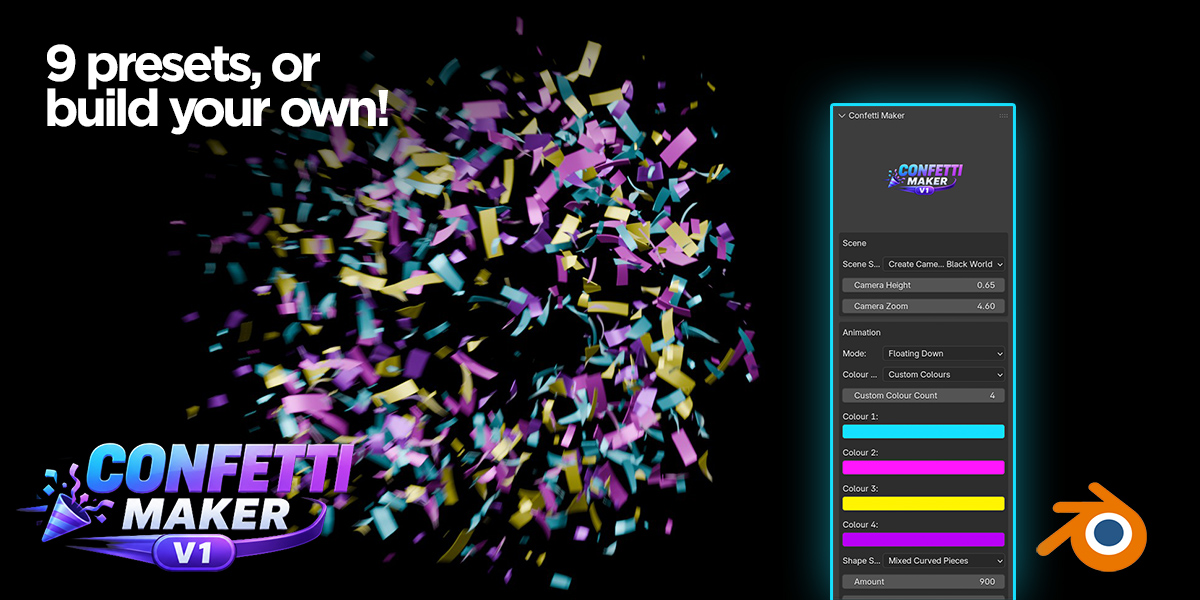
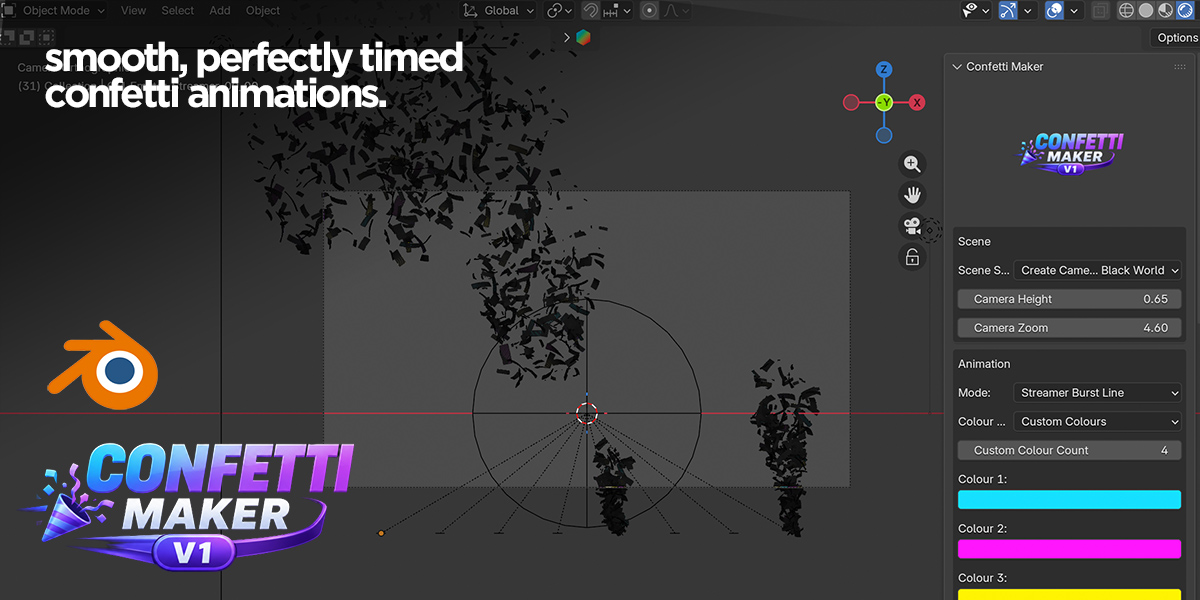
Build polished motion-graphics scenes with one click, then customise the look using built-in effect modes, colour controls, material settings, particle behaviour, camera setup, and lighting.
It is designed for creators who need quick celebration-style animations for product promos, title screens, social videos, intros, YouTube graphics, logo reveals, awards, countdowns, and more.
What’s included
Confetti Maker V1 includes 9 built-in confetti effects:
- Floating Down
- Bottom Explosion
- Side Cannon Burst
- Double Cannon Celebration
- Spiral Celebration
- Golden Award Rain
- Pop Burst
- Streamer Burst Line
- Finale Explosion
Each effect is designed to create a different style of confetti motion, from gentle falling pieces to energetic bursts, cannon-style celebrations, spirals, award-style gold rain, and full-screen finale explosions.
Key features
- 9 built-in animation effects
- One-click scene setup
- Straight-on orthographic camera
- Automatic black world background
- Lighting included
- Custom colour selection
- Preset colour palettes
- Adjustable confetti size
- Material roughness and metallic controls
- Curved confetti pieces for a more realistic look
- Smoother close-up geometry
- 350-frame scene setup
- Quick reset/cleanup button
Why use it?
Creating confetti manually in Blender can be time-consuming. Confetti Maker V1 gives you a fast starting point with ready-made animation setups that can be rebuilt and customised directly from the sidebar.
Choose an effect, adjust the settings, and build the scene. The add-on creates the confetti system, camera, lighting, and background setup for you, so you can focus on the final look rather than building the animation from scratch.
Great for
- Logo reveals
- Celebration animations
- Product promos
- Social media videos
- YouTube intros
- Award graphics
- Countdown scenes
- Motion graphics
- Event visuals
- Commercial video templates
Installation
Install the ZIP file in Blender via:
Edit > Preferences > Add-ons > Install
Then enable Confetti Maker and open the Confetti Maker tab in the 3D View sidebar.