 Layerform



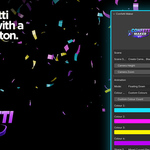

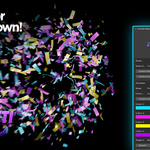
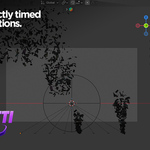
Installation:
- 1. Open Blender.
- 2. Go to Edit > Preferences > Add-ons.
- 3. Click Install.
- 4. Select the ZIP file.
- 5. Enable Confetti Maker.
- 6. Open the 3D Viewport sidebar and find the Confetti Maker tab.
Discover more products like this
explode particle system confetti particles party stock footage confetti wedding confetti animation confetti birthday party animate confetti celebration