Configurable Dynamic Jet
 Mark Kingsnorth
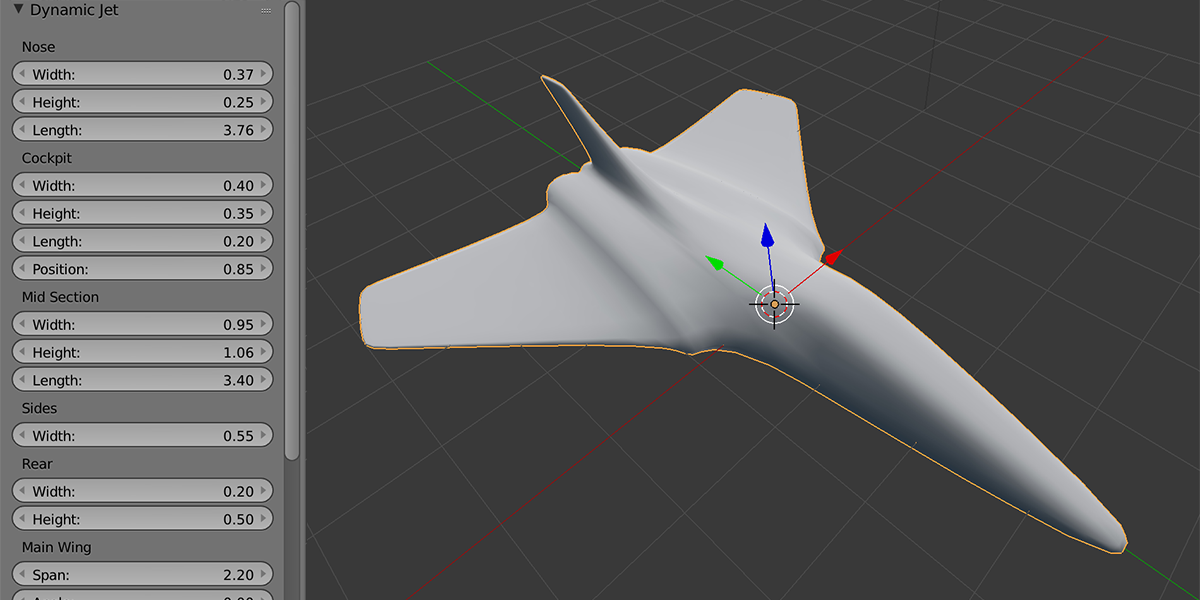
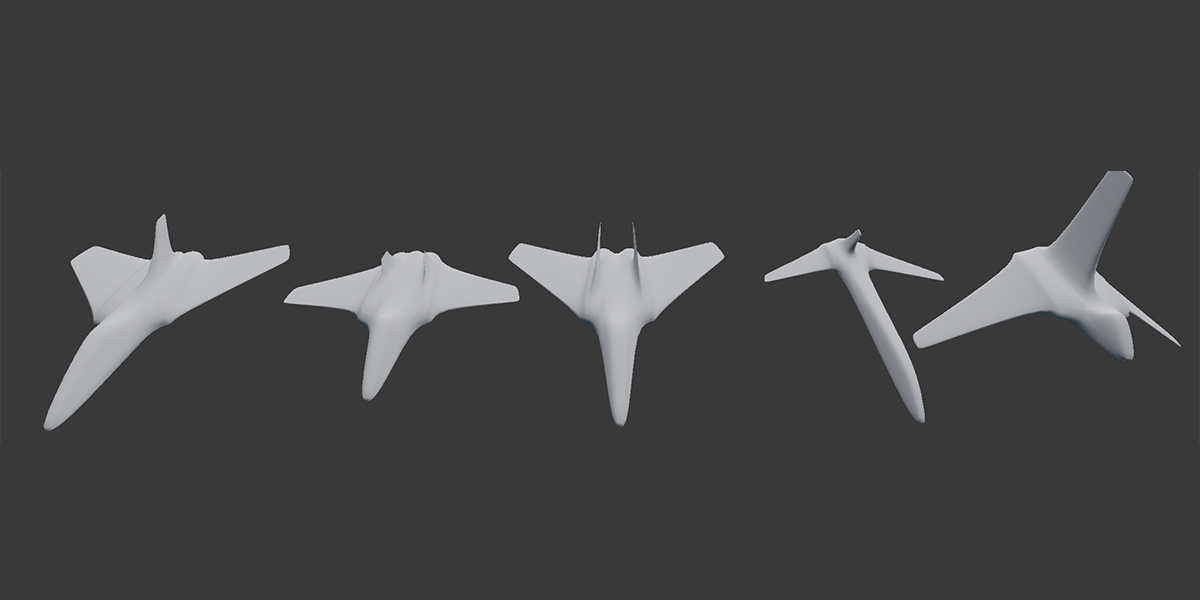


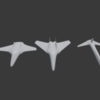
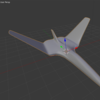
The shape of the engine holes are relative to the width and height of the mid section or the sides depending on how many engines are selected. Sometimes, this can cause the engines to look thin. You can resolve this by increasing the width and height of the engines, the sides, or the mid-section.
Although there are a lot of parameters, I decided to keep the mesh as parameterised as possible to give the most flexibility...please see the video to see some of the main parameters I use the most as well as referring to the documentation.
You can hover the mouse over the parameter box and press the delete key to return the the default value, which is a useful feature throughout Blender.
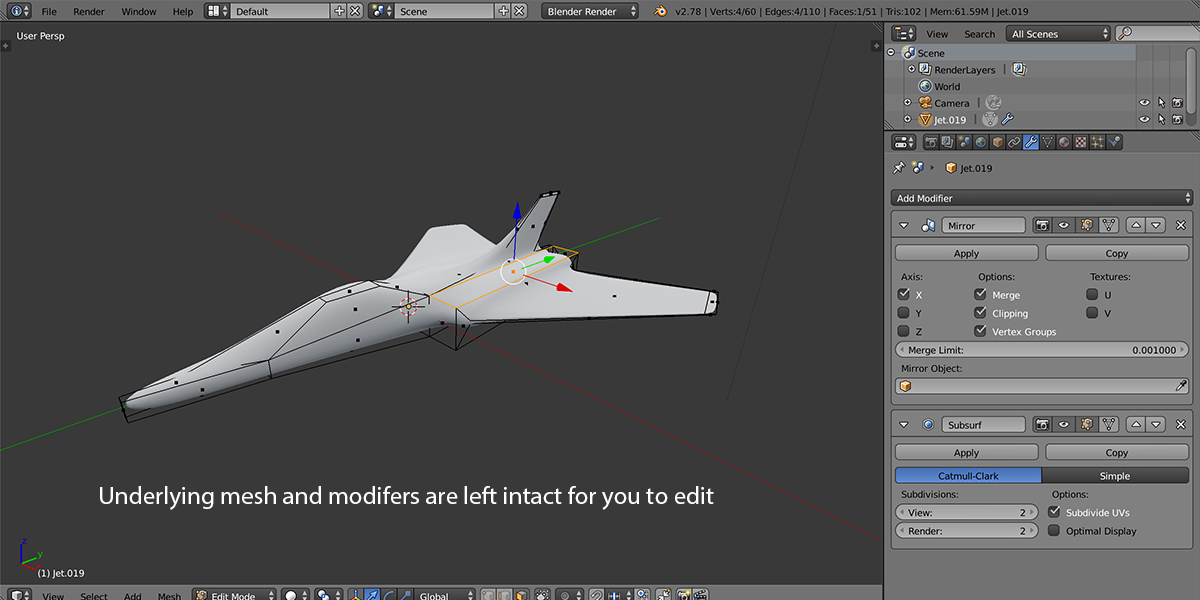
...this is how Blender works unfortunately, which is understandable: Once you take any of those actions, Blender won't be able to keep track of changes. The same behaviour can be seen when adding other primitives.
You can contact me through this website, visit www.markkingsnorth.com, or contact me through twitter @markkingsnorth.
Discover more products like this
winter24 spring24 fighter customisable spring23 mesh model plane bfcm23 spring19 build your own bfcm18 spring18 bfcm19 spring22 3Dmodel bcon19 summer22 dynamic summer23 bcon22 bfcm20 loveblender summer24 jet summer21 bfcm21 bfcm22 spring21 customise aircraft summer20 fall18 bfcm24 spring20