 Yatima



YOUR CONSOLE, INSIDE BLENDER
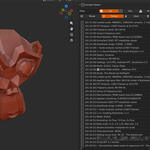
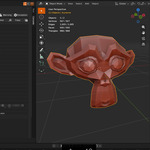
Console Viewer captures Blender's Python output and displays it in a panel inside Blender itself: in the 3D Viewport sidebar, in the Text Editor sidebar, or both. No second window, no switching back and forth.
On Linux and macOS this is more than a convenience. Blender's Toggle System Console menu entry is Windows-only, so a Blender launched from the Dock or a desktop shortcut has no console attached and its Python output goes nowhere at all. Recovering it means quitting and relaunching from a terminal. Console Viewer captures it regardless of how Blender was started.
DETAILED CAPTURE
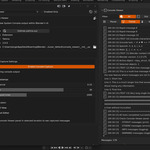
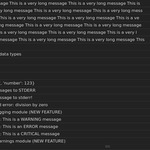
Console Viewer capture print() statements, Python errors, warnings, exceptions, and logging module output. Every Python message that would normally go to the system console appears in your viewport.
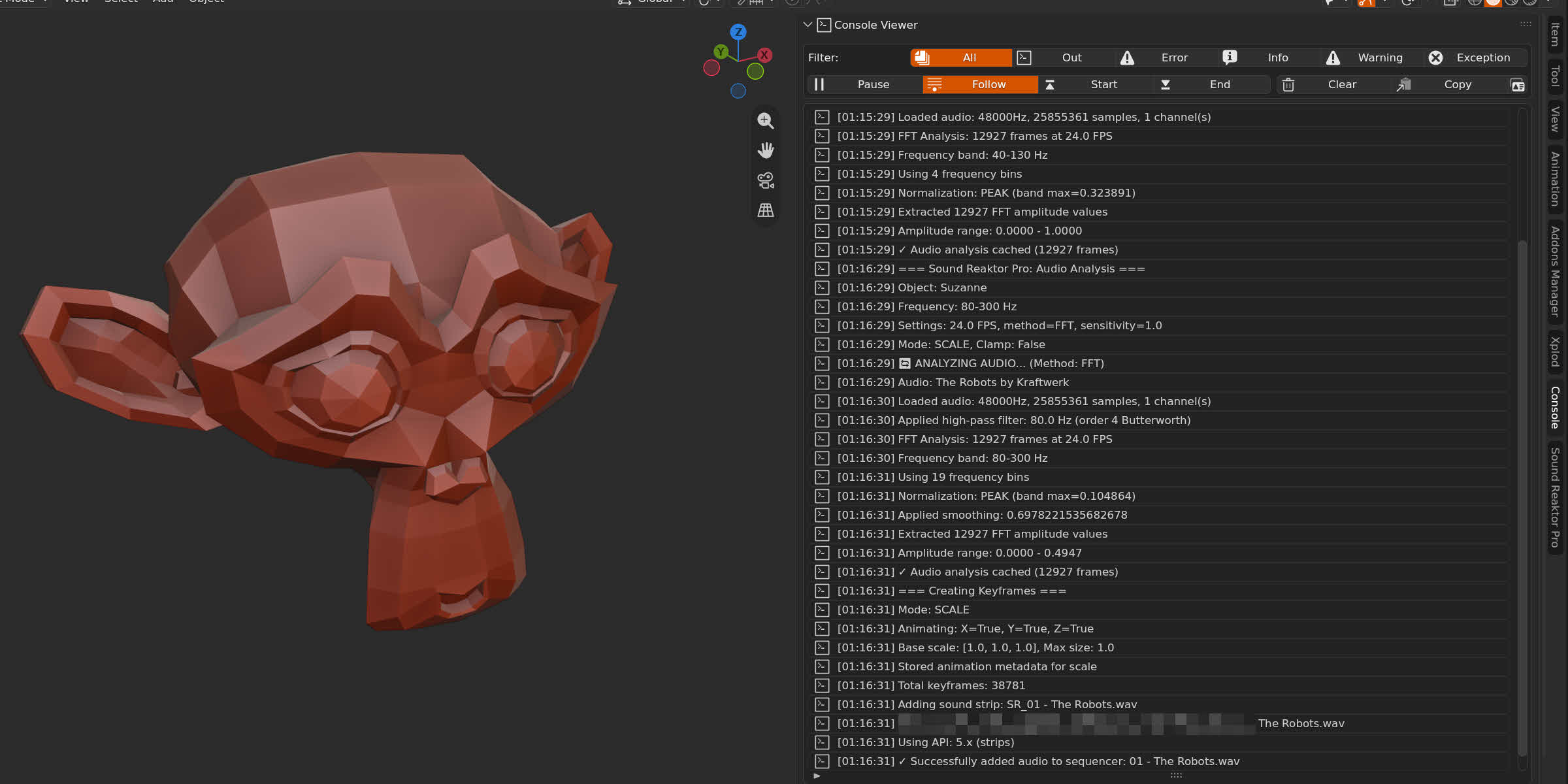
Each message is tagged by type, stamped with the time it arrived, and kept in a buffer that holds up to 5000 entries.
FOLLOW THE OUTPUT
With Follow enabled, the list scrolls automatically and the newest line stays visible. With it disabled, the view holds still while output continues to arrive in the background.
Clicking any line disables Follow automatically. Reading a line and having the list scroll away from it are incompatible, so the addon resolves that without a setting to configure. The End button re-enables Follow and jumps to the latest output. Start goes to the oldest line still held.
FILTERS
There are five filters: All, Output, Error, Info and Warning. With a filter active the list shows only messages of that type.
Filters affect the display only. Nothing is discarded, and switching back to All restores the full list.
TWO LOCATIONS, ONE OUTPUT
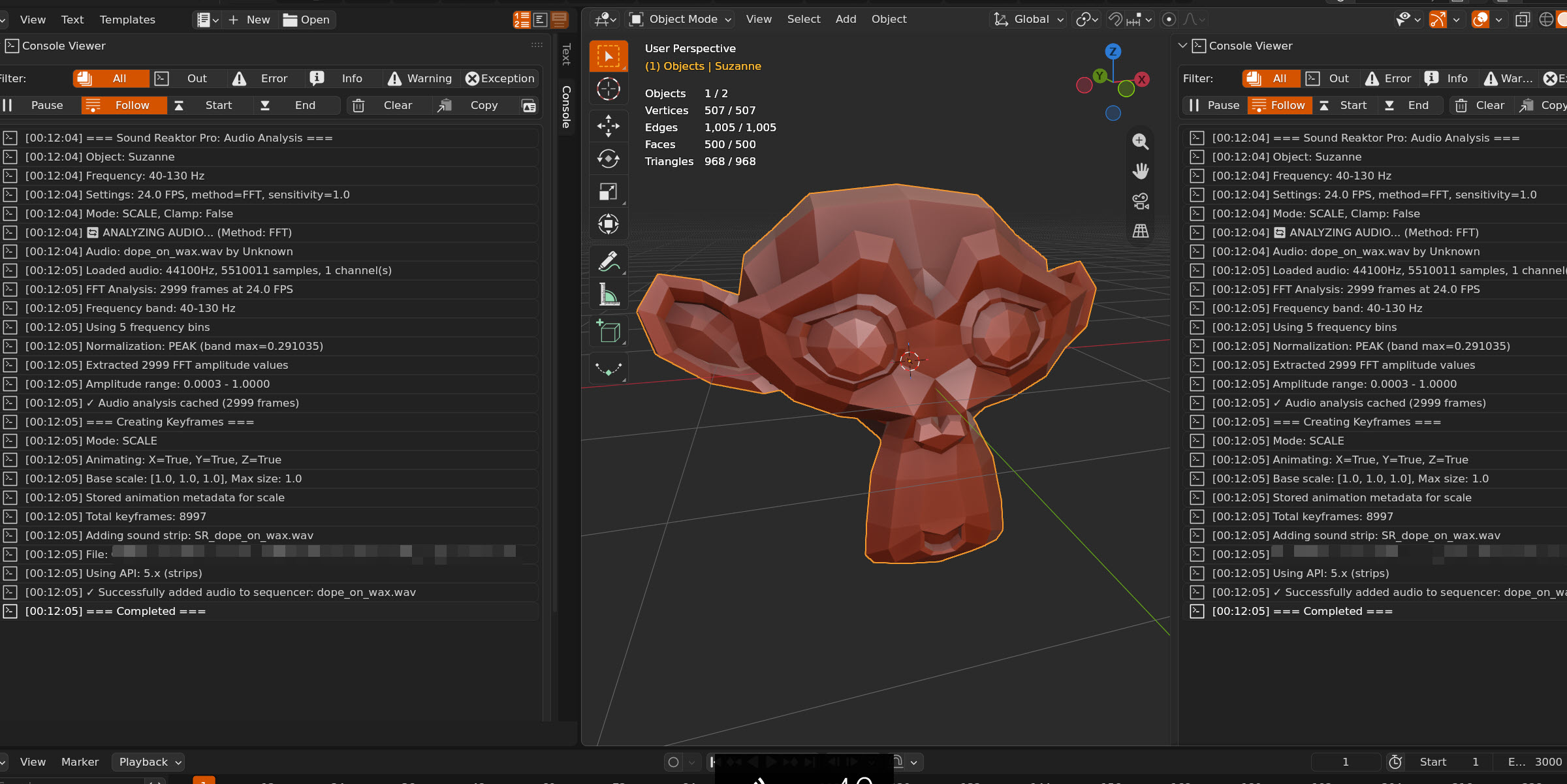
The panel is available in the 3D Viewport sidebar and in the Text Editor sidebar, each enabled independently from the add-on preferences. Both show the same output, kept in sync.
COMPATIBILITY & SUPPORT
Console Viewer is fully compatible with Blender 4.2 up to Blender 5.2. Capture is thread-safe, so addons writing output from background threads are handled correctly.
Support is available through SuperHive Market or by email at [email protected]
TECHNICAL SPECIFICATIONS