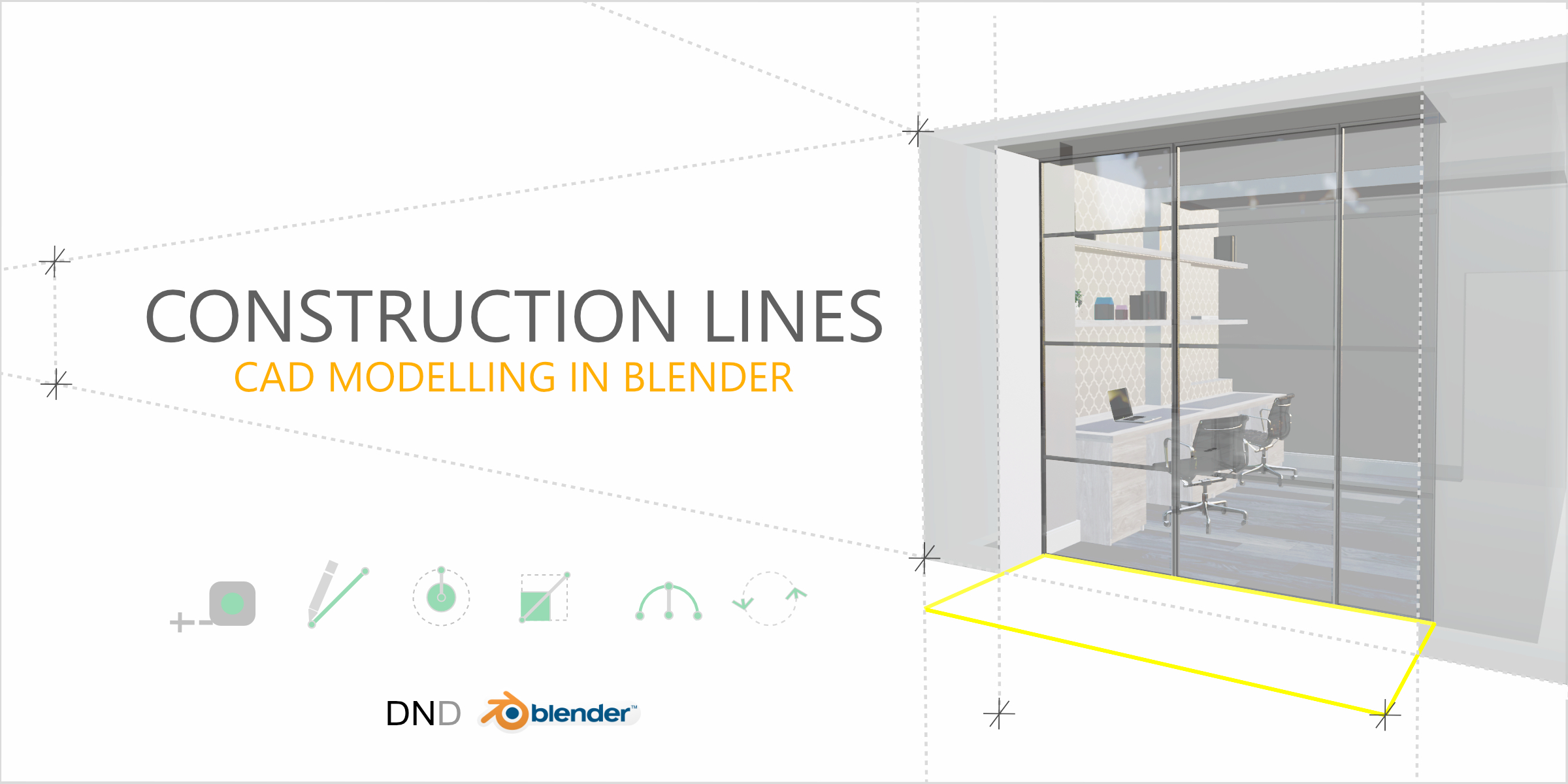
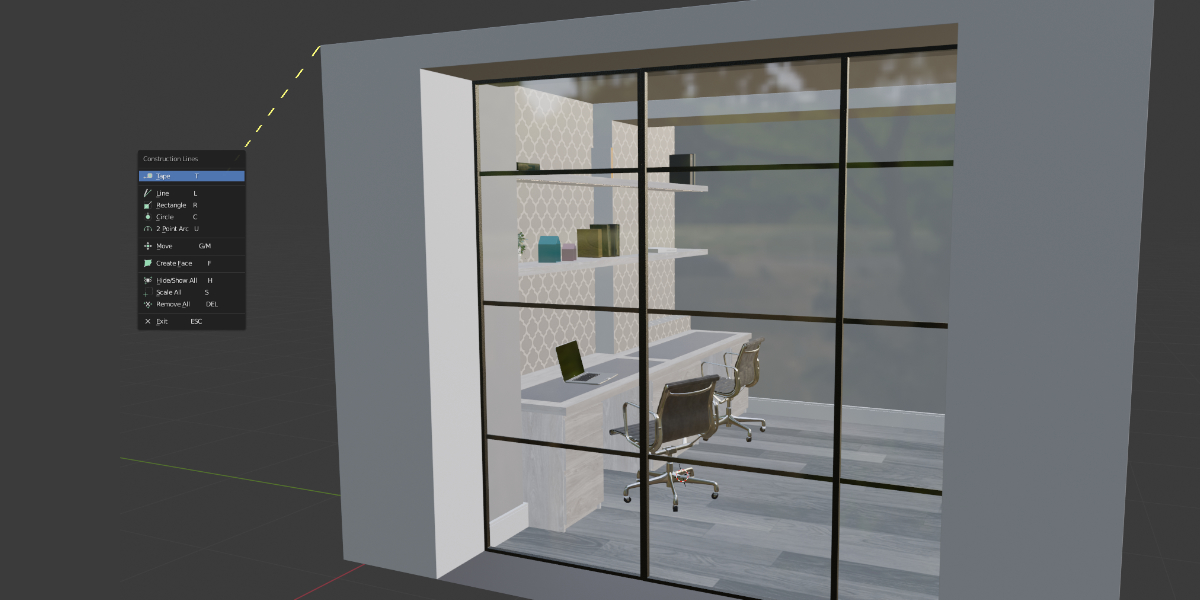
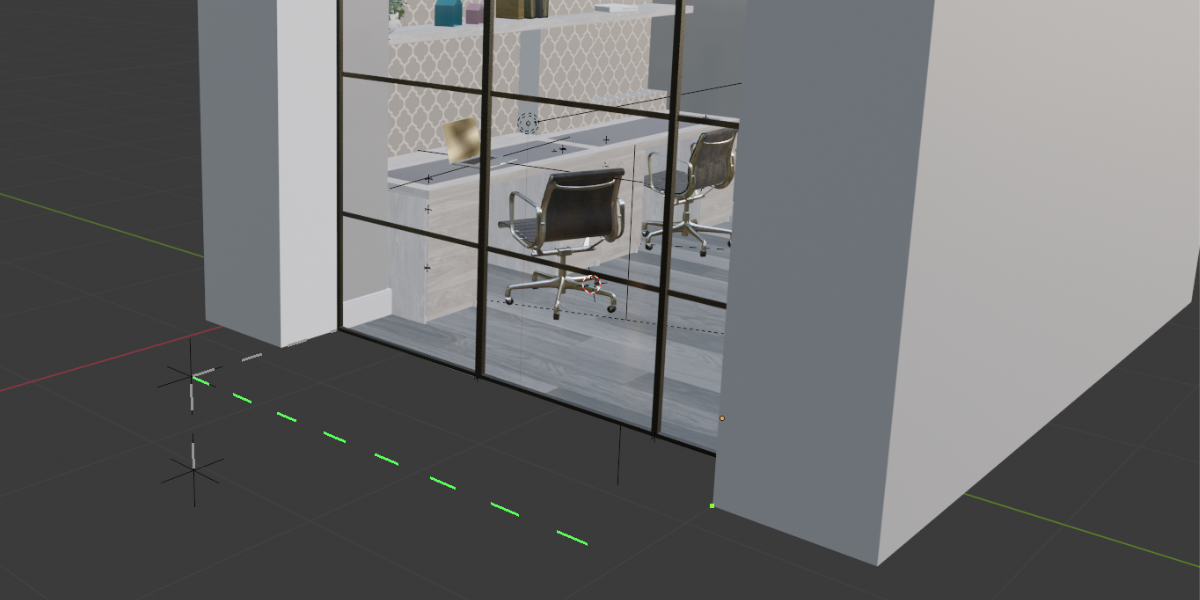


Construction Lines - Accurate Cad Modelling Add-On For Blender

Dan Norris in Addons


Item Rating

This item has an average rating of 4 from 56 ratings by the community.

74%
9%
8%
6%
6%

Purchase this item to leave a review!

  • walter
    about 6 years ago

    非常好的插件,感谢。

  • Nate
    almost 2 years ago

    Concept-wise I love this addon, I always found Blender's modelling paled in comparison to Sketchup, which is what this addon is trying to do, translating Sketchup modelling to Blender. However, holyheck it's busted. It does a lot right, a lot not quite right. I seem to have the magic ability to make it break as soon as I start using it, it genuinely comes across to me as a skill issue though. If there is a place I can submit bugs when I find them, I'd happily use it since this is one of the few addons for blender I'm going to be deeply invested in just due to the fact it's a infinitely huge improvement on Blender's modelling system, until it breaks in a way I don't understand.

    In it's current state, I'd probably rate the addon a 3/5, but since I know I'm going to forget to update it, I'll set it to 4/5 since it's a addon worthy of praise, it's still just half baked.

    • Daniel Norris

      almost 2 years ago

      Thanks for the review, Nate. Please do get in touch to report any issues (https://www.dndrawings.com/feedback), I always respond. I'm working on the next release, so if there are some bugs, I'll fix for this coming release.

  • Frank Hilton
    almost 2 years ago

    The tools for this addon are great. My only issue is that it makes Blender run very sluggishly for me. With it uninstalled Blender is super fast. Not sure if there is an addon conflict or not. I do have a beefy PC so I know its not that.

    • Daniel Norris

      almost 2 years ago

      Thanks for the review, Frank. It sounds like there's a conflict with another 3rd party add-on. Can you contact me through my website form and I'll help resolve the issue?

  • Hayao Miyazaki
    almost 3 years ago

    Thank you so much for creating such a wonderful addon. I have a few questions and would be grateful if you could answer them.

    ・When creating meshes using Construction Lines, UV Maps are not automatically added. Is this the intended behavior? Furthermore, is there a way to automatically add UV Maps to Object Data Properties when using Construction Lines?

    ・there is a discrepancy in the information provided on Blender Market and your website. Blender Market states "Blender Products Supported: 2.91 - 4.0," whereas your website mentions "Currently all versions of Blender from version 2.91 to 3.6LTS are supported." Could you clarify which is accurate?

    • Daniel Norris

      almost 3 years ago

      Thanks very much for your review! With Construction Lines, I've followed the default Blender behaviour and not tried to recalculate UVs when modelling automatically. At any point, you can switch out of Construction Lines to normal Blender mode and press 'U', then select UV Unwrap.

      I'll look into adding an option to auto-generate, as now you mention it, this could be a useful feature. Thanks.

      I'll take a look at my website and update the supported version. Thank you for pointing this out. The correct text should show that Blender 2.91-4.0 are supported.

  • HalfArch
    about 3 years ago

    It seems conflict with other addons. And it is hard to find out which one, have to turn on one by one to see. Machin3 tools might be one of those. I hope it is not the case as I want to keep both.

    And it doesn't work if the current working scene has object linked from other scenes. Once CL icon is clicked, it won't even launch the menu at bottom. The system gave the error like, Error running Construction Lines. See Console for messages. Object 'Cube' can't be selected because it is not in View Layer 'View Layer'!

    Other than that, it is great addon with many potentials. Really Hope the next update will solve those issues. It will improve the workflow a lot.

    • Daniel Norris

      about 3 years ago

      Thanks for the review and pointing out those issues. I'll look into both of them and if I can recreate them, I'll fix them for the next version. If you have some time it would be great if you could message me through my website form. Then, I'll have the details of the system that you're running, OS, etc. I'm working on the next release at the moment, so any fixes will make it into that version.

  • makimoko
    about 6 years ago

    Hello. This is a very convenient add-on.
    When the distance during optional two snappoints can be indicated now near the point, I'm happy. The distance during guide points can't be measured by measureIt tool add-on, so this is necessary.

    • Daniel Norris

      about 6 years ago

      Hi, Thanks for your review. I'm currently working on lots of new features and updates. One of them is the option to show distances at a snap point, as you mention. This should be in the next release.
      Dan

  • Ivan
    3 months ago

    I find snapping incredibly wierd. It changes based on overlay grid scale and unit scale and I can't figure out how to make it work. My overlay grid scale and unit scale are set to 0.01 and length is set to millimeters and one of these settings makes snapping go all over the place. In general snapping works just not if you change some of these settings. I expected snapping to work based on zoom level at least when in ortho similar to how blender default grid snapping works. This makes it unusable for me because I work with these settings as defaults for all my models.

    I would better prefer to see blenders default snapping tool be used in the CL addon and improved upon since it already works great.

  • Alex
    almost 2 years ago

    Well, just bought the plugin and gave it a try.
    I am a former Autocad/Fusion 360/Rhino modeler but now I make everything in Blender. Sometimes I miss CAD features, tried Cad Transform tools (they do not support Blender 4.x) but don’t find them intuitive and prefer to use Blender 4.X much better snaps with “B-shortcut” points. Construction lines – sometimes they are vital, and I used to create them from objects and through in some “Helper collections”.
    The plugin is great but lacks some features. I hope the author can read through and implement some of these.
    1. Window/Crossing selection tool – that great! I cannot understand why for these years of Blender existence this left/right window selection tool is not available! Even 3D max has it! Not speaking about CAD apps. SO many posts about it in the Blender feature wish list but still none. So I applause for this feature!
    2. When adding a circle and make it smoother with Ctrl+mouse wheel, it would be really nice to see the vertex count. It is Blender after all, so I always need to bear in mind vertex count for topology matter.
    3. There is no Snap to origin and snap to face center. I would say it is a huge dealbreaker for me. In 80% of cases I snap the centers of objects, its origins. And you have neither snap to origin, nor snap to a face. That’s really bad. As I remember well Cad Transform has these snaps. They are must have!
    4. The plugin doesn’t snap to generate modifiers, for example solidify. I use in 90% this modifier, but with your plugin cannot snap to generated geometry, only to the origin. Again, that’s a dealbreaker! Blender snaps perfectly to generated geometry (solidify modifier).
    5. Add mid mouse drag sideways to lock the axis as in Blender standards, it is much quicker and mor intuitive then pressing the X,Y,Z axis.
    6. In move + divide, instead of /3, make it ctrl+scroll mouse wheel to add copies, so you can intuitively see if you are enough of the copies or need some more. Hard Ops/Box cutter have such an enhanced Array modifier. And make it as an option to create an Array modifier after adding these duplicates. It is always neater and cleaner to make the copies as an editable modifier, rather than making as real copies/duplicates. But not always, so as an option.
    7. Extrude for making holes – awesome but… It will reset ALL the transformation (scale, rotation, location). So if I have a rotated 15 grad cube (so in transformation section it is 15 grad Z-rotated for example), and after I cut out the hole with your “extrude” it will reset the rotation transformation! So I will need to rotate the cube back 15 grad, so it is parallel to world axis, apply Rotation, and rotate it back. Now the transformation is back to 15 grad and you gismo box correct relative the rotated cube, and not parallel to the word axis as it was after the extrude. Please fix it! It should not reset the object transformations! Now it is a pain in the nack.
    8. Make it possible to edit the length of the line, just selecting the pivot point and set a new length. For example I made the line 2051.121432543 – I want it to be exactly 2000! With the length I made it, it is pretty hard to move the empty point to make it exact 2000. Box cutter/Hard Ops has the similar feature, called “Set edge length”. Makes exactly what I wrote.
    9. Make angle snaps – 15, 30, 45. So I want to draw a line for example at 45 grad without making it at first straight, then rotating.
    10. Grid Sub Div – works only on an upper grid, for subdiv (when you zoom in), and sub-sub div grids it doesn’t snap.
    11. Clean overlaps (when drawing one rectangular over the other). Not sure if it was possible but was nice as an option.
    12. Origin point always stay in 3D cursor, not in the geometry center as would be logical! You need to always reposition it, otherwise you cannot scale normally (while it scales relatively from the origin point by default).
    13. Juts t small question about modeling a bookcase. Why did you calculate the distance between vertical bookcase spacers, when you could just duplicate the left one to the right and then divide it by the number of these spacers to be set in between?

    • Daniel Norris

      almost 2 years ago

      Hi Alex,

      I've released an update to Construction Lines with a number of the points you have noted being addressed. Please login to your Blender Market account and download the latest version.

      As mentioned in response to your YT comment, most of these items are on my development list and if they haven't been addressed in the recent update they will be in the future.

  • Jordan
    over 2 years ago

    I hate blender. One of the worst tools I have ever used. However, with SU2017 being so old I was excited to see this addon. This does not do enough to fix blender problems.

  • Valentin
    almost 5 years ago

    This add-on adds great CAD tools in Blender, but I have some problems with it:
    1) When I click on "Construction lines" to use the tools, my Blender performance DROPS tremendously. My cursor is moving at like 0,50 frame per second. I don't know if it's because it's trying to snap to object/face/edge etc., but it's barely usable and (if) registers a click after 2-3 seconds. My hardware is old, but I never see such performance drop in Blender, no matter what I do. Even cloth sim is running more smoothly.
    2) I can't make the "Draw line" tool work as intended. For example, when I draw a cube and draw a rectangle on one of the faces, so I can push it and make a hole in the cube, sometimes it doesn't divide the face and I can't select the newly drawn rectangle. Sometimes it divides the face as it should.
    3) The "Measure/guide" tool is my biggest gripe, because I'm using it the most. It literally doesn't even register my clicks 80% of the time; jumps around when I stop moving my mouse; jumps around when I click to start the measurement and snaps to the wrong thing.
    Even if I disable most of the snaps and leave a single one turned on, it still doesn't register most of the time my clicks or snaps them to the wrong thing even if I zoom in a lot.

    Overall I would recommend the add-on and I don't regret my purchase, but, as all things in this world, has room for improvement. Kudos to the developer for bringing the tools that Blender is missing.

    • Daniel Norris

      almost 5 years ago

      Thanks for the rating and comments. Please contact me on my support page https://www.dndrawings.com/feedback These issues are likely simple to resolve. The performance may well be resolved with some changes in preferences. Let me know what your system is and I can tell you which ones.

$11

Have questions about this product?
Login to message

Details
Sales 7300+
Rating
56 ratings
Dev Fund Contributor
Published about 6 years ago
Blender Version 3.6 - 5.2
Extension Type N/A
License GPL