 ZEG
ZEG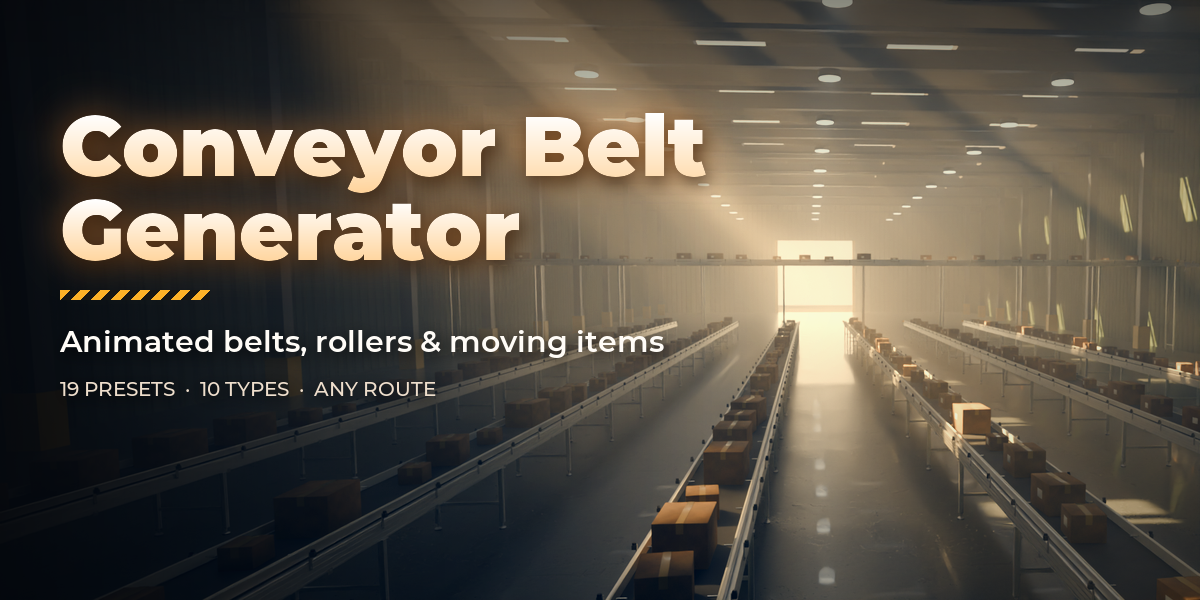

Installation
In Blender open Edit, Preferences, Get Extensions, then use Install from Disk and pick the conveyor_belt_generator zip.
Usage
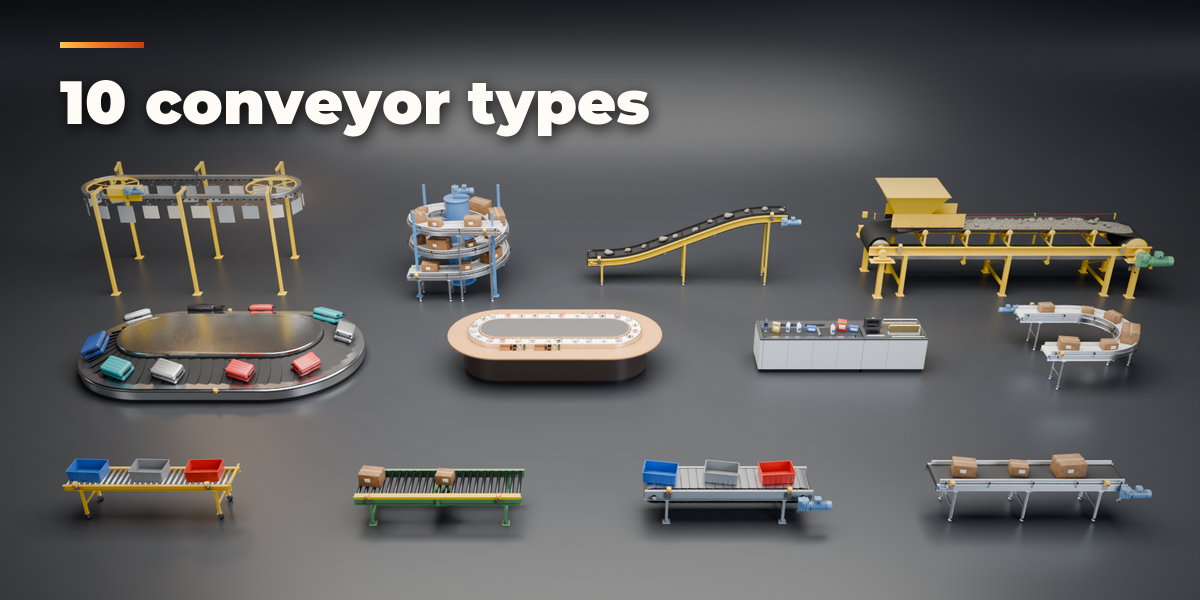
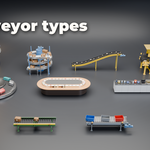
- Open the Conveyor tab in the 3D viewport sidebar (N). With no conveyor selected, click a design in the gallery to add it at the 3D cursor. You can also use Shift+A, Mesh, Conveyor.
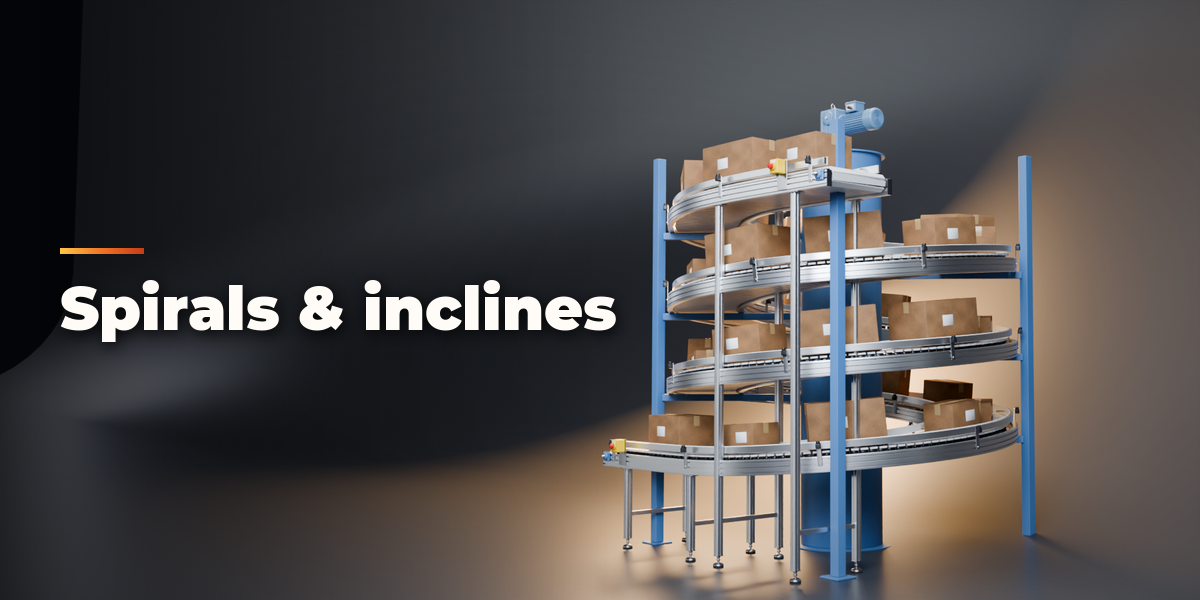
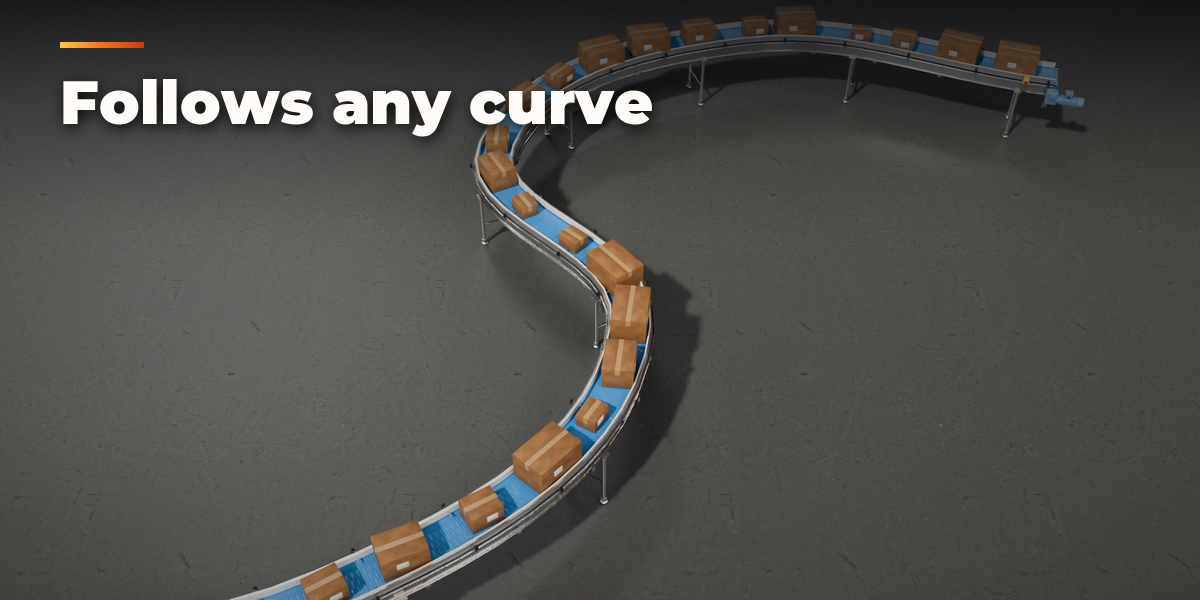
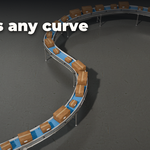
- To follow your own path, select a curve object and press Along Curve. Edit the curve and the conveyor rebuilds.
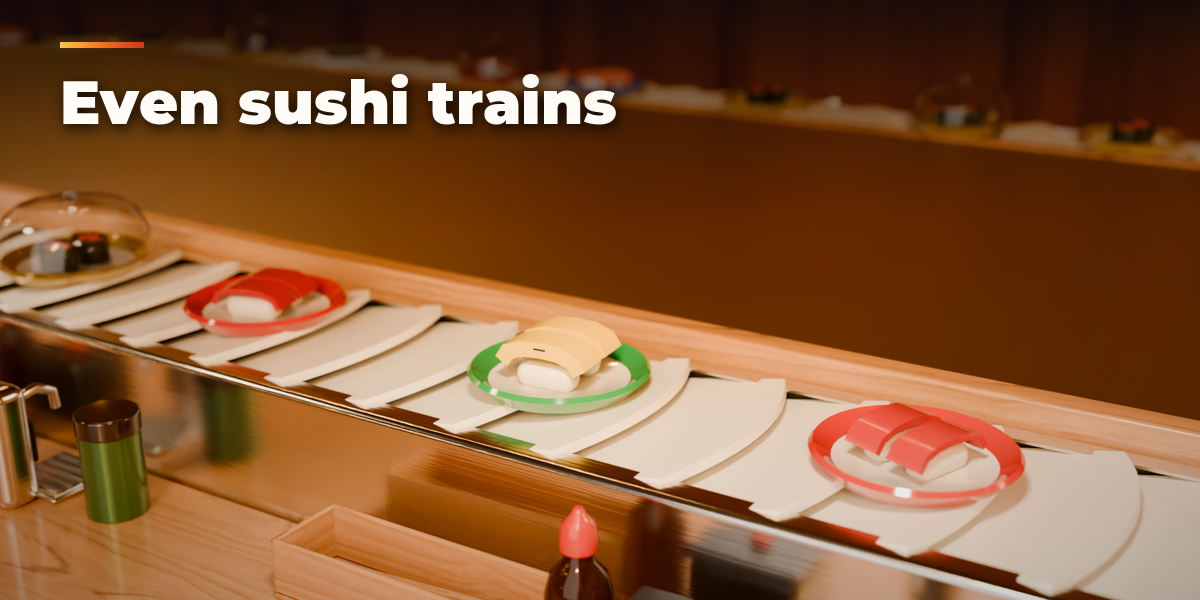
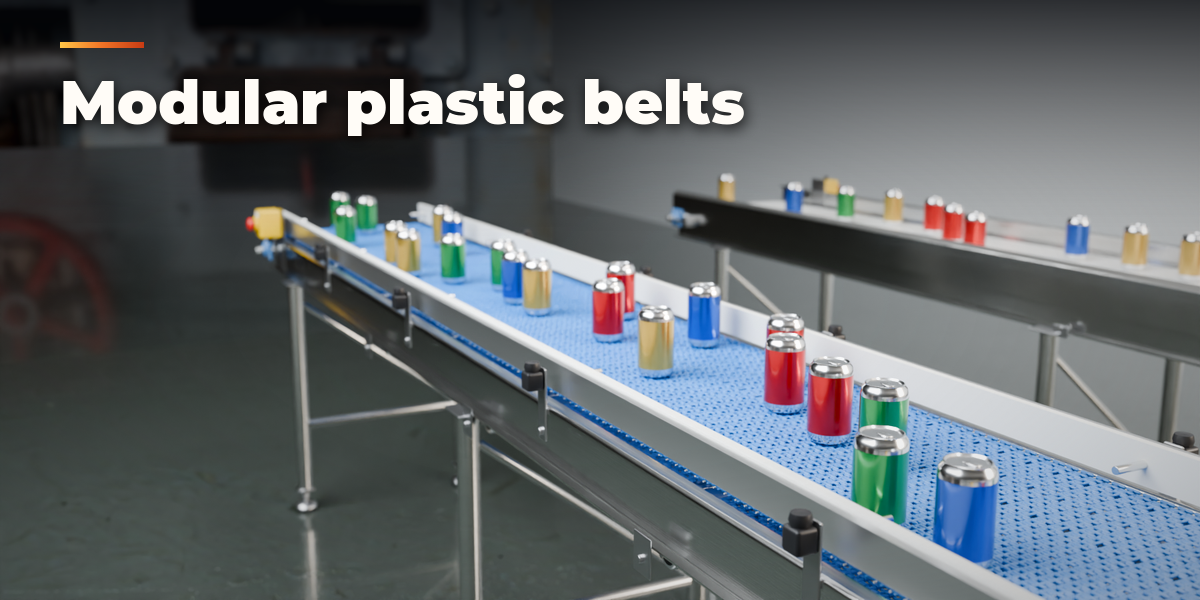
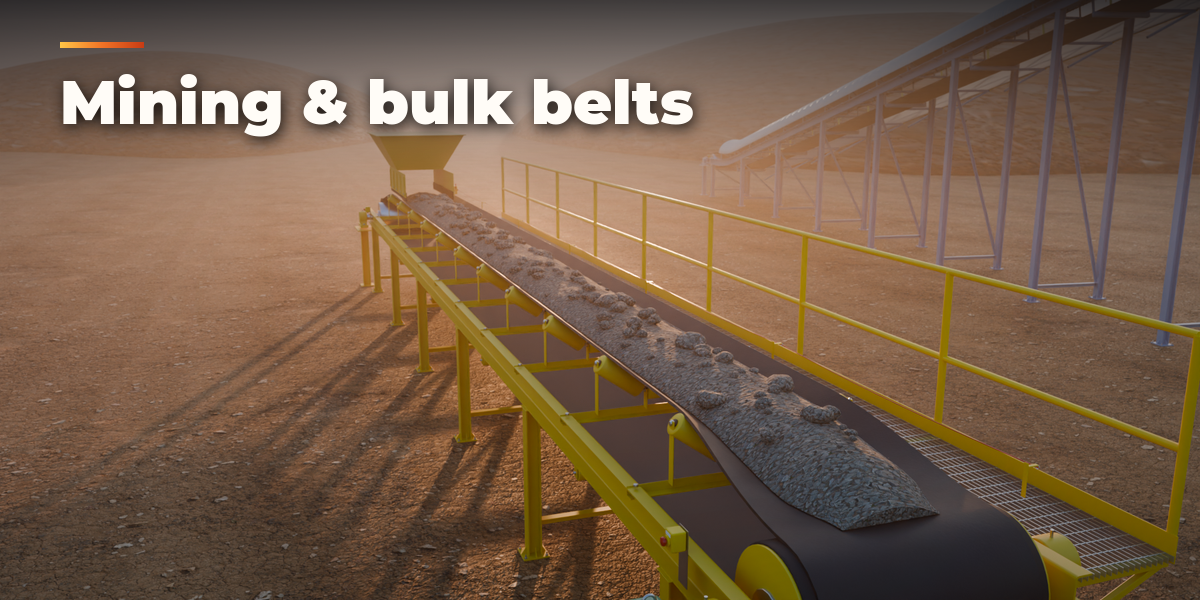
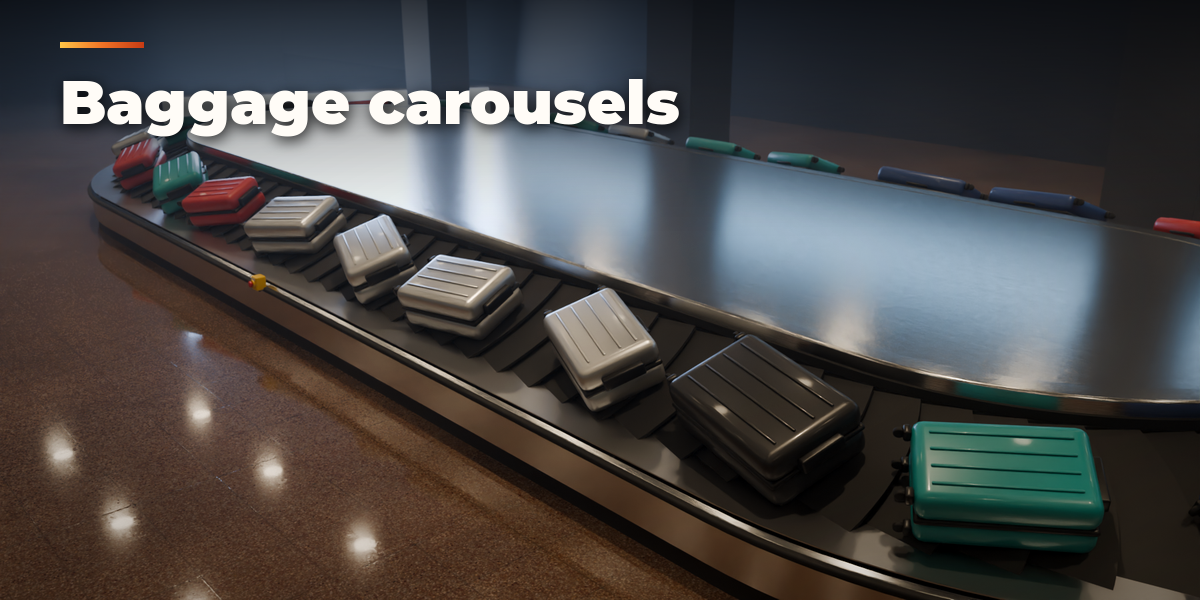
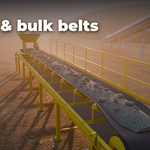
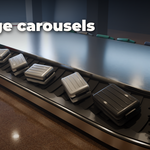
- The sub-panels hold every setting: Route (layout, length, turns, rise, segments), Conveying Surface (belt, rollers, modules, slats, cleats), Structure (frame, legs, feet, bracing, drive, guides, safety), Moving Items (built-in items or your own collection, spacing and randomness), Finish (colors and materials) and Output (speed, animation, Convert to Meshes).
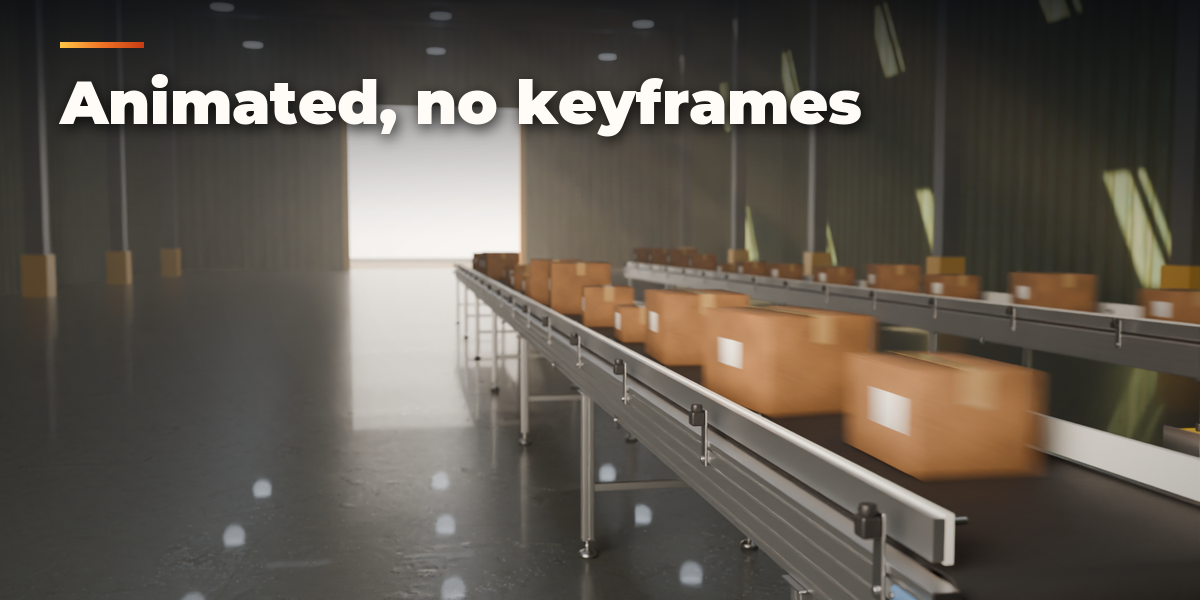
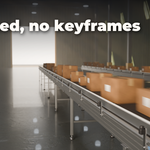
- Press Play: the belt, rollers and items move at the set speed. Speed 0 or Animate off freezes them.
- Surprise Me makes a random design, Shuffle Items re-deals the items and Reset Design restores the chosen preset.
Convert to Meshes bakes the current frame into plain mesh objects; Delete removes the conveyor with its parts.
Have questions about this product?
Login to message
| Blender Extension Compatible | Yes |
| Published | about 2 hours ago |
| Blender Version | 4.2 - 5.2 |
| Extension Type | Add-on |
| Render Engine Used | Cycles, Eevee |
| License | GPL |
