 Sonneblom Digitaal
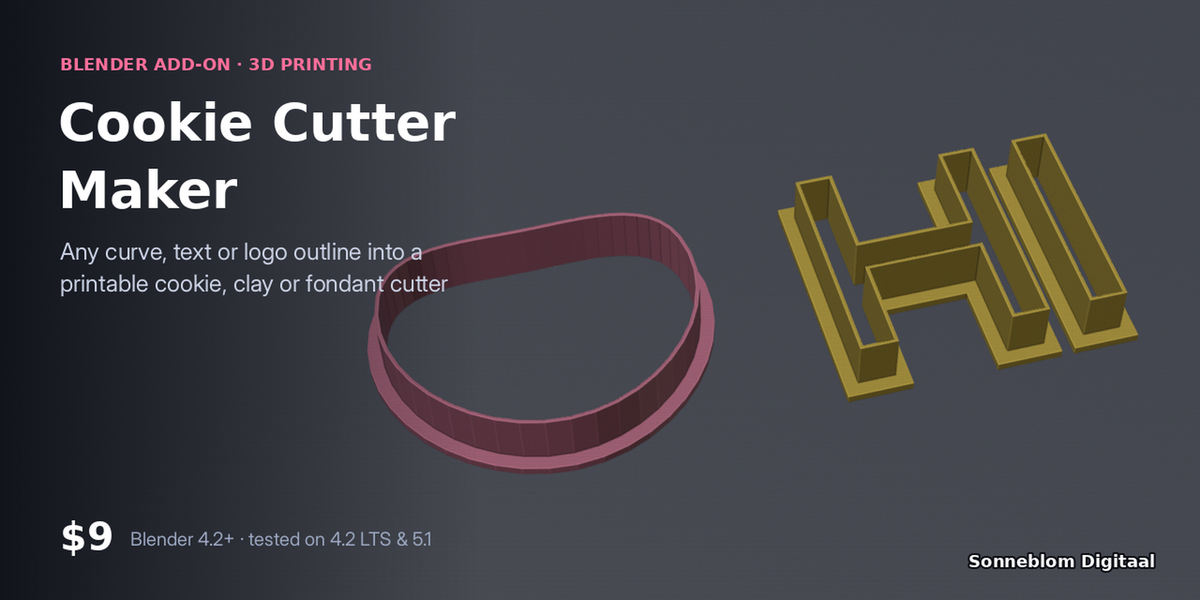
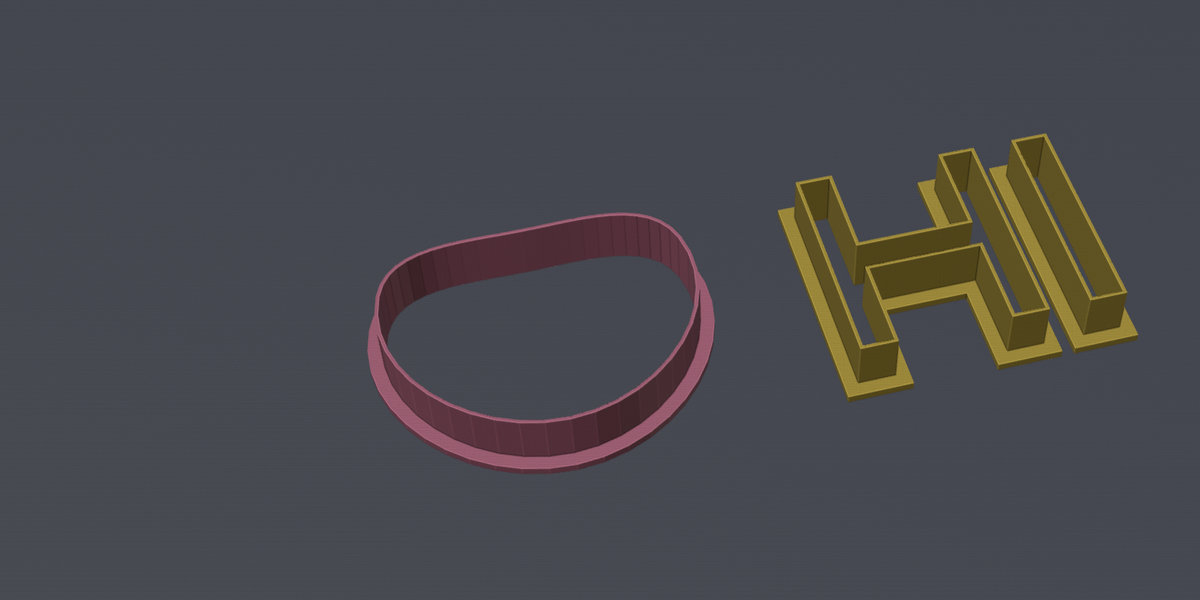
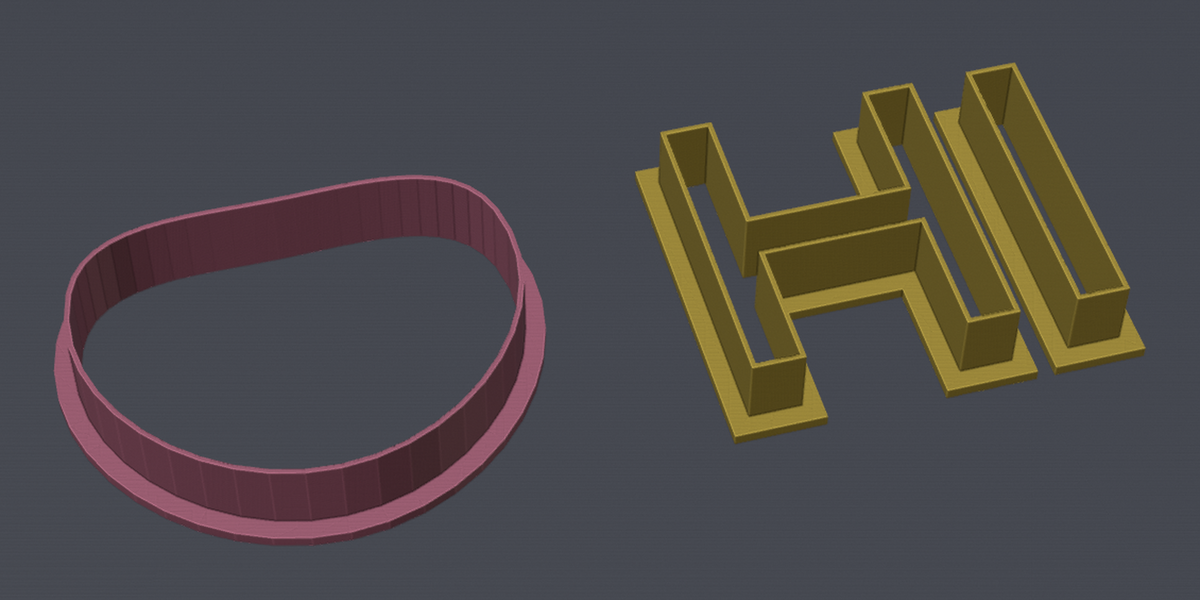
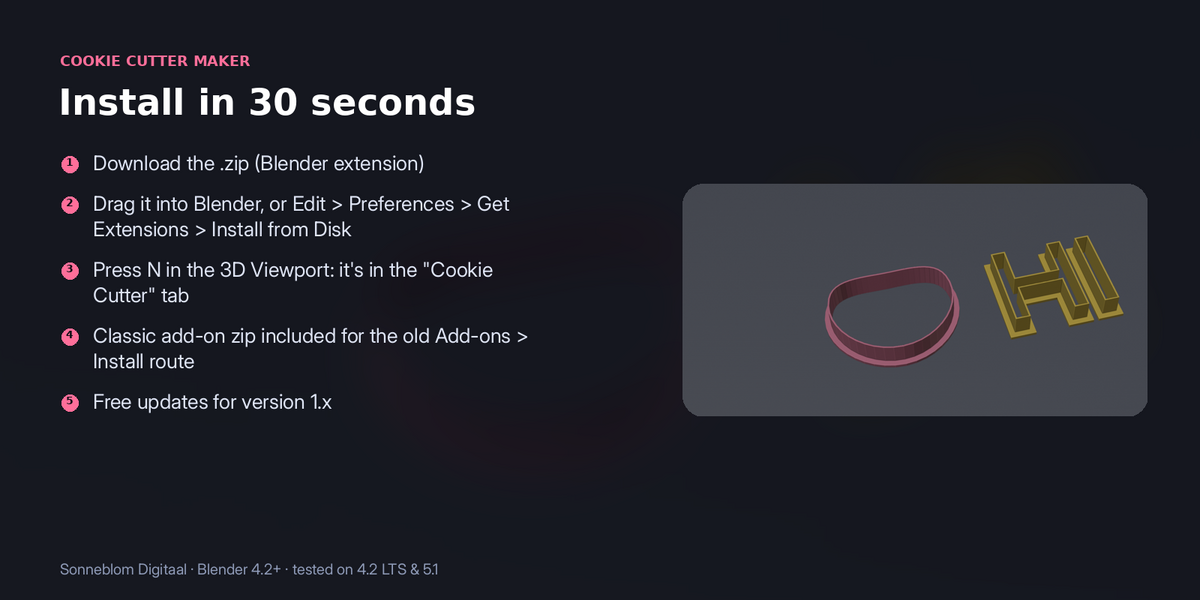
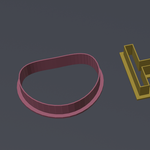
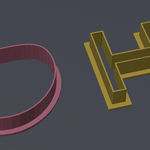
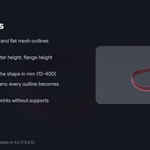
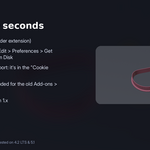
Draw a shape, type a name or bring in a logo, and get a cutter with a thin, sharp blade and a sturdy flange, at the size you need. Cutters are one of the easiest 3D prints to sell: this makes them in seconds.
Who it's for: Bakers, clay and fondant crafters, and 3D-print sellers making custom cutters from names, shapes and logos.
Key features
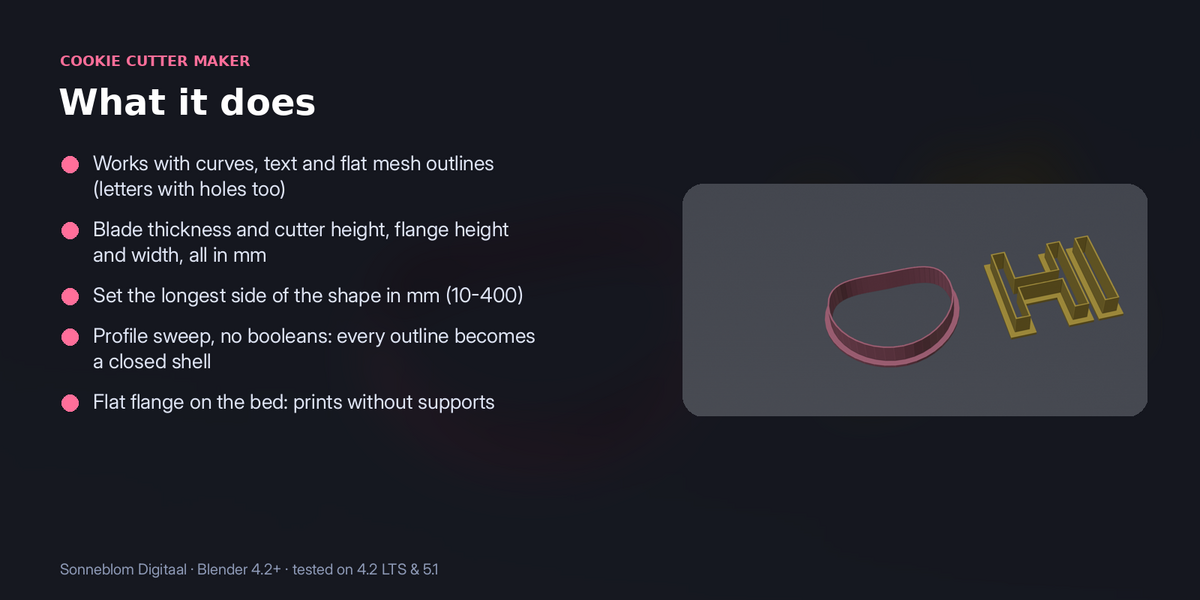
- Works with curves, text and flat mesh outlines (letters with holes too)
- Blade thickness and cutter height, flange height and width, all in mm
- Set the longest side of the shape in mm (10-400)
- Profile sweep, no booleans: every outline becomes a closed shell
- Flat flange on the bed: prints without supports
How to use
- Select a closed curve, a text object or a flat mesh outline (for example an imported SVG logo).
- Press N in the 3D Viewport and open the Cookie Cutter tab.
- Set the size of the longest side in mm, the cutter height, the blade thickness and the flange.
- Click Make cutter. A new cutter object appears at the 3D cursor; export it as STL and print it flange down.
Compatibility: Blender 4.2 or newer. Tested on Blender 4.2 LTS and 5.1. Pure Python, nothing extra to install.
Good to know: Needs a closed, filled outline lying flat in the object's XY plane. Parts or letters that touch can give overlapping walls (slicers handle this). Use food-safe filament and practices if the cutter touches food.
Support: Questions or a model that doesn't work? Message us through Superhive (Contact the creator) with what happened, and the model if you can, and we'll help. Free updates for version 1.x.