 Bohdan Polovynka




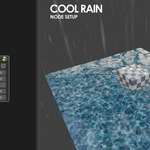
Cool Water includes:
- Rain and rain effect on water surface
- Wet shader for any objects with raindrops effect on their surface
- Sparkles on water surface
- Foam and ripples on water surface
- Caustics effect on the water surface and underwater
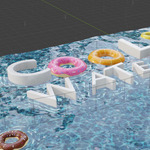
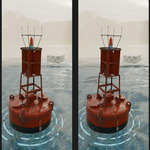
- Floating objects in contact with water
- You can adjust the scale and speed of the waves, which affects the behavior of floating objects
- For finer tuning, there are many other cool options

Rain:
You can adjust the speed and angle of the rain
Customize the color, scale, length and amount of droplets
Rain effect on water surface:
You can adjust scale and bump of rain ripples
Also you can control the speed of the rain ripples with a keyframe
By default, rain ripples are loop animated
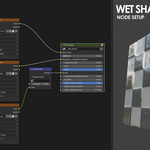
Wet Shader:
Allow you to create metal, glass, plastic or any other surface with a wet effect
You can also use textures with this shader
There is a slider for a smooth transition from dry to wet material
You can control the speed, scale and bump of the rain droplets
Sparkles on water surface:
You can adjust the color, emission, speed, rotation, density, min and max scale of the sparkles
Also you can adjust the area on which the sparkles are displayed
Foam and ripples on water surface:
Just place any object in the "Contact_Water" collection and it will cast foam and ripples on the water
You can adjust the distance, speed, scale and density of the foam and ripples on the water
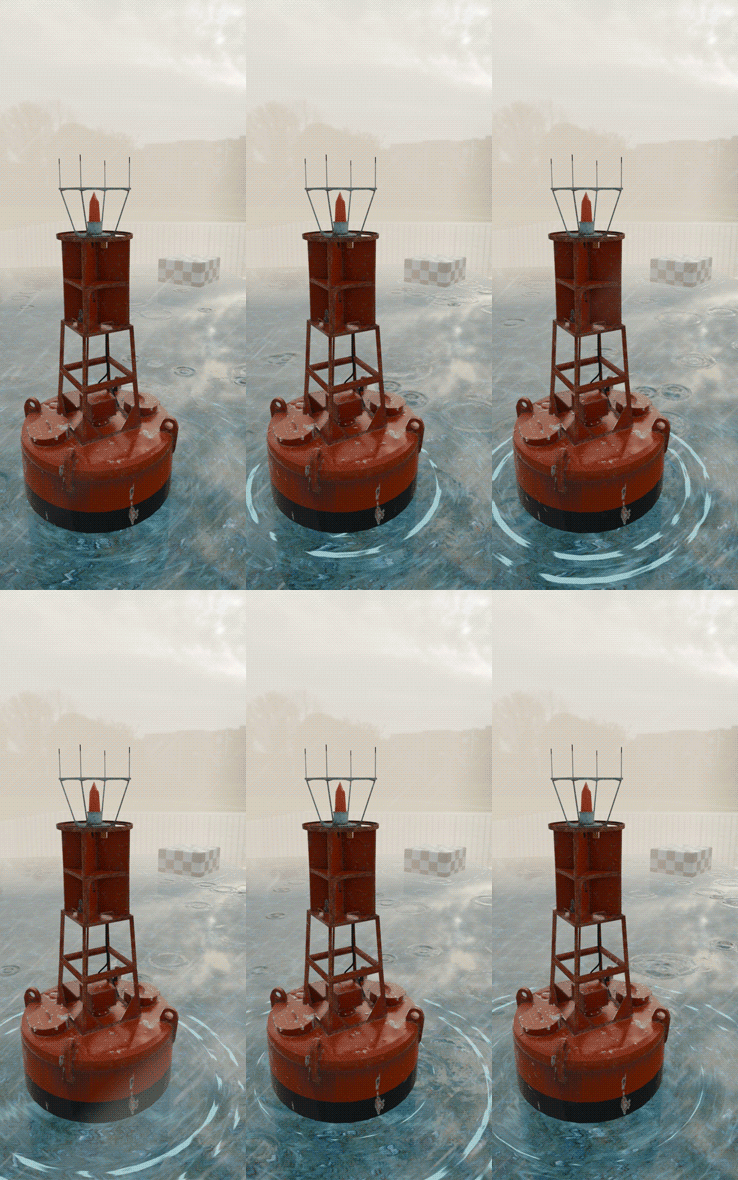
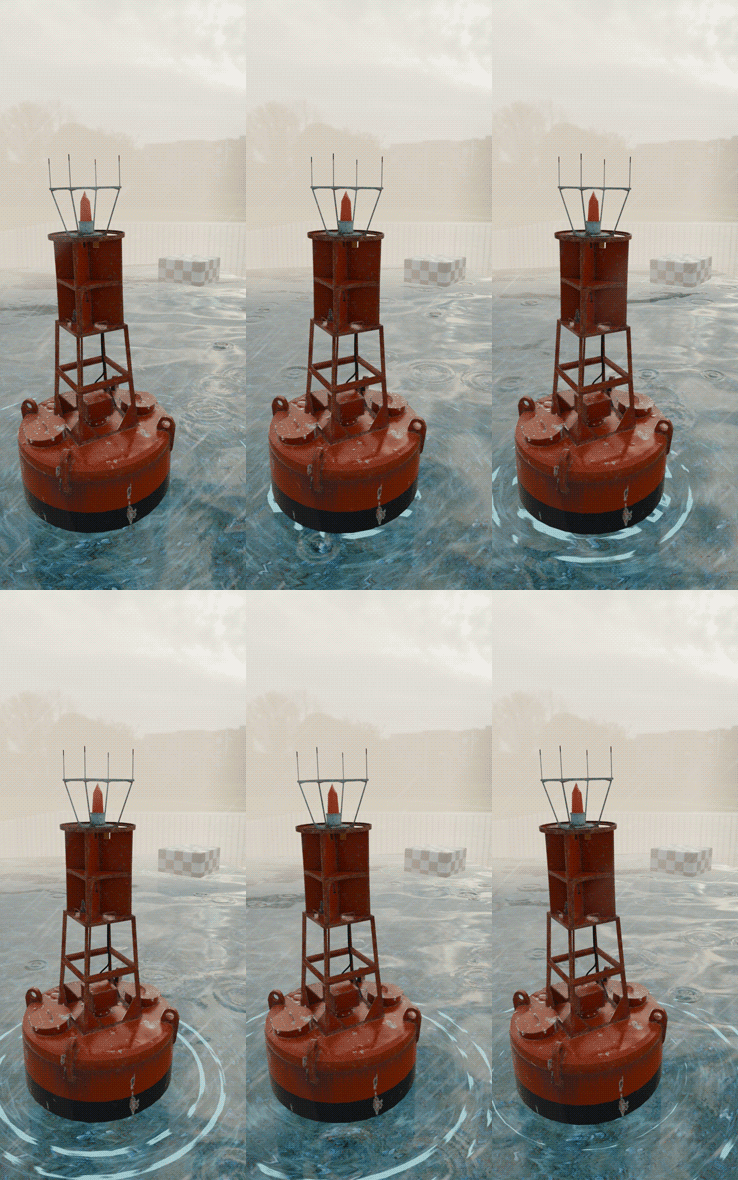
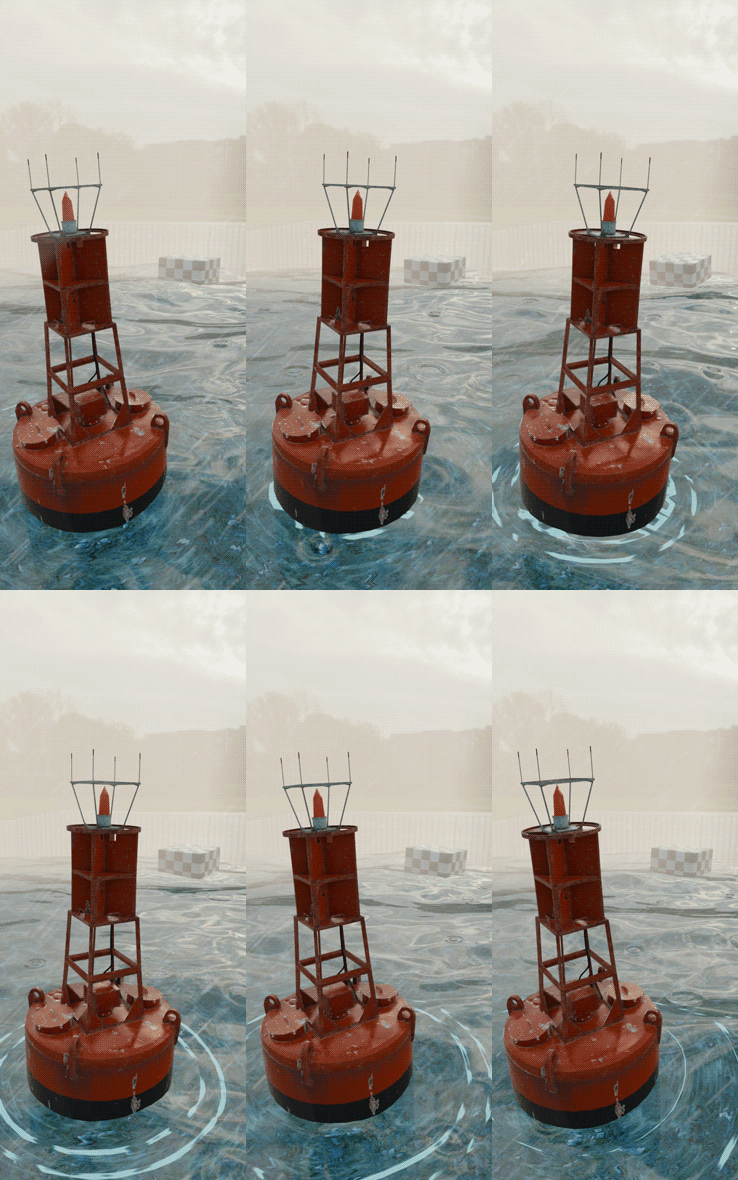
Waves_Scale 0 Waves_Scale 0.1 Waves_Scale 0.3
Caustics effect:
Modify the color, saturation, scale and speed of caustics both on the surface of the water and under water
Floating objects:
Place any object above the water surface
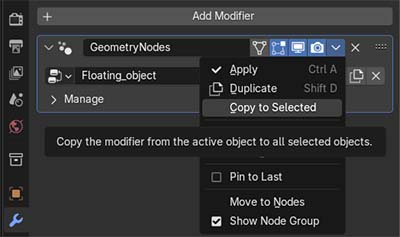
Add the "Geometry Nodes" modifier and select "Floating_object"
This modifier can be applied to multiple objects at once
Water Settings:
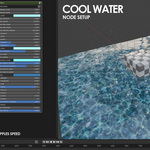
Adjust color, metallic, roughness, IOR (Index of Refraction), transparency, size and deep of water
Control the scale and speed of waves, which directly impacts how floating objects behave
Apply any desired texture to the underwater ground
