 ZEG
ZEG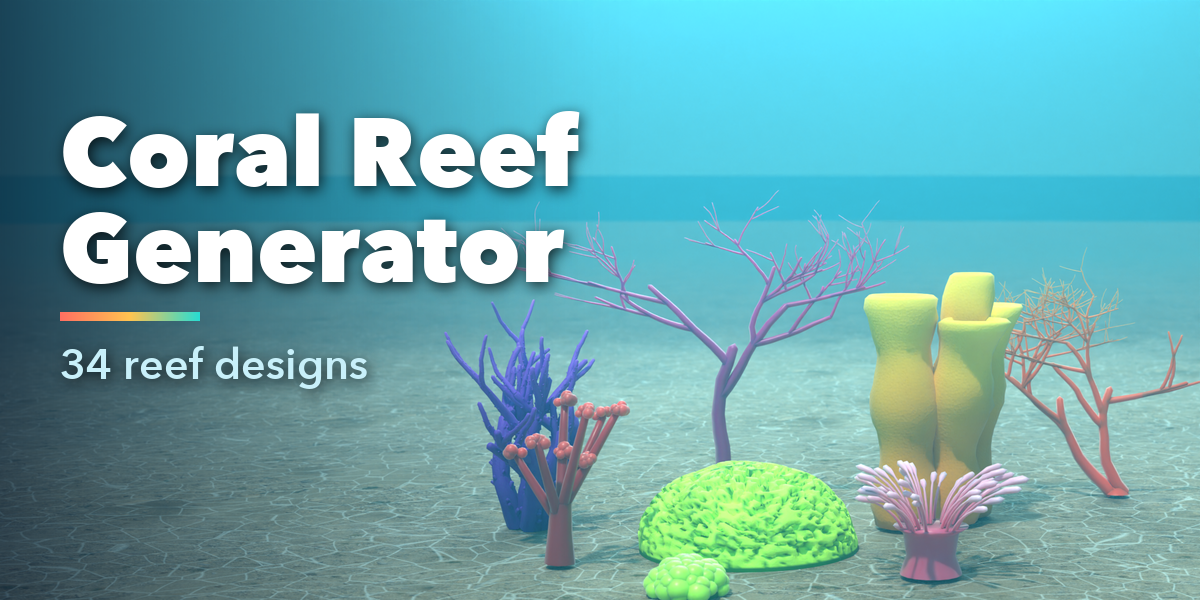
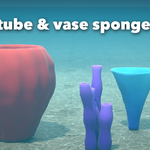
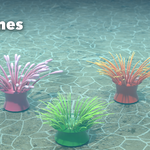
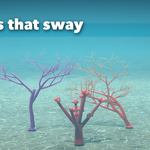
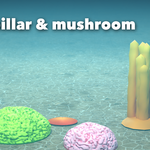
Installation
In Blender open Edit, Preferences, Get Extensions, then use Install from Disk and pick the zip.
Usage
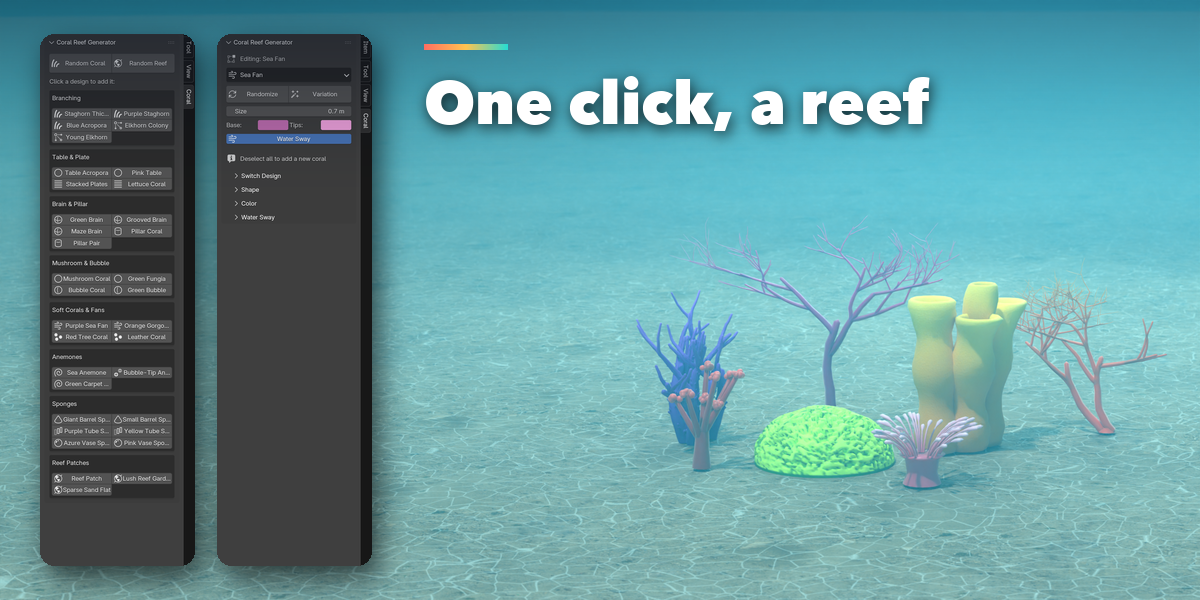
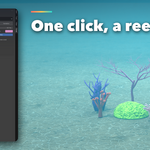
- Open the 3D Viewport sidebar (N) and the Coral tab.
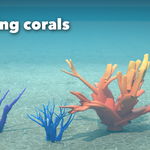
- With nothing selected, click any design (or Random Coral / Random Reef) to add it at the 3D cursor.
- Keep the coral selected to edit it: change type, size, colors, or press Randomize / Variation.
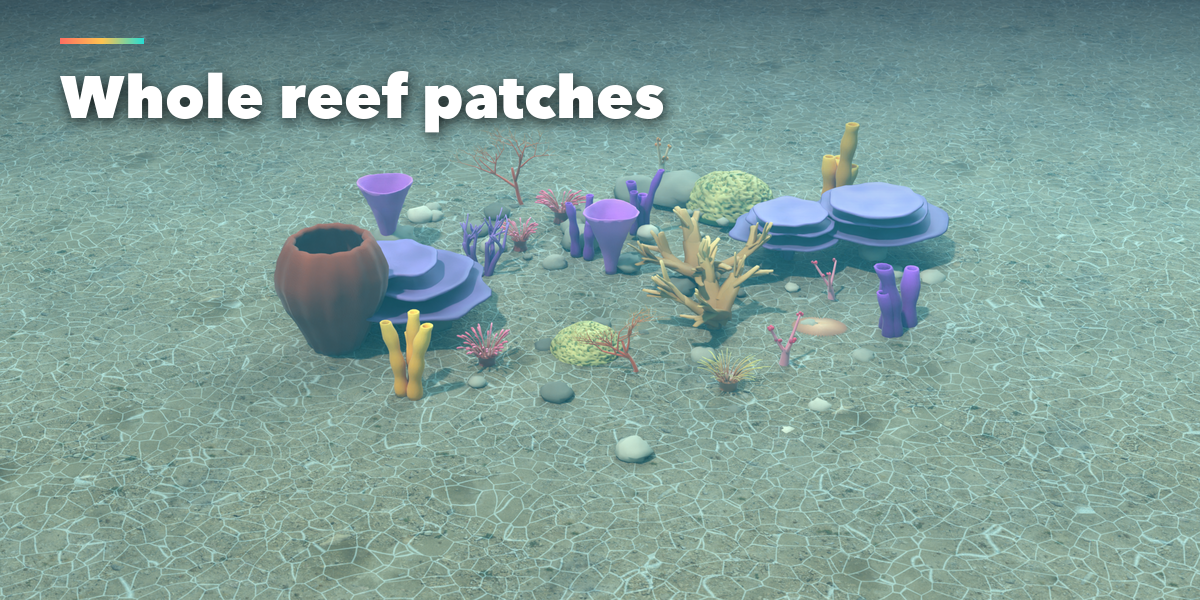
- Open Shape, Color, Water Sway and Reef Patch sub-panels for fine control.
- Press play on the timeline to see the water sway. Deselect everything to add another coral.
Game export
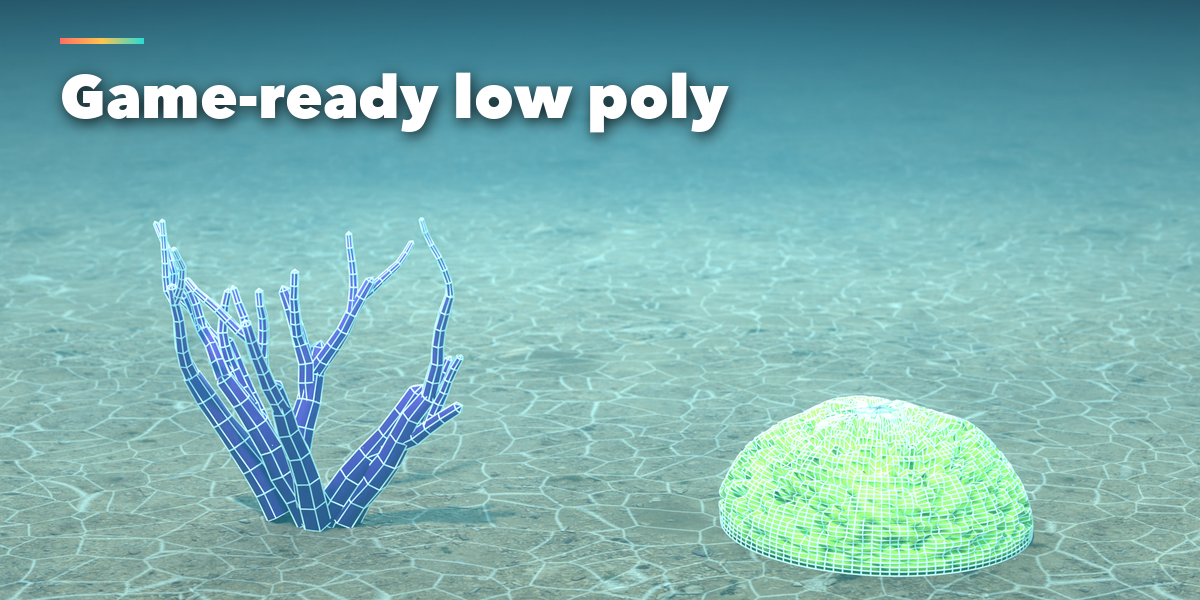
Set Detail to 0 for low poly. Colors live in the Col vertex color attribute, which glTF and FBX export.
Have questions about this product?
Login to message
| Blender Extension Compatible | Yes |
| Published | about 3 hours ago |
| Blender Version | 4.2 - 5.2 |
| Extension Type | Add-on |
| Render Engine Used | Cycles, Eevee |
| License | GPL |

Discover more products like this
sponge Generator reef coral #nature procedural ocean game ready anemone sea underwater environment