CORE / Fundamentals / Lighting COURSE 03
Light with intent, not by accident
25 lessons on lighting in Blender 5.2 LTS, in both Cycles and EEVEE Next. The seven types of light, exposure and color management, HDRIs, light linking, and the lighting setups working artists actually reach for: three-point, high and low key, silhouette, and portrait.
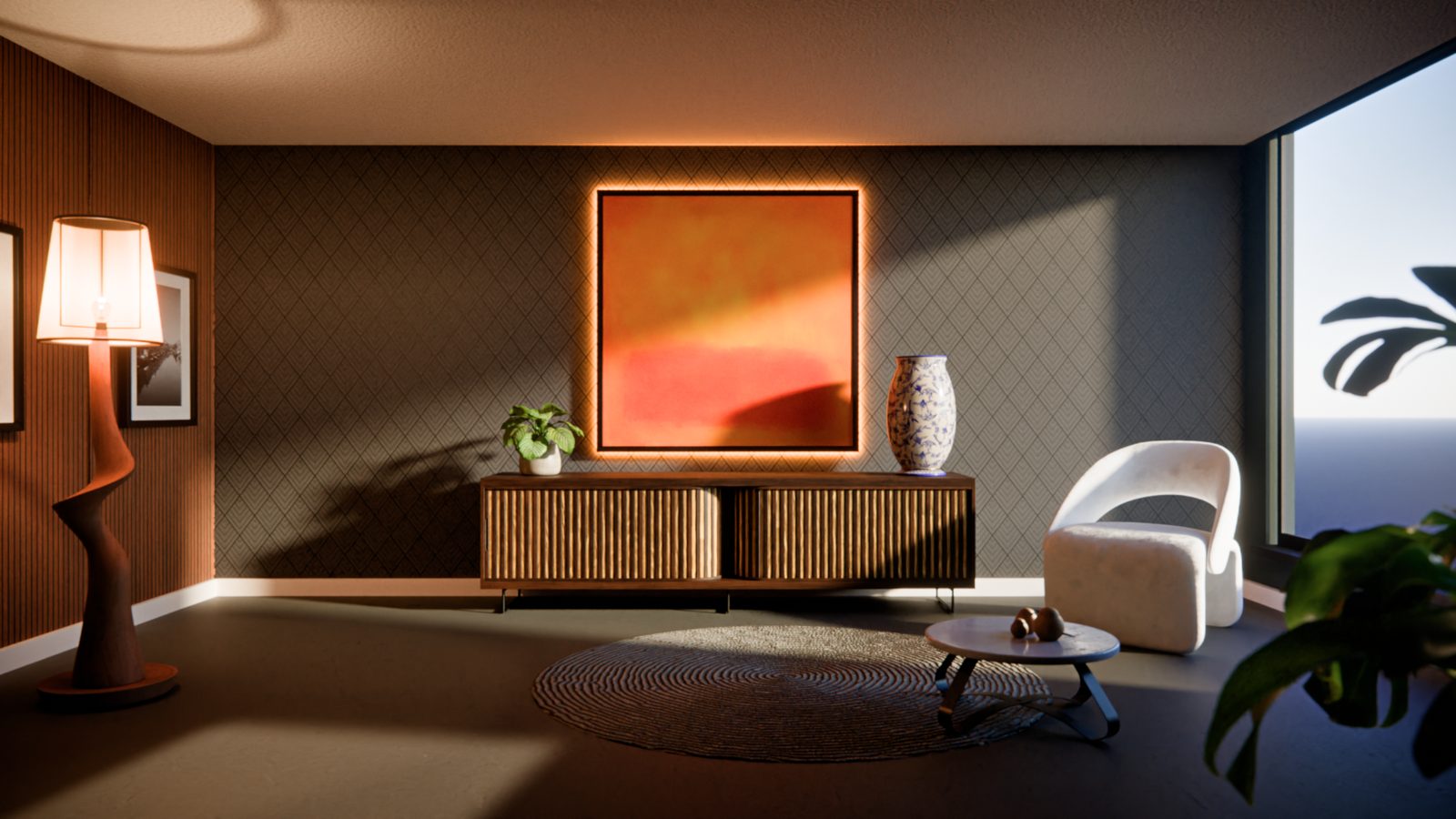
The gap
Your scene is modeled.
It still looks like nothing.
The default light is still sitting where Blender put it. Everything reads flat, the render looks like a screenshot instead of a photo, and you cannot say why, only that something is missing.
Light is not a finishing touch. It is how a flat 3D scene becomes a believable image in the first place, and the rules barely change from Blender to a real camera to your own living room. Learn to see light once and it carries into everything you shoot or render afterward.
Jesse spends this course on the handful of setups that actually get used, three point, high and low key, silhouette, portrait, in both of Blender’s render engines, rather than a tour of every slider in the light properties panel.
That is a seeing problem, and this course is built to fix how you see a scene, not just how you light one.
Four subjects, four problems
What you will be able to light
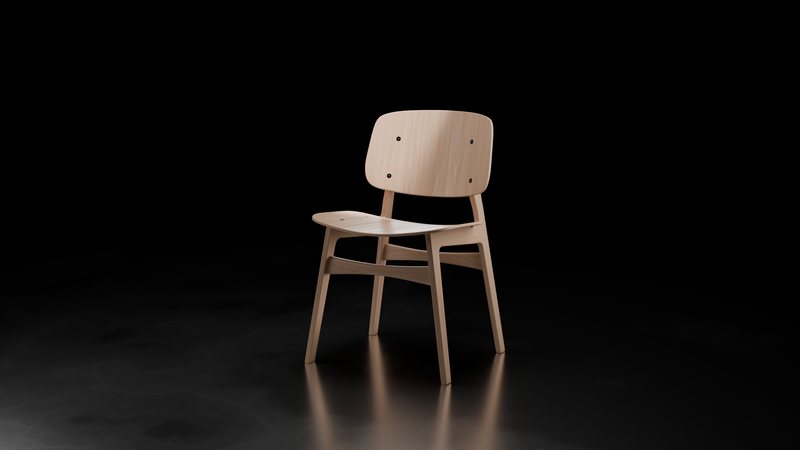
01 / High & Low Key
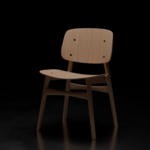
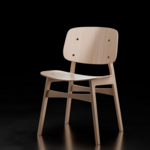
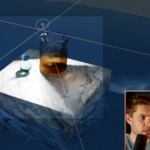
One area light, aimed straight down, is the entire setup behind this chair
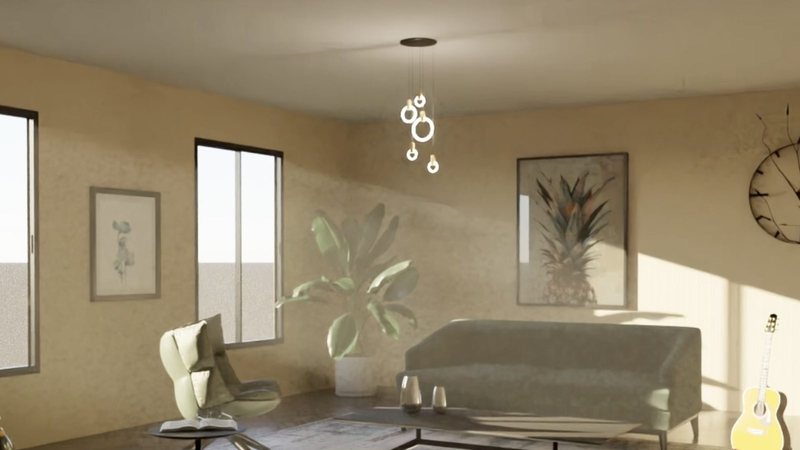
02 / Exposure & Colour
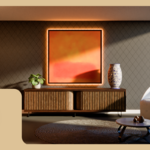
A room in bright sunlight, and the exposure and white balance calls that save it
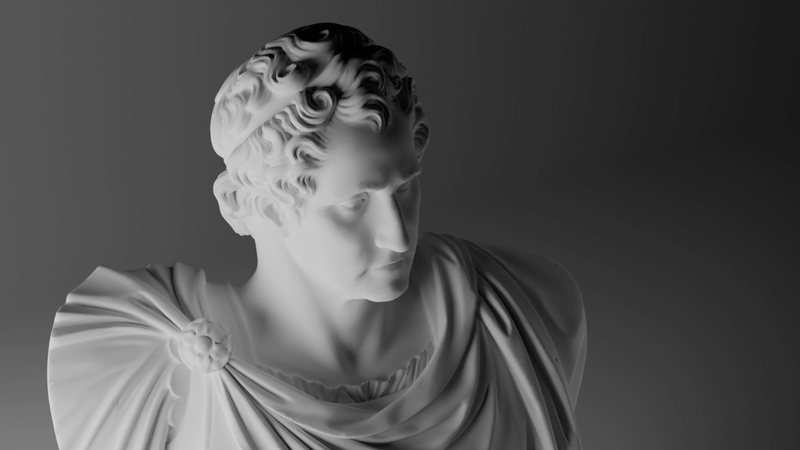
03 / Portrait Lighting
A marble bust lit from below and the side, the harsh way marble actually catches light
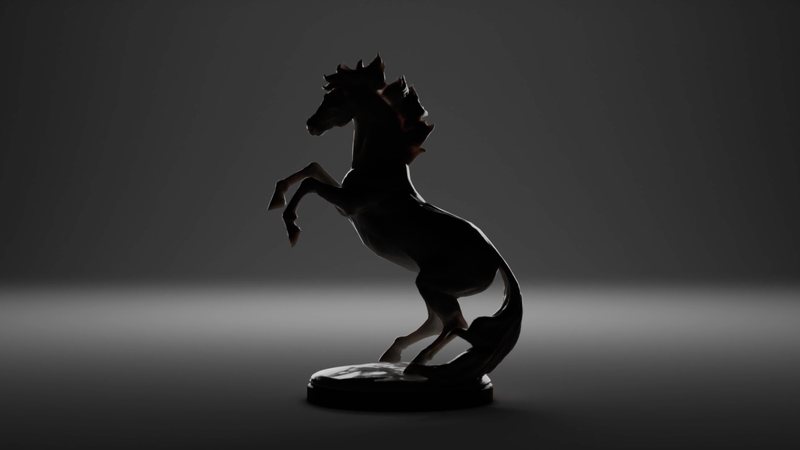
04 / Ambient & Silhouette
A horse statue reduced to pure shape, one backlight and nothing filling the shadows
 |

Same four principles carry over to a sci-fi corridor in EEVEE and a full three point rig built from nothing on a studio product shot. The chair, the guitar, the bust, and the horse are real scenes lit on camera, not stock renders.
|
|
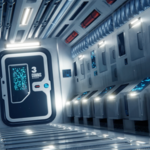
EEVEE Lighting Showcase
A full pass on a spaceship corridor: shadow quality, ray count, and volumetrics tuned until the panels, metal, and practical lights actually read.
|
Outcomes
What you will actually learn
The seven types of light. Point, sun, spot, area, and the rest, what each one actually does, and when reaching for the wrong one is the whole problem.
Exposure and color management. Reading false color, avoiding blown highlights, and getting a guitar in direct sun to look shot, not clipped.
HDRIs and light linking. Lighting a scene from a real environment, then telling individual lights which objects they are and are not allowed to touch.
Volumetrics and shadow caustics. Fog, glare, and the caustic detail a stray light bounces through glass or stone.
Light groups and shaping light with nodes. Rebalancing individual lights after a render, and sculpting a light’s falloff instead of accepting the default.
EEVEE Next, properly. How light is actually calculated in EEVEE, raytraced light probes, and the settings worth touching before you decide EEVEE cannot do it.
Three point, high and low key, silhouette, and portrait. The four lighting setups that show up again and again, each built from nothing on a real subject.
Why a light looks wrong, and how to fix it. Reading a bad render and knowing which light is responsible, rather than nudging sliders until something looks better by accident.
|

Three-Point Lighting
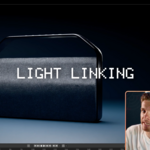
Fill, key, and rim light, built up one at a time on a boombox, with light linking used to strip out bounce lighting you did not ask for.
|
25 lessons / 4 chapters
Curriculum
Chapter 01 / Before You Begin
4 lessons
The right version of Blender, what light actually is in 3D, the seven types of light Blender offers, and the real differences between lighting in Cycles and EEVEE.
Chapter 02 / Lighting In Cycles
9 lessons
How light is calculated in Cycles, exposure and color management, HDRIs, light and shadow linking, volumetric lighting, shadow caustics, light groups, shaping light with nodes, and reducing noise.
Chapter 03 / Lighting In EEVEE
4 lessons
How light is calculated in EEVEE, basic lighting settings, raytracing with light probes, and a full EEVEE lighting showcase on a sci-fi corridor scene.
Chapter 04 / Applying Light
8 lessons
Why good lighting matters, the relationship between light and shadow, using colour, three point lighting, high and low key lighting, ambient and silhouette lighting, portrait lighting, and the secret to successful lighting.
Free preview
Watch The 7 Types Of Light free
A hands on look at Blender’s point light, radiant power versus the lumens on a real light bulb, temperature, and how to actually see the shape a light casts rather than guess at it. No signup.
Watch the lesson
 |
Your instructor
Jesse
Jesse rebuilt this course around the idea that light is a transferable skill, not a Blender-specific one. The same reasoning that gets a render right also improves a photo, a room, or anything else you point light at.
If you already have a background in photography or design, expect a lot of this to click faster than you expect.
|
| Blender version |
5.2 LTS |
| Lessons |
25 videos |
| Quality |
1080p, stream or download |
| Captions |
English and Spanish |
| Render engines covered |
Cycles and EEVEE Next |
| Project files |
Included, every lighting scene shown in the course |
| Platforms |
Windows, macOS, Linux |
| Access |
Lifetime, no subscription |
| Also available in |
The CORE bundle, all 11 courses |
Total runtime is being finalized and will be added once available. Every other figure on this page is drawn directly from the course itself.
Questions
Do I need to take the other CORE courses first?
No. Every scene in this course, the chair, the guitar room, the bust, the horse, and the boombox, is supplied as a project file, so nothing here depends on your own modeling.
Is this Cycles or EEVEE?
Both, in separate chapters. Chapter two covers Cycles in depth, including HDRIs, light linking, volumetrics, and shadow caustics. Chapter three covers EEVEE Next on its own terms rather than treating it as a lesser Cycles.
I mostly shoot photography or work in another 3D app. Is this still useful?
Very likely. The course is explicit that light behaves the same way in the real world as it does in Blender, so the four core setups, three point, high and low key, silhouette, and portrait, transfer directly.
Will this work in Blender 4.2 LTS?
Mostly. Lighting fundamentals have not changed much since well before 4.2. EEVEE Next’s raytraced light probes are the one area where 4.2 will look and behave differently.
Is this the same as the version I already own?
No. This is rebuilt for 5.2 LTS with new recordings and updated EEVEE Next coverage. If you own the CORE 4.2 bundle, check your loyalty pricing.
I want more than one course. Is there a bundle?
Yes.
CORE is all 11 courses as a single one-time purchase. Buy up to four courses individually and you come out ahead. Past that, the bundle costs less, and all eleven bought one at a time run to more than twice the bundle price. CORE is also included with an annual CG Cookie subscription if you would rather stream than own.
What if I get stuck?
Post in the CG Cookie community. Instructors are active there and questions get answered.
Course 03 of 11
See the light
Lighting is course three of eleven in CORE: modeling, sculpting, lighting, materials, texturing, animation, rigging, physics, compositing, grease pencil, and geometry nodes. Take them one at a time, or take the whole spine.
See the full CORE bundlePast five courses, the bundle is the cheaper buy. One purchase, keep it forever.

Teaching Blender since 2008
 CG Cookie