 WalkingAloneStudio


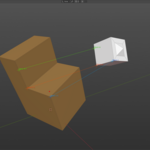
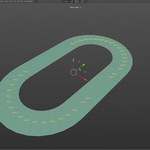
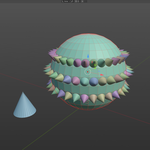
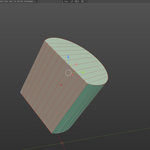
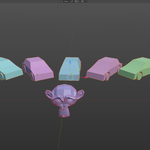
MKit is a set of various tools for modeling, object alignment, and selection, designed to speed up your workflow:
- 2/3 Point Alignment
- Set Edge Length tool
- Look At Aligment
- Replacing objects of different types
- Spawn objects on selected faces (like "Duplifaces")
- Place Light source specular highlight under mouse cursore
- and more
Updates:
v.1.1.0 (5/15/2026)
Modeling section addition:
-
"Tweak" — a simple tool to move selected geometry in World or Object Local space with ability to set Sensitivity to extreme low values.
Use case: when we need to fix pinching issues on SubD models and default Move tool even with holding Shift is not precise enough.
New "Organize & Utils" section:
- "Deselect/Isolate" — deselect or isolate objects from current selection based on picked type "Mesh", "Empty", "Curve", etc.
- "Unite" — move all Children objects to Parent object collection.
- "Propagate Name" — match children's names to parent.
- "Fix Naming" — remove "." symbol from objects name and replace it by "_".
- "Match LP/HP name" — set name for Selected objects based on postfixes for quick pairing low/high poly objects.
- "Display names" — toggle objects names display in viewport.
