 WalkingAloneStudio


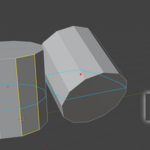
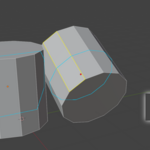
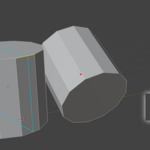
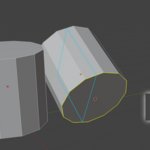
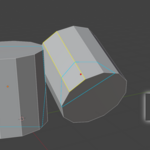
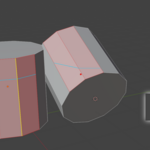
Quick and easy bisect mesh with a plane. Ensure precision by built-in snapping!
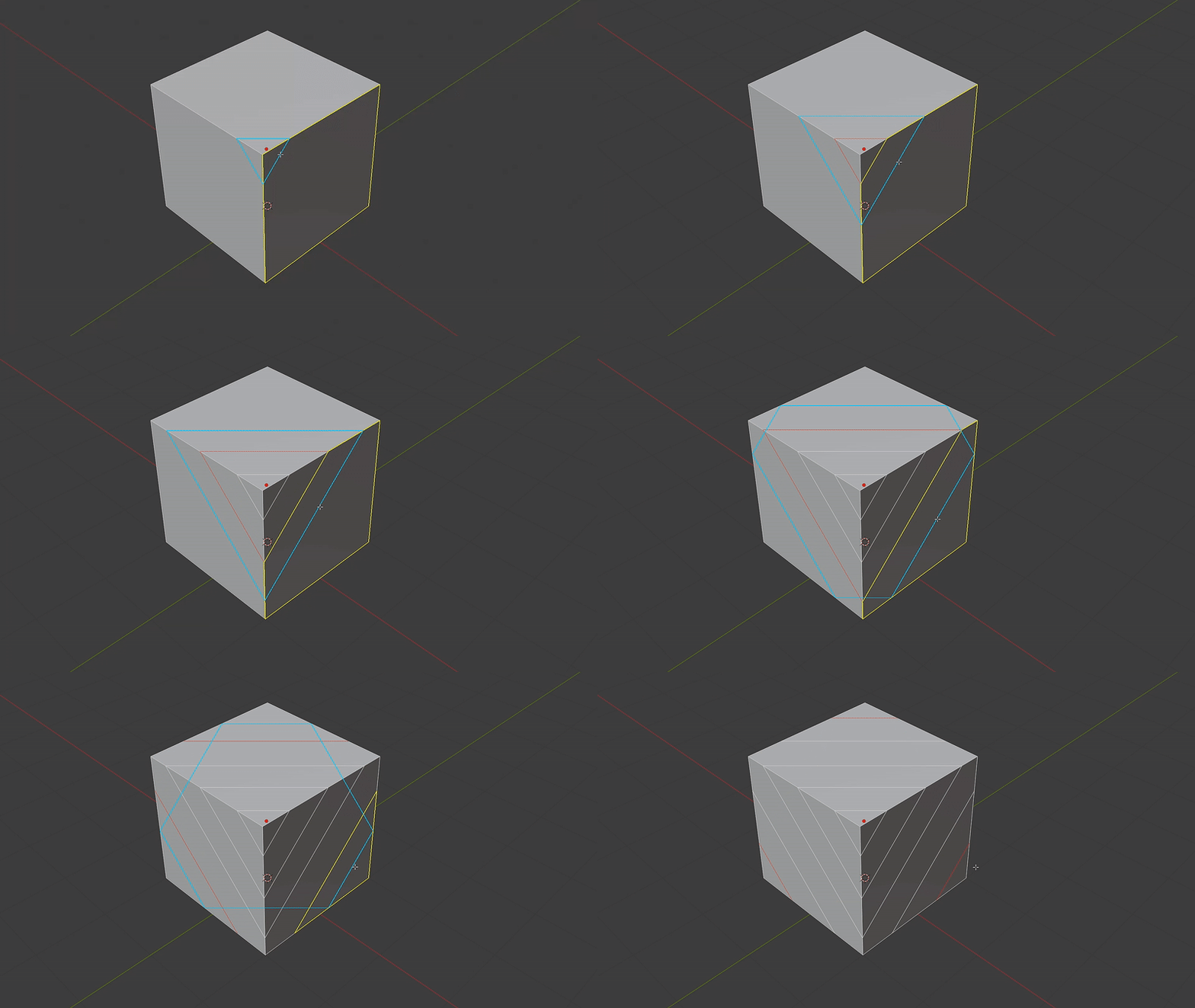
If you're working with booleans where traditional tools like LoopCut often fail, the Plane Cut tool will greatly help you speed up topology cleanup process.
Snapping:
Make cuts precise and accurate
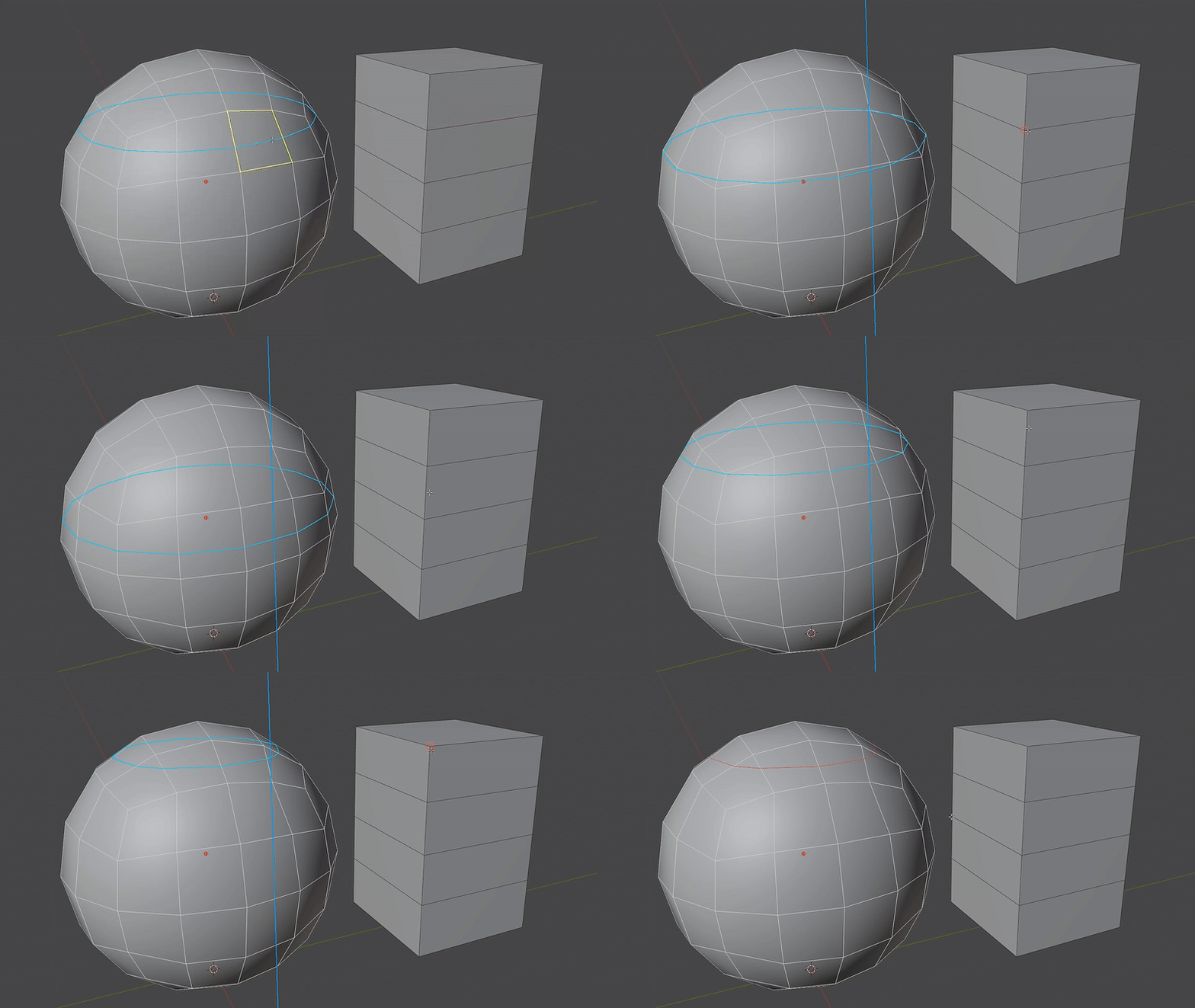
World mode:
Plane oriented to world axis
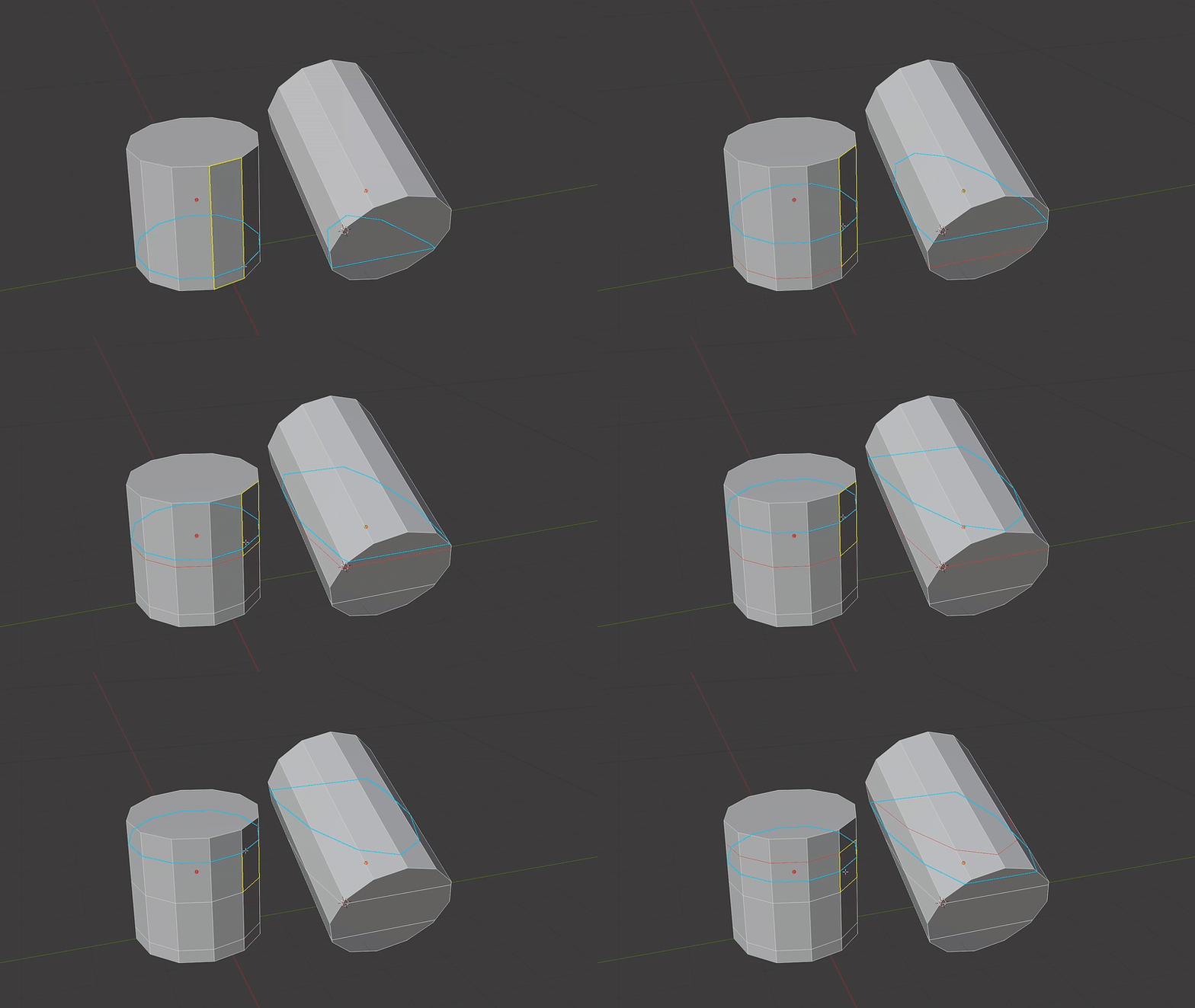
Local mode:
Plane oriented to object local rotation
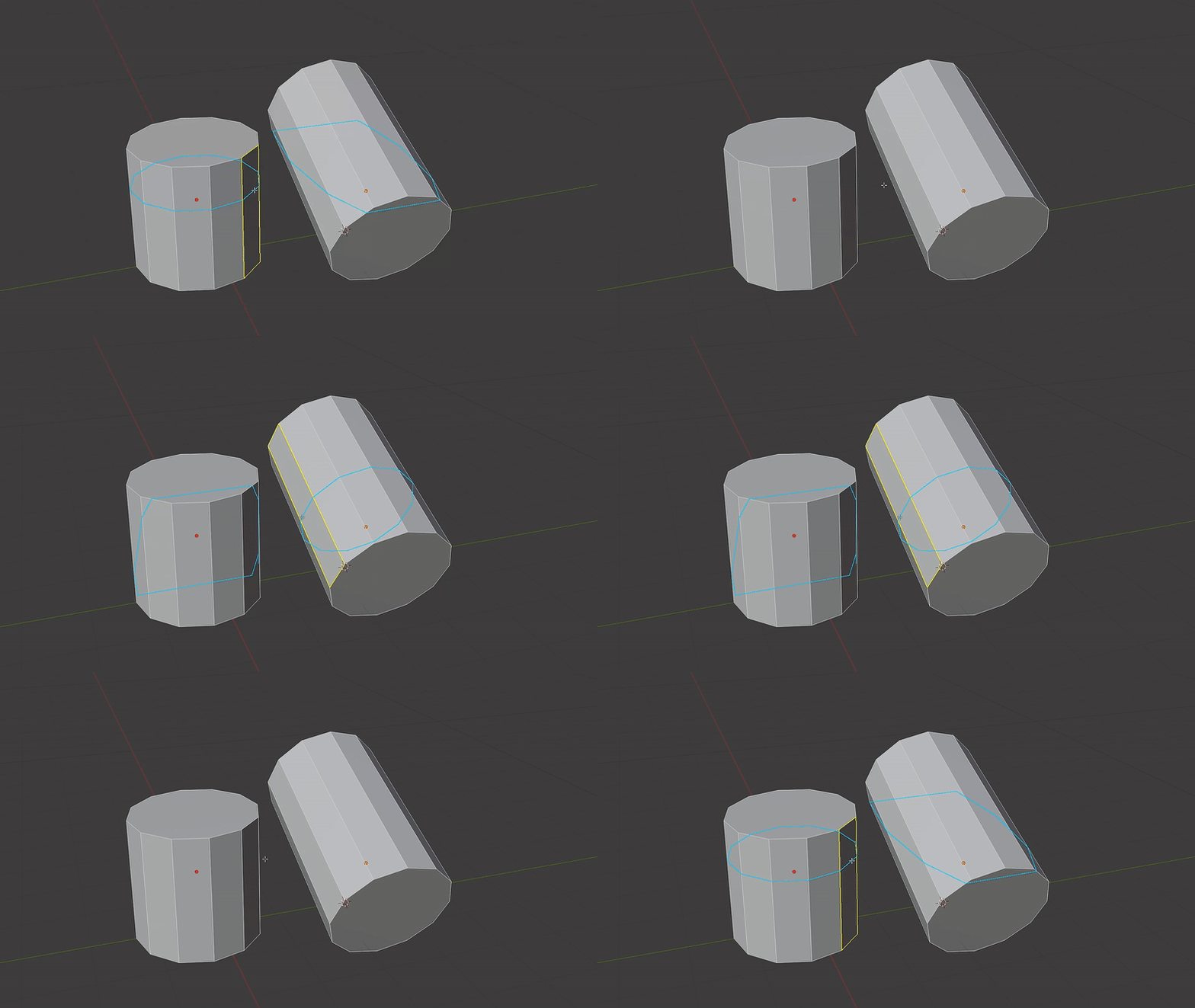
Edge mode:
Plane oriented to edge under mouse cursor. Super quick way to make some cuts without the needs to set plane orientation by changings any settings
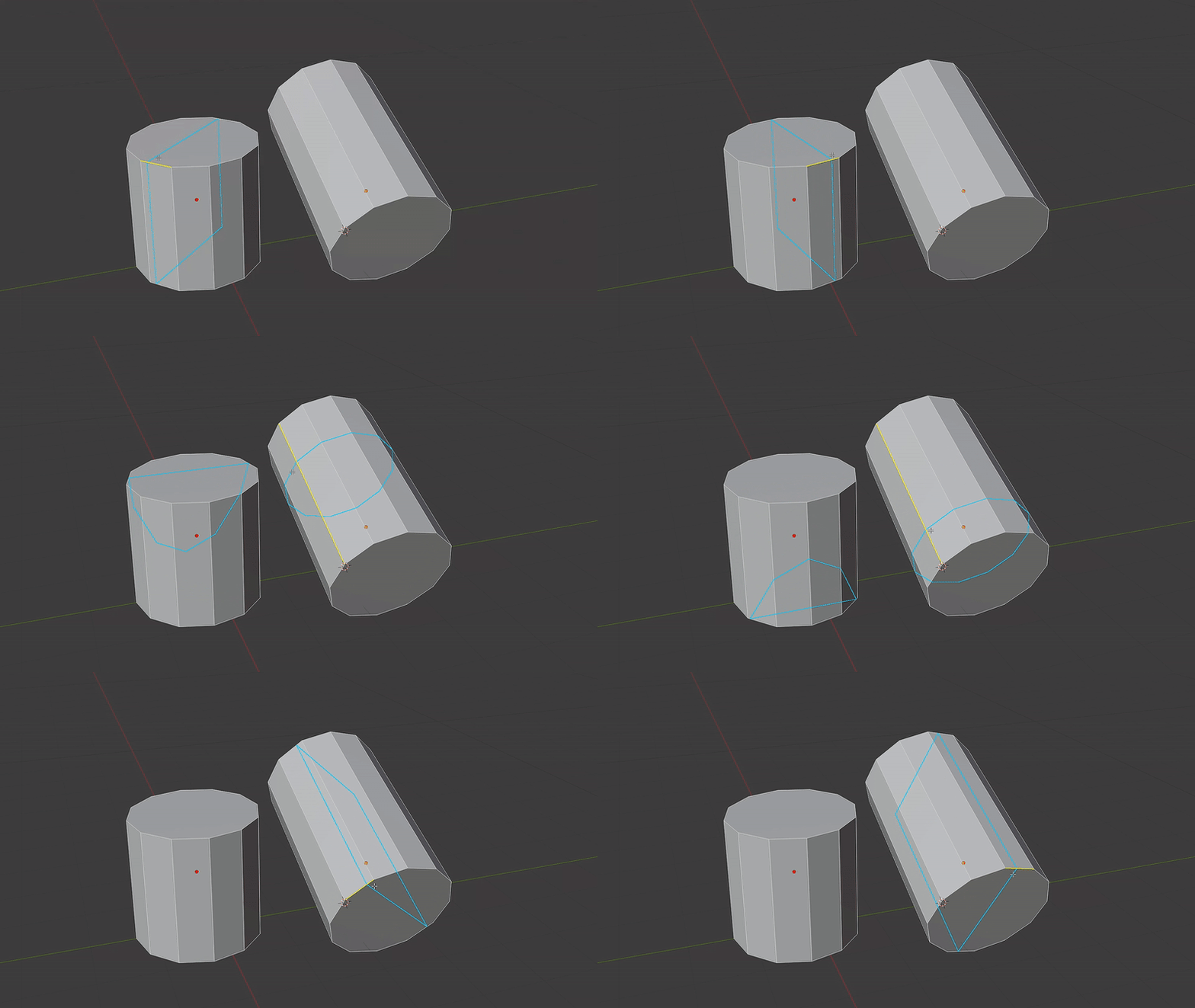
3D Cursor mode:
Plane oriented to 3D Cursor rotation. For any case where other modes will not provide desired plane orientation
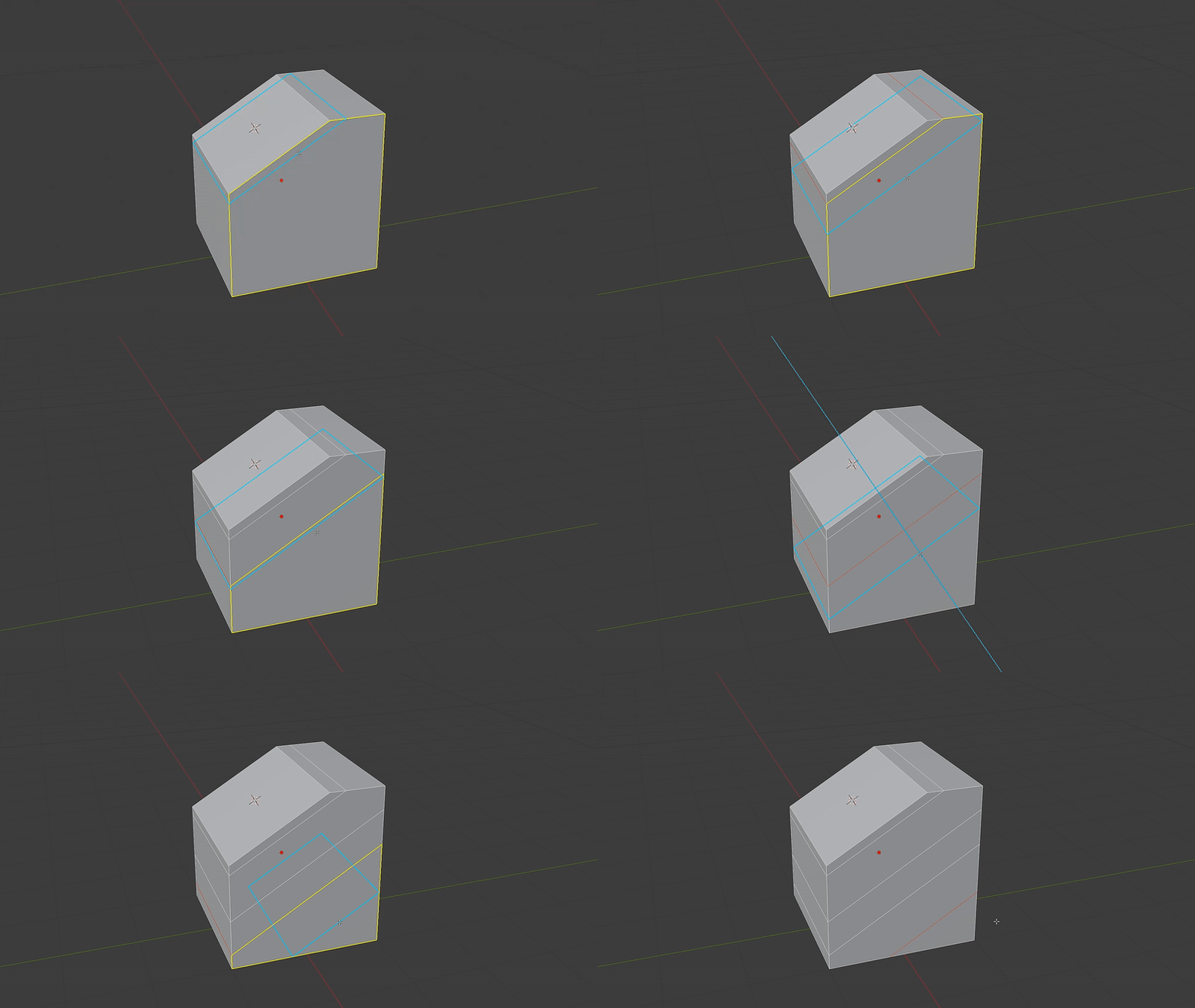
Camera mode:
Plane oriented to viewport camera view direction
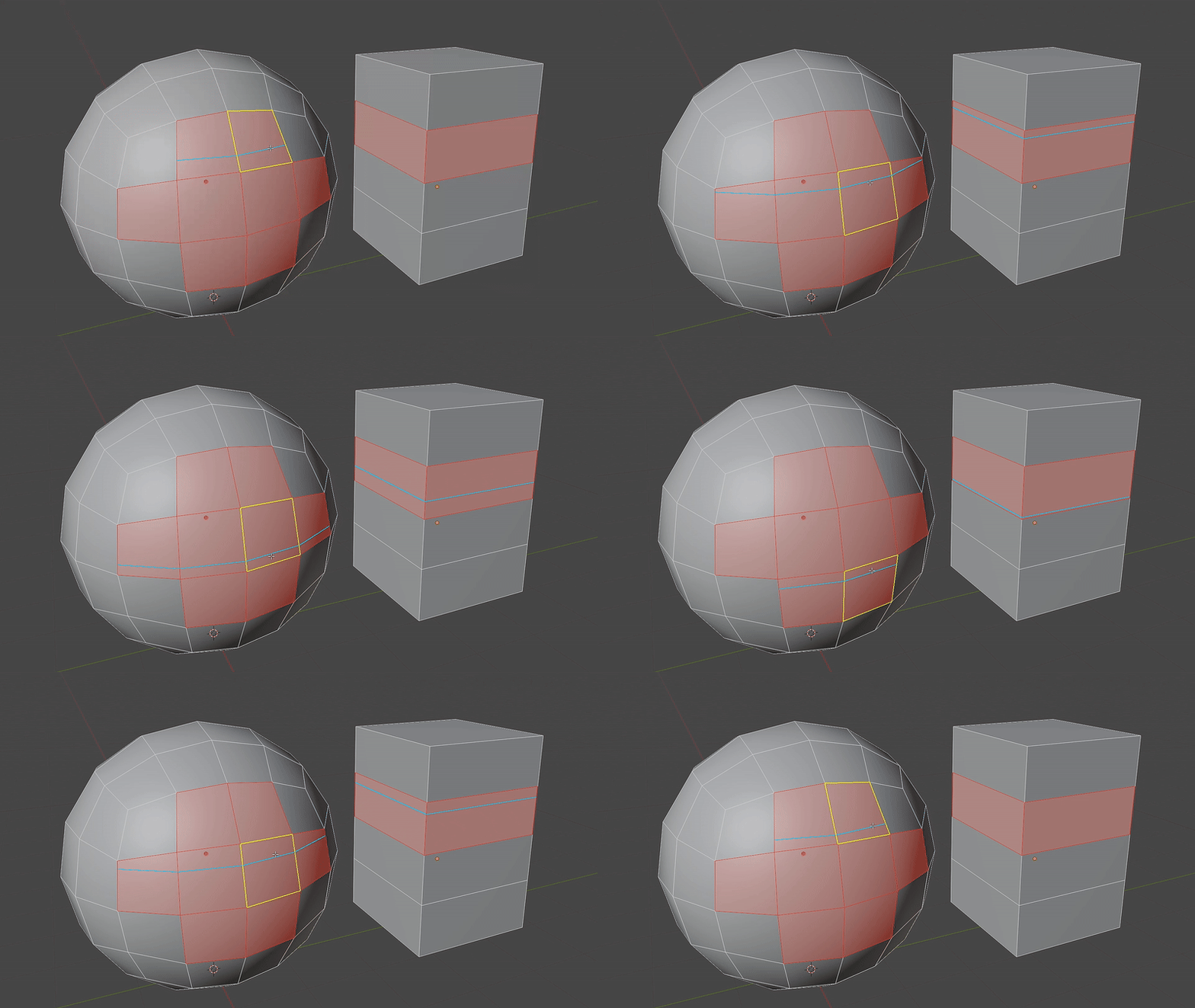
Selected only mode:
Limit cuts to selected geometry only
Updates:
v.1.7.0 (5/15/2026)
-
Added extra visual overlay for face/ngons under cursor for all relevant modes to provide clarity and differentiation between "Edge" and other modes.Faces/ngons are now filled with solid color, or dithered pattern. Both dithering pattern and alpha can be controlled saparately
- Removed redundant overlay plane normal line from "Camera" mode
