CoreTools - Plane Cut
 WalkingAloneStudio


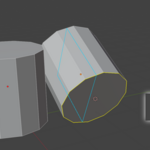
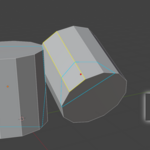
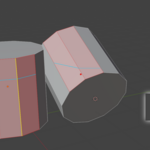
Addon Installation:
To install the addon simply follow the default procedure for Install from Disk
If tool doesnt appear on toolbar in mesh edit mode - check Add-ons tab in preferences and search for "Plane Cut". Make sure what addon is enabled.
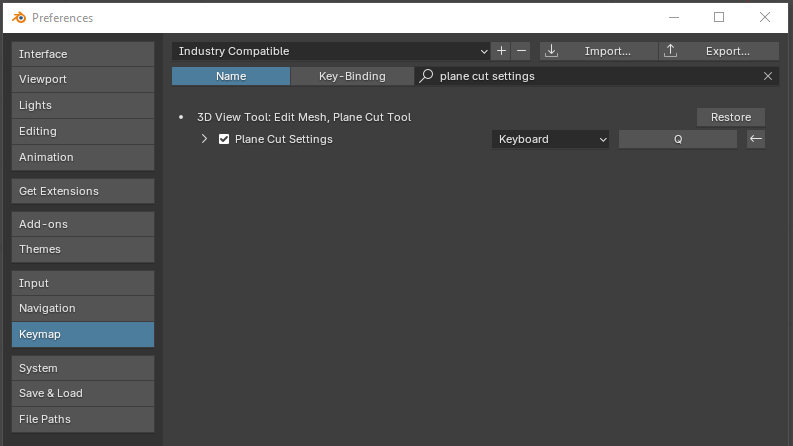
To change Hotkeys for Quick-Access pop-up menu:
Navigate to Preferences > Keymap > Search by typing "Plane Cut Settings"

Discover more products like this
subd subdivision modeling hardsurface Bisect plane cut snapping modeling