 Ryan King Art


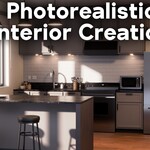
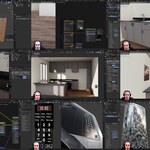
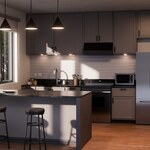
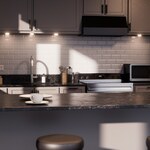
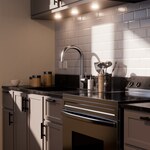
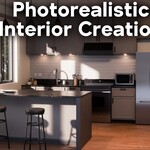
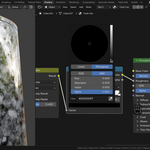
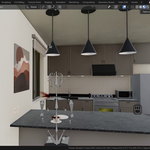
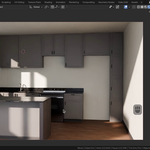
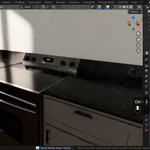
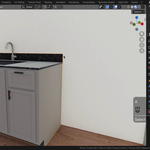
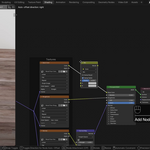
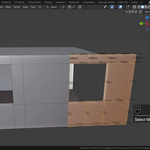
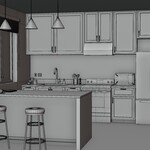
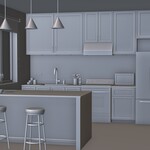
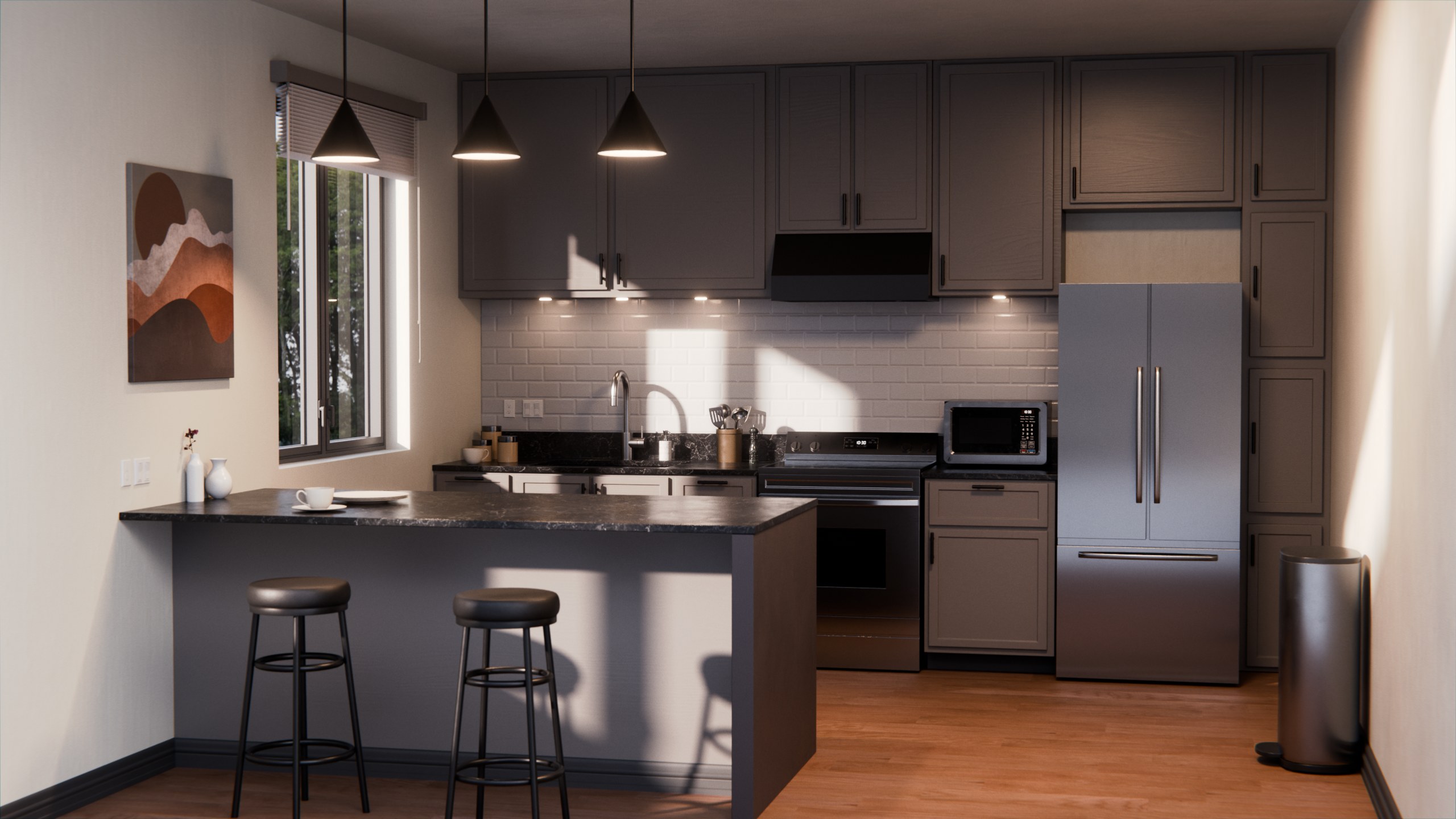
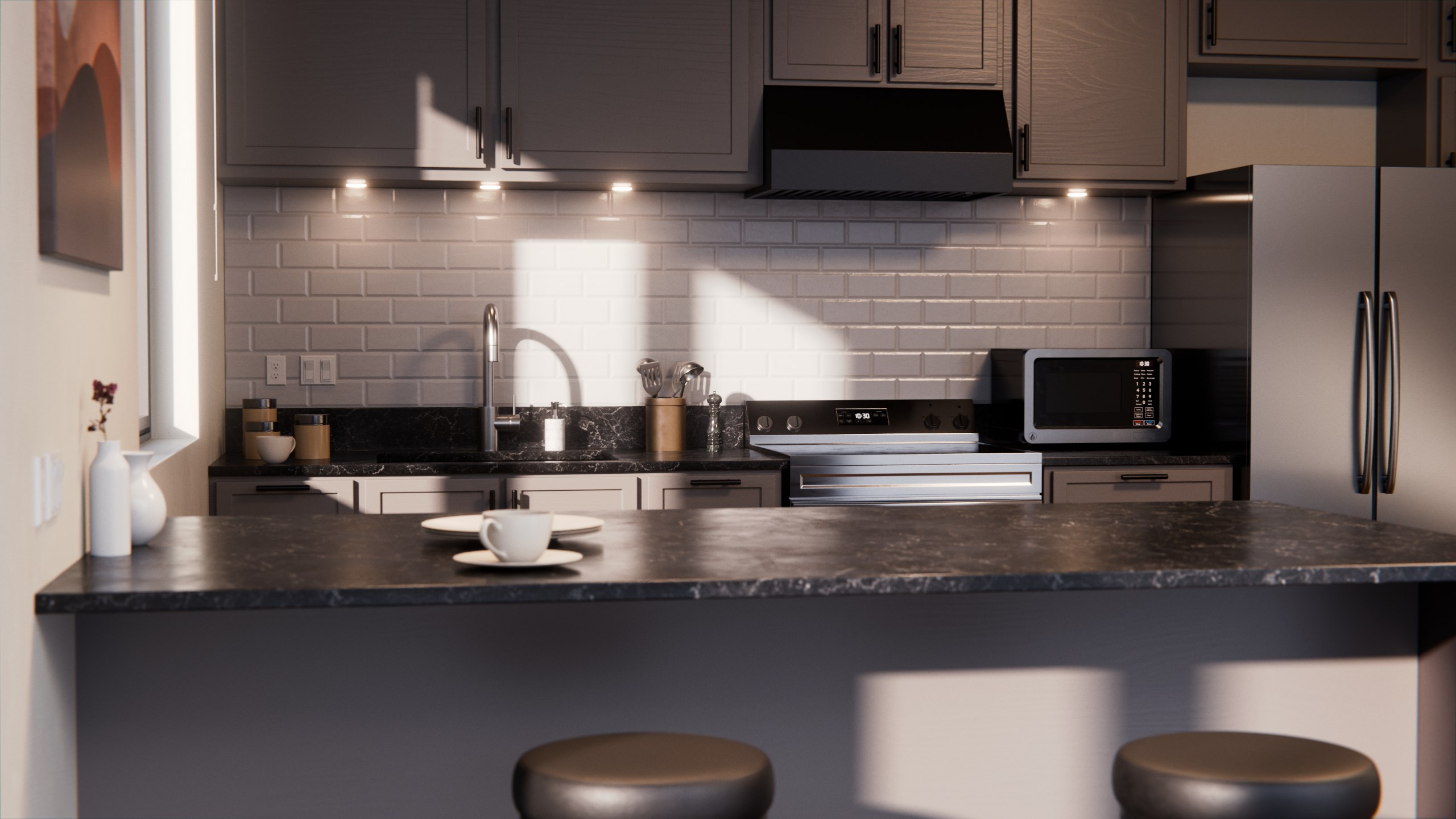
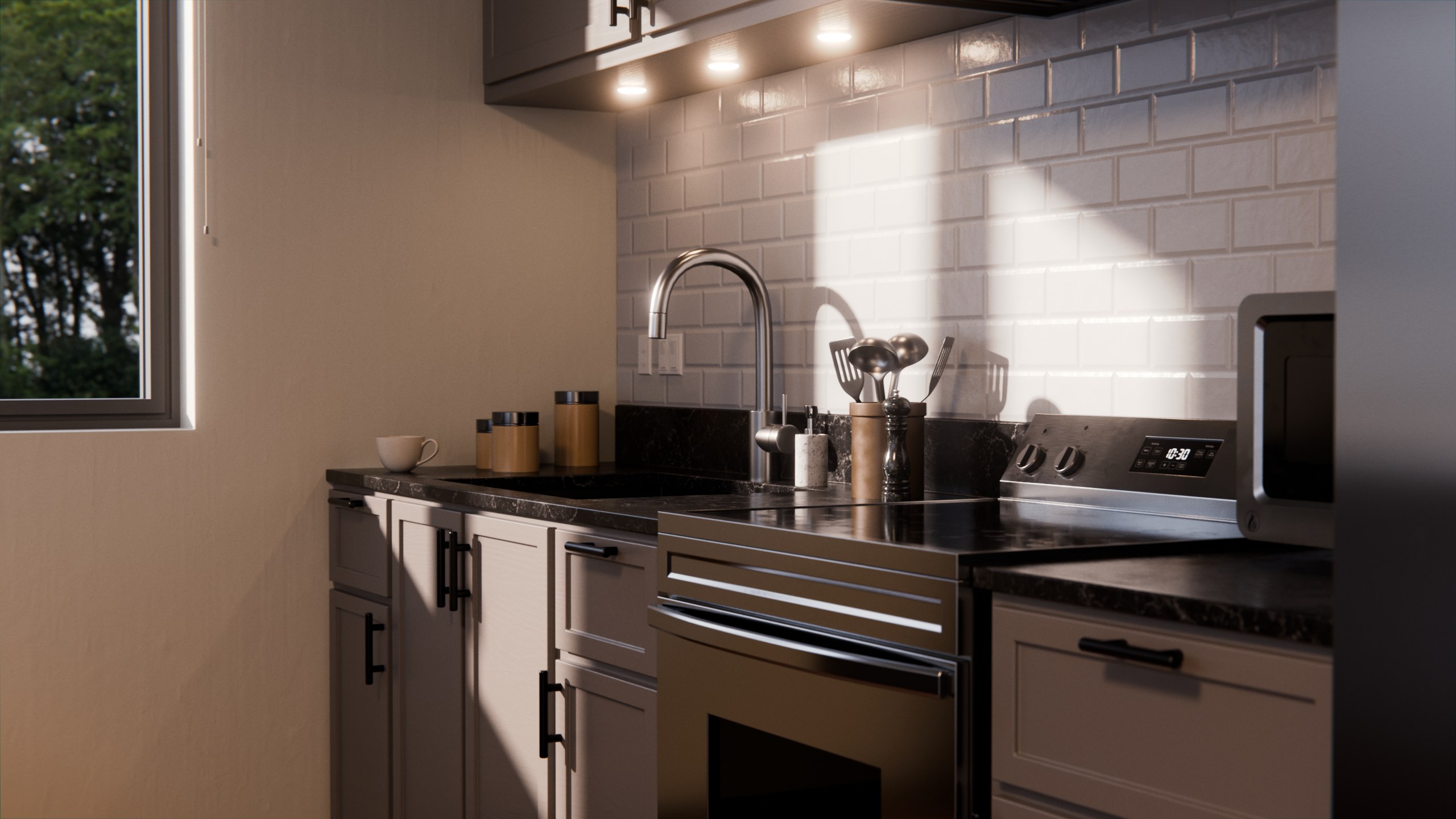
In this tutorial series I will show the complete process of creating this photorealistic kitchen interior in Blender.
📹 Video Tutorials:
This course is 14 parts long, and covers the entire creation process of this kitchen interior, all step by step and in real time. The entire course running time is 7 hours long.
⚡ Skill Level:
This course is not created for complete beginners. If you are very new to Blender, you may want to watch my complete beginner tutorial series first, before watching this tutorial. However, the entire course is all step by step and in real time. Screencast keys are also visible in the entire course.
✅ Course Overview:
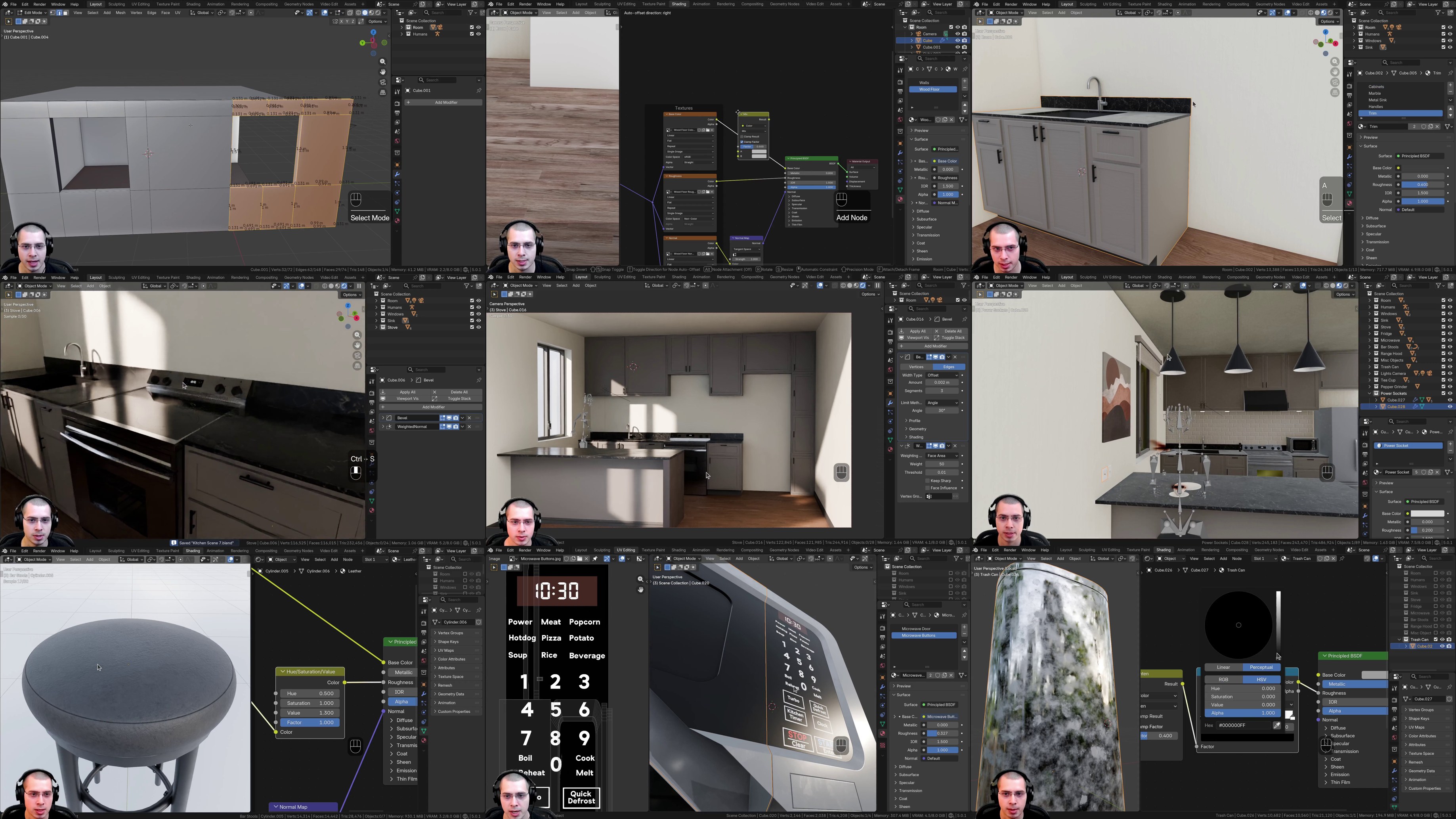
● Part 1: Modeling the walls, floor, window, bar, & counters
● Part 2: Outdoor lighting & adding materials to the room
● Part 3: Creating the counters, sink, and the floor trim
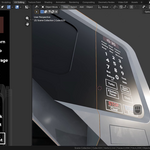
● Part 4: Modeling and texturing the stove
● Part 5: Modeling and texturing the upper cabinets
● Part 6: Creating the fridge and the tile wall
● Part 7: Modeling and texturing the microwave
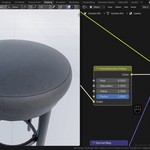
● Part 8: Modeling and texturing the bar stools
● Part 9: Creating the trash can, range hood, & painting
● Part 10: Creating the window blinds and kitchen lights
● Part 11: Creating the tea cup, plates, & pepper grinder
● Part 12: Creating the switches, power sockets, & jars
● Part 13: Creating the spatula, ladle, and soap bottle
● Part 14: Adding the trees backdrops, rendering & compositing
💡What You Will Learn in the Course:
● How to model to real life world scale
● How to block out interior scenes
● Interior Modeling: Windows, Cabinets, Countertops, & More
● Setting up texture maps and editing UV maps
● Creating basic procedural materials like brick, plastic, & metal
● Adding surface imperfections to objects to add realism
● How to add decals to objects within the materials
● Using multiple UV maps to place textures, decals & imperfections
● Furniture modeling: bar stools, oven, fridge, microwave, & more
● Object & prop modeling: mugs, plates, vases, switches, & more
● Compositing effects to add more realism to your render
📂 Image Textures:
All of the textures used to create the scene in the tutorial, like the wood, leather, HDRI, surface imperfections, and all other textures are included in the product files.
🗃️ Contents:
● All 14 Video Tutorials
● Finished Kitchen Blender File
● All Texture Maps Used in the Course
● Final Rendered Images
● Rendered Animation Video
ℹ️ Blender Version:
Its recommended to use Blender version 5.0 or a newer version, when following along with this tutorial series.