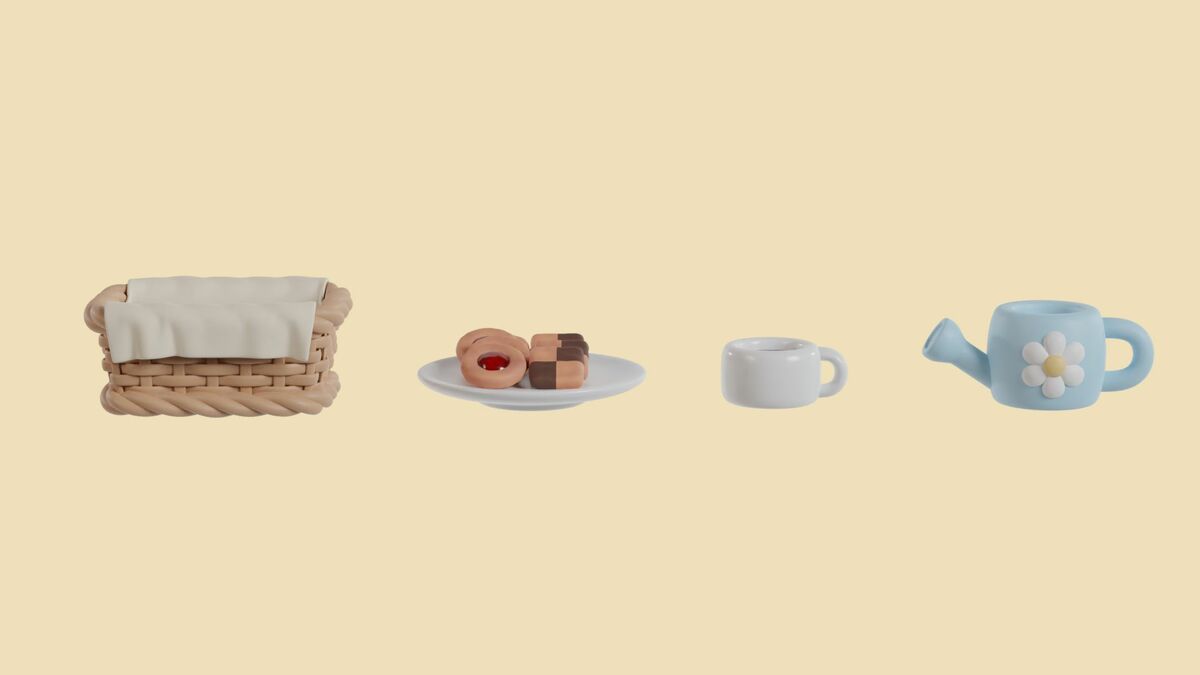
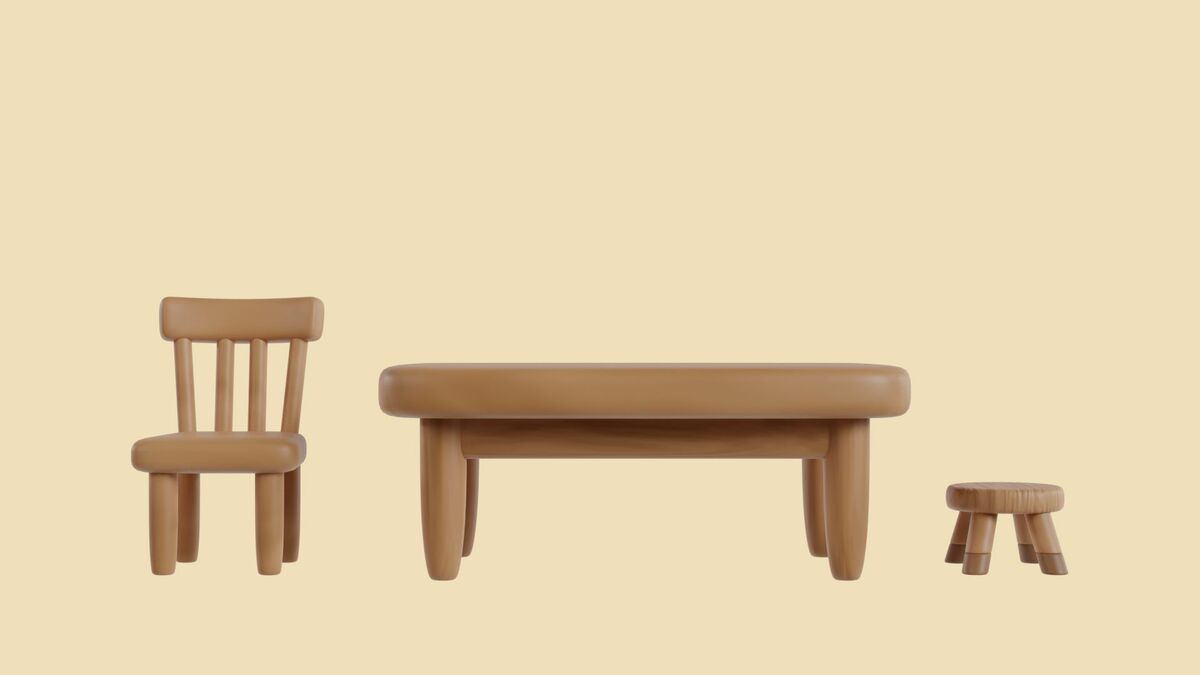
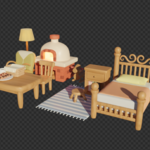
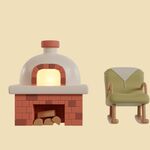
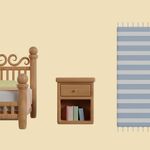
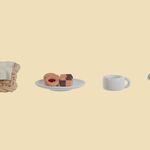
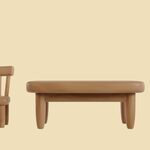
Cozy Country Interior Pack - Part 1
 krystal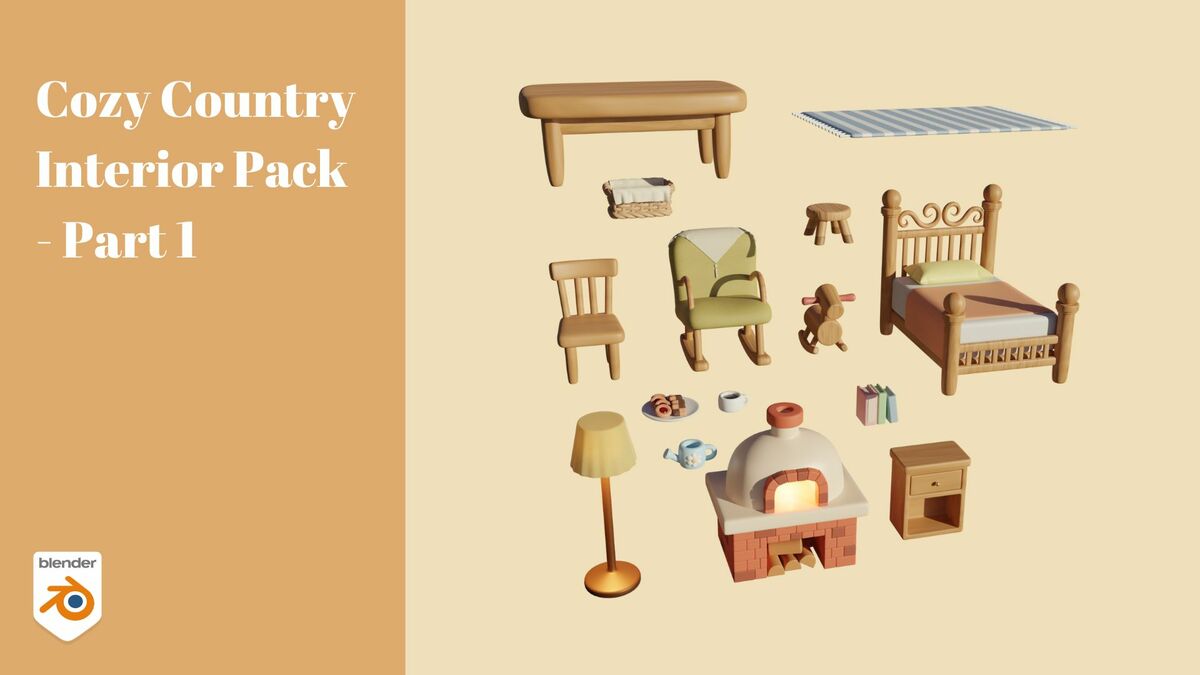
How to Use the Assets
- Extract the file.
- Place Countryside_Style_Assets_Part1.blend into your assets path.
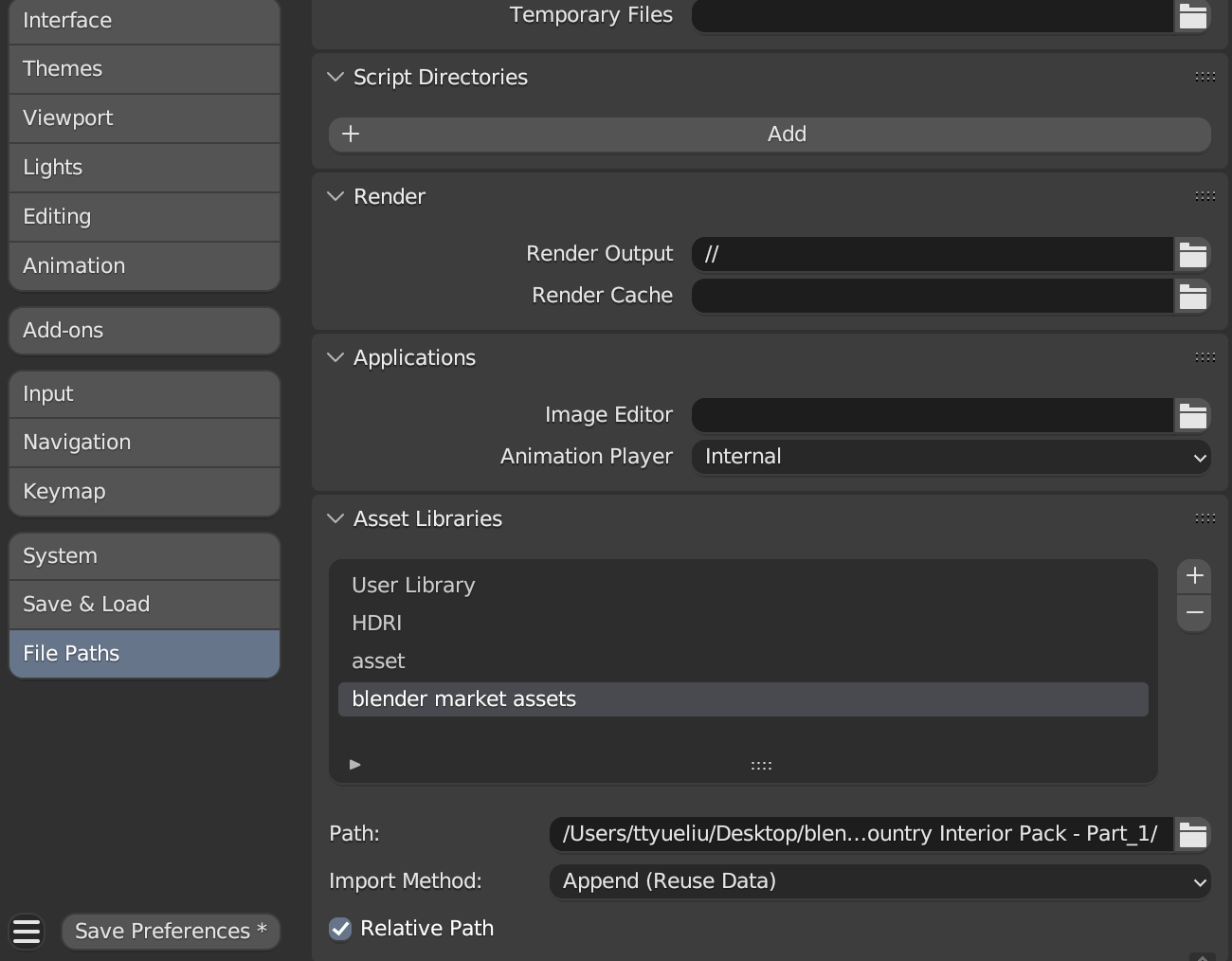
- Open Blender → Go to Edit → Preferences.
- Locate File Paths.
- Under Asset Library, set the folder where the .blend file is stored.
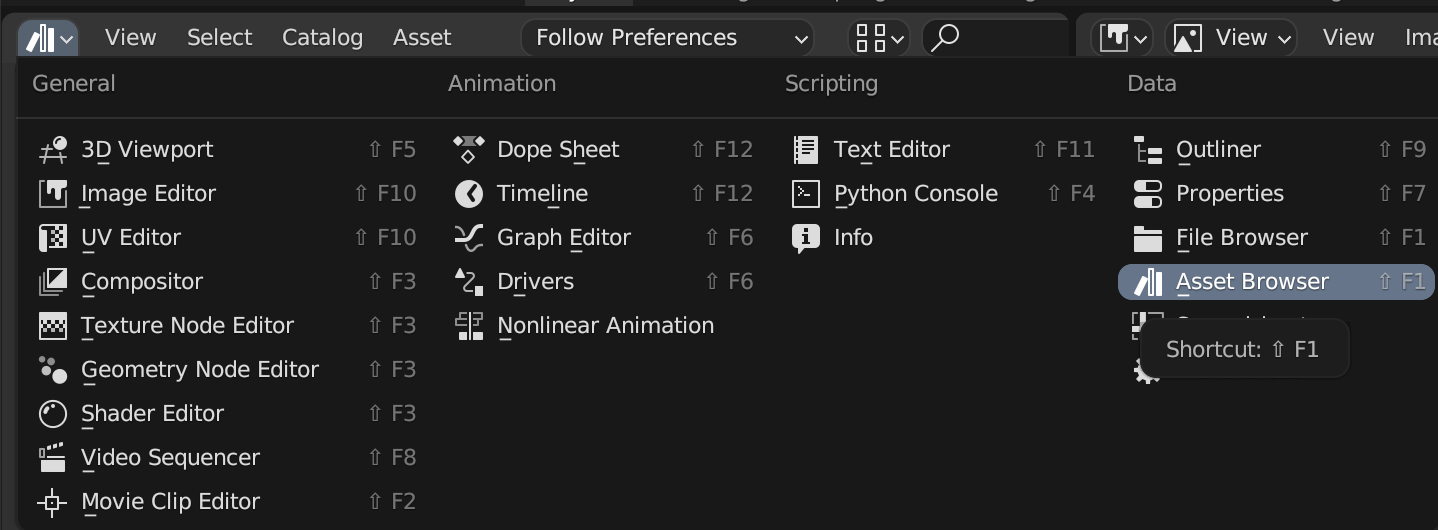
- Splitting the Viewport
- select asset browser
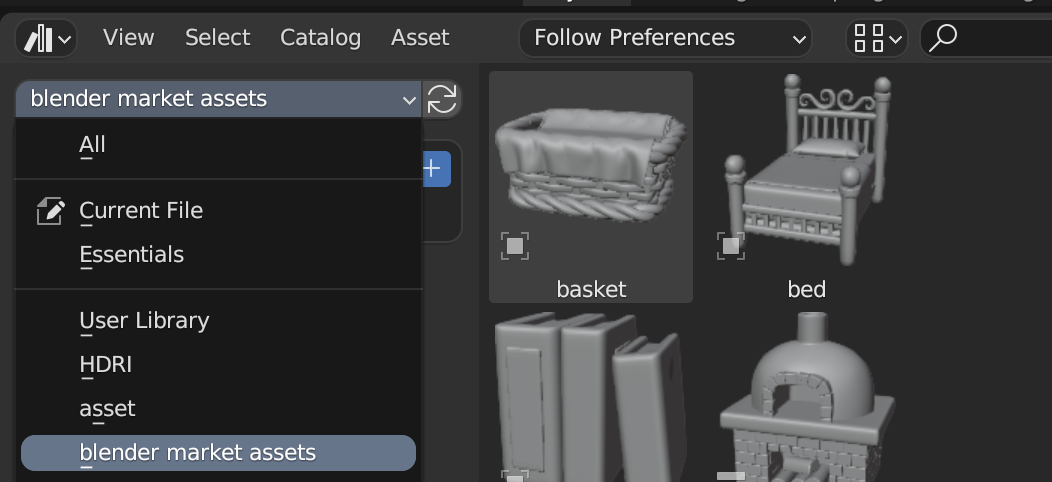
- select [folder name]
$5
Have questions about this product?
Login to message
| Published | over 1 year ago |
| Blender Version | 4.3, 4.2, 4.1, 4.0, 3.6, 3.5, 3.4, 3.3, 3.2, 3.1, 3.0 |
| Render Engine Used | Cycles |
| License | Creative Commons |