 vfxguide
 Chris Lee
 tcwik
tcwik
 Den
Den

VFXGuide
about 2 months ago
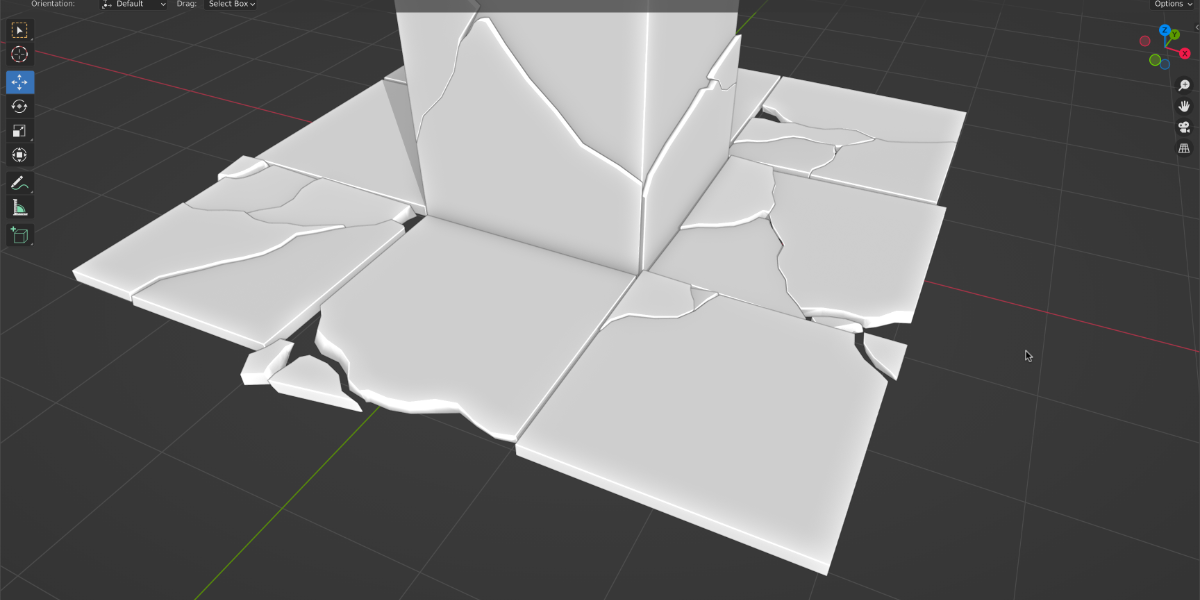
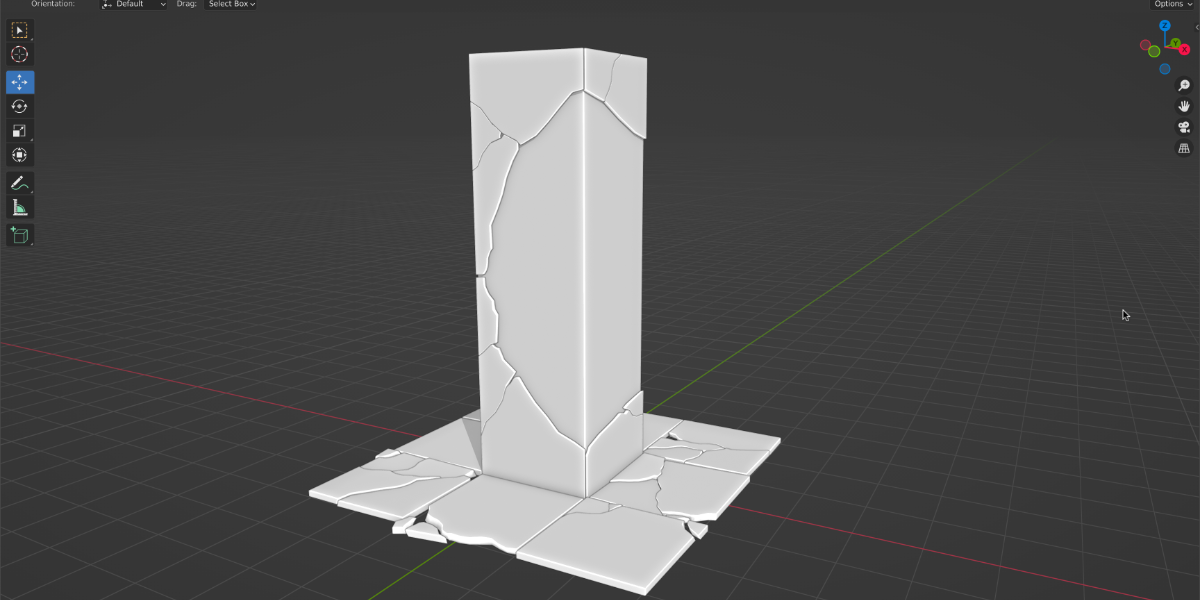
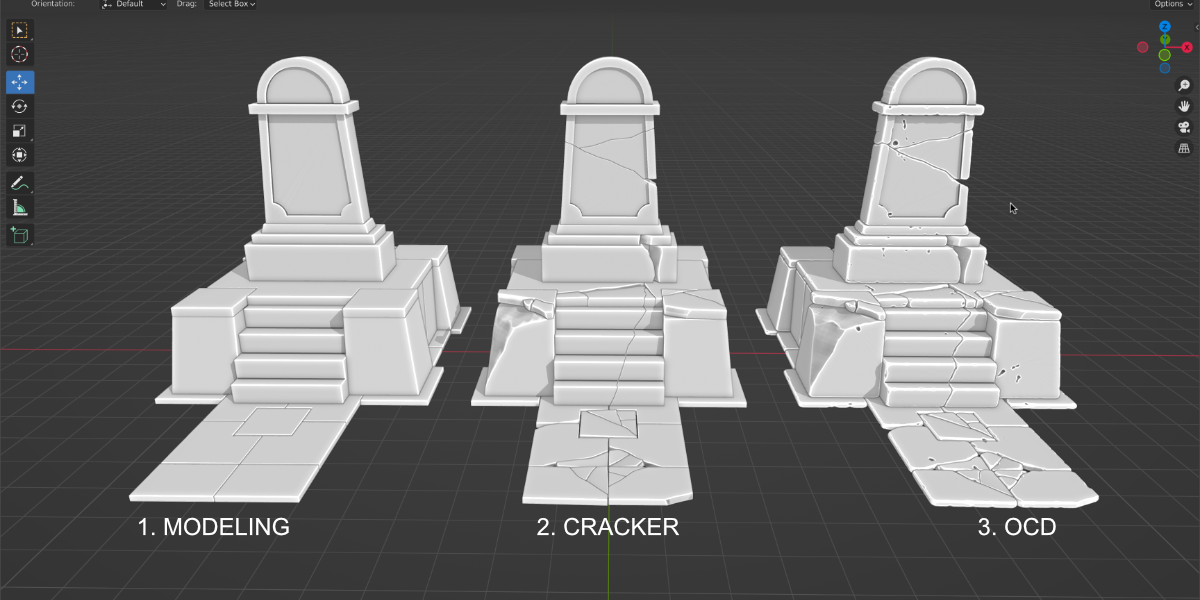
Cracker has two modes: Quick (destructive) and Circle UI (non-destructive).
You can start in Quick mode (Ctrl + W), then press Shift + Enter to switch to Circle UI.
Or you can begin directly in Circle UI mode from the Cracker N-panel.
In Circle UI mode you can tweak it and orbit around all day long.
Cracker also has a material field in the UI — just assign any material there for the inner cracked part, then select by that material or convert it to a vertex group if needed.
 Lukas
Lukas
 Rich Wong
 Wayne Shaw
 jonathan
 JEANHYUK YUN
