◆ VOYDE PROCEDURAL / ADD-ON / BLENDER 5.0–5.2
Crawlers
Lifelike Creature Swarms
Fill your Blender scenes with real-size swarms that move the way the real animals do.
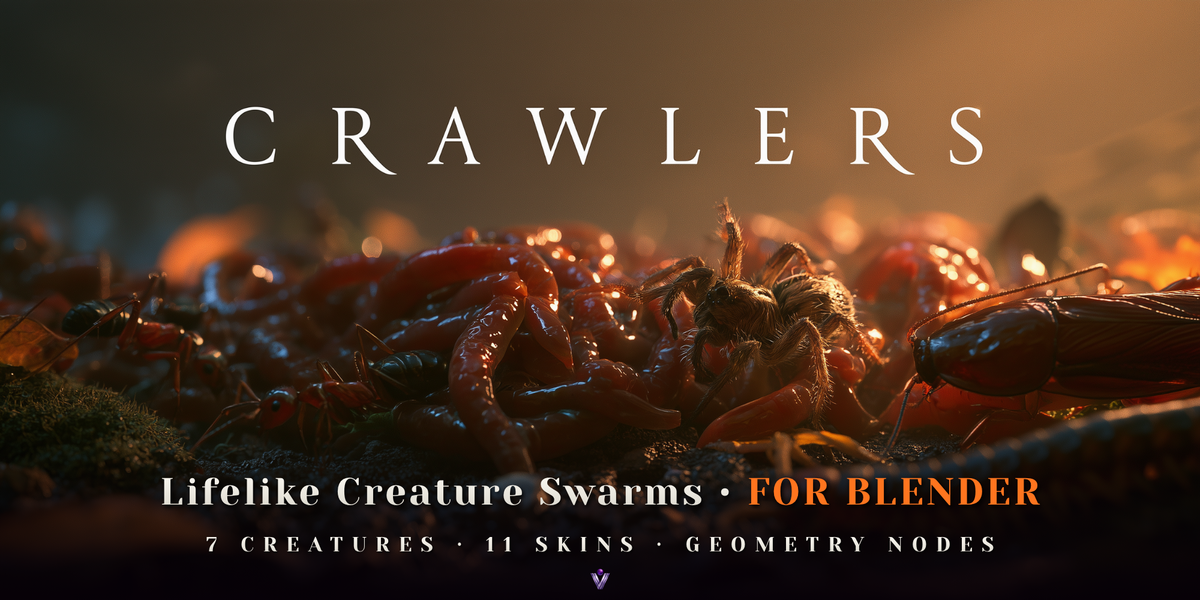
Crawlers turns one Geometry Nodes modifier into a living swarm of earthworms, maggots, centipedes, cockroaches, wolf spiders, ants or snakes. Pick them from a picture catalog, draw their path or lure them with the mouse.
In 1.2 every creature was rebuilt from reference photographs for close-up renders, and snakes joined the swarm.
REAL SIZENATURAL BEHAVIOURONE MODIFIERPURE GEOMETRY NODESVERSION 1.2
01 — KEY FEATURES
A living swarm from one modifier
◆Real size
Every creature at its true size and speed, from a 1.2 cm ant to a 90 cm snake.
◆Natural behaviour
Planted feet and real gaits, worms that pile up, snakes in S-curves.
◆They climb over anything
Logs, rocks, walls and each other, overhangs included.
◆One modifier
Pure Geometry Nodes with one simulation zone, fully editable, and every mode an ordinary modifier input you can keyframe.
◆One-click bake
Bake the swarm in the background before rendering an animation.
◆Fast viewport
Lighter geometry while you work, full detail in renders.
02 — CREATURES
Rebuilt from photographs
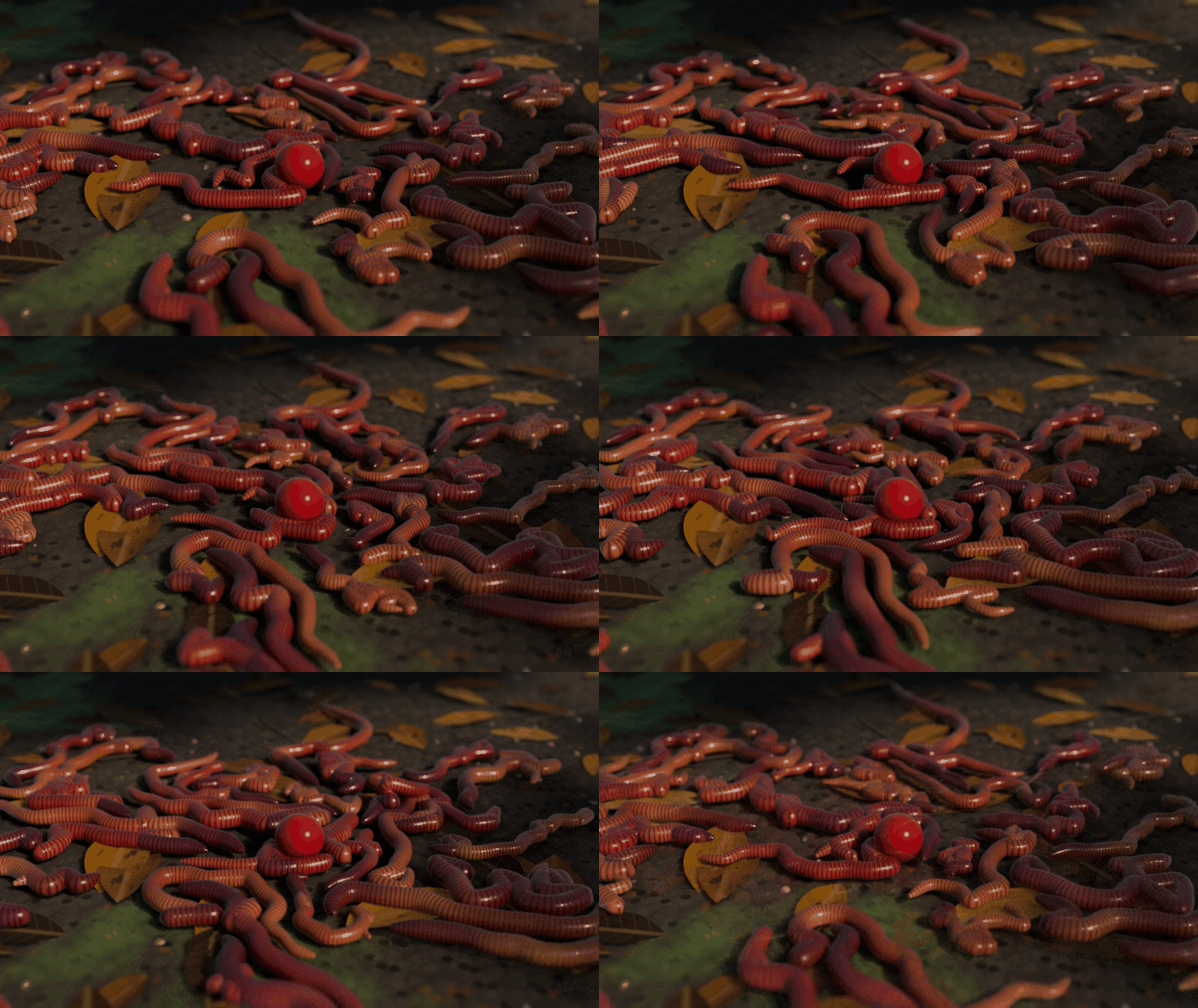
Every creature was rebuilt from reference photographs: furred wolf spiders, spiny cockroach legs, golden hairs on ants, jointed legs that swell between the joints, and wet, ringed earthworms. Insects walk on planted feet with a proper gait, and worms crawl along their own track and pile up.
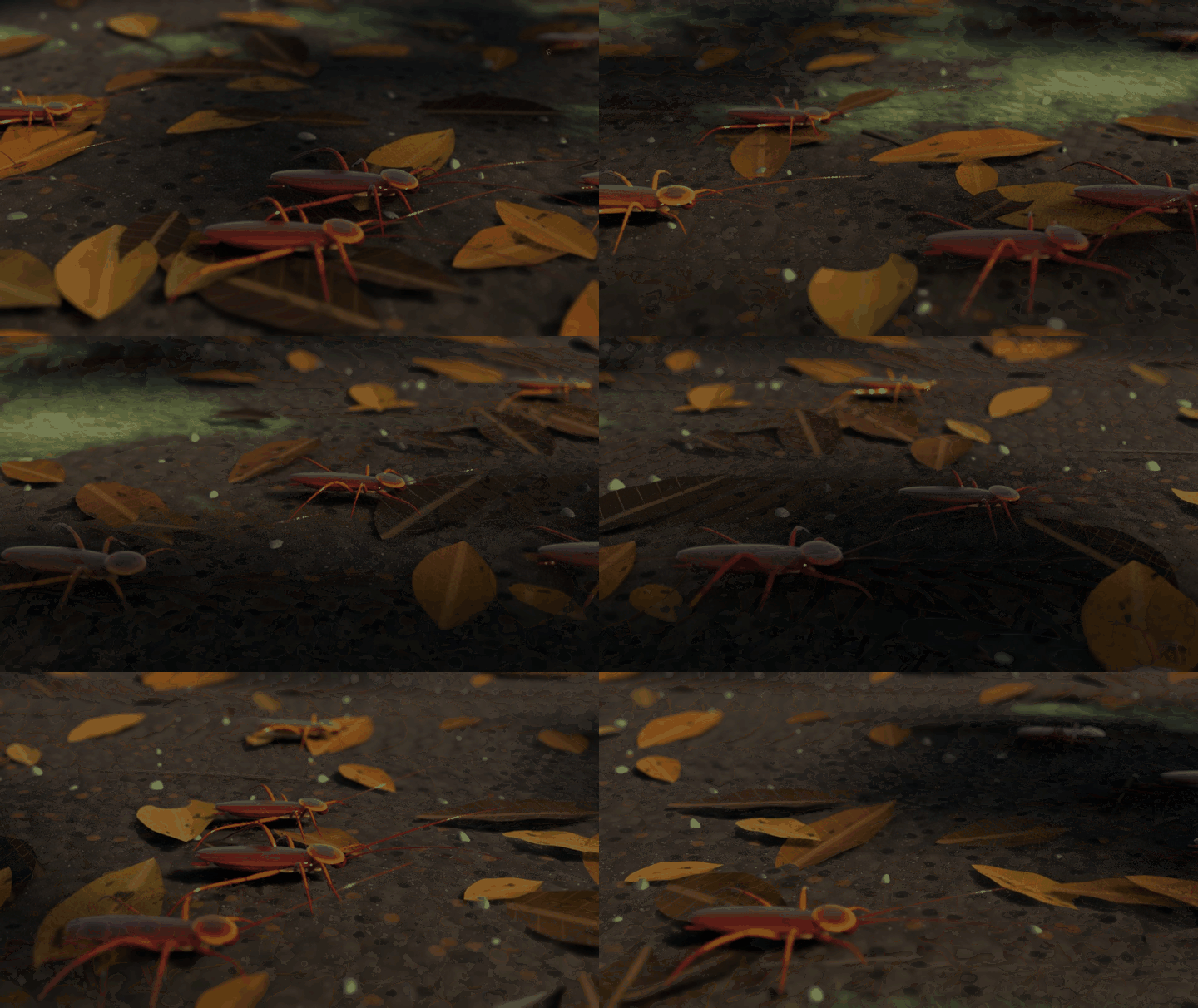
Cockroaches, 3.5 cm. Spiny legs, glossy veined wings and the pale-rimmed pronotum. Feet stay planted in a tripod gait as they dart and freeze.
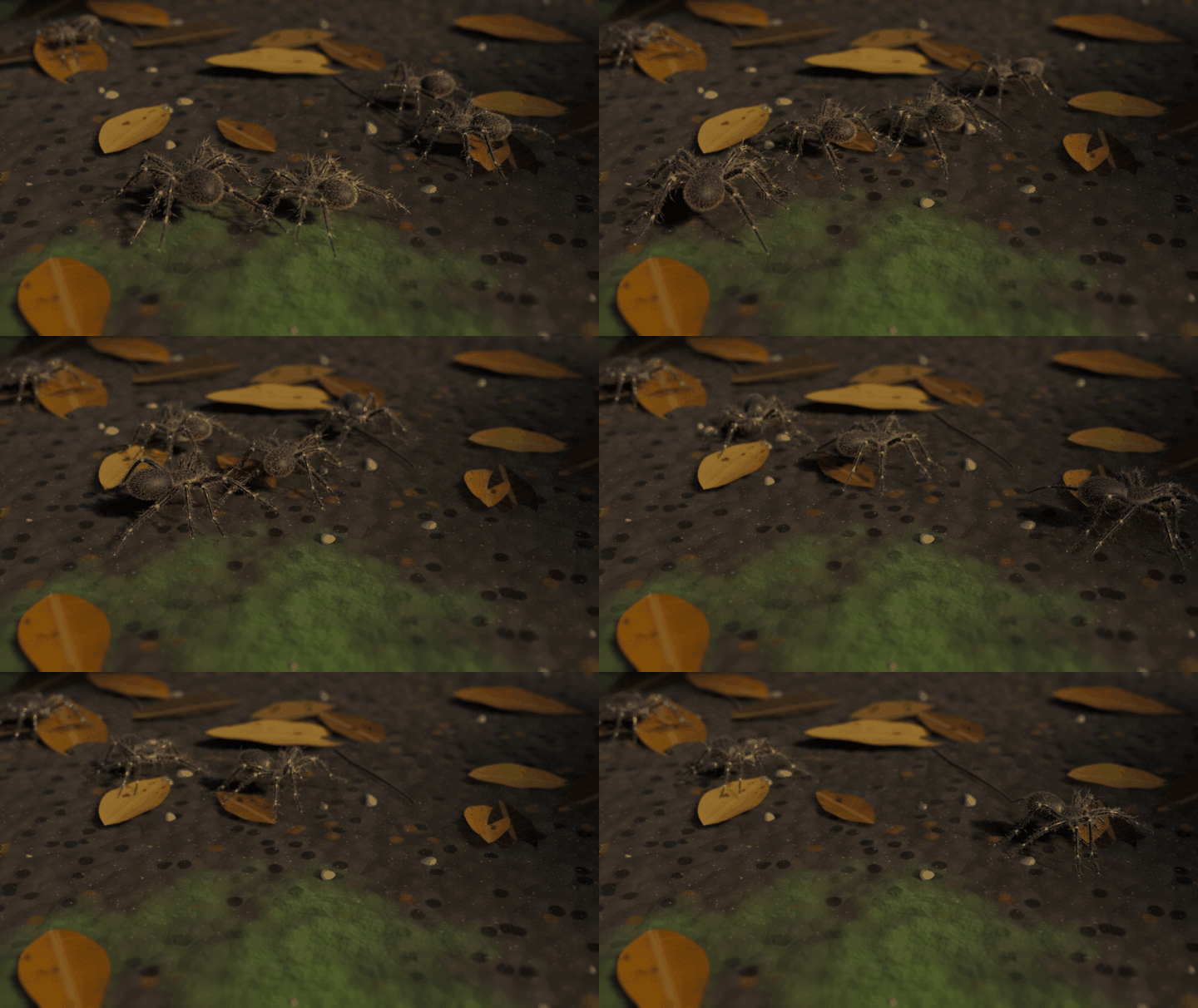
Wolf spiders, 1.8 cm body. Furred all over, with pale rings at the joints and eight legs in alternating tetrapods. They wait in ambush, then dash.
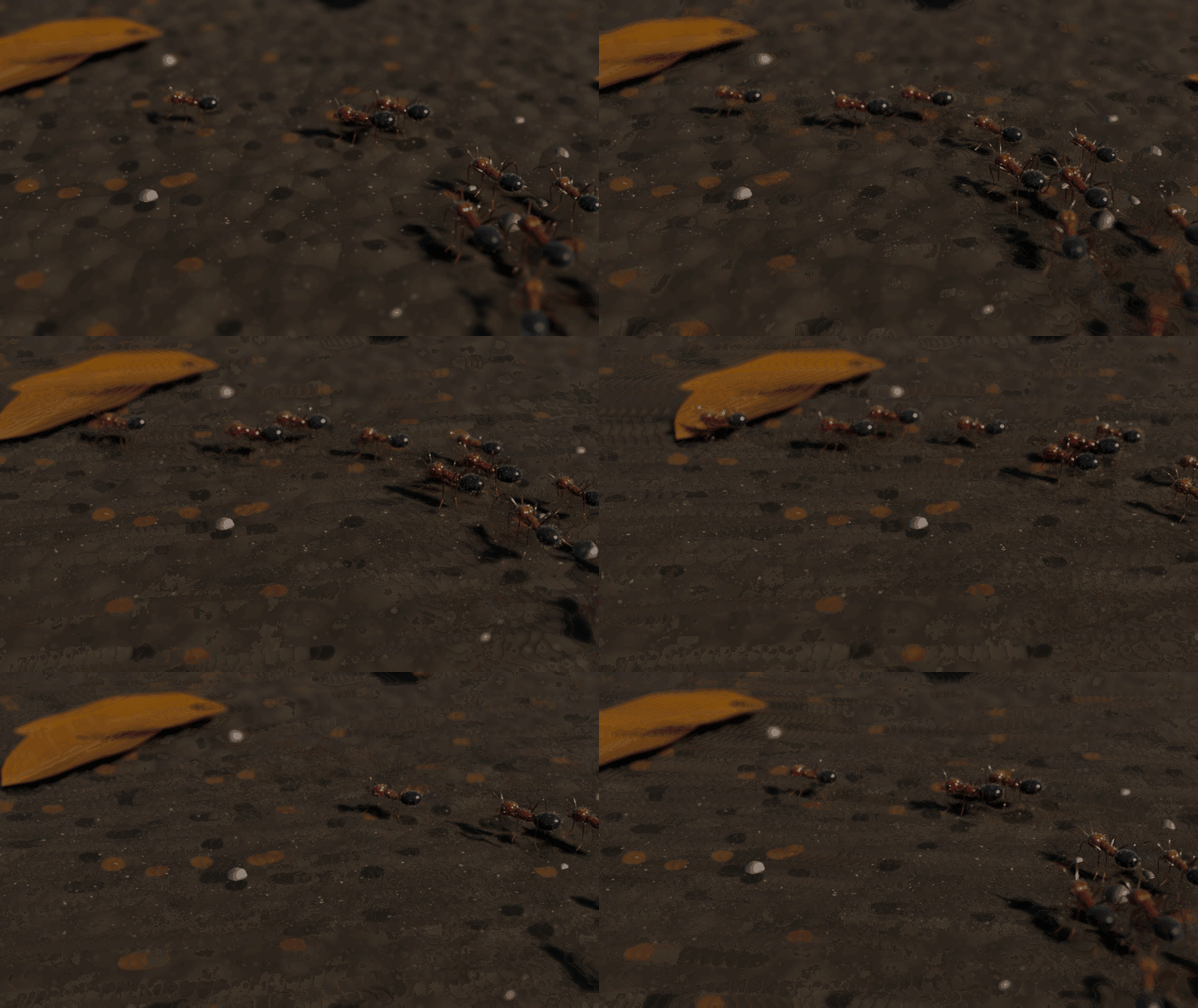
Ants, 1.2 cm. Fine golden hairs and an iridescent gaster. They march in single file, keep their spacing and follow the trail you draw.
03 — SEVEN CREATURES
One menu, real sizes
Pick a creature, and its size, behaviour and skin follow.
Earthworms
18 cm. Peristaltic crawl, pile up on whatever they follow. Wet, translucent and ringed.
Maggots
1.4 cm. Squirming.
Centipedes
14 cm. Fluid, a rippling wave through 21 pairs of legs.
Cockroaches
3.5 cm. Dart and freeze, run along walls.
Wolf spiders
1.8 cm body. Ambush, then dash.
Ants
1.2 cm. Single file, steady spacing.
Snakes
90 cm. S-curve glide, tongue flicks.
04 — NEW IN 1.2
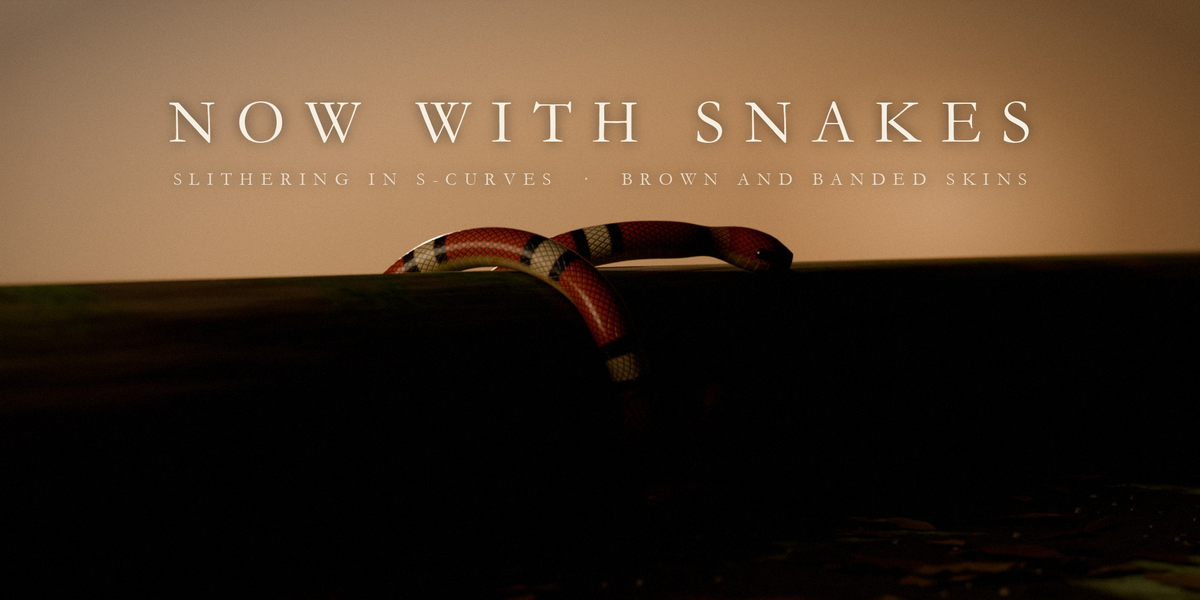
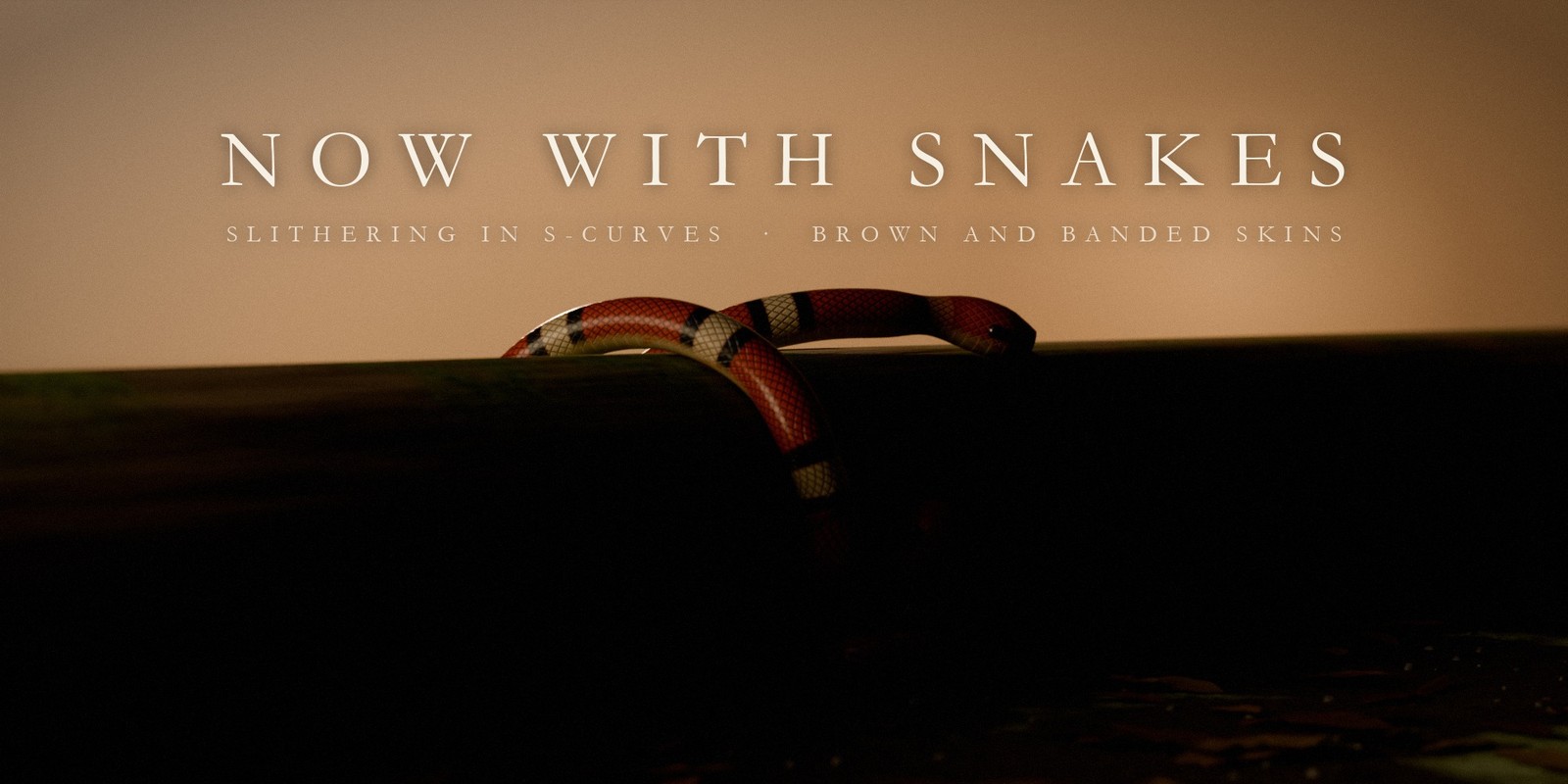
Now with snakes
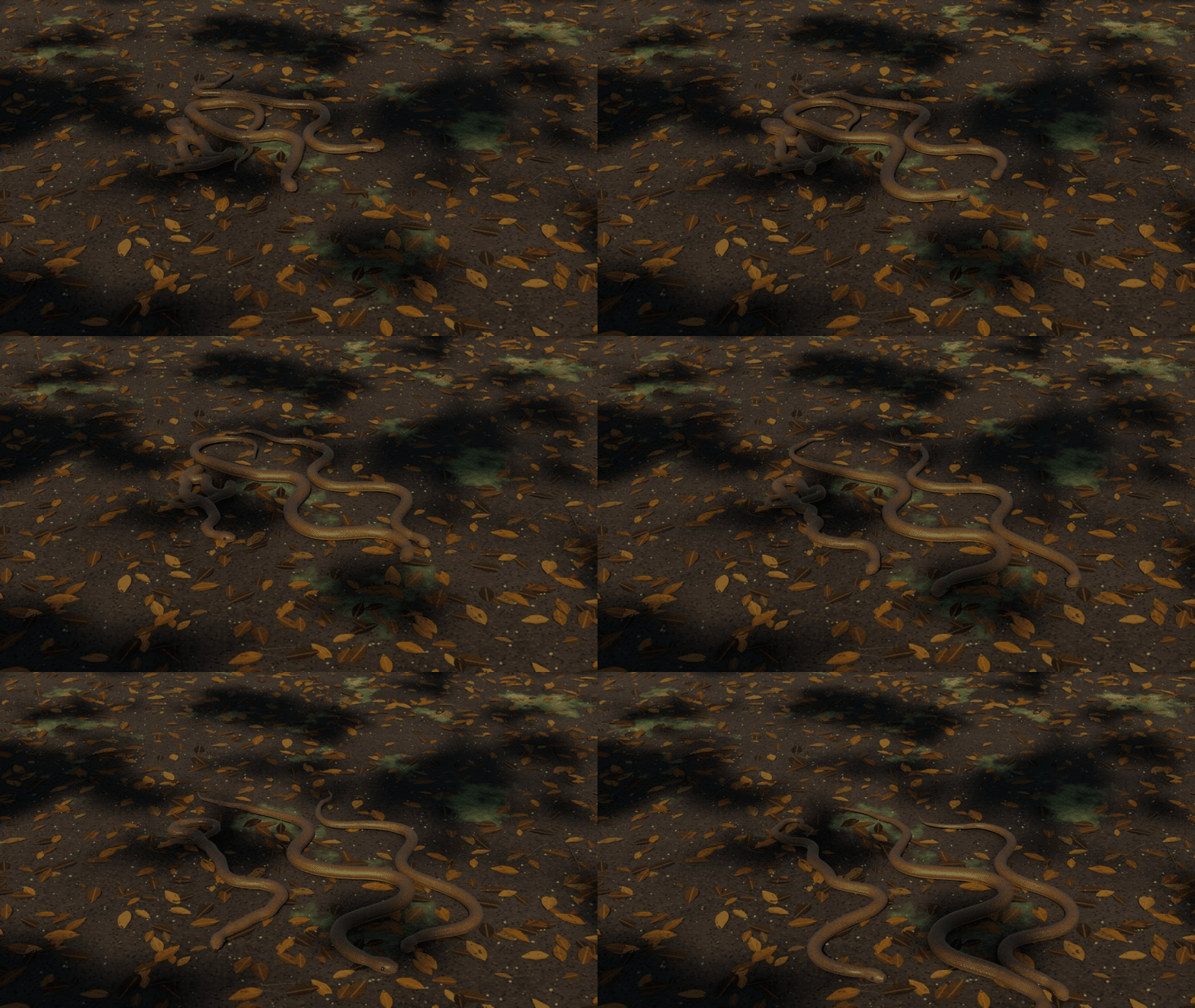
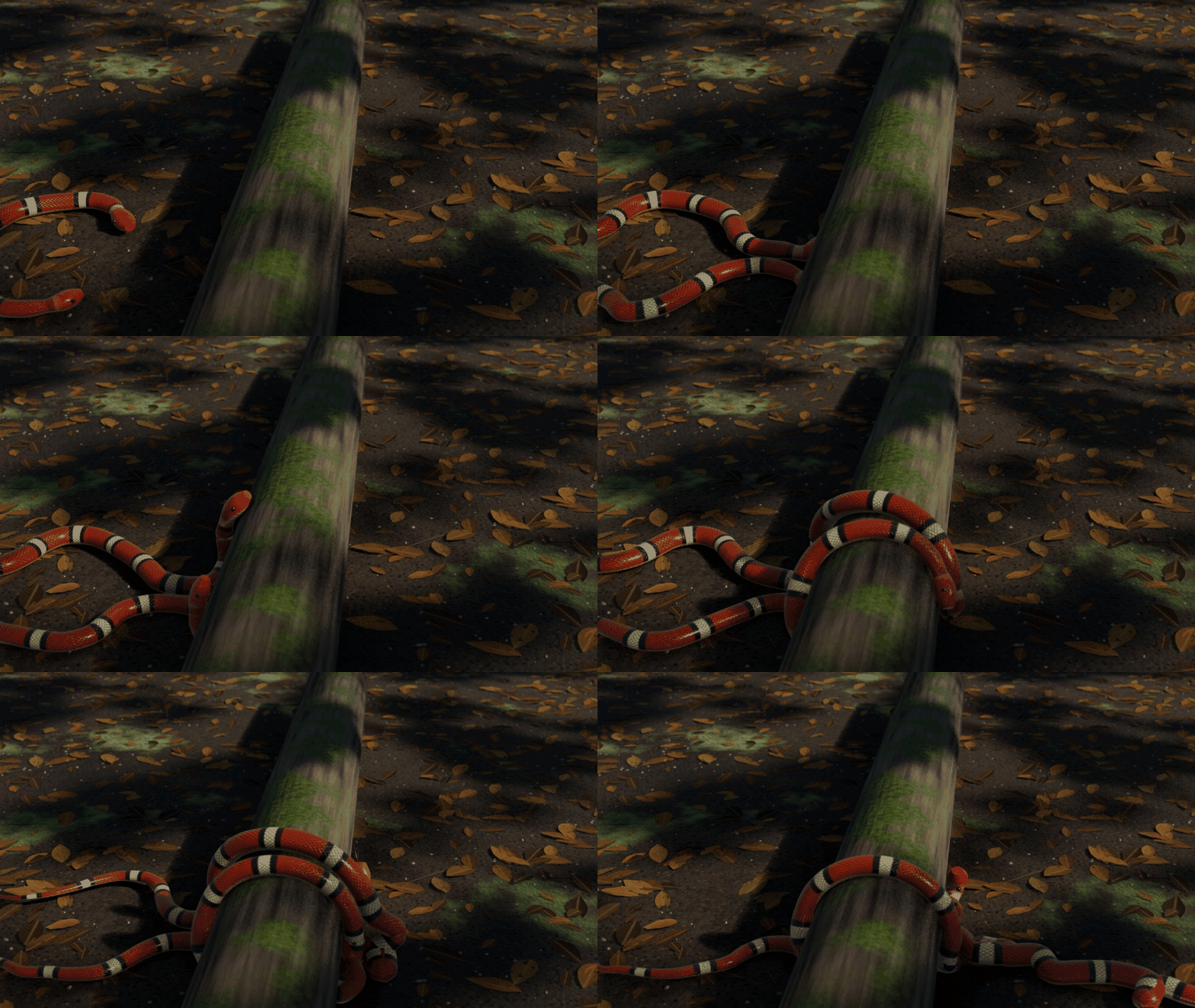
90 cm snakes glide in wide S-curves, with the body keeping to the head's track, and flick their forked tongues. They keep a little room around their bodies and check every neighbour for contact, so they don't pass through each other.
Two skins, Brown Snake and Banded Snake, with overlapping scales and wide belly plates.
05 — CLIMBING
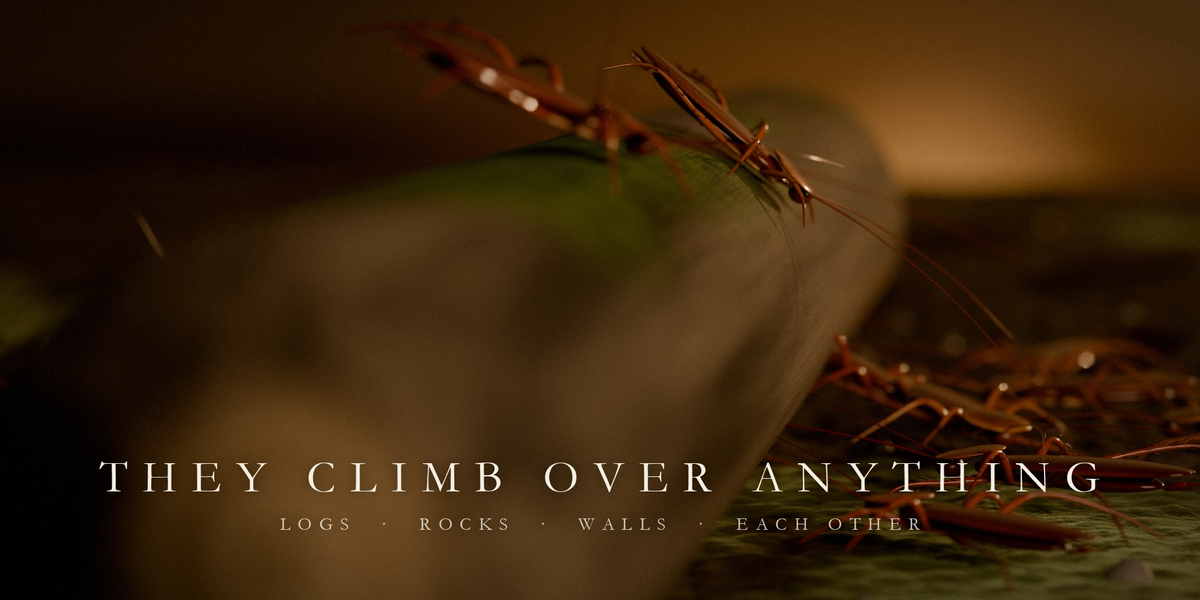
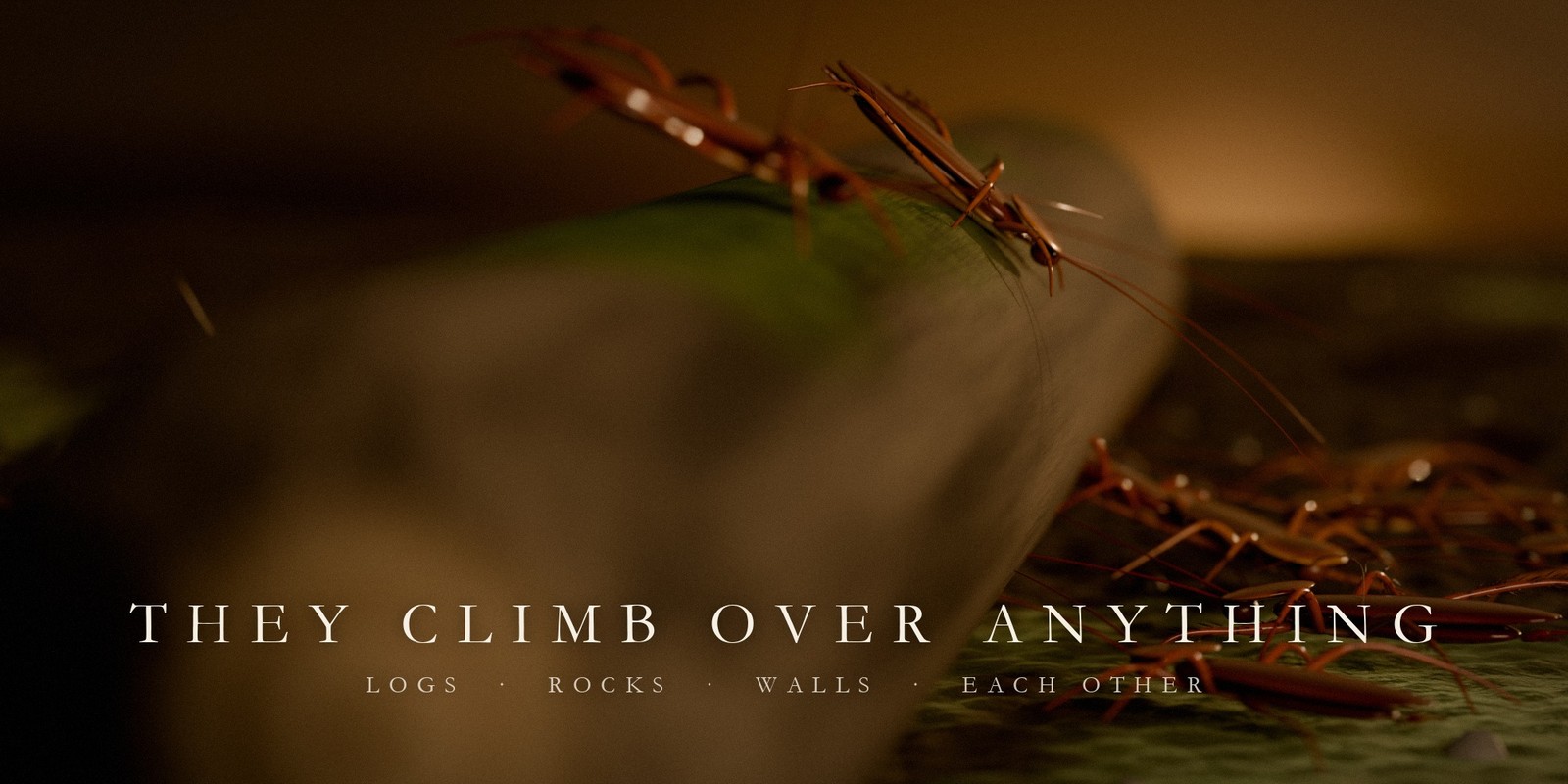
They climb over anything
Every creature walks up and over the logs, rocks and walls in its way, overhangs included, and steps down the far side. Select the meshes they should climb, and the swarm treats them as terrain.
Worms climb each other into writhing piles, and even the snakes cross a log side by side without passing through each other.
06 — CREATURE CATALOG
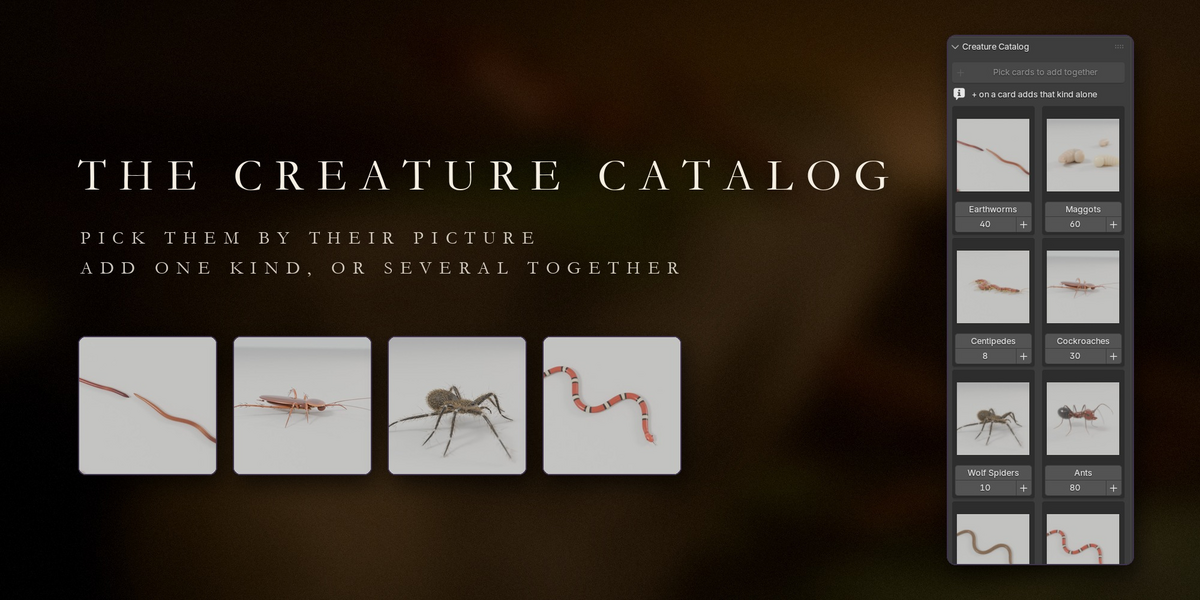
Pick them by their picture
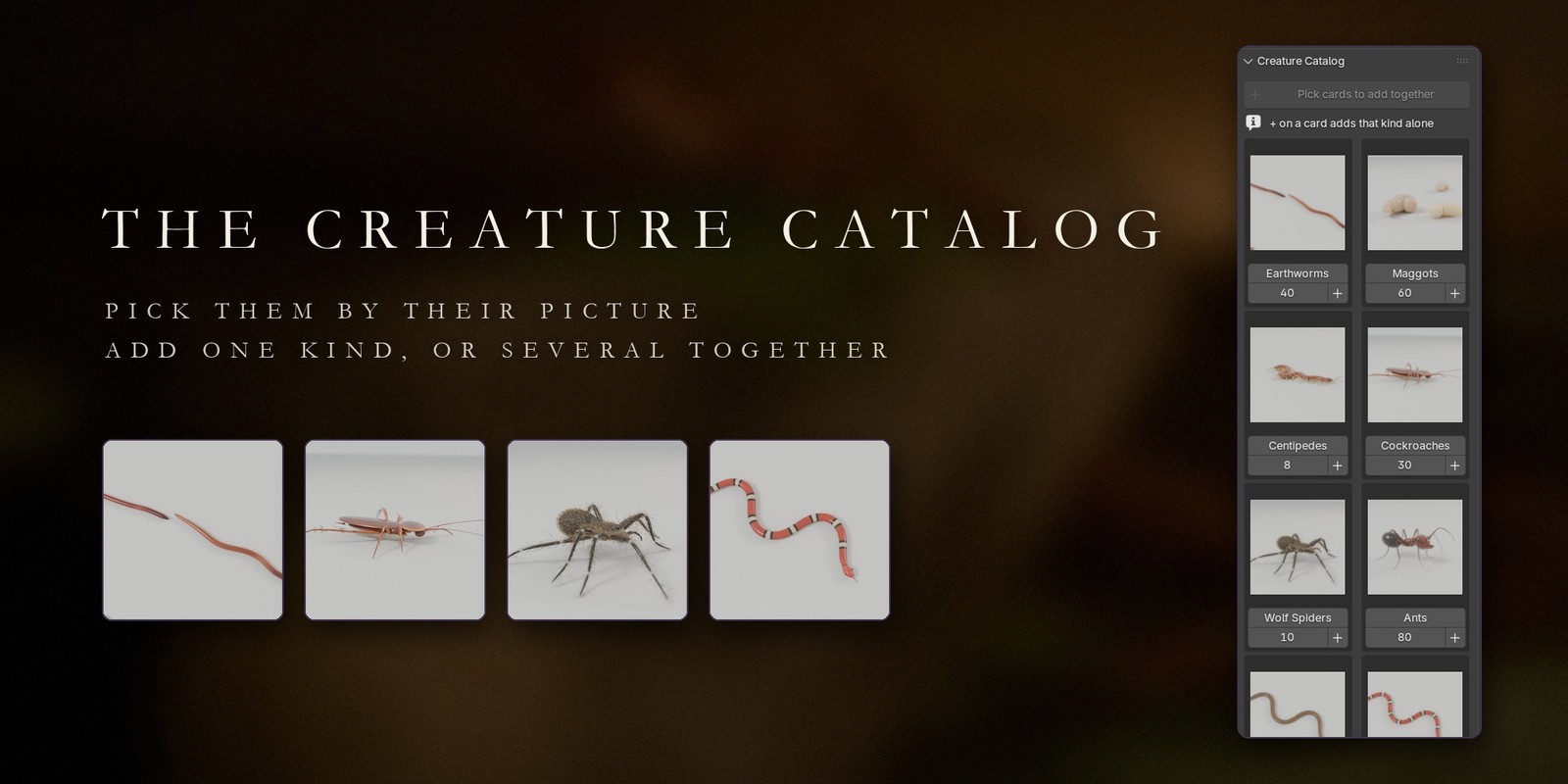
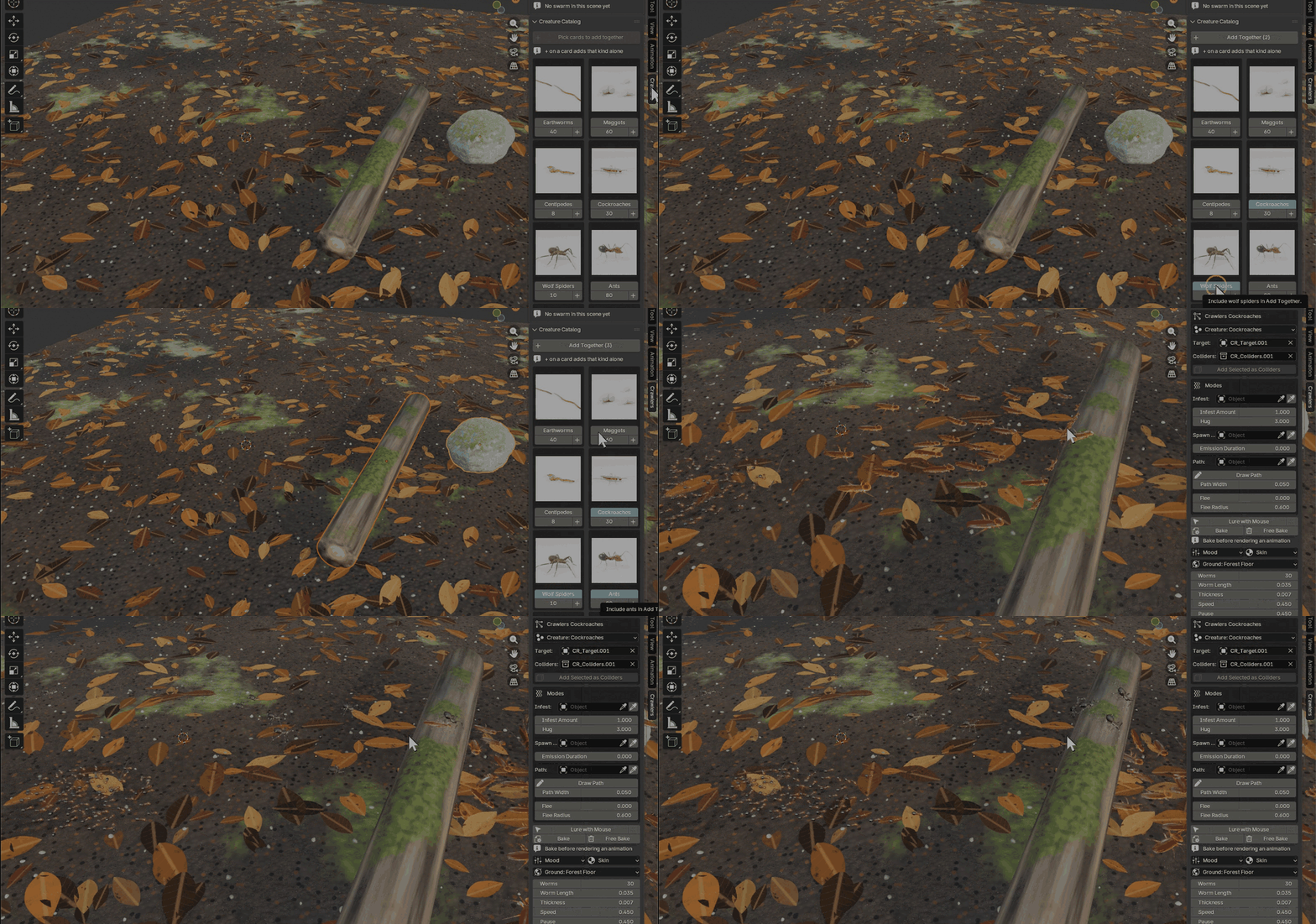
Every creature has a picture card in the sidebar. Click + on a card to add that kind alone, or pick several cards and click Add Together: one swarm per kind, side by side, all heading for one shared target. Here cockroaches, wolf spiders and ants go together, over the branch.
07 — DRAW PATH
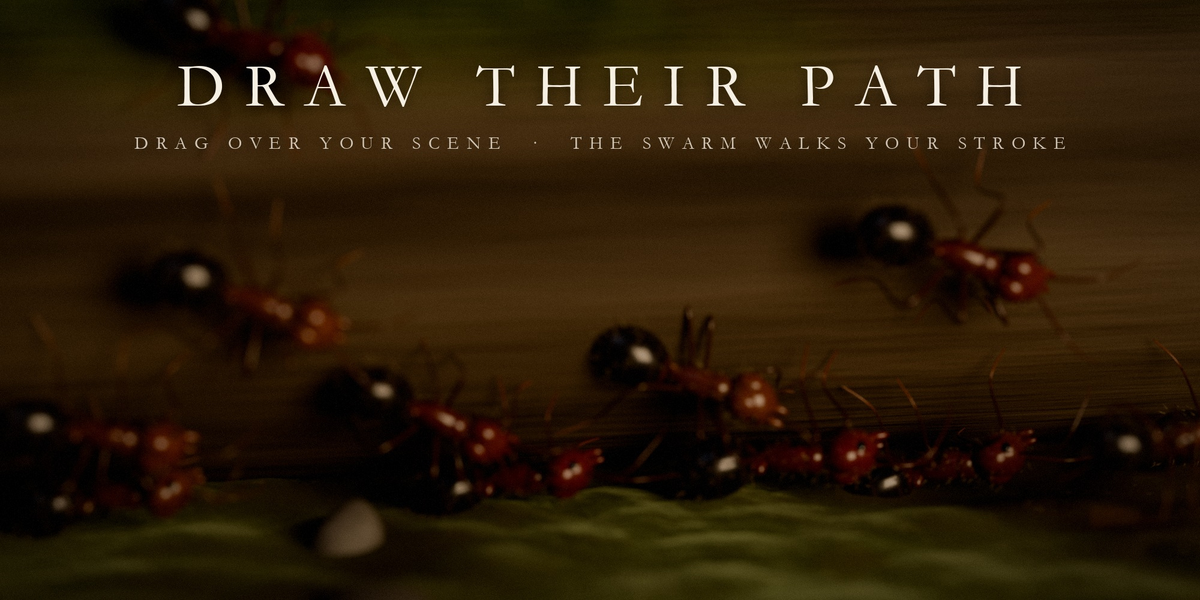
Draw their path
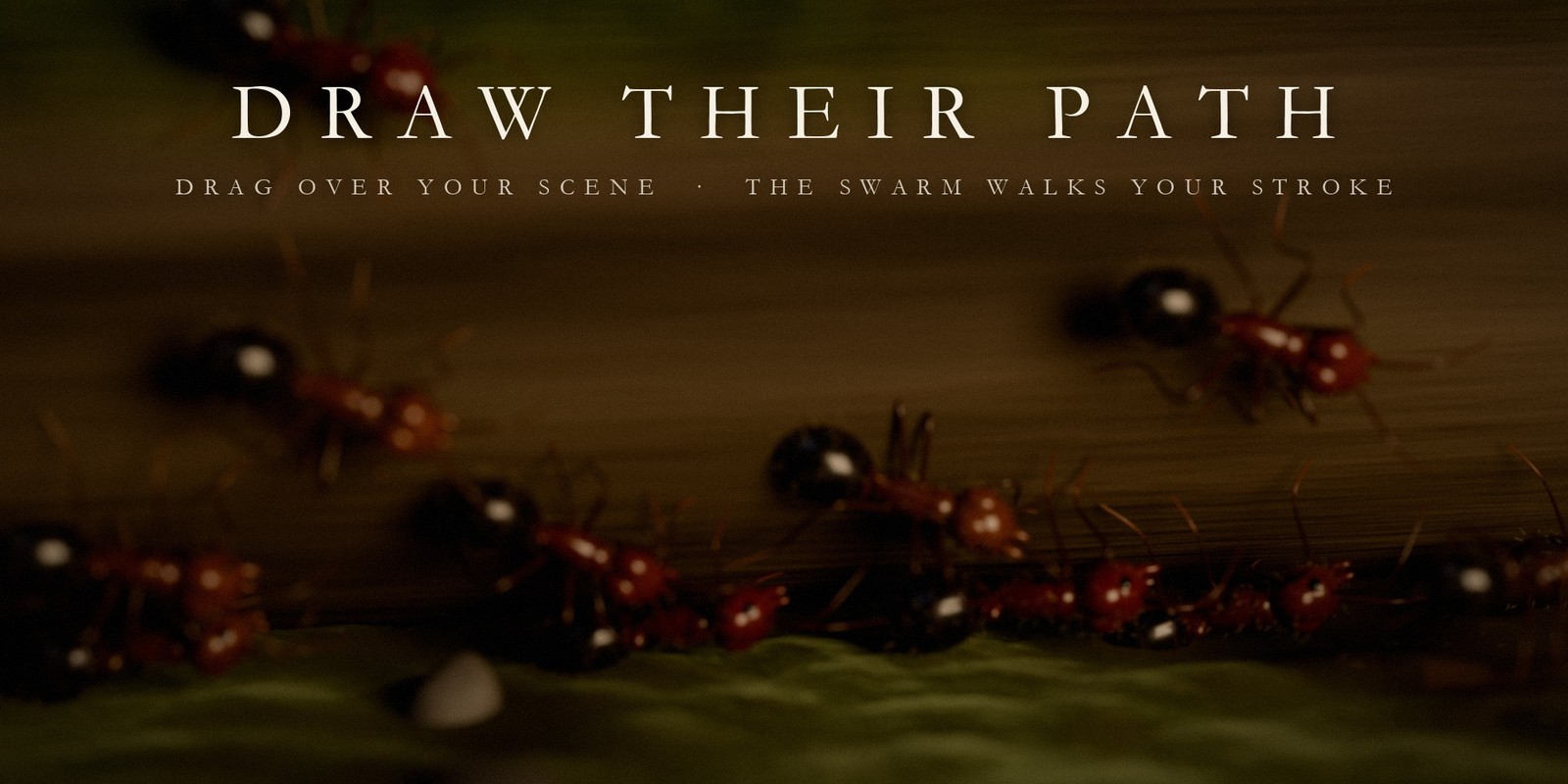
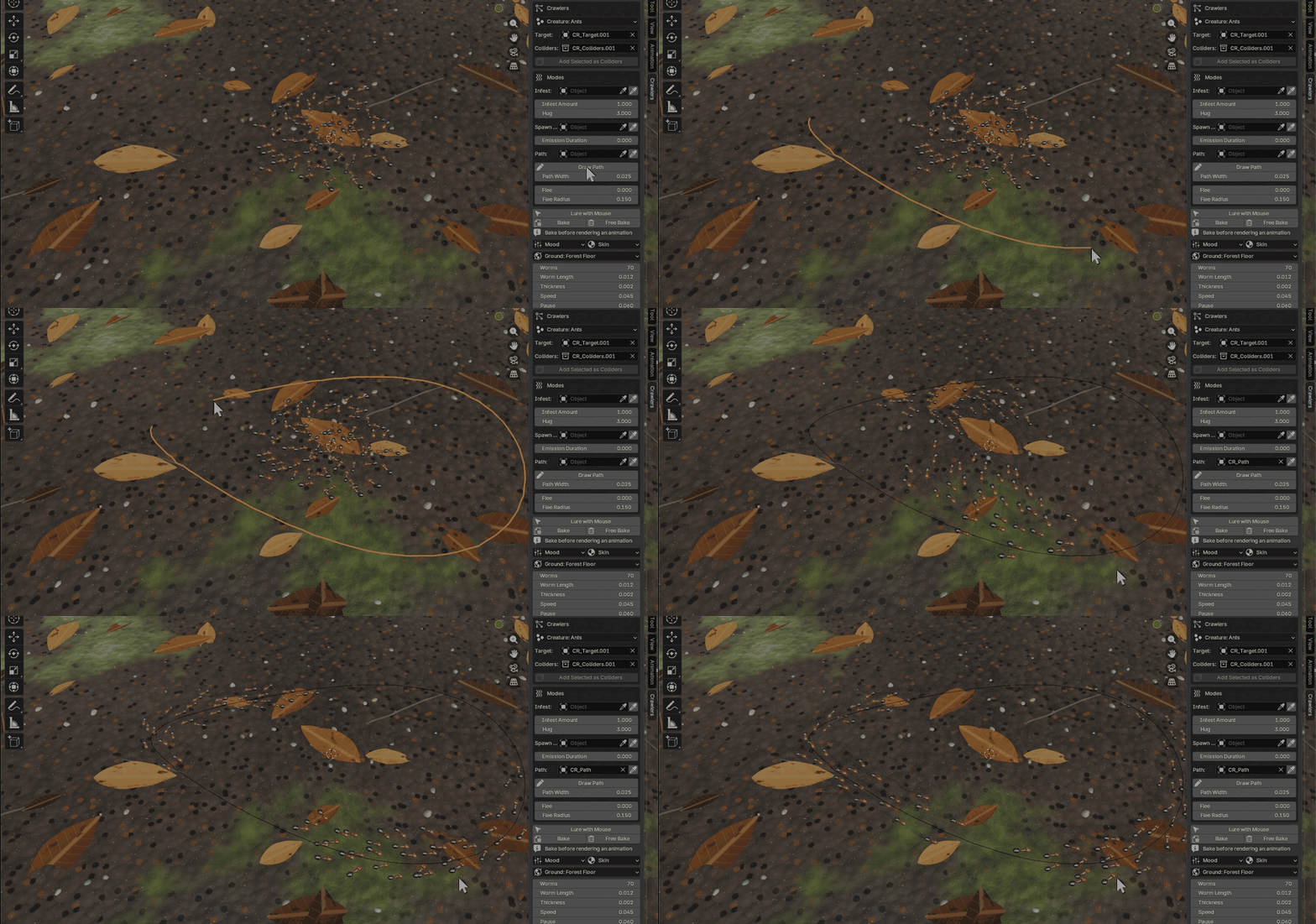
Click Draw Path and drag over anything in your scene. The stroke becomes the swarm's route. End it near the start and they walk it round and round. With ants, you get a living ant trail in seconds.
08 — LURE WITH MOUSE
Lead the swarm with your cursor
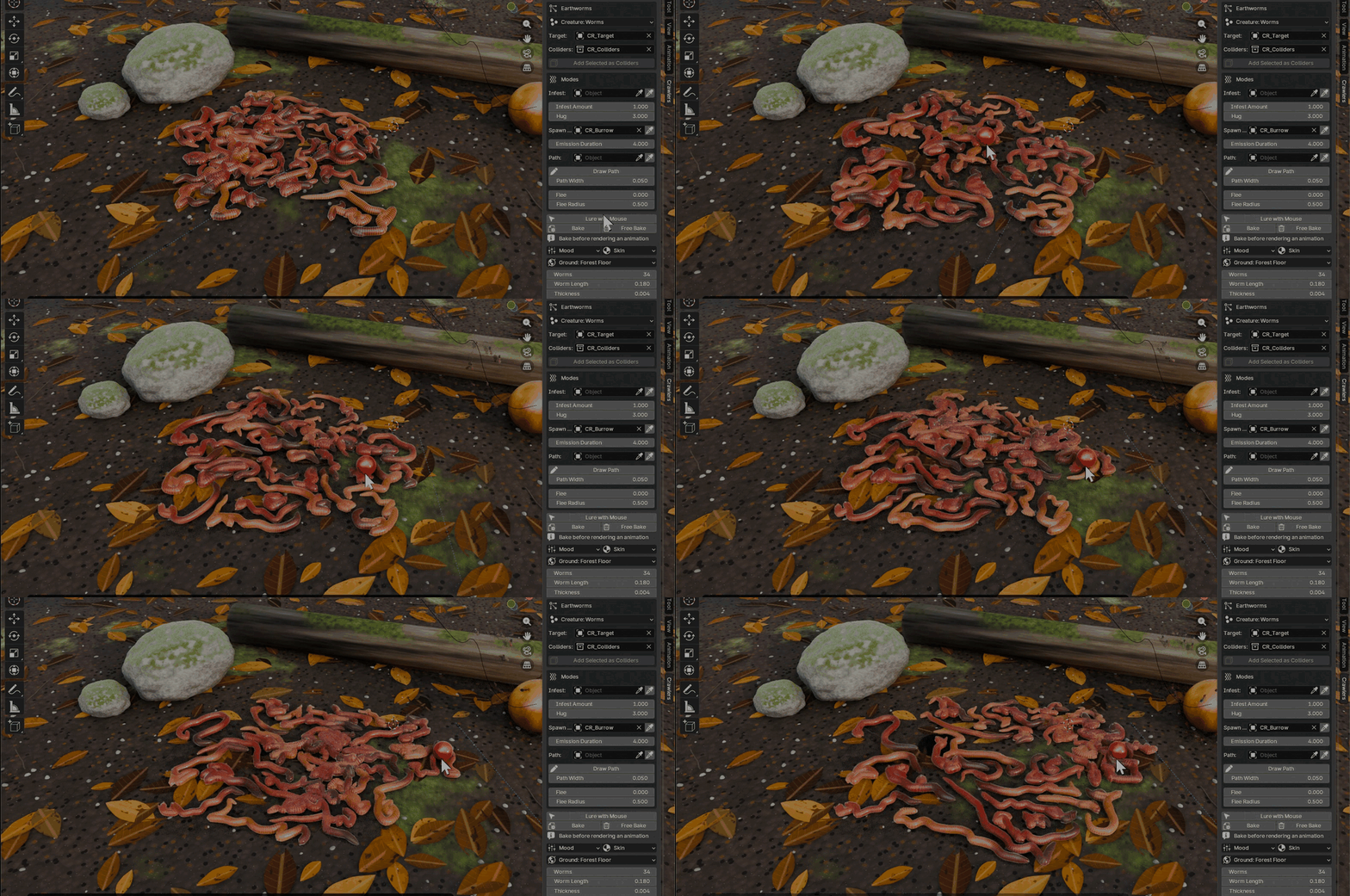
Play the simulation and lead the swarm with your cursor. The worms follow it over every surface and pile up where it stops. Hold the left mouse button to blast them apart.
The creature loops on this page are EEVEE renders. The viewport clips (Creature Catalog, Draw Path, Lure with Mouse) were recorded frame by frame, partly at double speed. Live playback speed depends on the creature count and your hardware.
09 — AND MORE
Modes, grounds, skins and moods
Hunt
Go for any object, such as an empty, a berry, a lantern or a character's hand. Insects spread around it; worms pile on it.
Infest
Creatures climb onto any mesh and cover it. Animate Infest Amount to send them in and call them off.
Emerge
Creatures come out of an object, such as a burrow, a drain or a crack, one after another.
Flee
The swarm runs from the target, for example when a light comes on.
Burst
One keyframe and the swarm erupts.
Add Ground
One click puts a detailed procedural floor with real relief under the swarm. Choose Forest Floor, Wet Concrete, Old Planks or Stone Tiles.
Skins
Eleven skins matched to photographs, from the cockroach's glossy wings to Abyss Glow, Toxic and Leech.
Moods
Natural, Frenzy, Lazy and Tower Builder.
10 — QUICK START
Unleash the swarm
Sizes are real, so a swarm of ants is only a few centimetres across. Zoom in, or scale up Worm Length for stylised giants.
1In Blender, go to Edit > Preferences > Get Extensions, open the drop-down menu, choose Install from Disk and pick crawlers-1.2.0.zip. You can also drag the zip into Blender.
2A Crawlers tab appears in the 3D Viewport sidebar (press N).
3Select the meshes the creatures should climb on (rocks, logs, walls). The floor is built in.
4Click + on a card in the Creature Catalog, or pick several cards and click Add Together.
5Click Add Ground and pick a style.
6Press Play. The swarm goes for CR_Target: move it, click Lure with Mouse, or click Draw Path and drag over the scene.
7Before rendering an animation, click Bake.
11 — DETAILS
What you get
Included
◆Crawlers add-on, a Blender extension (crawlers-1.2.0.zip) with the node groups, 11 skins, the ground generator and the catalog pictures
◆Forest Floor demo scene. Earthworms crawl out of a burrow and pile onto a rolling berry, while an ant trail crosses a mossy branch to an apple.
◆The Undercroft demo scene. Stylised giant glowing worms emerge from a drain, hunt a lantern, bury a statue and flee when the lantern flares.
◆Documentation for every mode and setting
Requirements
◆Blender 5.0 or newer
◆Tested on Blender 5.0.1 and 5.2.0 LTS
◆Version 1.2.0
License
◆GPL-3.0-or-later, covering the add-on code, the .blend assets and the demo scenes
 Voyde Procedural

 VOYDE.PROCEDURALVOYDEPROCEDURAL.COM / ALL PRODUCTS / X / INSTAGRAM