Crawlers – Lifelike Creature Swarms
 Voyde Procedural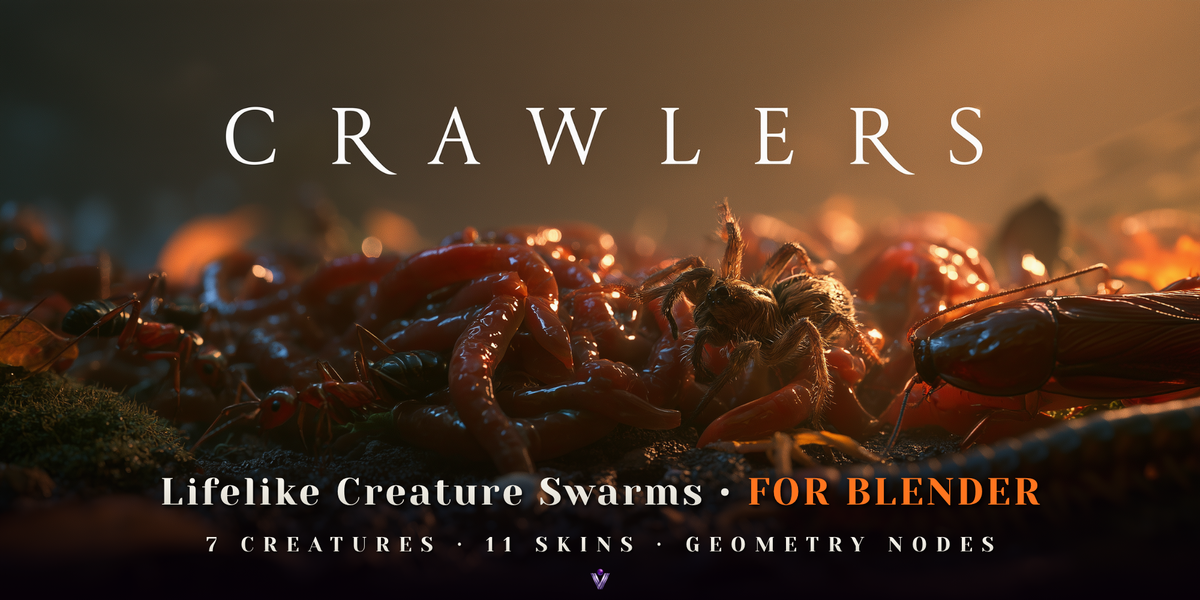



Can I use Crawlers in commercial work?
Yes. The renders and animations you make with Crawlers are your own work, commercial projects included. The add-on code, the demo scenes and the assets are released under GPL-3.0-or-later.
How many creatures can I use?
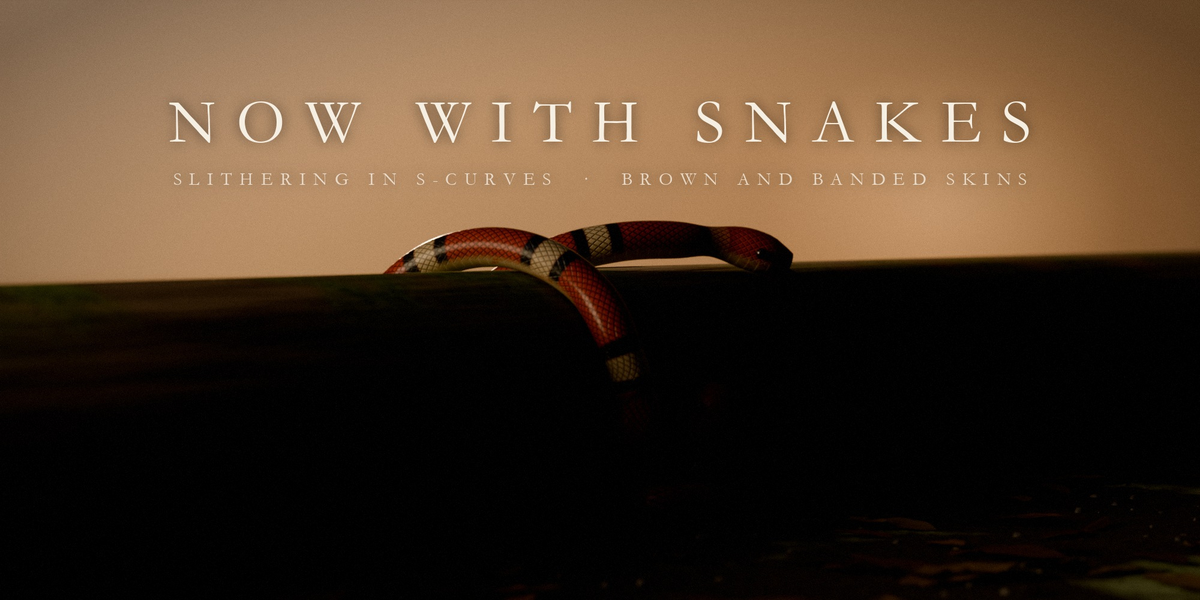
It depends on the creature and your computer. On the development machine the simulation took about 64 ms per frame for 150 earthworms, 142 ms for 150 cockroaches, 286 ms for 300 ants and 41 ms for 20 snakes. For live interaction keep the count modest, lower Hair Density and Substeps, and bake before scrubbing; raise the count for final renders.
Can I make giant creatures instead of real-size ones?
Yes. Raise Worm Length and Thickness on the swarm. Every behaviour is measured in body lengths, so a 90 cm giant worm moves like a real worm blown up. The included Undercroft demo scene does exactly this with glowing giant worms.
Does it work in Cycles and EEVEE?
Yes. The creatures are real geometry with procedural materials, so they render in Cycles and EEVEE. The viewport shows lighter geometry and a third of the hairs while you work; renders always get the full detail.
Why do the creatures stand still in my animation render?
The swarm is a simulation, and Blender does not advance an unbaked simulation zone during an animation render. Click Bake in the Crawlers tab first (it runs in the background with a progress bar), then render. The viewport plays the simulation without a bake.
Which Blender versions does Crawlers support?
Blender 5.0 or newer. Crawlers is tested on Blender 5.0.1 and 5.2.0 LTS. Blender 4.x is not supported.
Have questions about this product?
Login to message
| Blender Extension Compatible | Yes |
| Published | about 9 hours ago |
| Blender Version | 5.0 - 5.2 |
| Extension Type | Add-on |
| Render Engine Used | Cycles, Eevee |
| License | GPL |
Discover more products like this
creatures snakes swarm spiders insects Procedural Animation VFX simulation geometry nodes worms ants horror