Crawlers – Lifelike Creature Swarms
 Voyde Procedural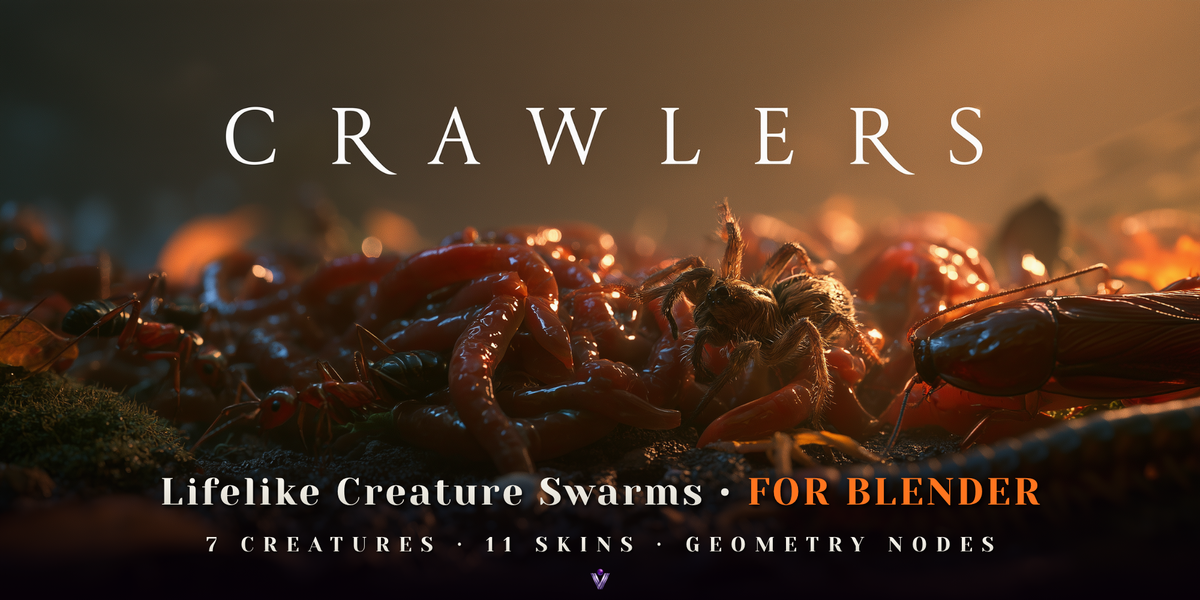

Crawlers 1.2 documentation
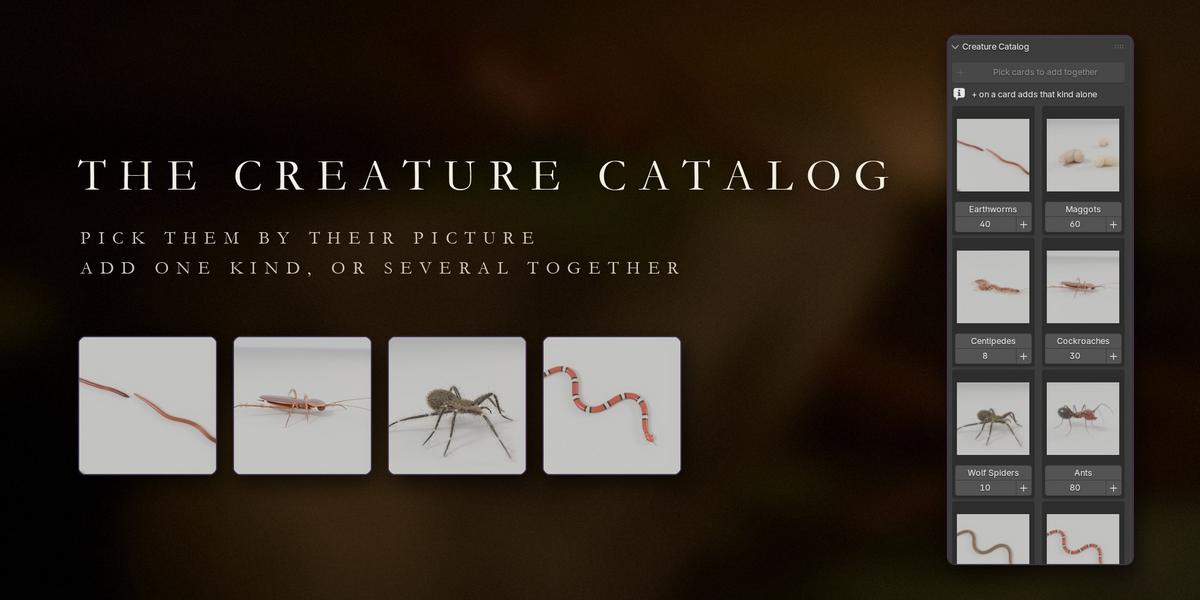
Crawlers is a Blender extension that adds lifelike creature swarms built in Geometry Nodes: earthworms, maggots, centipedes, cockroaches, wolf spiders, ants and snakes, at their real sizes. Every swarm is one object with one Geometry Nodes modifier, so every setting is an ordinary modifier input you can keyframe.
Installation
- In Blender 5.0 or newer, go to Edit → Preferences → Get Extensions, open the ⌄ menu and choose Install from Disk…. Pick
crawlers-1.2.0.zip. You can also drag the zip into Blender. - A Crawlers tab appears in the 3D Viewport sidebar (press N).
Quick start
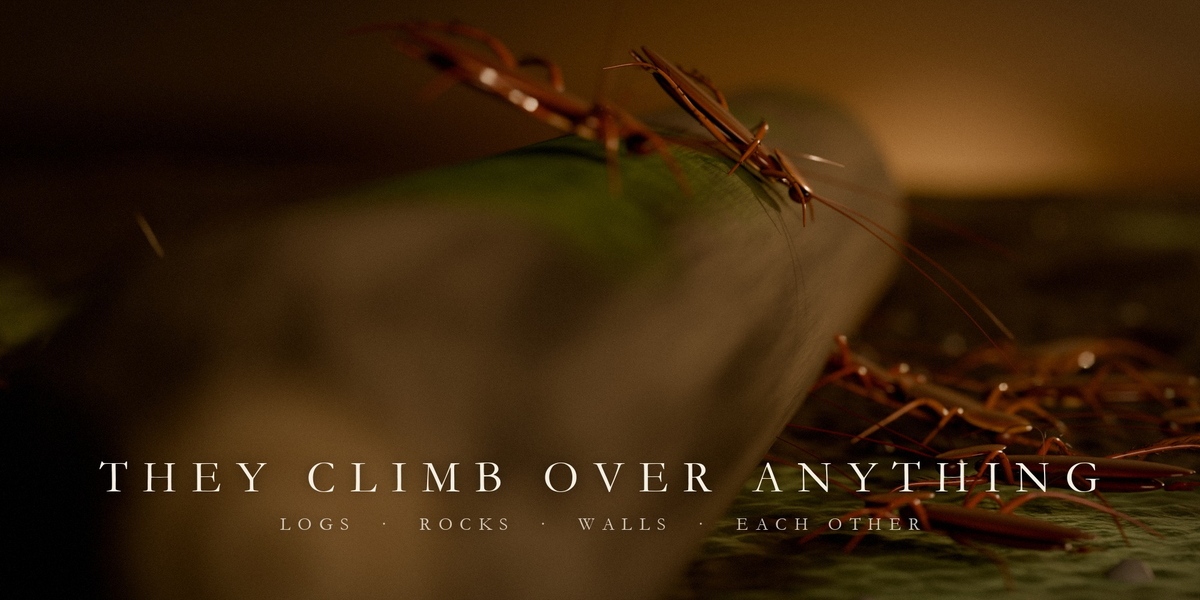
- Select the meshes the creatures should collide with and climb on (rocks, logs, walls). The ground plane is built in, so leave the floor out.
- In the Creature Catalog, click + on a card to add that creature. Or pick several cards and click Add Together: one swarm per kind, side by side, all heading for one shared target. You can also click Add Crawlers and choose the creature and count in the redo panel.
- Click Add Ground and pick a style.
- Press Play. The swarm goes for
CR_Target. Move or keyframe it, click Lure with Mouse, or click Draw Path and drag over the scene. - Before rendering an animation, click Bake. An unbaked simulation zone does not advance during an animation render.
Sizes are real, so a swarm of ants is only a few centimetres across: zoom in.
Creatures
| Creature | Length | Speed | Natural behaviour |
|---|---|---|---|
| Earthworms | 18 cm | 3.5 cm/s | Peristaltic crawl, piles up |
| Maggots | 1.4 cm | 0.8 cm/s | Squirming |
| Centipedes | 14 cm | 16 cm/s | Fluid, rippling legs, keeps to edges |
| Cockroaches | 3.5 cm | 45 cm/s | Dart and freeze, run along walls |
| Wolf spiders | 1.8 cm body | 30 cm/s | Ambush, then dash; widest personal space |
| Ants | 1.2 cm | 4.5 cm/s | Single file, brief pauses |
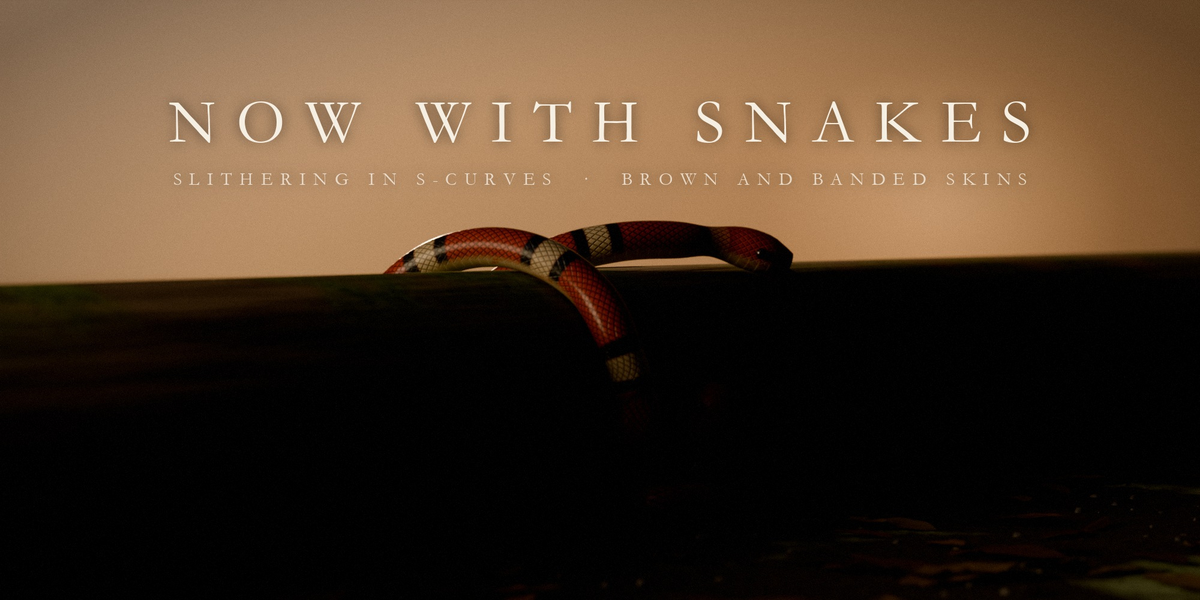
| Snakes | 90 cm | 30 cm/s | S-curve slither, tongue flicks |
Switch a swarm's creature from the Creature menu: size, behaviour and skin follow. For stylised giants, raise Worm Length and Thickness; every behaviour is measured in body lengths.
Draw Path
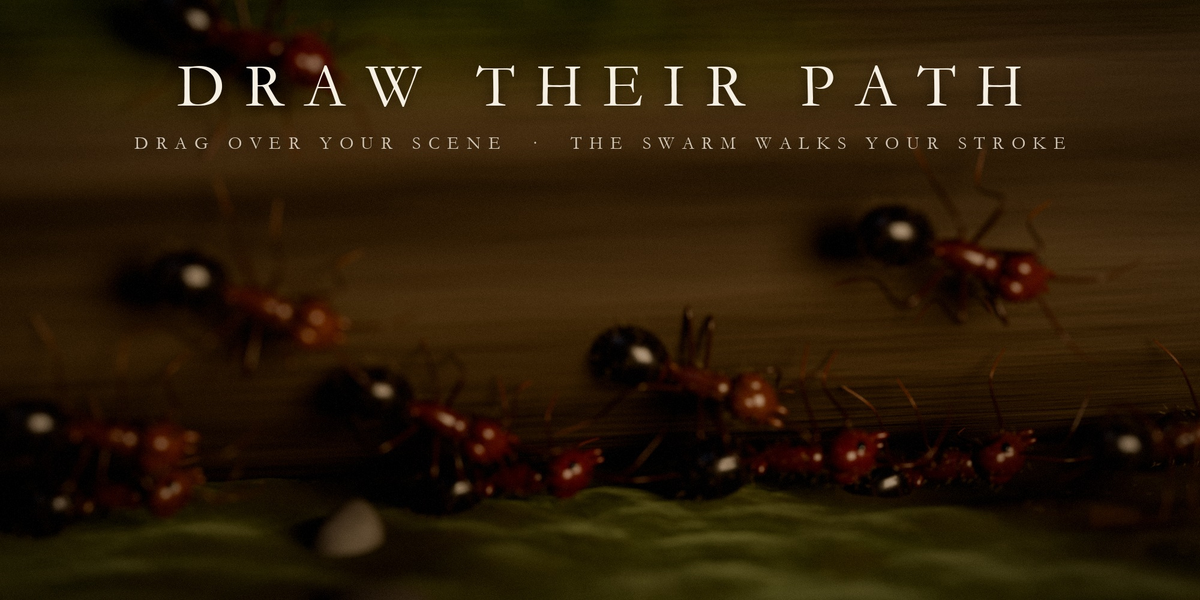
Click Draw Path and drag with the left mouse button over any surface. An orange line previews the stroke; on release it becomes a curve called CR_Path and the swarm's Path. End the stroke near its start for a closed loop that is walked round and round. Middle mouse and the wheel navigate between strokes; right click or Esc cancels. Path Width sets how wide the stream is. Clear the Path field to send the swarm back to its target.
Add Ground
Four procedural grounds with real relief: Forest Floor, Wet Concrete, Old Planks and Stone Tiles. The ground (CR_Ground) is centred under the swarm and its target and sized to both. Its inputs: Style, Size, Detail, Relief, Leaves, Twigs, Pebbles and Seed.
Modes
- Hunt (default): the swarm goes for Target. Legged creatures spread around it; worms pile up on it.
- Infest: set Infest to a mesh (or use the eyedropper). Infest Amount blends between hunting (0) and covering (1); Hug sets how tightly bodies cling.
- Emerge: set Spawn From to a mesh. Emission Duration (seconds) spreads their appearance over time.
- Flee: animate Flee from 0 to 1. Fleeing creatures never freeze and calm down beyond Flee Radius.
- Path: set Path to a curve, or use Draw Path. The path overrides the target.
- Burst: keyframe a spike on Burst, or hold the left mouse button during Lure.
Lure with Mouse
Click Lure with Mouse: the simulation plays and the target jumps to the surface under your cursor. Hold the left mouse button to burst; right click or Esc stops. While Lure runs, the frame range is temporarily extended and keyframes on the target and on Burst are muted; everything is restored when you stop.
Skins and moods
Eleven skins: Earthworm, Abyss Glow, Toxic, Leech, Maggot, Centipede, Cockroach, Spider, Ant, Brown Snake and Banded Snake. Moods (Natural, Frenzy, Lazy, Tower Builder) scale the current creature's behaviour.
Key settings
- Worms: creature count. Worm Length, Thickness: body size in metres.
- Speed, Turn Rate, Pause, Wall Hug, Follow, Climb: behaviour.
- Undulation, Undulation Length: how far the head swings and the length of one S-wave (snakes and worms).
- Hair Density: hairs and spines on spiders, cockroaches and ants.
- Substeps, Collision Groups: simulation quality against speed.
All settings are on the modifier (Properties → Modifiers).
Performance
Approximate simulation cost per frame on a development machine: 150 earthworms ~64 ms, 150 cockroaches ~142 ms, 300 ants ~286 ms, 60 wolf spiders ~191 ms, 40 centipedes ~45 ms, 20 snakes ~41 ms. For interactive work use fewer creatures, lower Hair Density, set Substeps to 1 and Collision Groups to 2, lower the ground's Detail, and bake before scrubbing. Renders always use the full detail.
Limitations
- Colliders work best as closed meshes with outward normals.
- Legs do not collide, so in very dense crowds they can cross a neighbour.
- The Path must be a bare curve (a bevelled curve evaluates to a mesh). Draw Path always makes a bare curve.
- The swarm plays forward from the start frame, within the scene's frame range.
The full README is included with the download.
Have questions about this product?
Login to message
| Blender Extension Compatible | Yes |
| Published | about 9 hours ago |
| Blender Version | 5.0 - 5.2 |
| Extension Type | Add-on |
| Render Engine Used | Cycles, Eevee |
| License | GPL |
Discover more products like this
insects swarm Procedural Animation ants VFX snakes spiders creatures worms horror simulation geometry nodes