The best tool is the one you stop noticing.
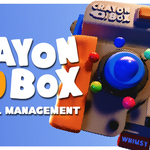
My name is Elijah, I’m a 3D artist. I’ve used most of the 3D packages — Cinema, Maya, ZBrush, Substance Painter — at a professional level, noticing what features work best from each one along the way. And now Crayon Box is bringing some of those best-practices into Blender’s material management.
Key Features
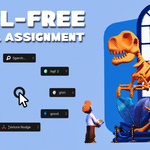
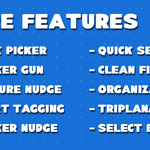
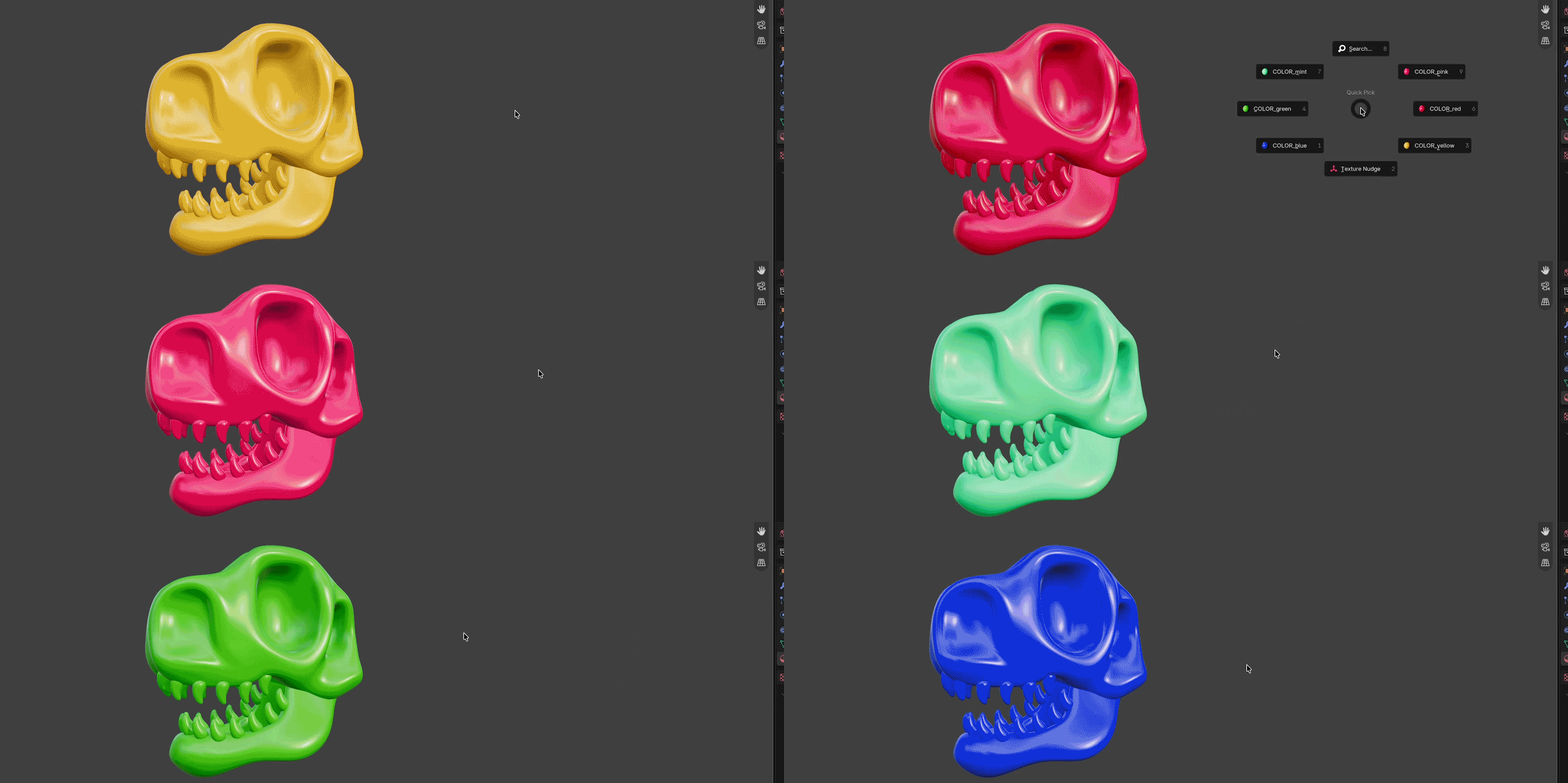
Hit 'E' anywhere in the viewport and the Quick Picker radial menu with your pinned materials will appear at your cursor! Pick one, done. No space-taking panel needed. Forgot to pin a material you need? There's a search function at the top for that exact reason.
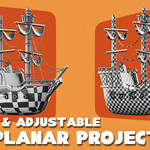
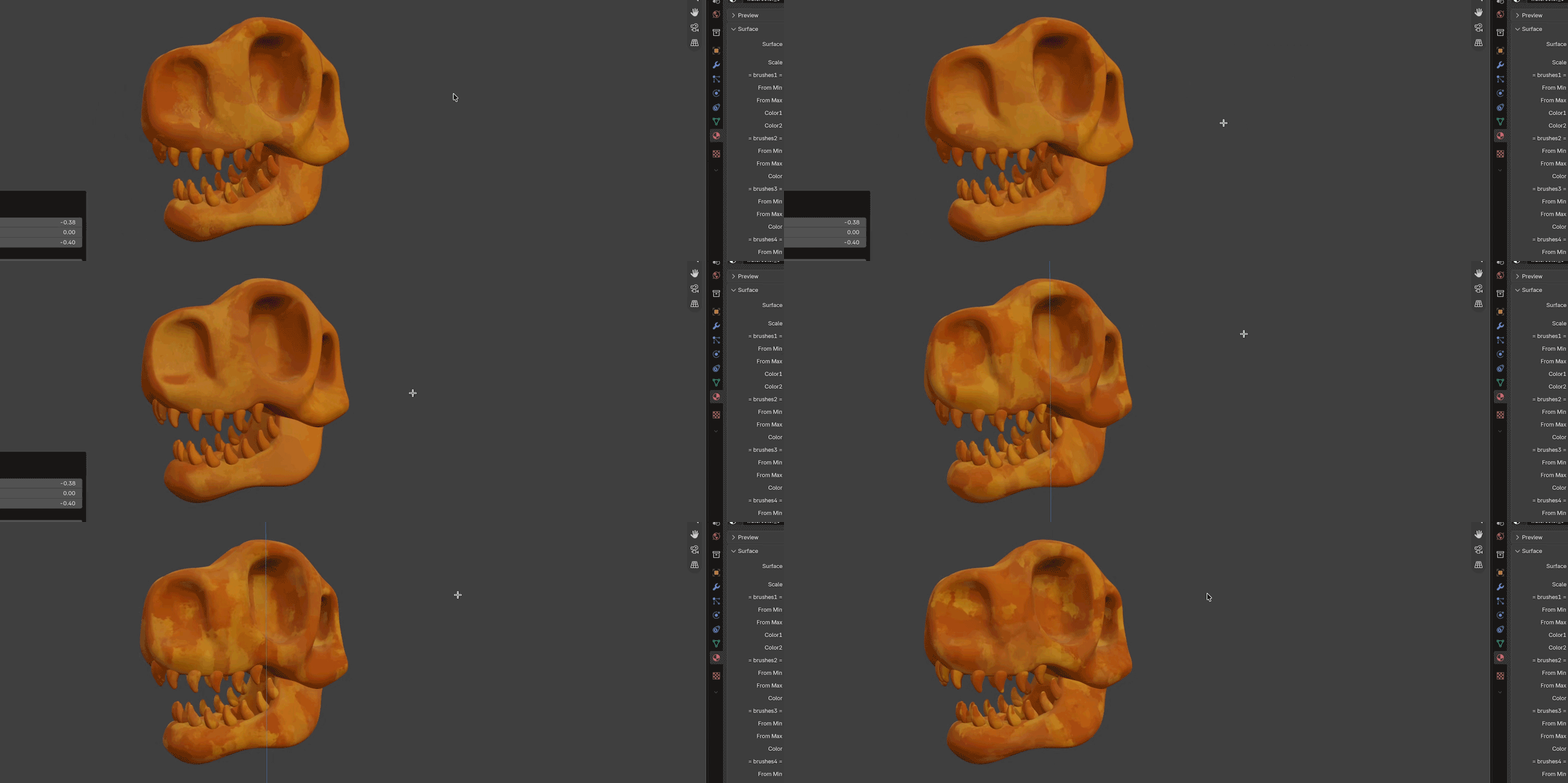
Triplanar projection lives here in case you want to forego UV unwrapping entirely. Texture Nudge follows up on that power, letting you adjust your projection coordinates with the classic G/S/R transform keys. Pulling inspiration from Cinema 4D's texture mode transformations, it gives you control of your projections without touching a single node.
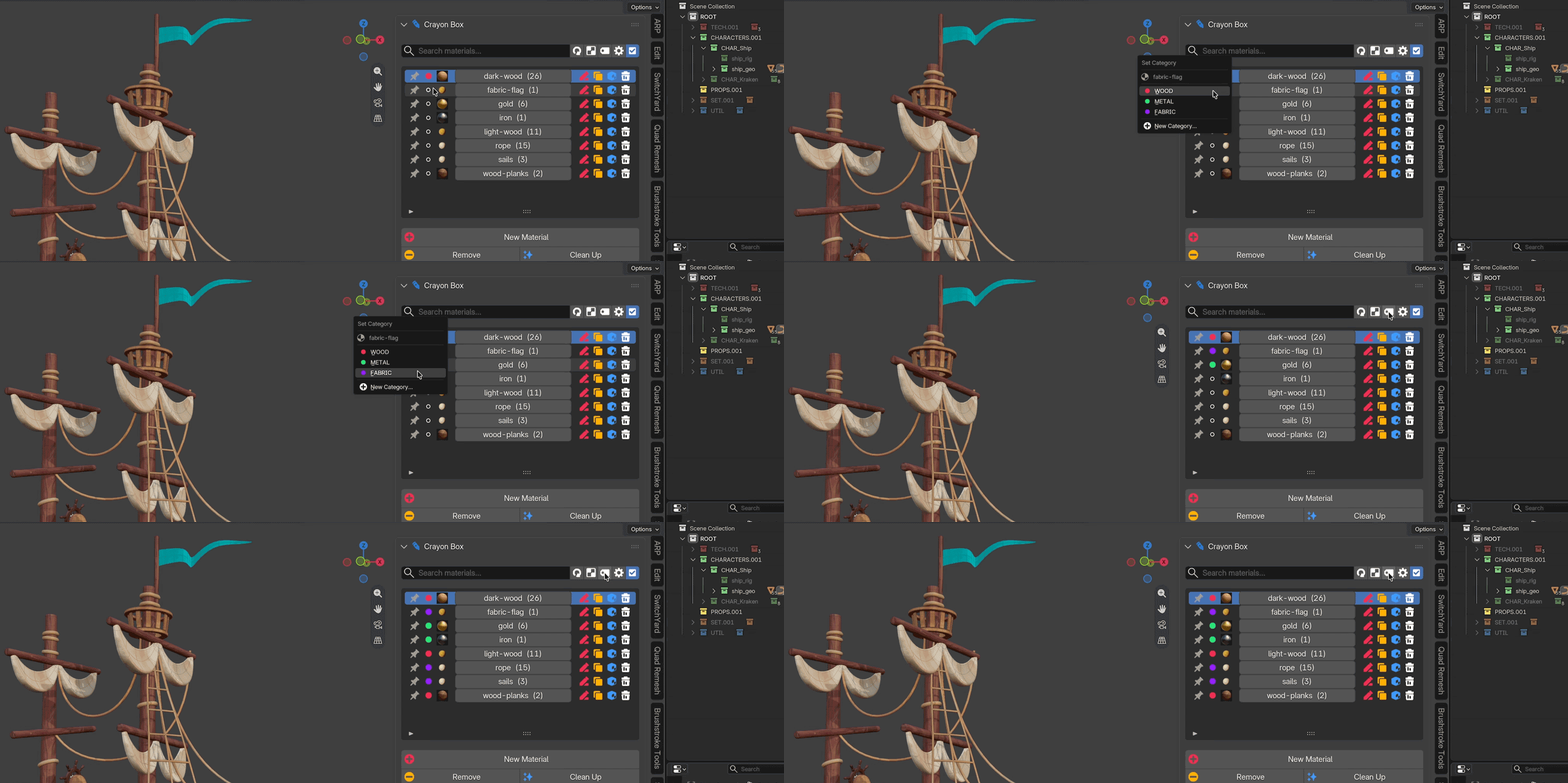
Once your material list gets long, Smart Tagging helps mitigate the scrolling without requiring much effort on your part. It reads your material names and automatically slots them into your predetermined tags — letting you solo any tag to work with just that group. Find yourself always using the same tag types? Save your presets and avoid the repetition.
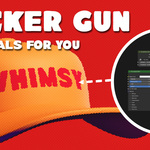
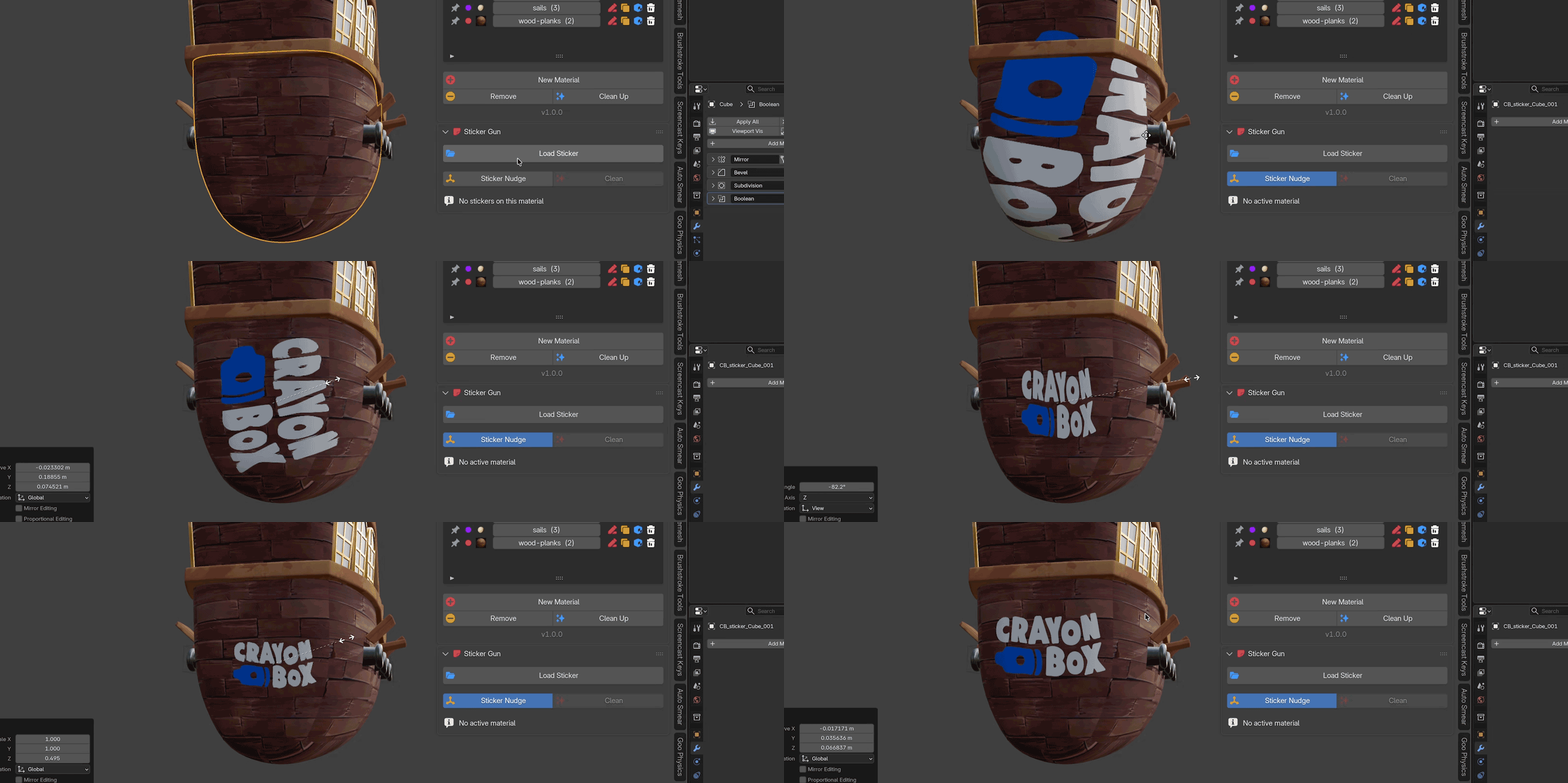
Sticker Gun drops a full decal setup straight into your shader nodes — no manual node building required. Place it with Sticker Nudge and it snaps to the surface automatically, no ugly empty left behind on exit. Add as many decals as you need, then clean up or rename them just as easily.
Not the main event, just a helpful bonus. Grab it free on its own, or get it bundled in with Crayon Box.
Full Inventory List
A list of the major tools included in your tool box. Watch the video or read the documentation for ALL the tiny operators and how they work.
Assignment
- One-click assignment in object mode
- One-click assignment in edit mode
- Quick Picker radial menu
- Built-in radial menu search bar
- Select all objects with related material
- Create new materials, set the name, and choose the base color
UVs & Projection
- Material to triplanar projection
- Material to UV mapped
- UV checker generator
- Adjust coordinate mapping with Texture Nudge’s G/S/R keys
Organization
- Automatic category assignment by keyword with Smart Tagging
- Create, sort, and assign materials to categories
- Solo category view
- Pin materials to the top of the list
- Duplicate materials
- Rename materials
Clean Up
- Quickly load in an image for a decal
- Stack multiple decals
- Adjust location / orientation of individual decals
- Rename, delete, or clear all decals
This is just the start...
An artist should focus on making pretty pictures. Not fiddling with their tools.
Crayon Box is just the tip of a 3D iceberg. Whimsy is bringing a full toolkit to Blender — tools, assets, and sensibilities built to make the technical parts disappear and keep the stylized work exciting.
Got a feature request? Spot a bug? Message us or email at [email protected]
 Whimsy Tools