 Pedro Augusto


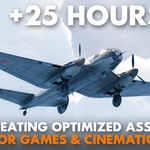
Creating Optimized Asset for Games & Cinematics - WWII Yermolayev Yer-2 Aircraft - Modeling & Texturing Tutorial
About the videos
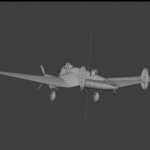
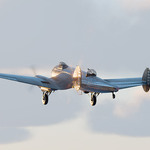
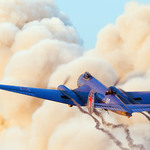
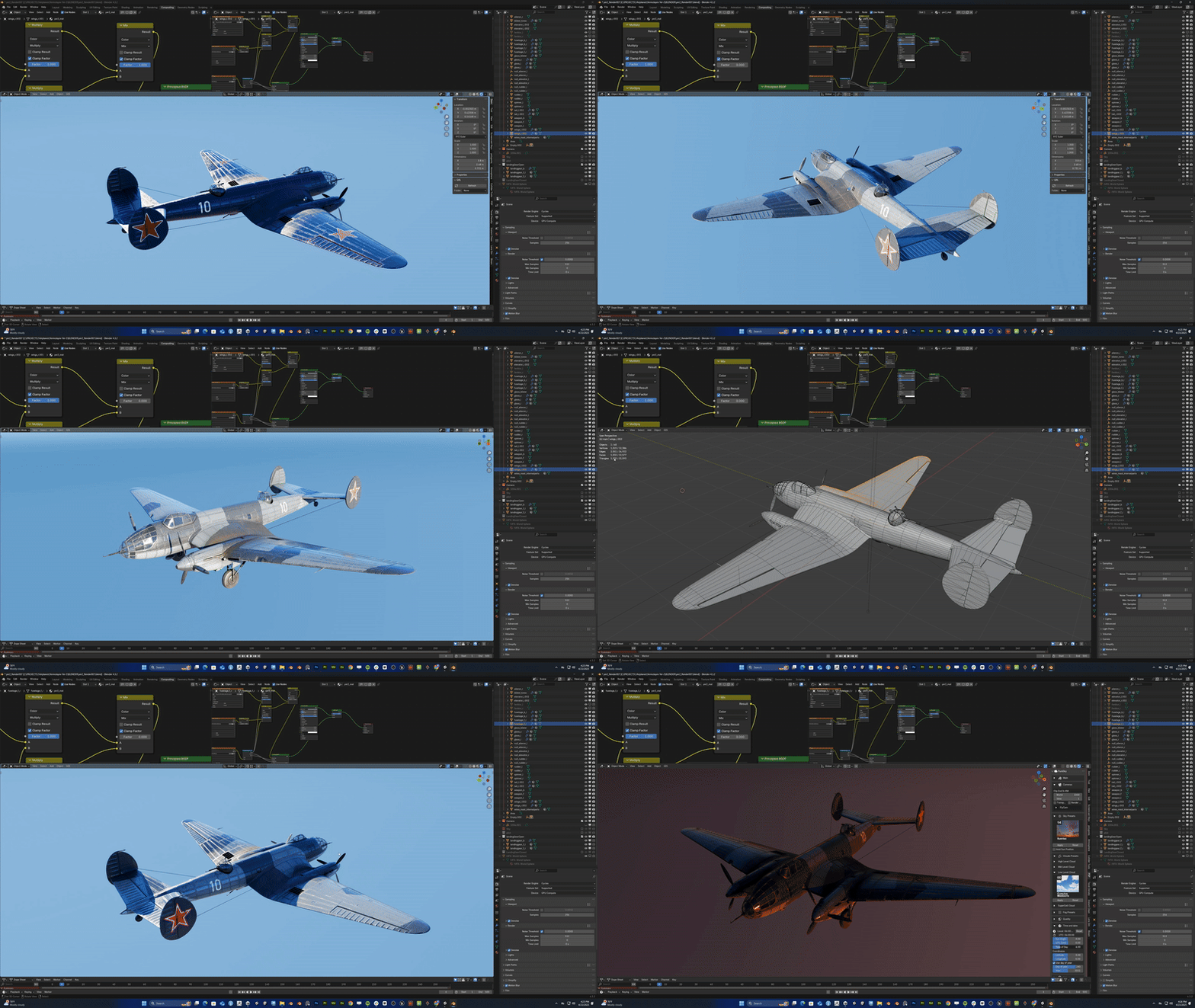
I am excited to bring you, after working more than 1 year working in a air fighting WWII game, a series of video tutorials showing all the process from zero to final, all the steps to make the famous flying boat, the Yermolayev Yer-2. I assure you that by the end of this videos will be able to do this aircraft using Blender and Adobe Painter (Substance Painter). The objective here is to learn how to model and optimized asset/model for in game or cinematic purpose, Im gonna show you topology and strait modeling techniques to achieve high quality optimized models industry standard, please check rendered attached images.
About the Autor
Pedro Augusto is a Senior 3D Artist, mostly focused on Hardsurface assets and props, with more than 20 years industry experience, between TV production video companies and game companies such as Gameloft, Glu Mobile, Samsung, Ten Square Games, etc.
Contents
- More than 25h step-by-step real time video tutorial, no timelapse, no fast forwad (no narration) with all hotkeys used shown in realtime on screen.
- 4K resolution;
- Reference files to help you reproducing the lessons;
Techniques
- Using proper references for modeling
- No highpoly needed / game ready/Cinematic optimized modeling techniques
- Boolean operation techniques + Clean up and optimizations
- Faking highpoly details with baked Blender node + Substance Painter techniques
Video List and Chapters
Modeling Videos
Part01 to Part 027
Optimizations Videos
Part 028
UV Videos Lessons
Part 029 to Part 033
Blender To Adobe Painter (Substance Painter) Videos
Part 034 to Part 035
Substance Painter (Adobe Painter) Faking Metal Details
Part 036 to Part 043
Painting Aircraft Skins
Part 044 to Part 045
Adobe Painting Fixes
Part 046
A feel thoughts about this tutorial
- The aircraft modeled here are based on historical photos, blueprints references and famous air fighting games.
- The use of 1 Uv set is due to mobile games, devices and engine limitations. That is why we focus on the most visible parts from Player perspective.
- The technique I bring here is a straight modeling technique with no highpoly mesh process needed, mixing Blender and Substance tips. Techniques I use daily to deliver assets for the air fighting game I work for.
Softwares Used
Blender & Adobe Substance Painter
Artist Level Needed
Intermediate to advanced. But basicly I am using G for move/grab, E for Extrude, K for knife cut, R for Rotation, etc, very basic stuff, so I would say Basic artists could give it a try!
Conclusion
After watching all the videos you will be able to do an optimized aircraft using only Blender (with no extra paid addons) and Adobe Painter.
** hotkeys on screen for most of this tutorial. Hotkeys are basic like E for extrude, K for cut operations, G for move, etc.