 Tesselune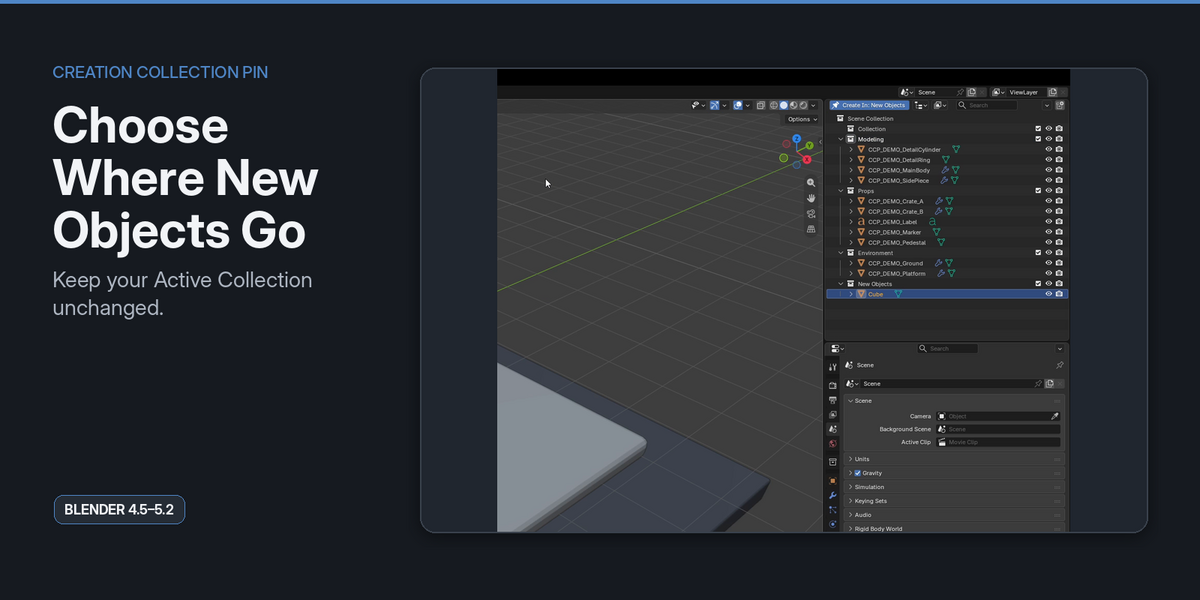
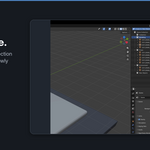
Creation Collection Pin
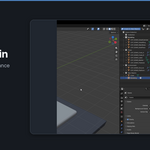
Creation Collection Pin lets you choose where newly added objects go without changing the Collection you are currently working in.
Pin one Collection as the creation destination, keep working in another, and continue using Blender's normal Add workflow.
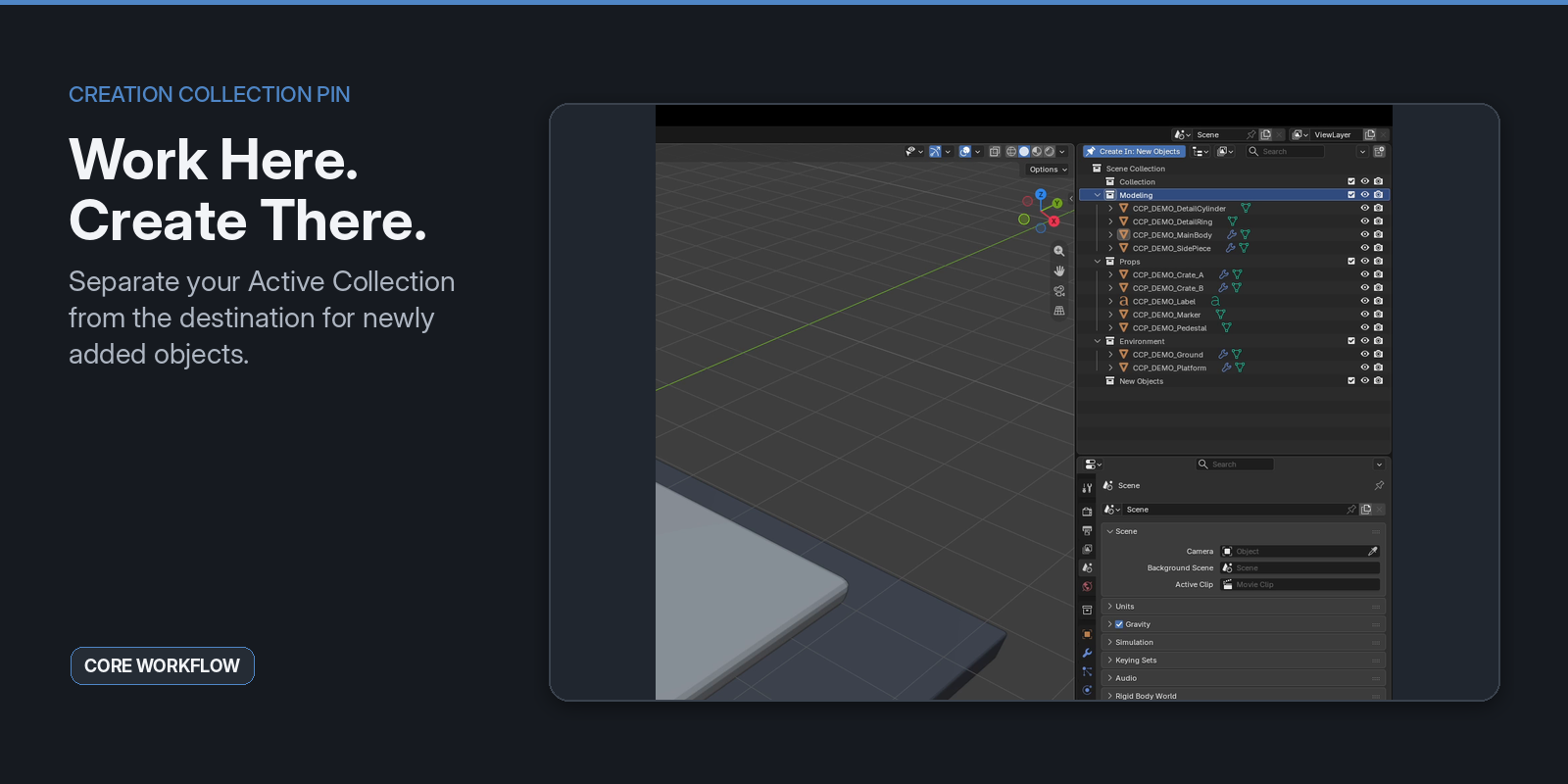
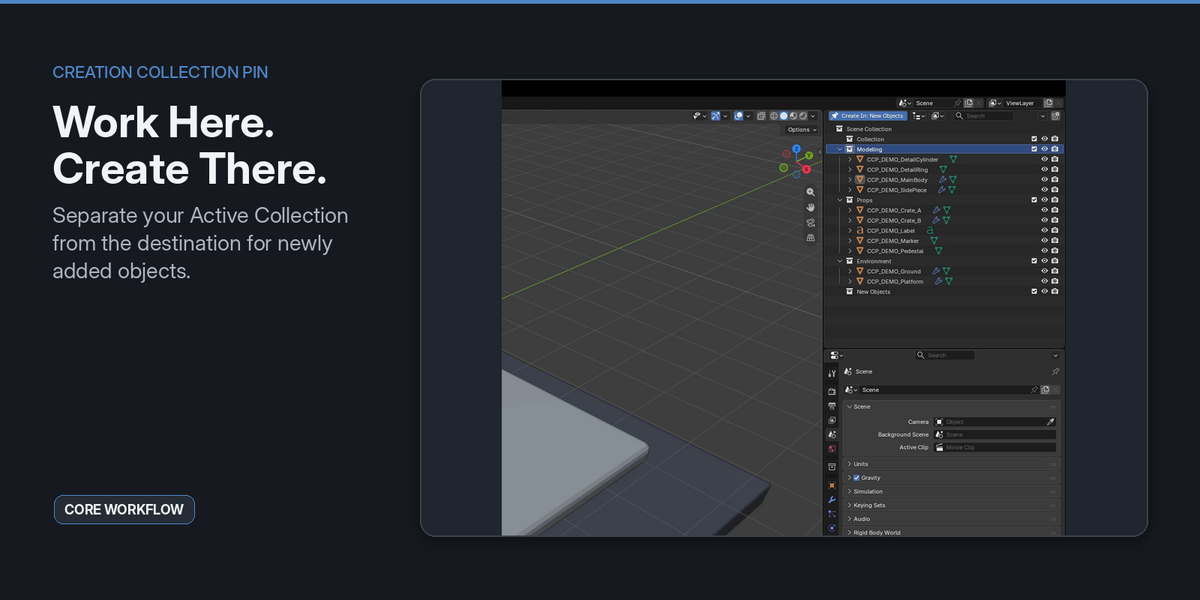
Work Here. Create There.
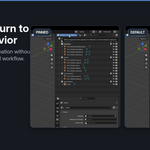
Blender normally creates new objects in the current Active Collection.
That works well most of the time, but it can become repetitive when you want to keep working in one part of the scene while sending newly created objects somewhere else.
Creation Collection Pin separates those two jobs:
- Active Collection — where you are currently working
- Creation Collection — where supported newly added objects are placed
You do not need to keep switching the Active Collection just to control where new objects appear.
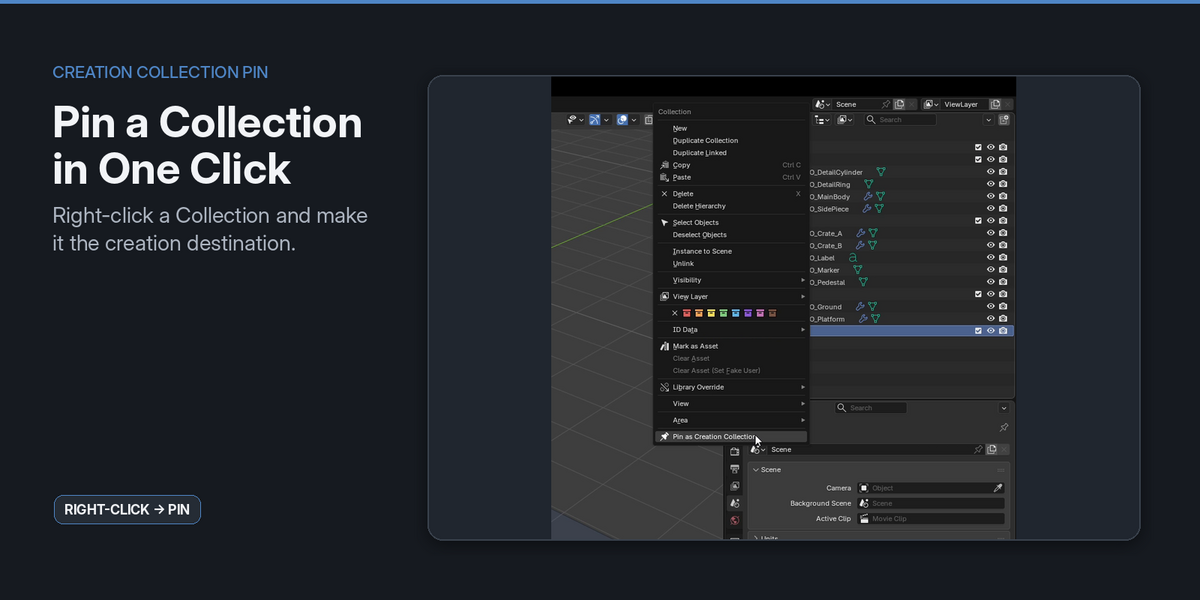
Pin a Collection in One Click
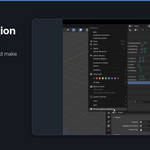
Right-click a Collection in the Outliner and choose:
Pin as Creation Collection
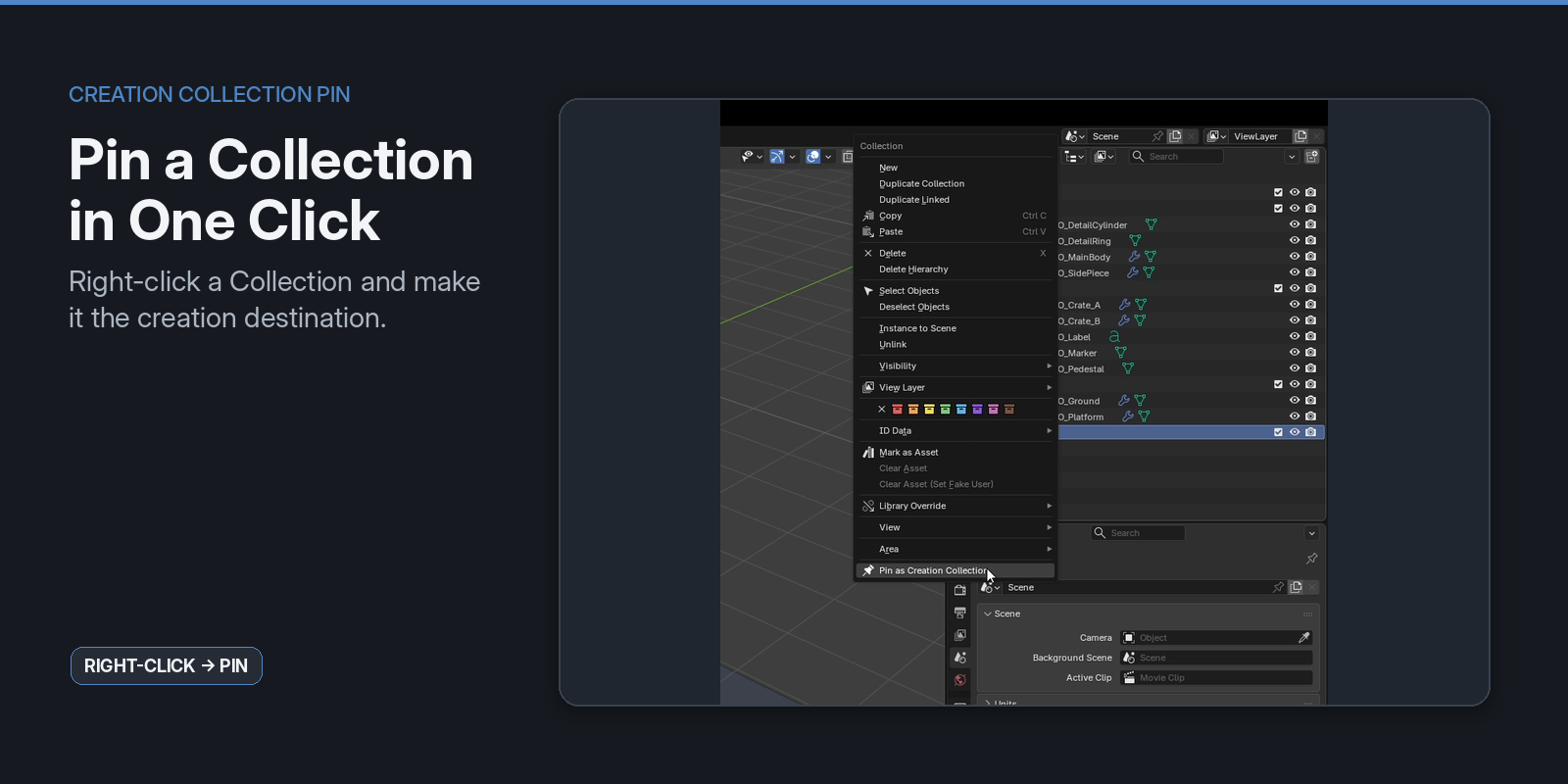
The pinned Collection becomes the destination for supported Add operations.
Your current Active Collection stays unchanged.
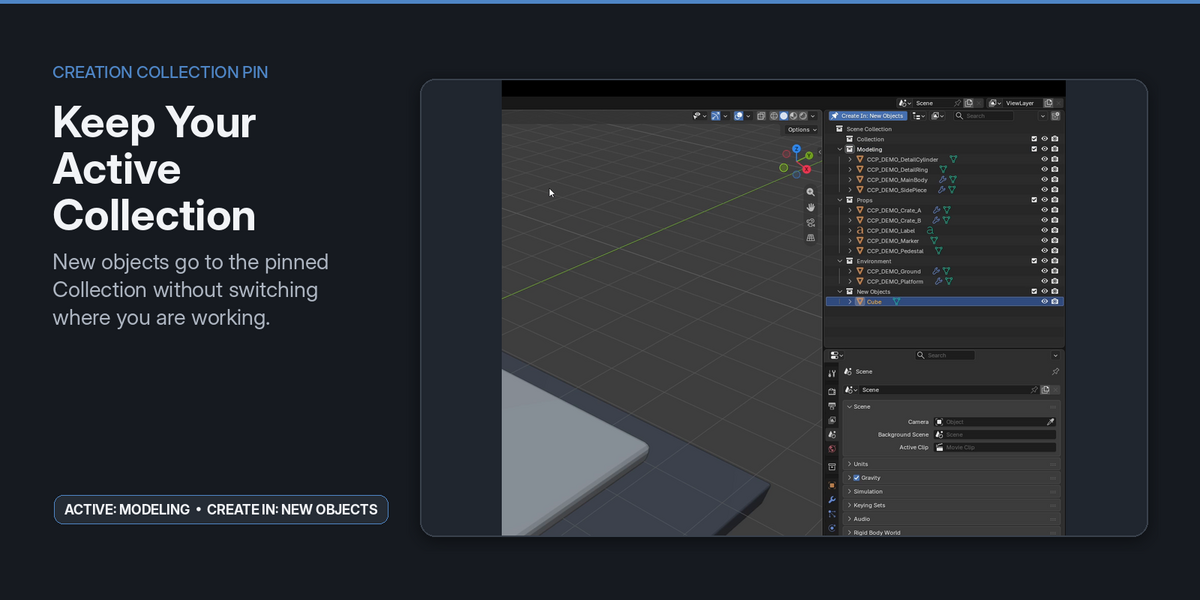
Keep Your Active Collection
This is the core workflow.
For example:
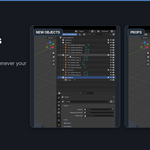
- Active Collection:
Modeling - Creation Collection:
New Objects
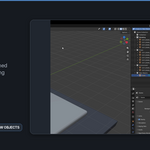
Add a Cube from the normal Blender Add menu, and the Cube is placed in New Objects while Modeling remains your Active Collection.
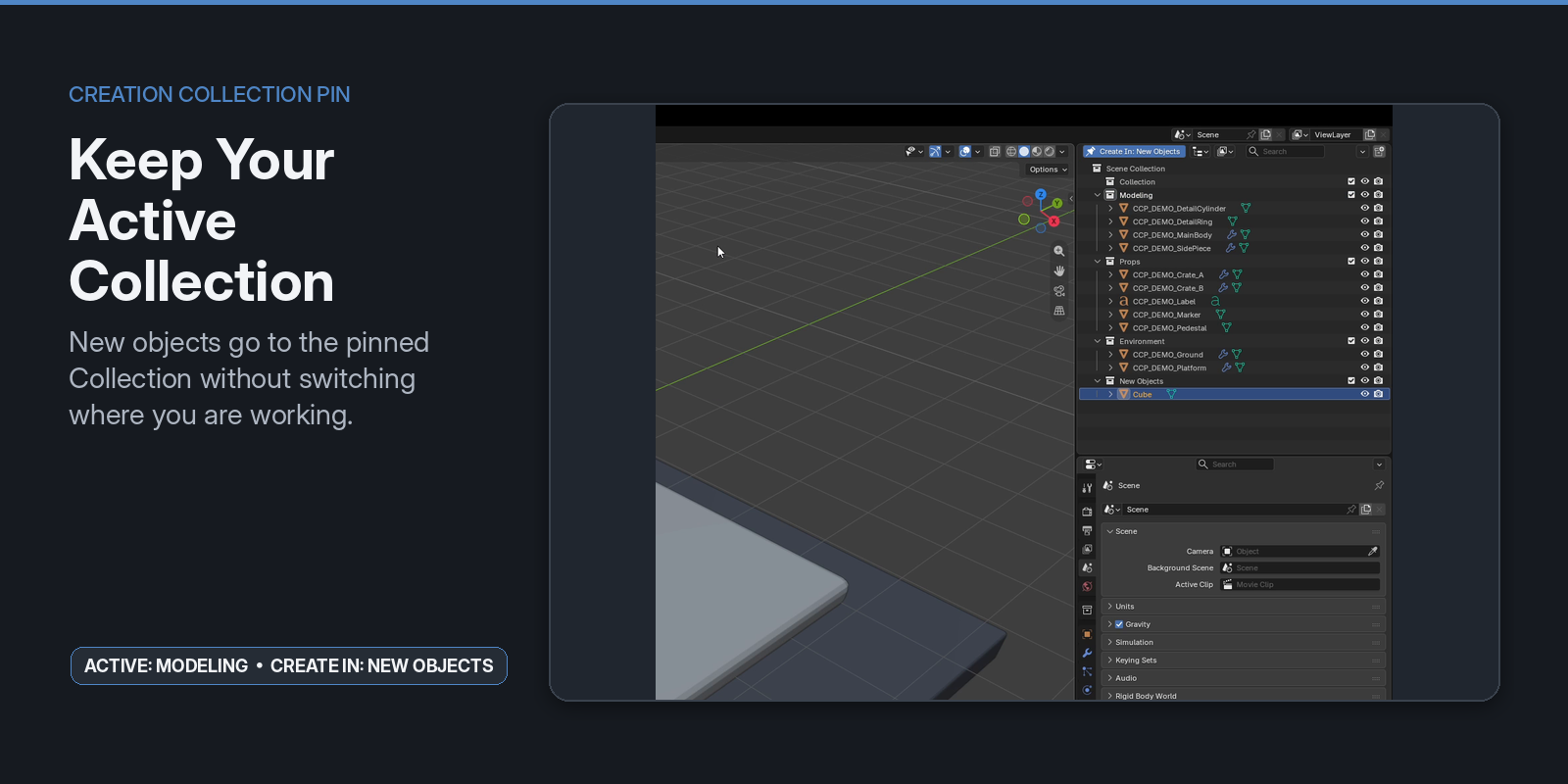
There is no separate creation panel to learn and no need to temporarily switch Collections before every Add operation.
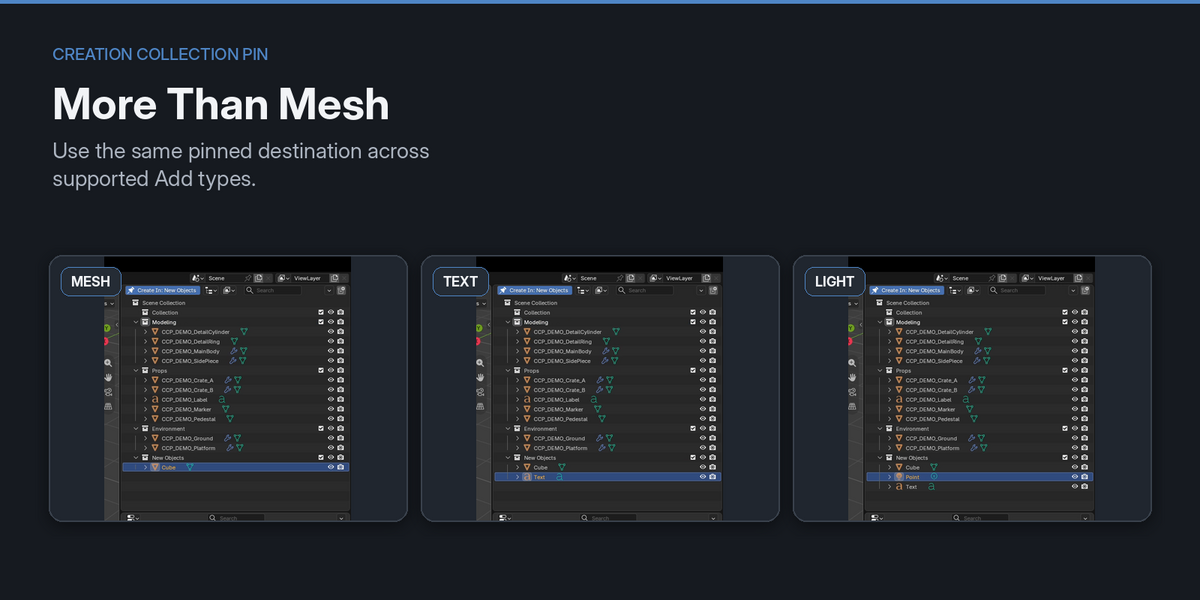
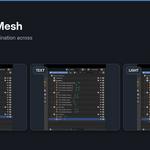
Works Across Common Add Types
Creation Collection Pin is not limited to Mesh primitives.
Supported V1 Add paths include common Blender object families such as:
- Mesh primitives
- Curves and Surfaces
- Metaballs
- Text
- Camera
- Lights and Light Probes
- Armature
- Lattice
- Empty types
- Point Cloud
- Speaker
- Force Fields
- Grease Pencil presets
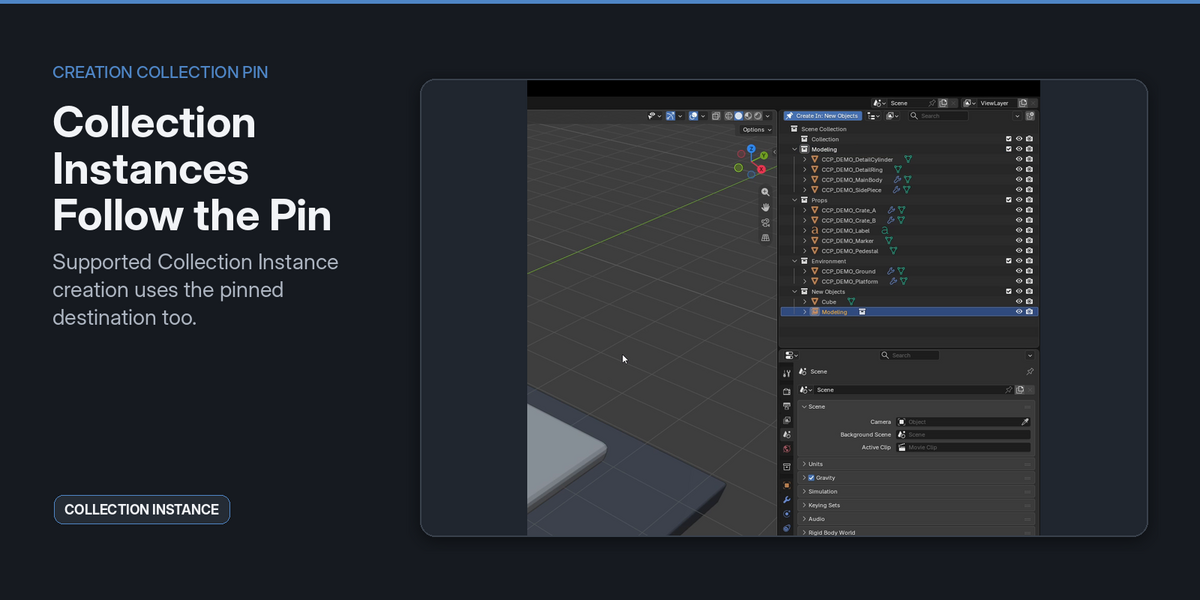
- Collection Instances
- Other supported standard Add entries
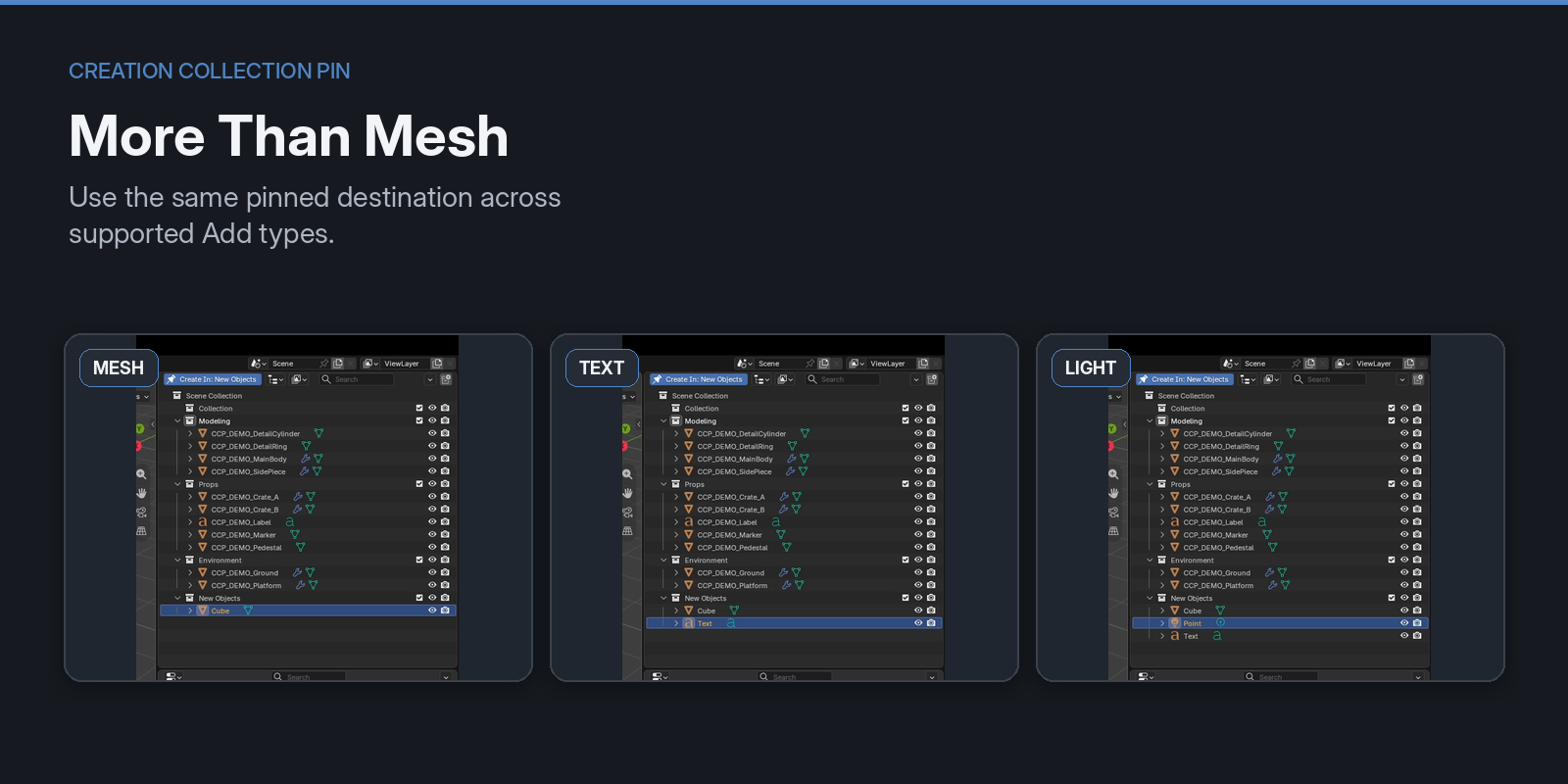
The add-on keeps Blender's normal Add workflow and redirects the resulting object to the pinned Collection where the operation is supported.
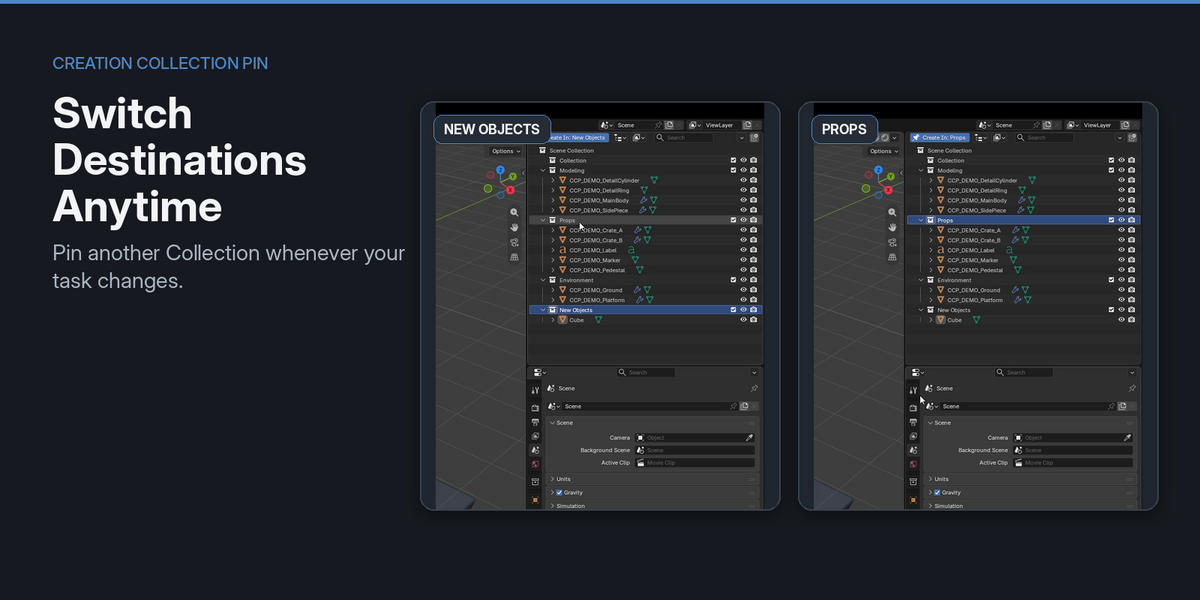
Switch the Destination Anytime
The creation destination is not permanent.
Pin another Collection whenever your task changes.
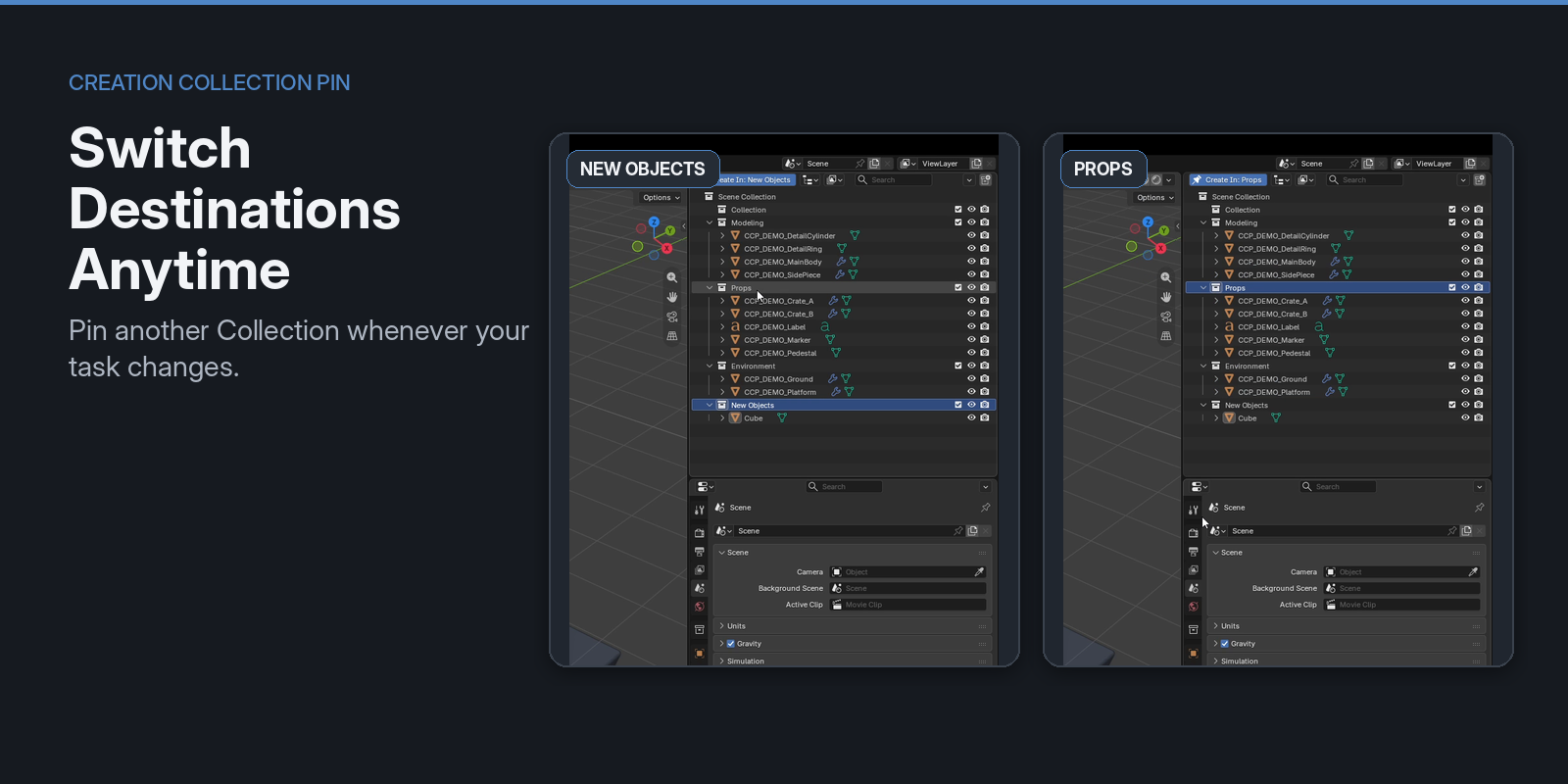
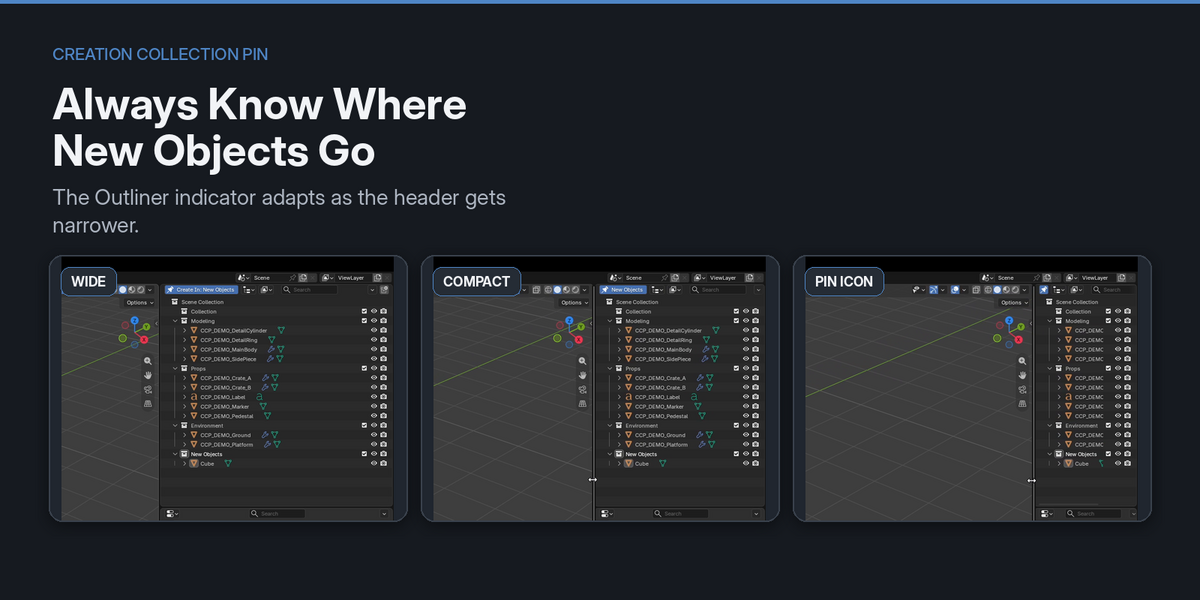
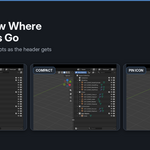
The Outliner header shows the current destination, so you can see where new objects will go before adding them.
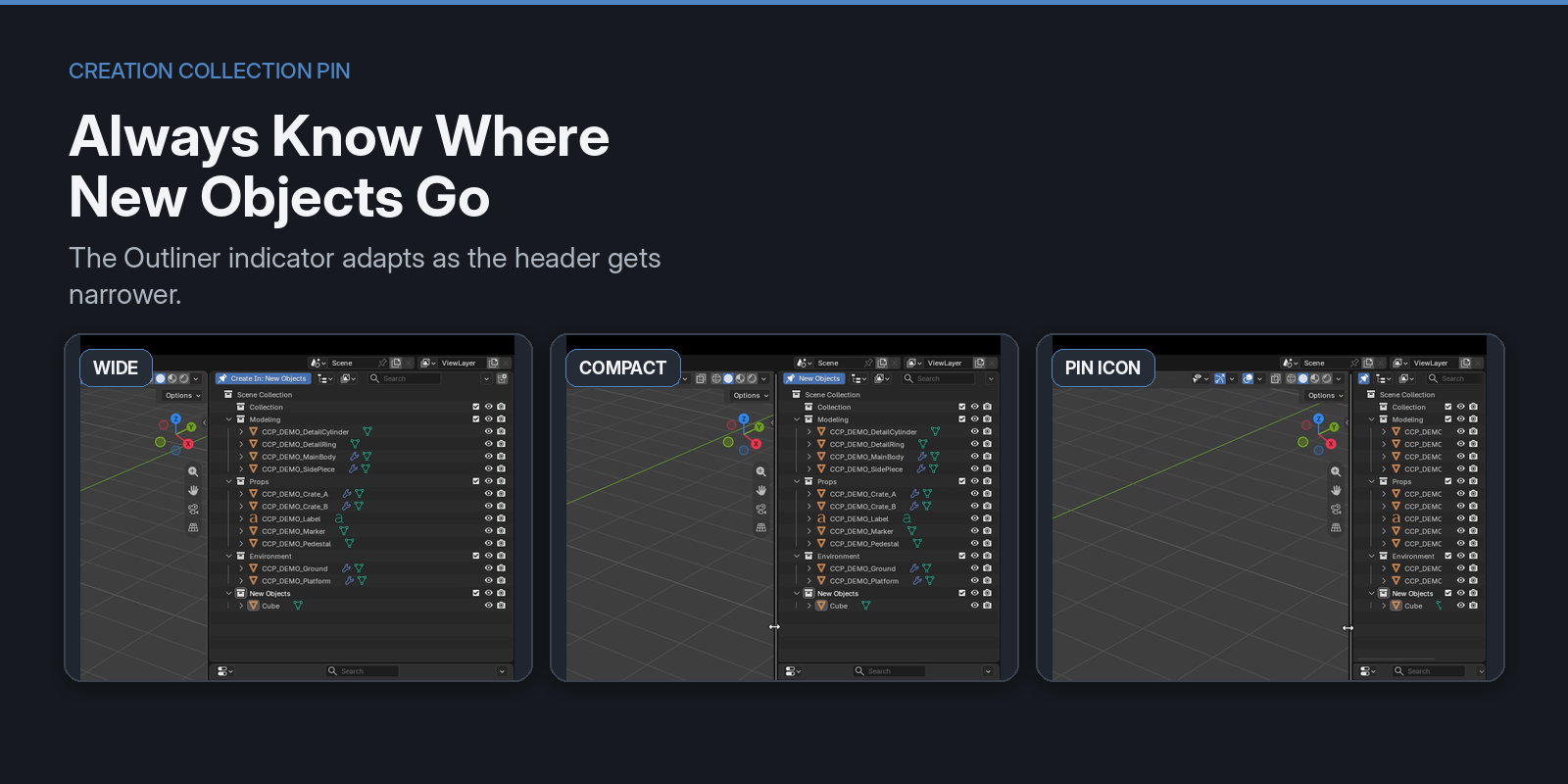
The indicator also adapts when the Outliner becomes narrow, keeping the pin state visible without taking unnecessary space.
Collection Instance Support
Collection Instances are also supported.
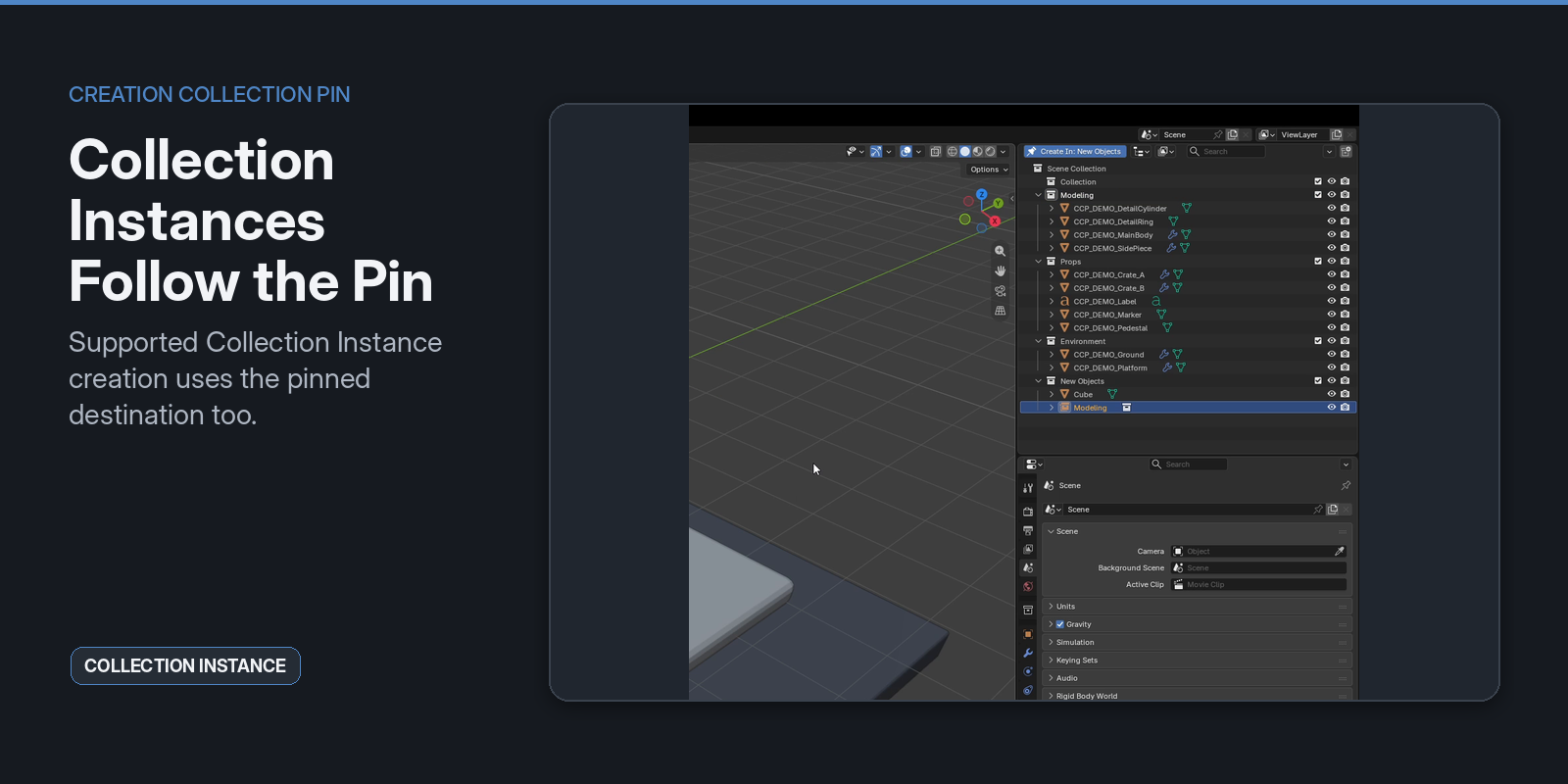
The created instance is placed in the pinned Collection while retaining Blender's normal Collection Instance behavior.
Impossible dependency-cycle placements are rejected rather than silently changing the result.
Blender's Native Workflow Stays Intact
Creation Collection Pin is intentionally limited to creation routing.
It does not try to take control of unrelated Blender operations.
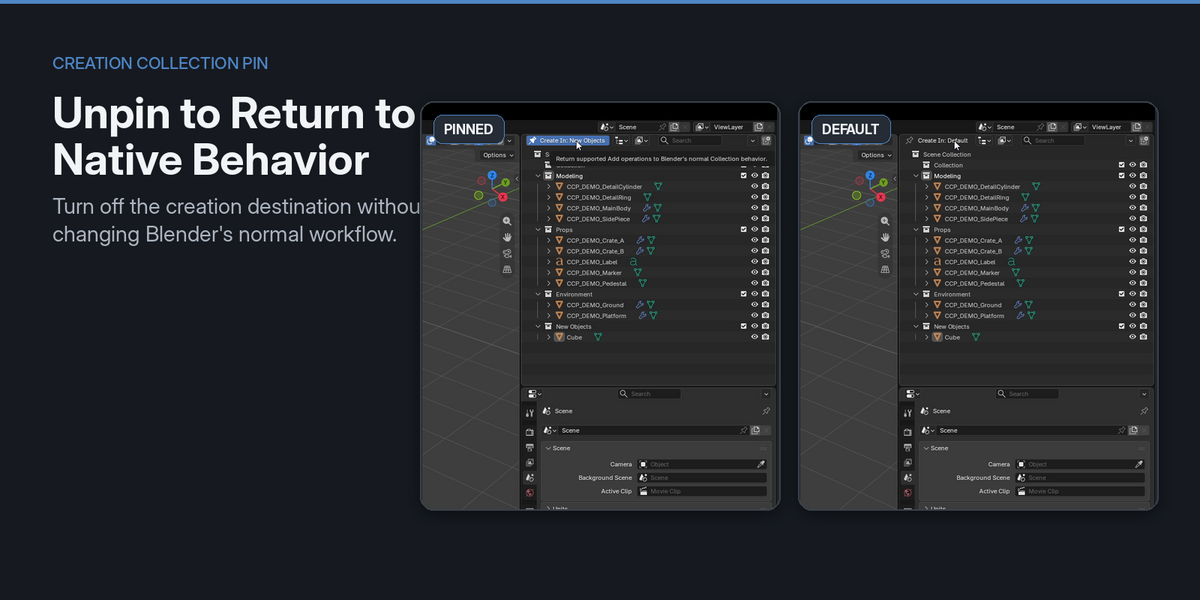
Unpin whenever you want
Choose Unpin Creation Collection and new objects return to Blender's normal Active Collection behavior.
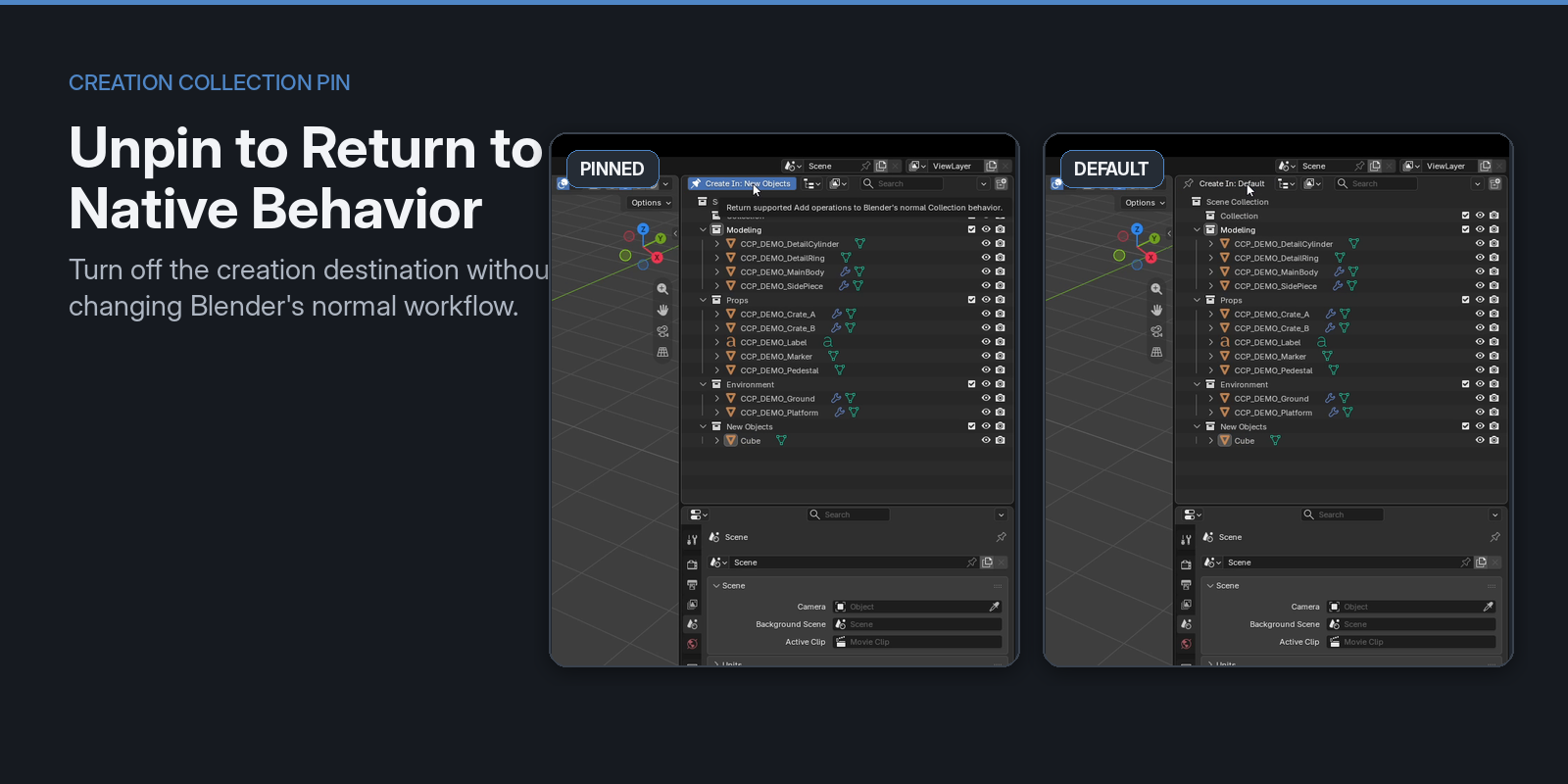
There is no need to disable the add-on just to return to the default workflow.
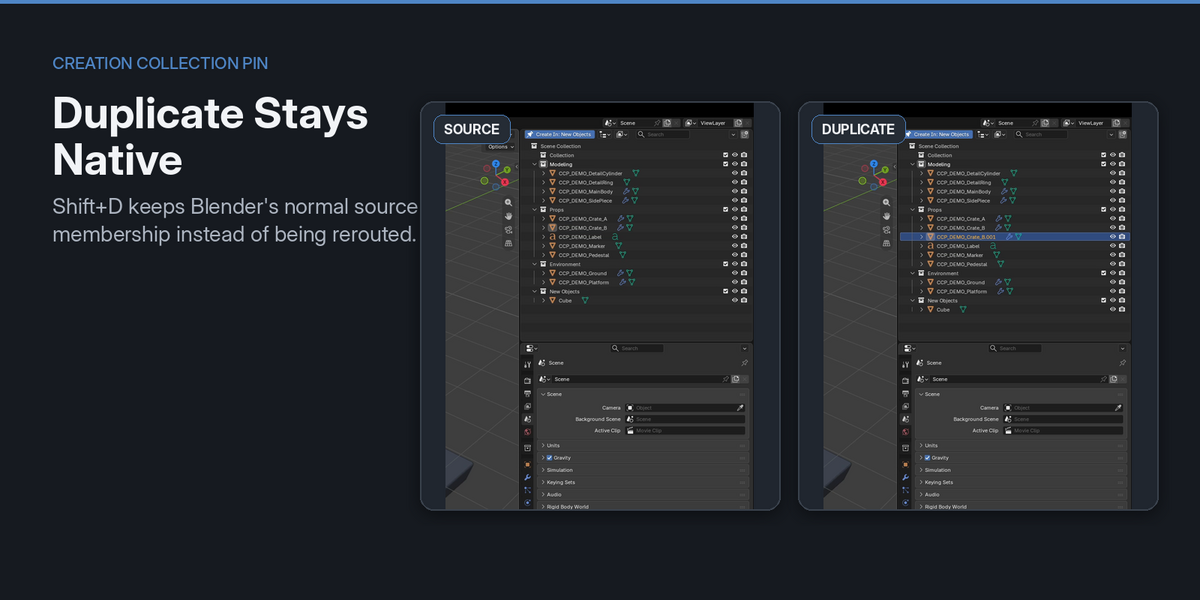
Duplicate stays native
Shift + D and Alt + D are not rerouted.
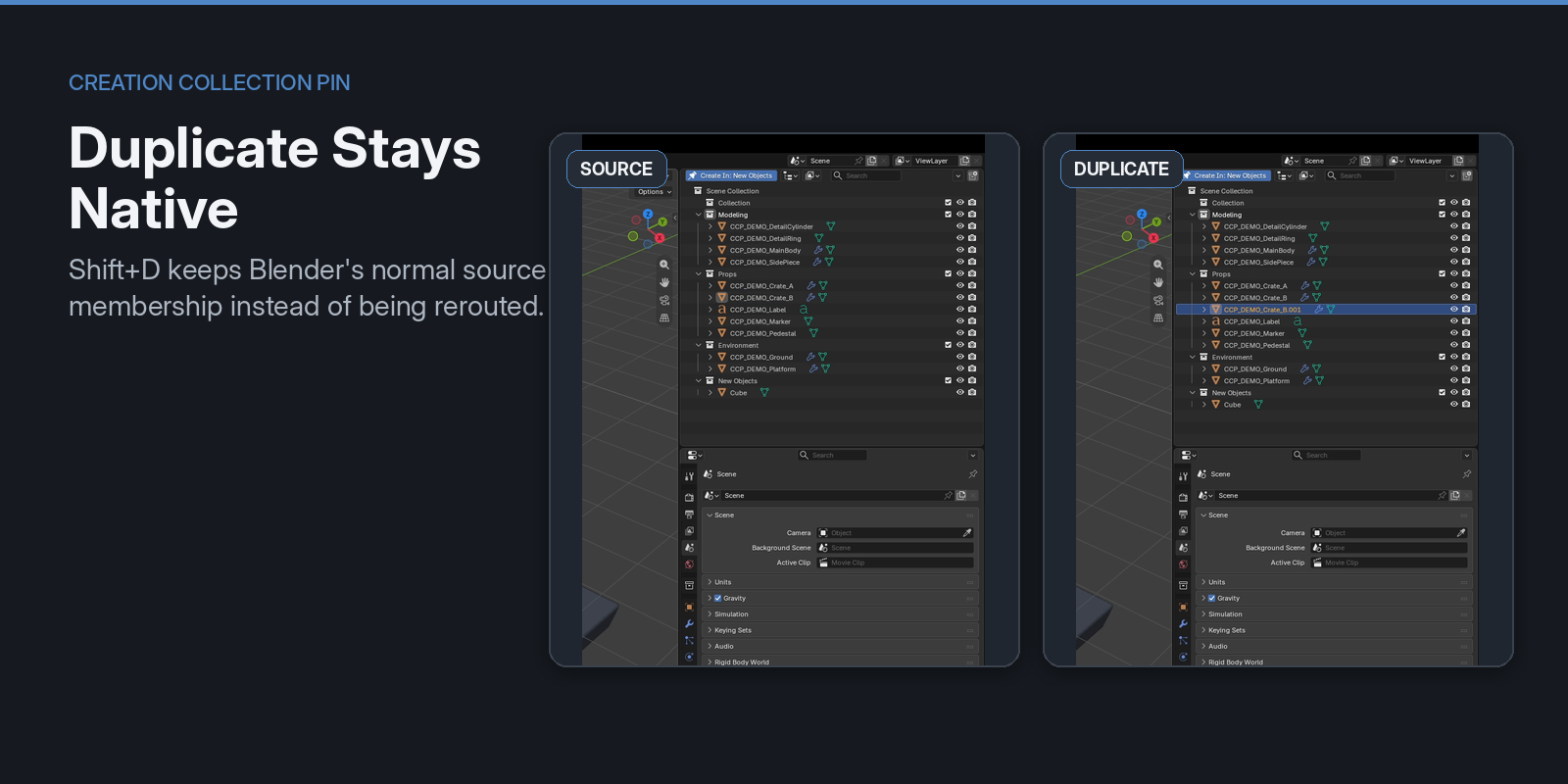
Duplicated objects keep Blender's normal source membership behavior even while a Creation Collection is pinned.
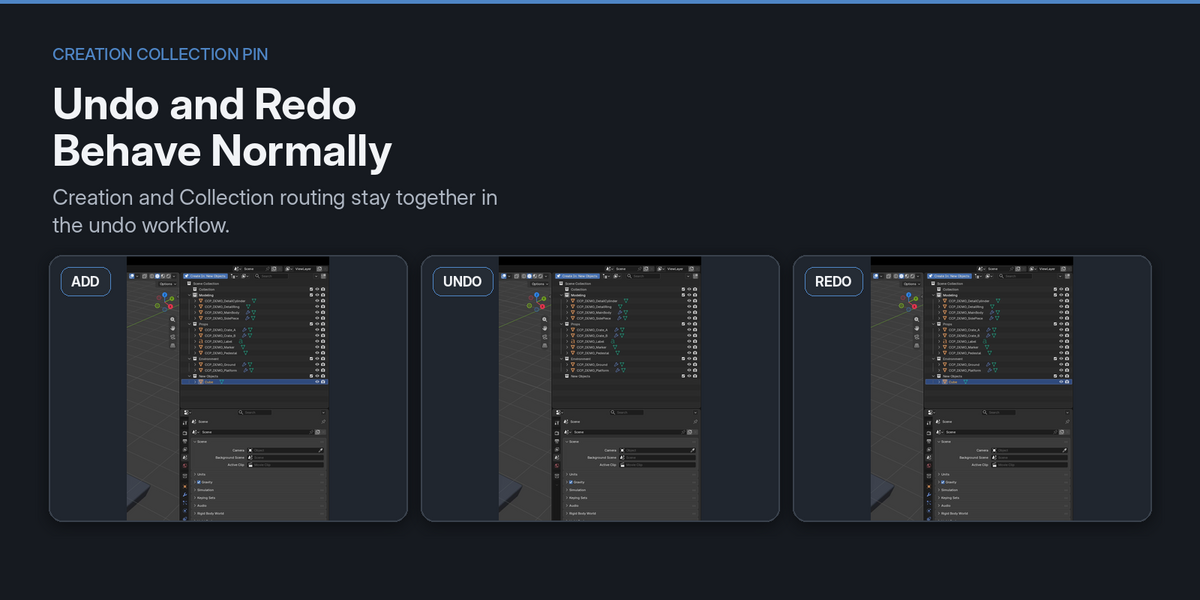
Undo and Redo work normally
Creation and Collection routing stay together in the same undo workflow.
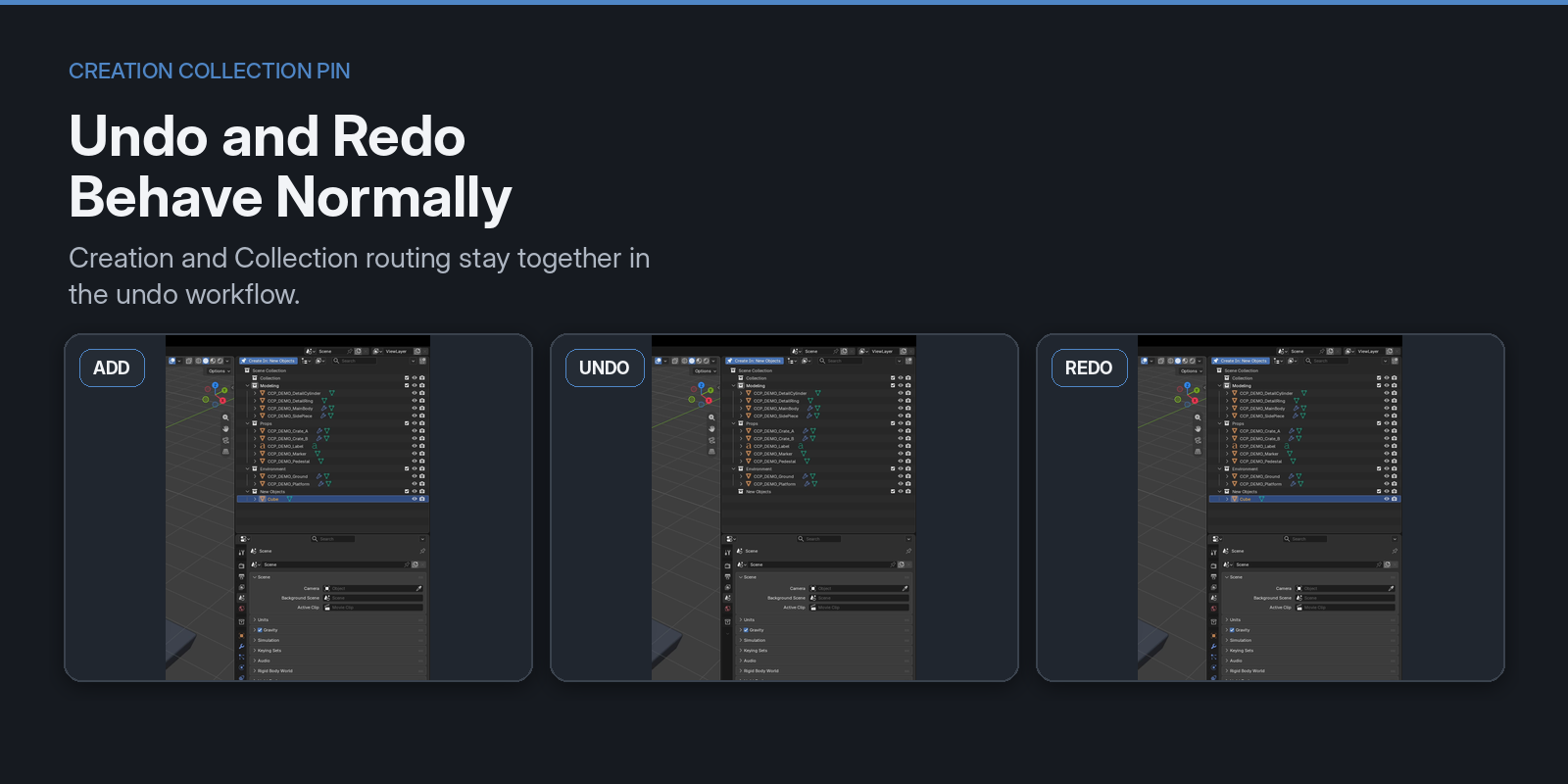
A normal Add can be undone and redone without requiring a second cleanup step.
Typical Workflow
- Right-click the destination Collection.
- Choose Pin as Creation Collection.
- Continue working in your current Active Collection.
- Add supported objects normally with Blender's Add menu.
- Switch the pin or Unpin it whenever needed.
The goal is to add one small layer of routing without replacing the Blender workflow you already know.
Who It Is For
Creation Collection Pin is useful for:
- Artists working in scenes with several functional Collections
- Modelers who repeatedly create temporary or helper objects
- Technical artists organizing generated objects separately from their current work
- Users who want predictable object placement without constant Outliner switching
- Anyone who prefers Blender's native workflow but wants more control over where new objects are created
Compatibility
Tested with:
- Blender 4.5.13 LTS
- Blender 5.0.1
- Blender 5.1.2
- Blender 5.2.1 LTS
The same add-on codebase is used across these tested versions.
Notes / Limitations
Creation Collection Pin focuses on standard object creation paths where routing can remain safe and predictable.
V1 intentionally leaves some workflows native, including:
-
Shift + D/Alt + Dduplication - Edit Mode geometry Add operations
- File/import workflows
- Asset Browser placement and external drag-and-drop
- Compound creation tools that also modify existing objects, such as Quick Fur or Lattice Deform Selected
One Creation Collection can be pinned per Scene.
If the pinned target becomes invalid or unavailable, the add-on falls back safely instead of silently relinking data.
Support / Updates
Maintenance updates and compatibility checks will continue for supported Blender versions.
Creation Collection Pin is designed as a small workflow improvement: keep Blender familiar, while removing repeated Collection switching when creating new objects.