 Tesselune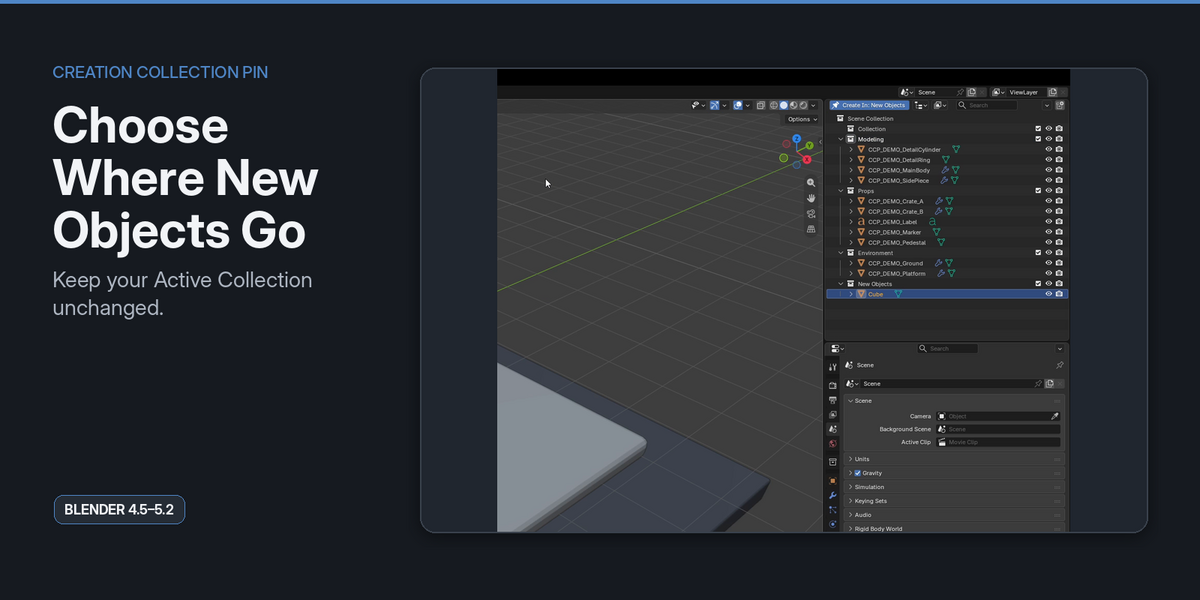
Creation Collection Pin
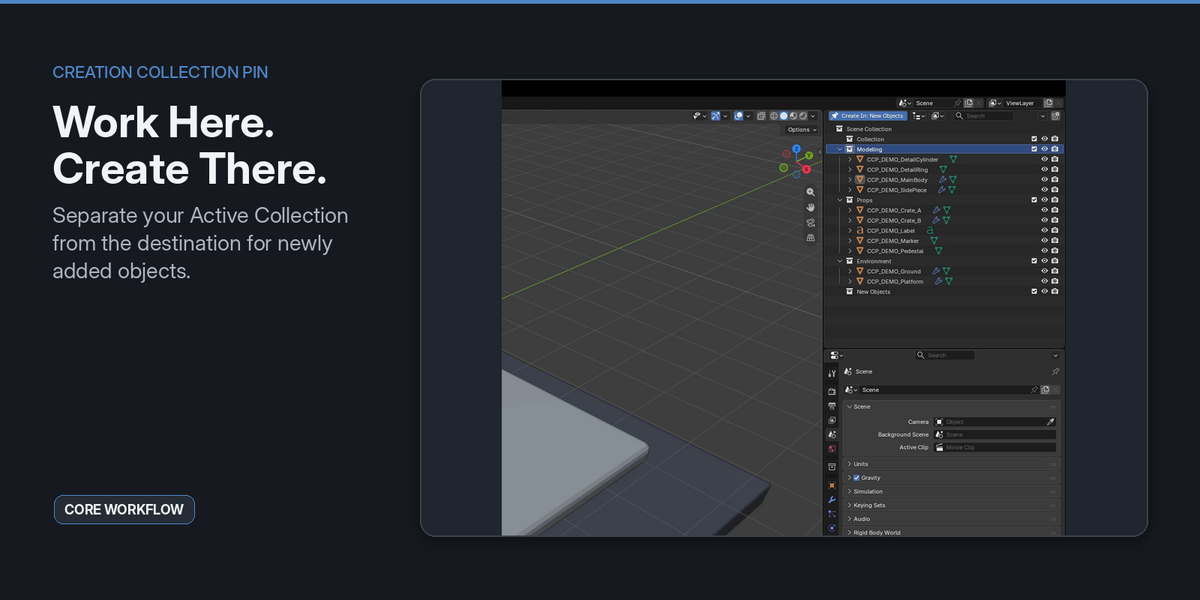
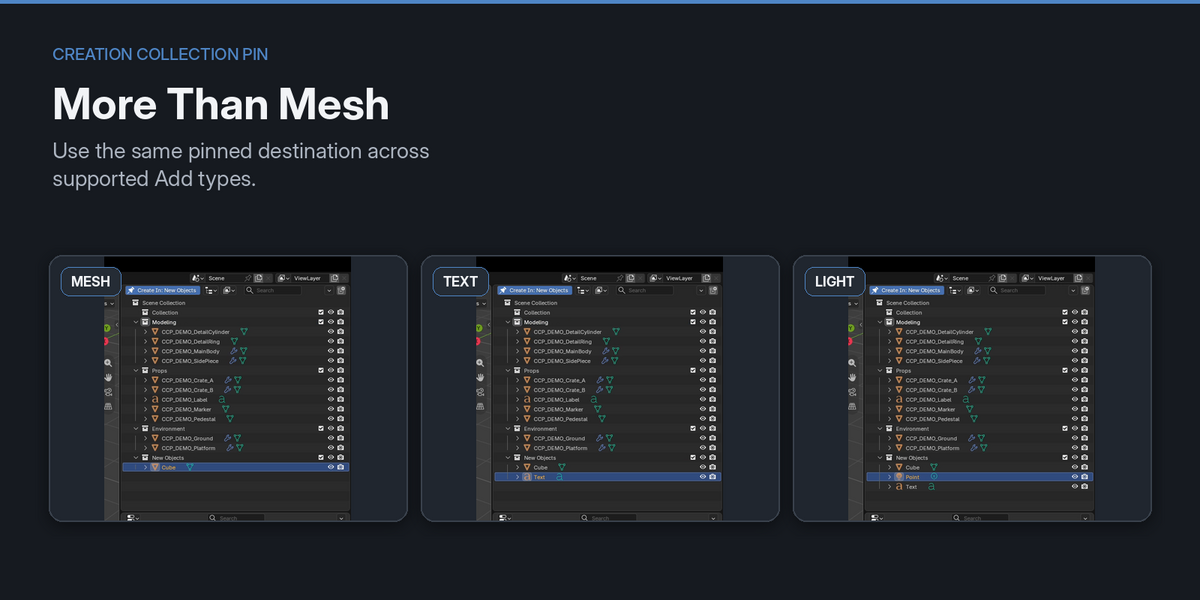
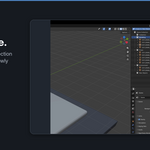
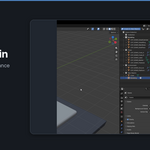
Creation Collection Pin lets you choose a Collection as the destination for supported newly added objects without changing Blender's Active Collection.
INSTALLATION
1. Open Blender.
2. Go to Edit > Preferences > Extensions.
3. Choose Install from Disk.
4. Select the Creation Collection Pin ZIP file.
5. Enable the extension if required.
BASIC USE
1. Open the Outliner.
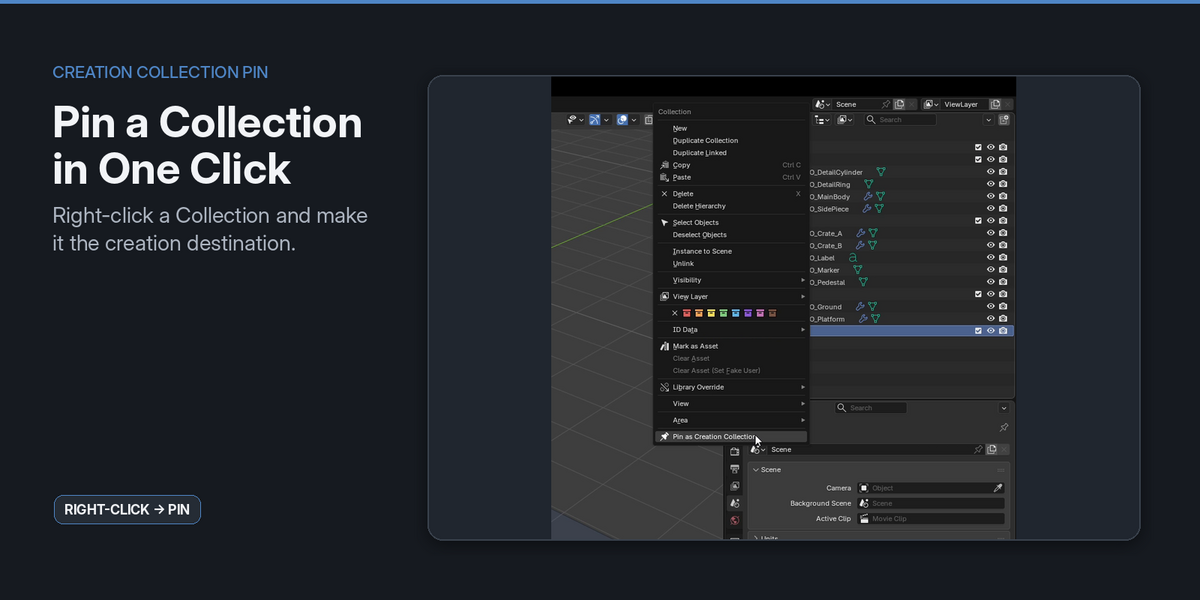
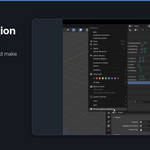
2. Right-click the Collection you want to use as the creation destination.
3. Choose "Pin as Creation Collection".
4. Continue working normally in Blender.
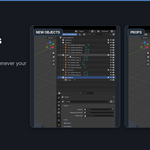
5. Add supported objects using Blender's standard Add workflow.
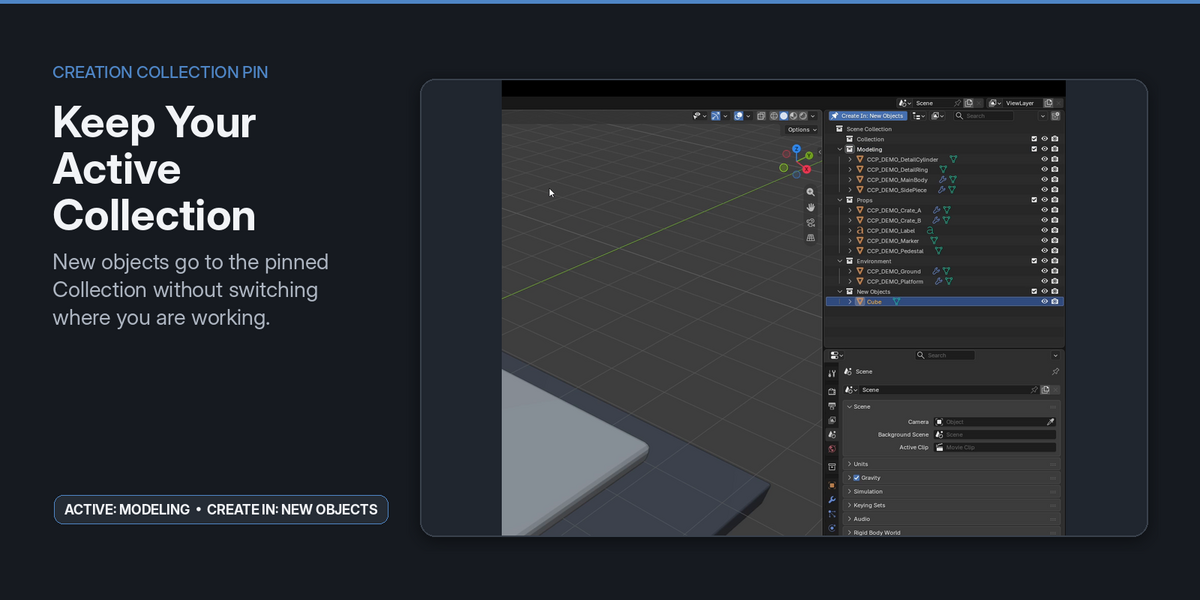
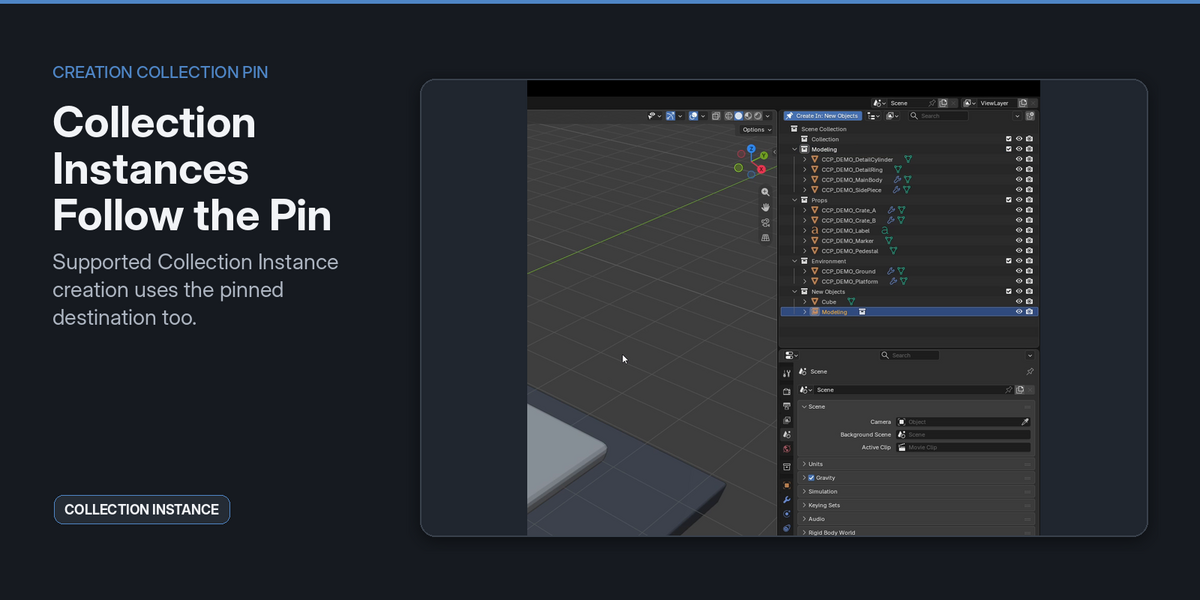
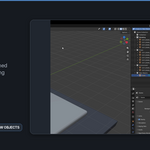
Newly created supported objects will be placed in the pinned Collection while your Active Collection remains unchanged.
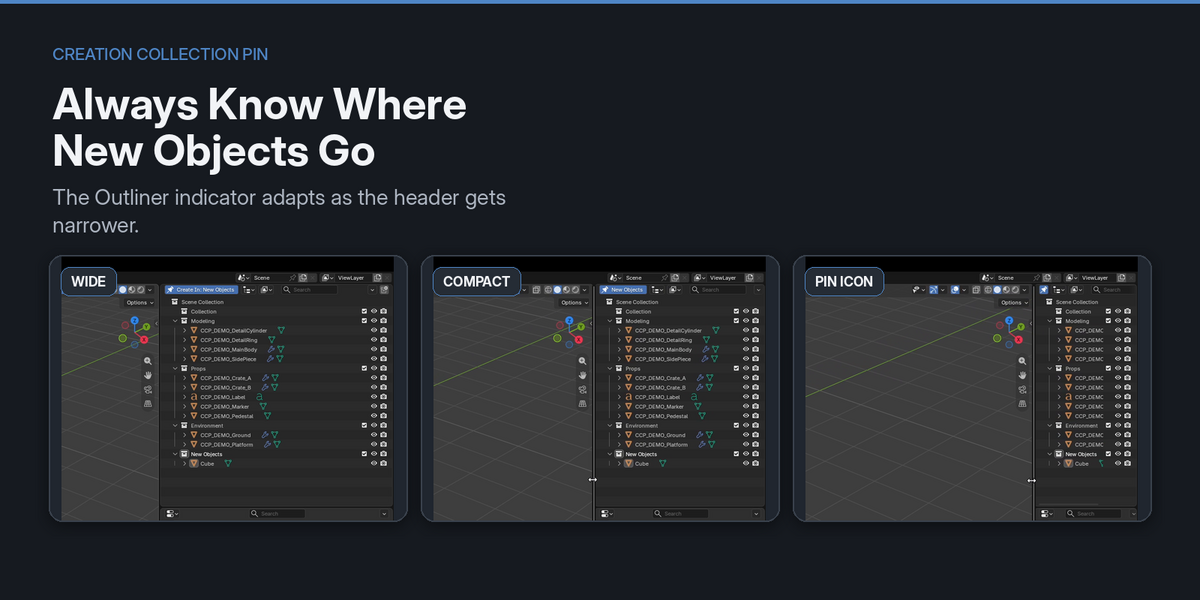
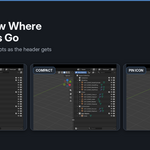
The current creation destination is shown in the Outliner header.
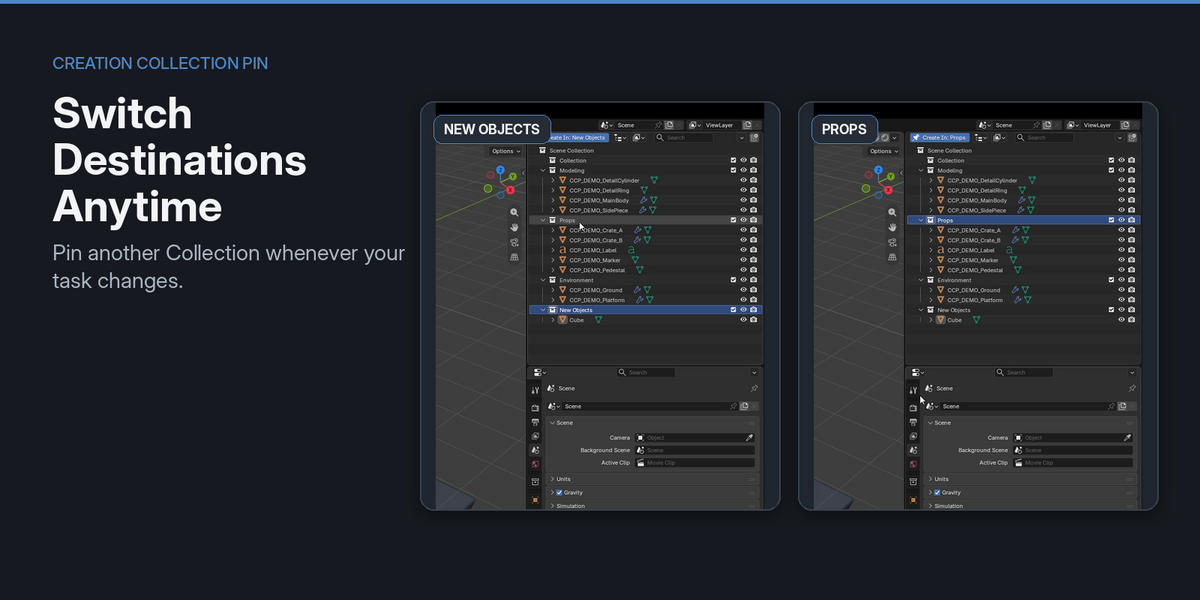
CHANGING THE DESTINATION
To use another Collection:
1. Right-click the new target Collection.
2. Choose "Pin as Creation Collection".
The new Collection becomes the creation destination immediately.
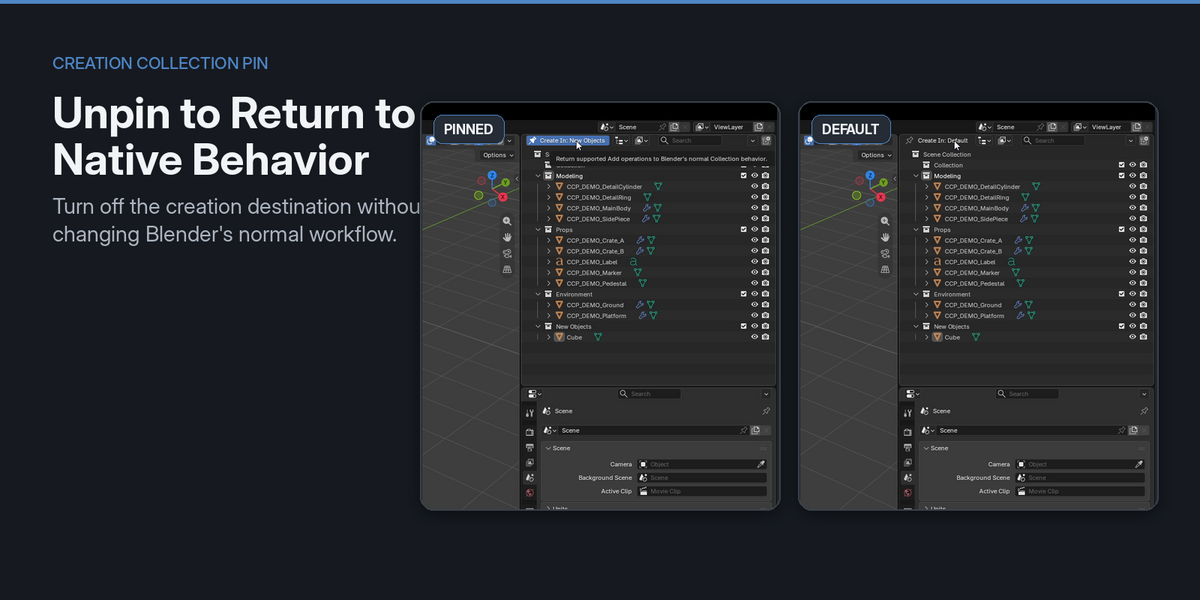
UNPINNING
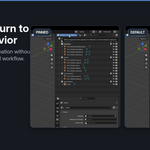
To return to Blender's default creation behavior:
1. Right-click the currently pinned Collection, or use the pin control in the Outliner header.
2. Choose "Unpin Creation Collection".
When no Collection is pinned, Blender uses its normal Active Collection behavior.
SUPPORTED WORKFLOW
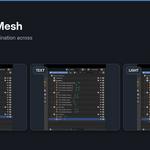
V1 supports many standard Blender Add operations, including common:
- Mesh primitives
- Curves and Surfaces
- Metaballs
- Empties
- Text
- Camera
- Lights and Light Probes
- Armatures
- Lattices
- Point Clouds
- Speakers
- Force Fields
- Grease Pencil presets
- Collection Instances
NATIVE BY DESIGN
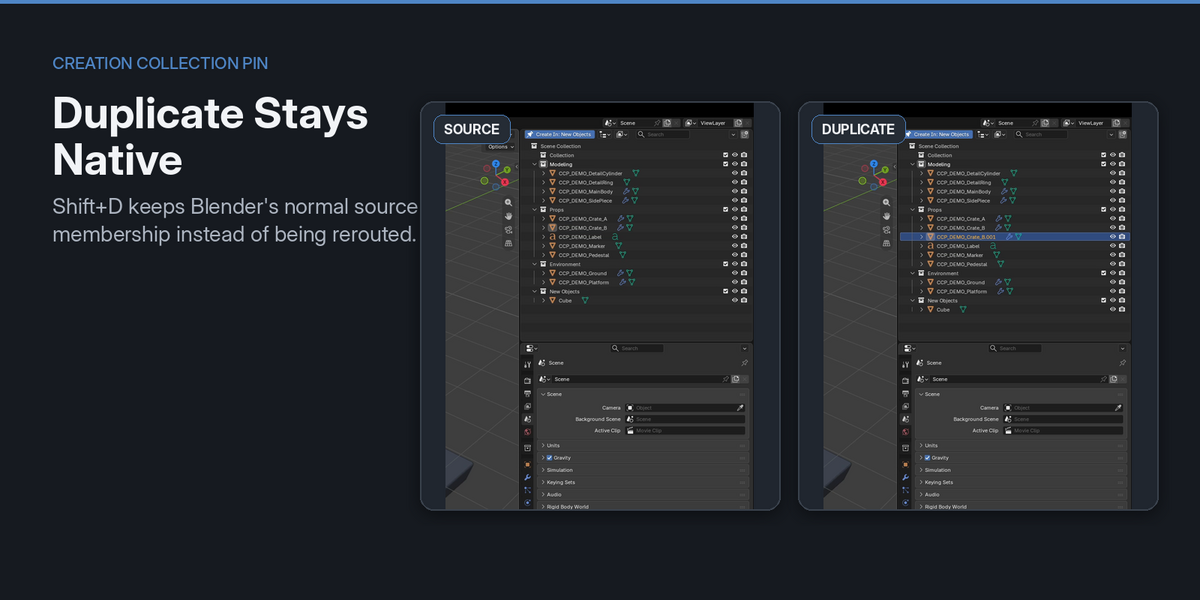
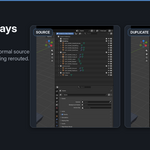
Creation Collection Pin does not reroute unrelated operations.
The following keep Blender's native behavior:
- Shift+D / Alt+D duplication
- Edit Mode geometry Add operations
- File import workflows
- Asset Browser placement and external drag-and-drop
- Compound creation tools that also modify existing objects
UNDO / REDO
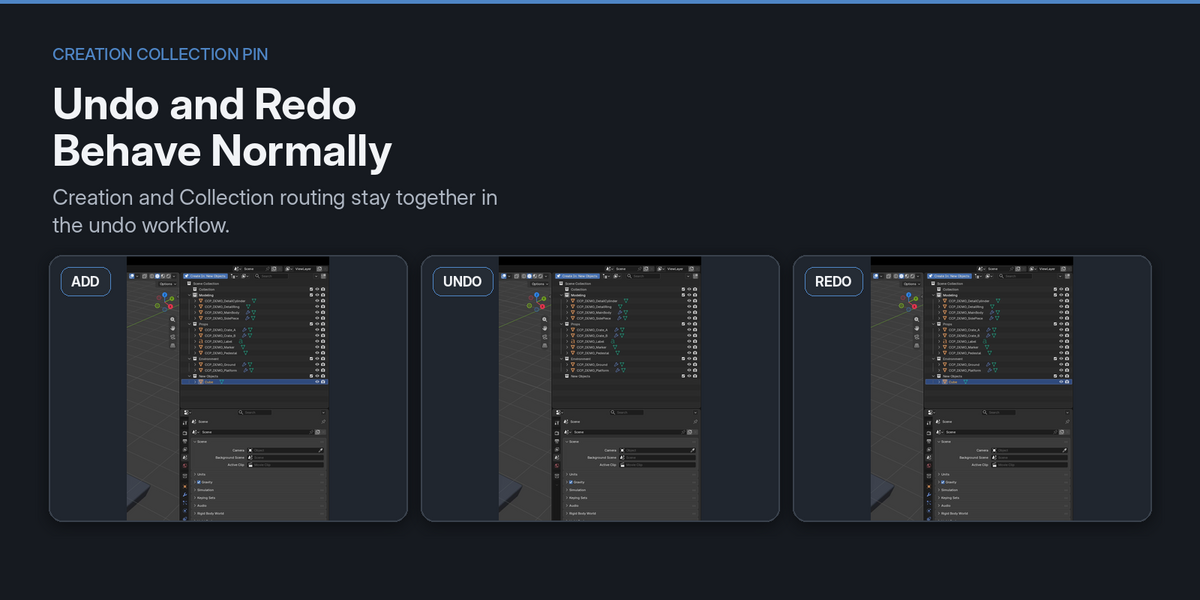
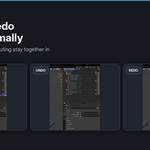
Creation and Collection routing are handled together in the normal Blender undo workflow.
COMPATIBILITY
Tested with:
- Blender 4.5.13 LTS
- Blender 5.0.1
- Blender 5.1.2
- Blender 5.2.1 LTS
SUPPORT
If you encounter an issue, please include:
- Blender version
- The Add operation you used
- The Collection structure involved
- Steps needed to reproduce the problem
Have questions about this product?
Login to message
| Blender Extension Compatible | Yes |
| Published | 1 day ago |
| Blender Version | 4.5 - 5.2 |
| Extension Type | Add-on |
| Render Engine Used | Cycles, Eevee |
| License | GPL |
Discover more products like this
add objects modeling object creation productivity Object Management outliner utility Scene Management collection management scene organization collection Workflow