 Kevin Moore
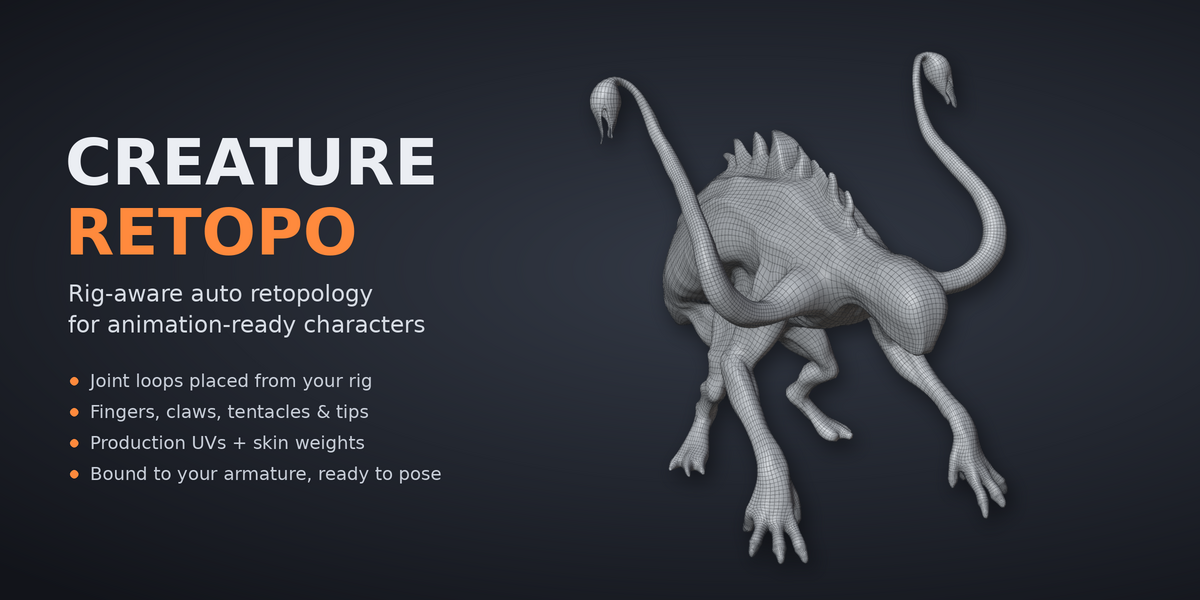
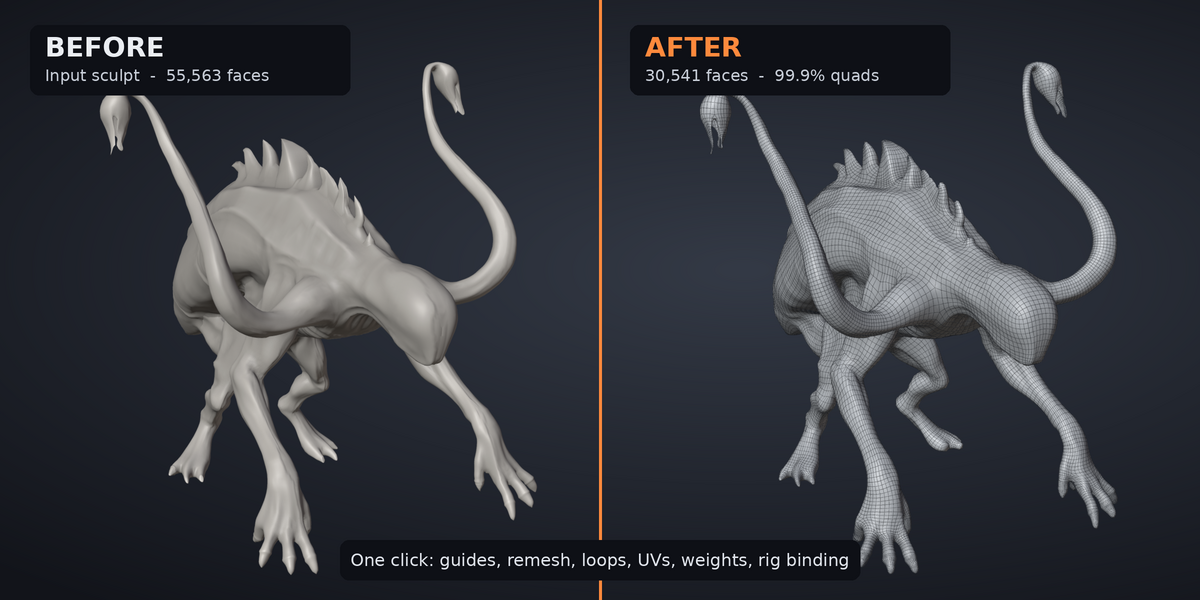
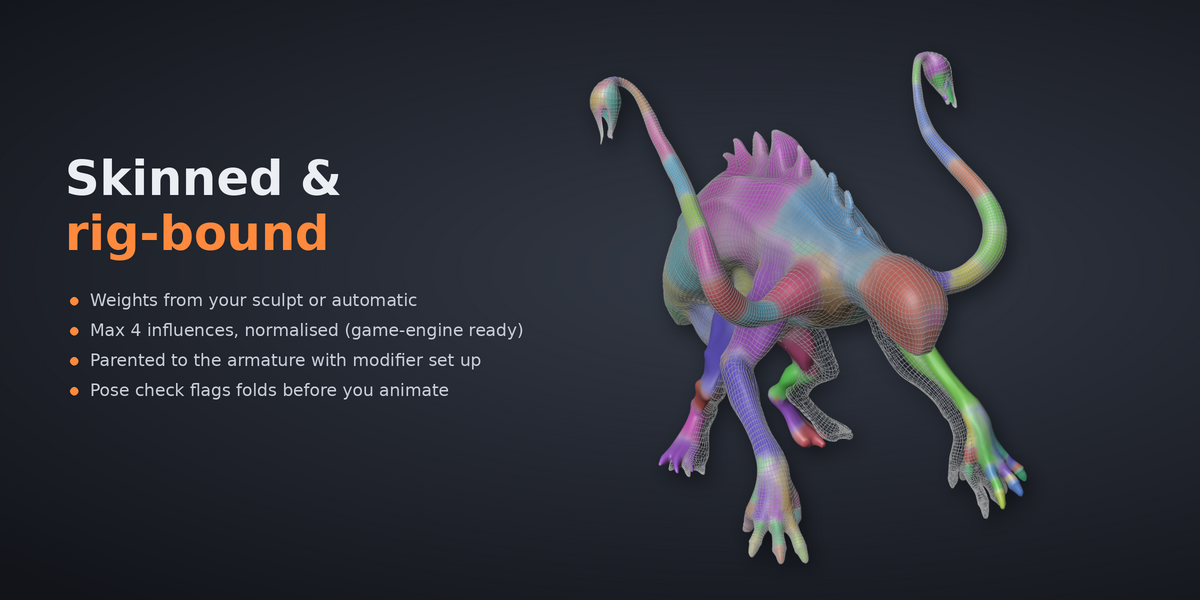
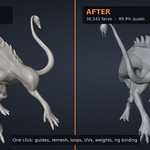
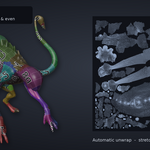
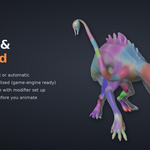
Stop hand-placing loops on every knuckle. Creature Retopo reads your rig and builds the topology an animator expects: edge loops on every bending joint, clean fingertips, evenly swept tentacles and tails. The mesh comes back skinned, unwrapped and bound to the rig.
What you get from one click
- Joint-aware loops: 3 loops (configurable) snapped onto every elbow, knee, knuckle, wrist and ankle, plus shoulder, hip and neck loops placed where the limb meets the body.
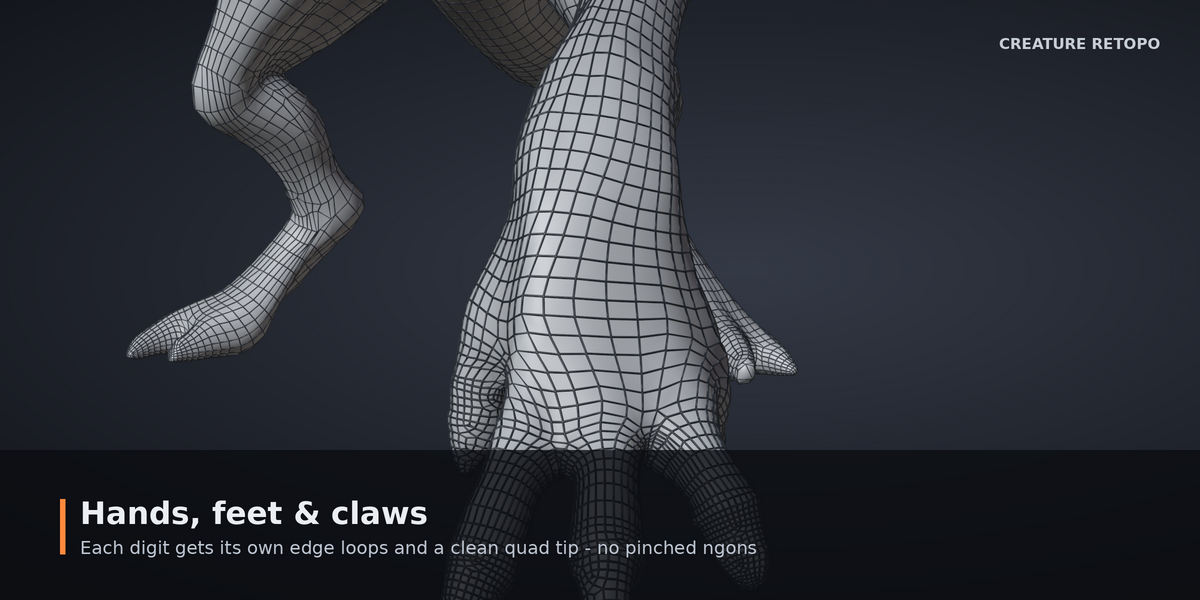
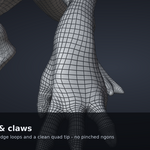
- Fingers, toes and claws: hands and feet are refined, and every tip is rebuilt as even loops closed by an all-quad grid cap. No triangle fans, no star-shaped point at the tip.
- Tentacles and tails: long bone chains are rebuilt as evenly spaced rings that taper 2 sides at a time, so they bend smoothly.
- Face: concentric loops around the eyes, mouth and nostrils, with eye positions read from the rig.
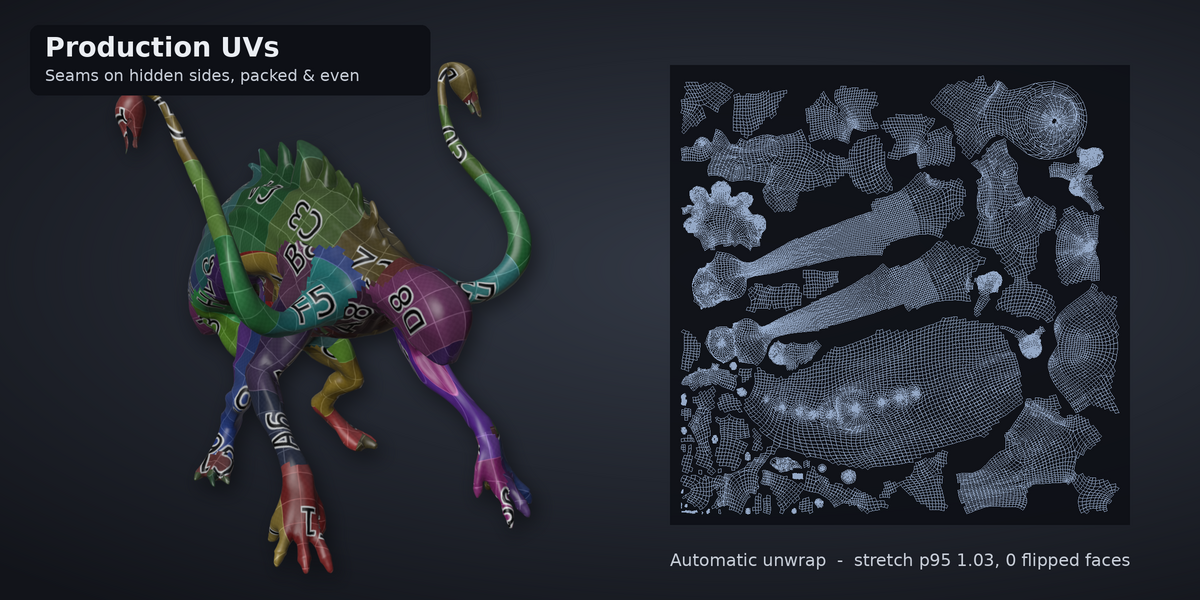
- Production UVs: one island per body part, seams on the joint loops and along the hidden side of each limb, minimum stretch, equal texel density, packed.
- Skin weights: transferred from your sculpt or computed automatically. At most 4 bones per vertex, normalised, bound and parented to the rig.
- Production check: quads %, folds, weights, UVs, plus a fold test in the rig's current pose. The panel tells you if anything still needs a look.
- Smart defaults: Auto density from the thinnest digit, symmetry switched off when the pose isn't mirrored, voxel clean-up only when the mesh needs it, and works with posed rigs.
- Your choice of engine: Blender's built-in QuadriFlow, or Exoside Quad Remesher if you own it (sold separately). Quad Remesher results are finalized automatically, with a density map that gives claws and fingers more quads, live progress in the panel, and clear messages if Quad Remesher fails or needs its licence step.
- Guides when you want control: paint Grease Pencil strokes for extra loops or paths, and add eye, mouth and nostril landmarks.
- Unreal-ready export: one-click FBX with engine-friendly settings.
Who it's for
Creature and character artists, indie game developers, and anyone who sculpts first and needs a rigged, deformable mesh fast. A solid base topology in under a minute, ready to animate or to polish by hand.
Requirements
- Blender 5.2 or newer. Tested on Windows; pure Python, so macOS and Linux are supported too
- A sculpt and an armature fitted to it (any rig or metarig)
- Optional: Exoside Quad Remesher (sold separately) for the Quad Remesher engine
Installation
- Download
creature_retopo-1.0.0.zip(don't unzip it). - Edit > Preferences > Get Extensions, then the drop-down at the top right, then Install from Disk..., and choose the zip.
- In the 3D Viewport press N and open the Retopo tab.
Quick start
- Select your sculpt, shift-select its armature, and click Use Selection.
- Leave Auto on and choose an engine.
- Click Auto Retopo. The result
_retopois parented to your rig, and the panel reports PRODUCTION READY or what to check.
The full panel reference, workflow tips and troubleshooting are in the Documentation section, and common questions in the FAQ.
Honest limits
- It's automatic base topology. Hero faces still benefit from a manual pass; use landmarks and guide strokes to steer it.
- Fingers or toes that touch in the sculpt stay joined.
- Results depend on the rig: no bone, no joint loop.
License
GPL-3.0-or-later. Full source code included.
