Installation
- Download
creature_retopo-1.0.0.zip (don't unzip it).
-
Edit > Preferences > Get Extensions, then the drop-down at the top right, then Install from Disk..., and choose the zip.
- In the 3D Viewport press N and open the Retopo tab.
Quick start
- Select your sculpt, shift-select its armature, and click Use Selection.
- Leave Auto on and choose an engine.
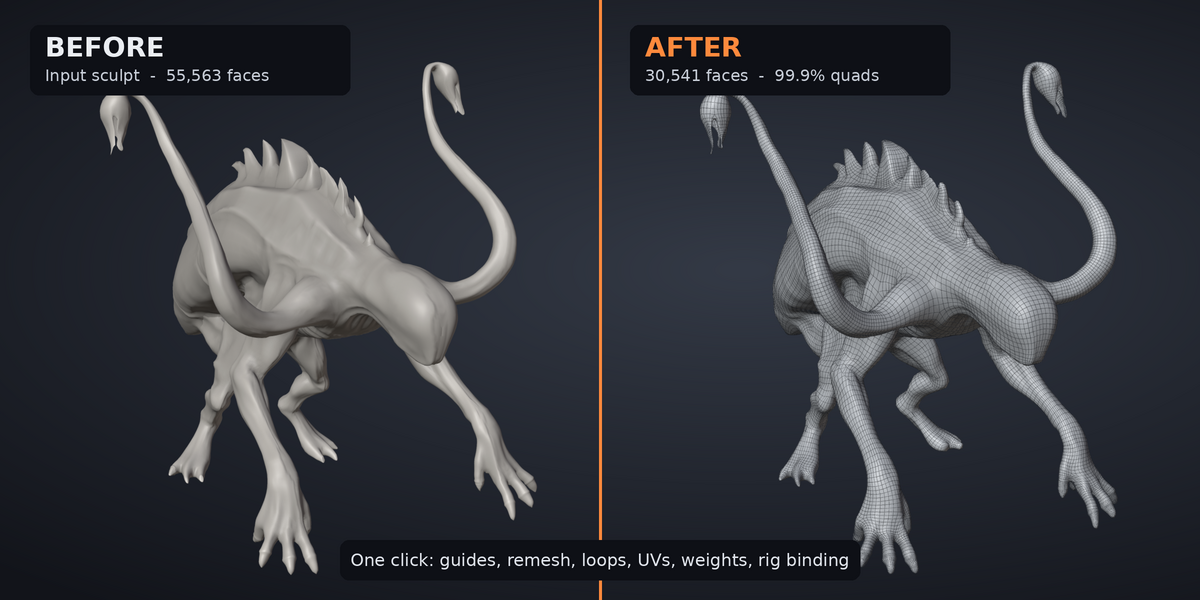
- Click Auto Retopo. The result
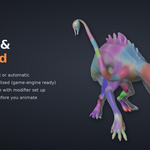
_retopo is parented to your rig, and the panel reports PRODUCTION READY or what to check.
Panel reference
Main
| Option |
What it does |
| Source / Armature |
The sculpt and the rig. Use Selection fills both. |
| Engine |
QuadriFlow (built in, tested), Quad Remesher (needs Exoside Quad Remesher), QRemeshify / QuadWild (experimental), Guides only. |
| Auto / Target Faces |
Auto sizes the mesh so the thinnest fingers, claws and tails get at least 8 quads around. Turn it off to set Target Faces yourself. |
| X |
Symmetry. Switched off automatically when the pose isn't mirrored. |
| Auto Retopo |
Runs everything. 1 Guides / 2 Remesh / 3 Finalize run the stages one at a time. |
Joints, Fingers & Face
| Option |
Default |
What it does |
| Joint Loops / Loops per Joint / Loop Spacing |
on / 3 / 0.14 |
Loops snapped around every bending joint. |
| Refine Hands & Feet / Refine Head |
on |
Splits each quad into 4 beyond the wrist, ankle and neck, with all-quad transitions. |
| Sweep Tentacles / Tails |
on |
Rebuilds long unbranched chains as evenly spaced rings that taper 2 sides at a time. |
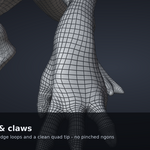
| Rebuild Tips |
on |
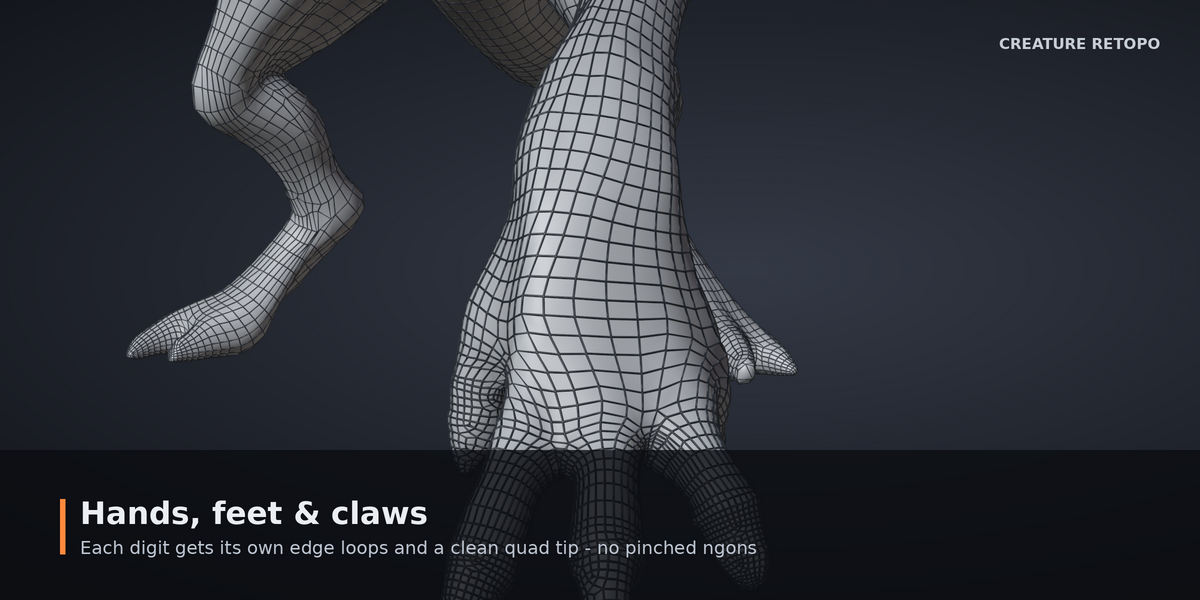
Fingertips, toes, claws and tail ends become loops closed by a grid cap. |
| Merge Crowded Loops |
on |
Two loops squeezed into a strip of thin quads become one. |
| Hands / Paws Density, Joint Density, Face Density |
1.0 |
Extra density boosts (QuadriFlow). |
| Snap Joint Loops / Support Loops / Shoulder & Hip Loops |
on / 1 / on |
Extra loops around joints, shoulders and hips. |
| Landmark Loops, Eyes from Rig, Eye / Mouth / Nostril |
on |
Concentric loops around the eyes, mouth and nostrils. Add landmarks at the 3D cursor and scale them to fit. |
| Guide Curves / Draw Guides |
on |
Paint Grease Pencil strokes on the surface: closed strokes become loops, open strokes become paths. |
Advanced
| Option |
Default |
What it does |
| Clean-up |
Auto |
Auto rebuilds only meshes that need it, which keeps thin claws and gaps. Other choices: Voxel, None. |
| Voxel Detail / Max Working Tris |
300 / 250k |
Resolution of the working copy. |
| Density Map (Quad Remesher) |
on |
Paints Quad Remesher's density map (red = denser). |
| Exact Quad Count (Quad Remesher) |
on |
Keeps Quad Remesher to the target count instead of adding quads on curvature. |
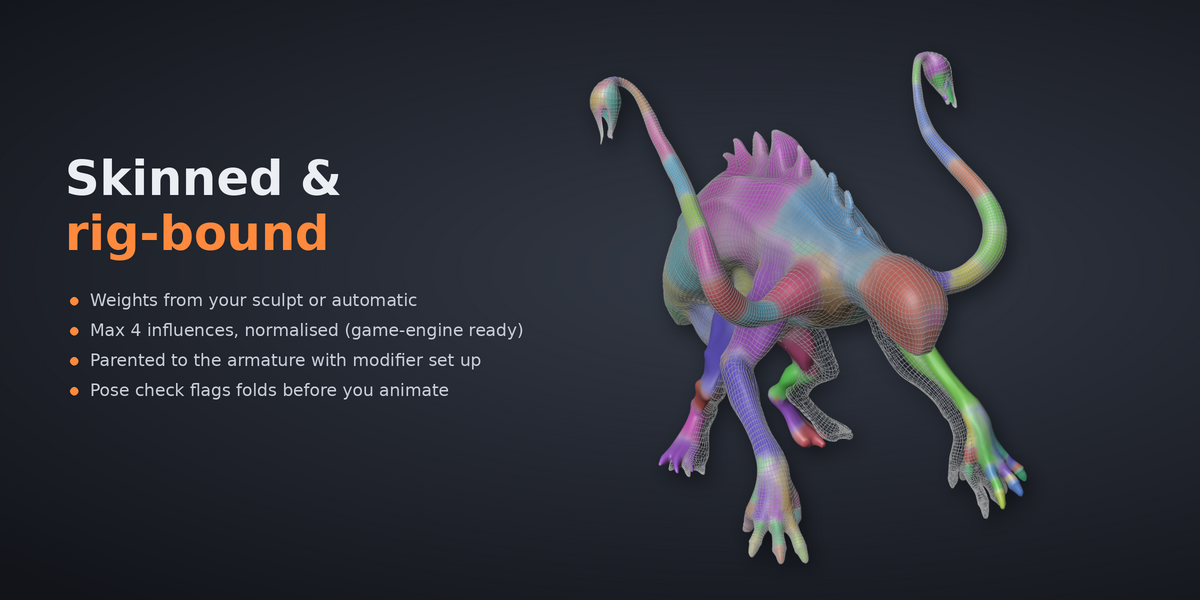
| Transfer Weights / Max Bone Influences |
on / 4 |
Weights from the sculpt (or automatic). Normalised, with at most N bones per vertex. |
| Bind to Armature |
on |
Armature modifier first in the stack, parented to the rig. |
| UVs & Materials / UVs |
on / Production Unwrap |
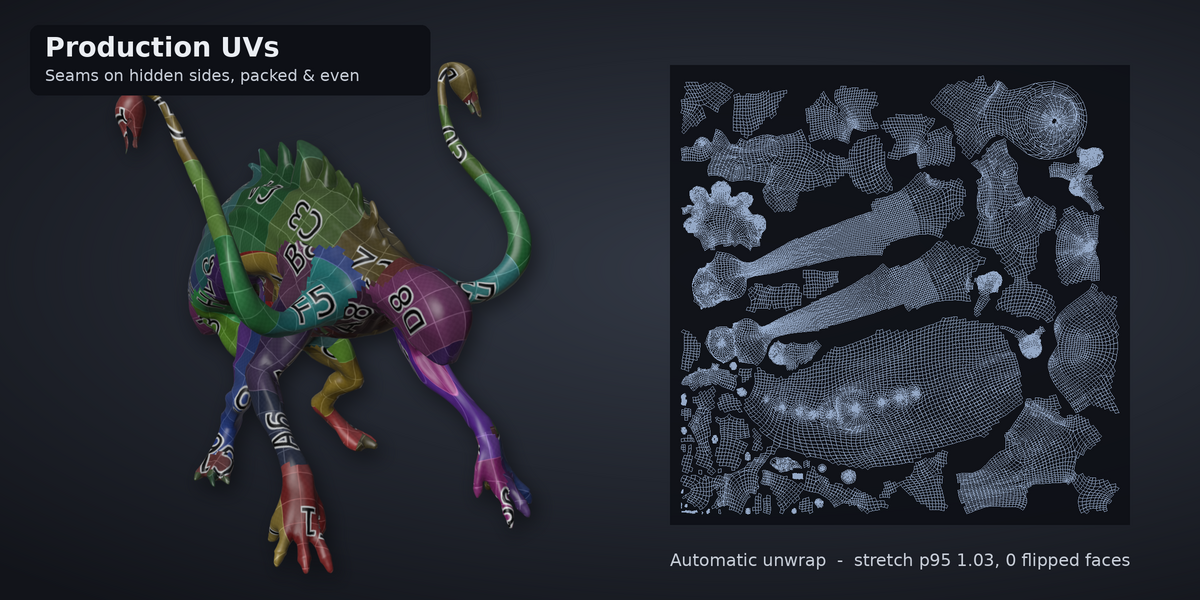
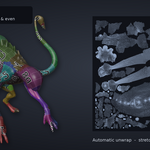
Production Unwrap makes new UVs by body part. From Sculpt copies the sculpt's UVs. |
| Subdivision Modifier |
off |
Adds a preview Subdivision Surface modifier. |
| QA Report / Select Poles to Review |
on |
Lists poles on joints and in the face (CR_Poles_Review group). |
| Export to Unreal (FBX) |
|
Exports the mesh and rig with Unreal-friendly settings. |
CR_Flow is a colour attribute that paints the result like a flow map: orange joint loops, purple face loops, green guide loops and red poles to review. To see it, set the viewport shading colour to Attribute.
Quad Remesher workflow
- Install and license Exoside Quad Remesher (sold separately).
- Set Engine to Quad Remesher and click Auto Retopo.
- Quad Remesher runs in the background. When its result appears, Creature Retopo picks it up and finalizes it automatically: loops, tips, UVs, weights and binding. A summary is printed to the system console, and the result is selected.
- While it runs, the panel shows Quad Remesher's progress and a stop button. If Quad Remesher fails, asks for its licence or EULA step, or is cancelled with Esc, the panel says so instead of waiting.
-
Exact Quad Count (Advanced, on by default) makes Quad Remesher keep to the target face count, so the density map decides where the quads go.
Tips for the best result
- The sculpt and rig should line up in the rest pose, the way you would skin it.
- Bones matter: every bending joint you want a loop on needs a bone. Fingers need finger bones.
- A thin claw or fin that fuses: keep Clean-up on Auto (or None) for clean meshes.
- Faces: add Eye, Mouth and Nostril landmarks, and draw guide strokes for nasolabial or jaw flow.
- Before exporting to Unreal, name the armature object
Armature, so Unreal doesn't add a root bone.
Troubleshooting
| Symptom |
Fix |
| Fingers fused together |
Keep Auto on, or raise Target Faces. If they touch in the sculpt they stay joined. |
| A tentacle or tail isn't swept |
It needs at least 4 bones in an unbroken chain, each with a single child. |
| Quad Remesher error in the panel |
Follow the message. On the very first run Quad Remesher downloads its engine: press Auto Retopo again. |
Support
Message me through the product's Superhive page. I aim to reply within 72 hours. Please include your Blender version, the report lines from the panel, and a screenshot.
 Kevin Moore