Cross Converter - Cycles To Octane Material Converter
 CrossstarDesigns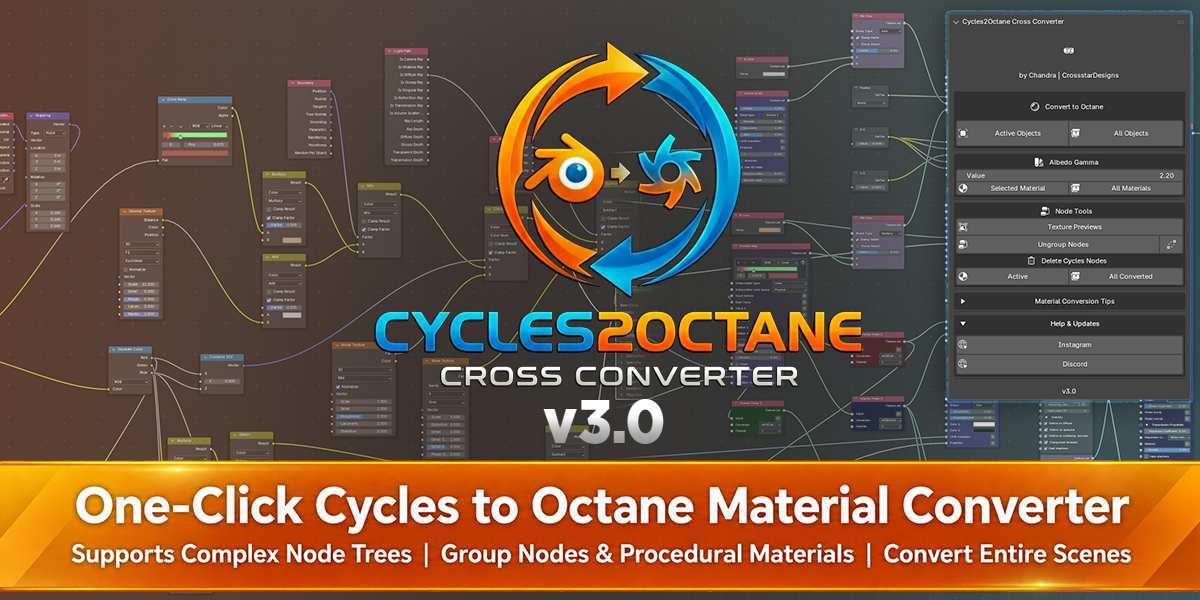
Quick Start Guide
Installation:
- Go to Edit > Preferences > Add-ons.
- Click Install and select the zip file you downloaded.
- Check the box to enable Cross Converter.
How to Use:
- Open the Side Panel (Press N) and click the Cross Converter tab.



- Click Active Objects to convert selected objects, or All Objects to convert the entire scene.
- Optional: Delete Cycles Nodes → Active for one material, or All Converted for the whole scene.

Adjusting Gamma (Post-Conversion): If your textures look too bright or too dark after converting, use the Albedo Gamma section in the panel:
- Value Slider: Default is 2.20. Try 1.0 or 1.5 depending on the asset source.
- Update Buttons: Click Selected Material to apply the change to one material, or All Materials to update all converted materials.
Need Help? Support links are built into the addon:
- Expand the Help & Updates dropdown at the bottom of the addon panel.
- Click Instagram or Discord to message me directly.
- I am active on both platforms and can help debug specific node issues quickly.
$39$35
 Included
Includes 12 months of
- Support from CrossstarDesigns
- Product updates
Extend this product’s Support Period +12 months: 50% of product price
Have questions before purchasing?
Login to message