Cross Engine: Blender ↔ Unreal Bridge
 Leartes Tools










When things go wrong section
--Nothing happens when I save.
The object is probably not inside a bridge collection. Select it, press M and move it into one.
The add-on shows an old version after updating.
Blender keeps loaded modules in memory. Remove the add-on, close Blender completely, reopen and
install again.
--Moving something in Blender does not move anything in the engine.
If it came from a level you do not have open, there is nothing to move: those actors belong to a
level that is not loaded. The same is true of assets sent from the content browser, which are not
placed in a level until you place them.
How do I report a problem?
Turn on session recording in the panel, reproduce the problem, then stop it. The recording holds
everything that crossed the bridge and makes a report that can be read without your scene.
Can I share my settings?
Yes. Save them as a named preset and load it elsewhere. Presets carry settings only, never
anything about a particular scene.
Does it check my scene before sending?
Yes. Missing UVs, unapplied scale, skeleton problems, missing texture files and several other
issues are caught before anything is sent, and many offer a one-press fix.
What if both sides edited the same thing?
That row is marked as a conflict so you can see it before deciding.
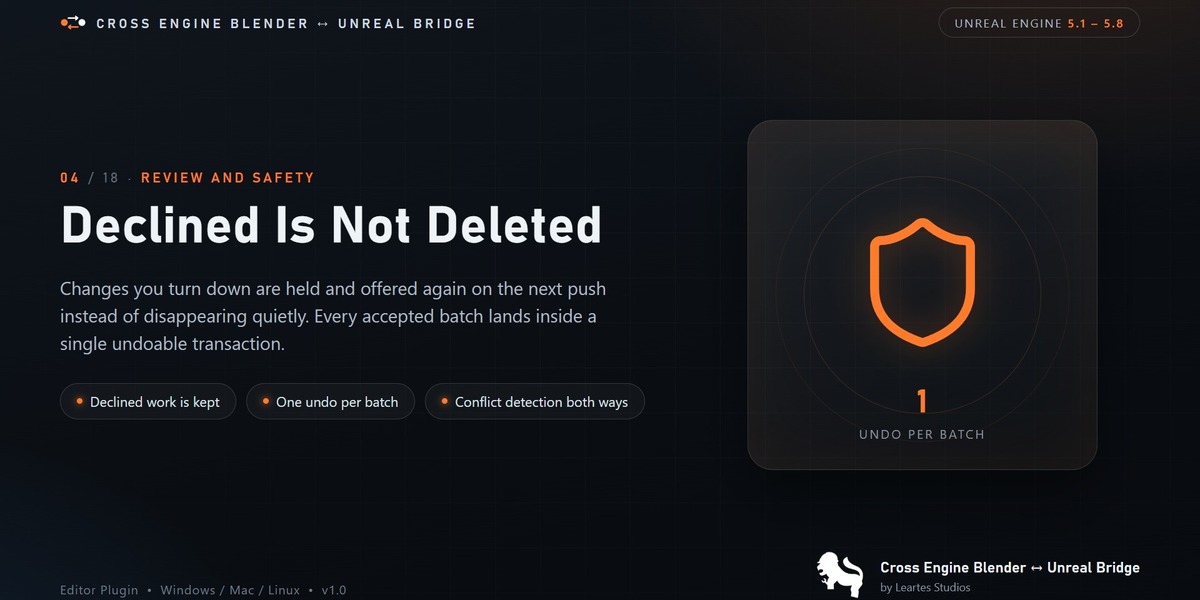
What happens to a change I decline?
It is kept and offered again on the next save. Nothing is silently dropped. This is the guarantee
the bridge holds above everything else.
Can this overwrite my work?
Not without you seeing it first. Incoming changes are shown in a review window where you choose
what to apply. Only when you turn on automatic applying do changes land unseen.
Do skeletal meshes work?
Yes, with both hair engine plugins enabled: the hair feature itself and the importer that reads
the file hair travels in. With either missing, the bridge does not offer hair and nothing is sent.
Hair arrives at the size it had in Blender. Set the scale once in the hair asset's import options
to match your project.
What about LODs?
LODs that already exist on an asset are preserved when it is sent back. Authoring a new LOD chain
in Blender is not supported yet.
Are collision shapes and sockets supported?
Yes. Collision shapes follow the usual naming convention and travel with the mesh. Sockets travel
Does editing geometry send the whole mesh every time?
No. When only vertex positions moved and the shape is otherwise unchanged, just the positions
travel, which is much faster. Adding or removing geometry means the whole mesh has to go, and the
log says when it falls back.
Can I edit a material in Blender and send it back?
Yes. Materials pushed from Blender arrive as engine material instances with their textures
imported alongside.
Why does a colour look different in Blender?
Usually the view transform rather than the material. Blender's default transform is not the one
engines use. Set it to Standard before deciding a colour is wrong.
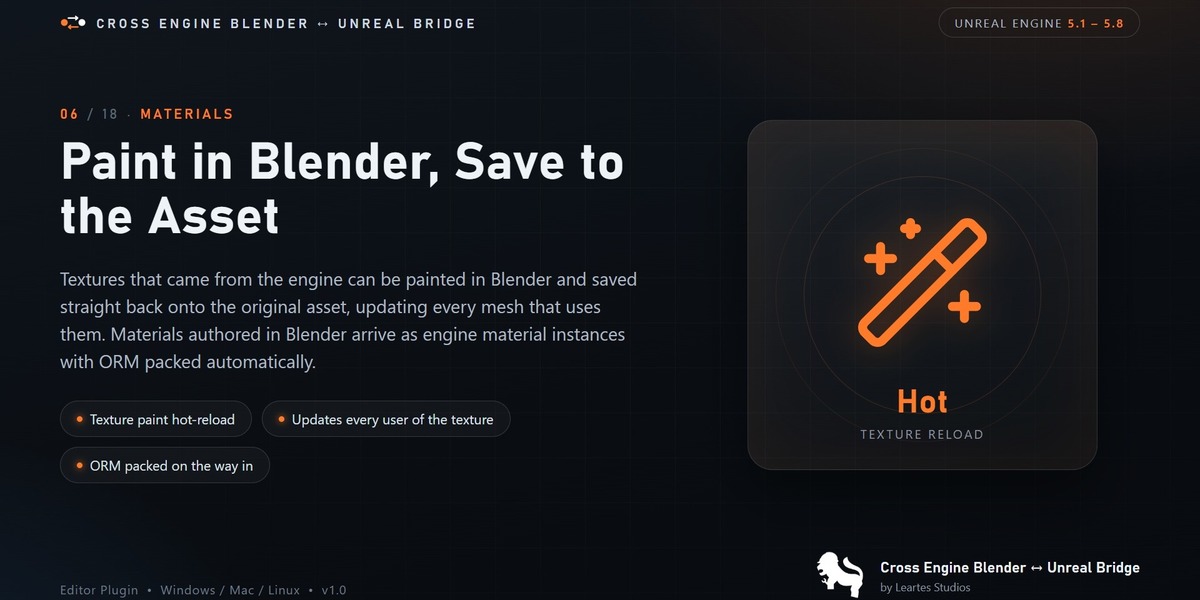
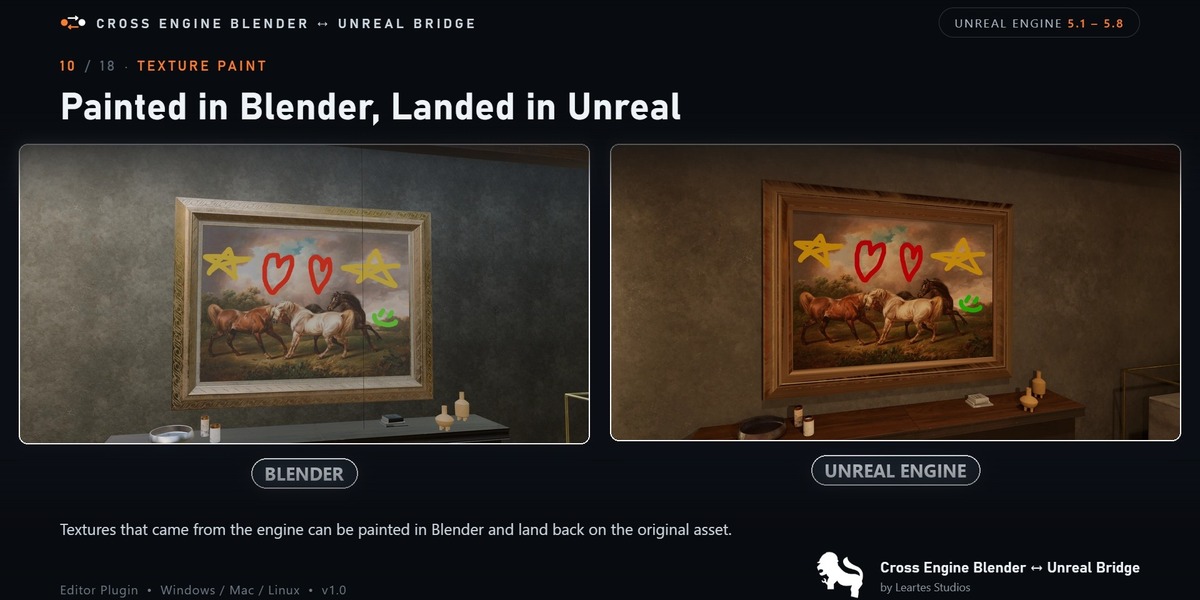
Can I paint a texture in Blender and see it in the engine?
Yes, when the texture came from the engine as a real asset. Paint it, save, and it lands back on
the original. Textures produced by baking stay in Blender, because there is no original to write
back to; the log marks which is which.
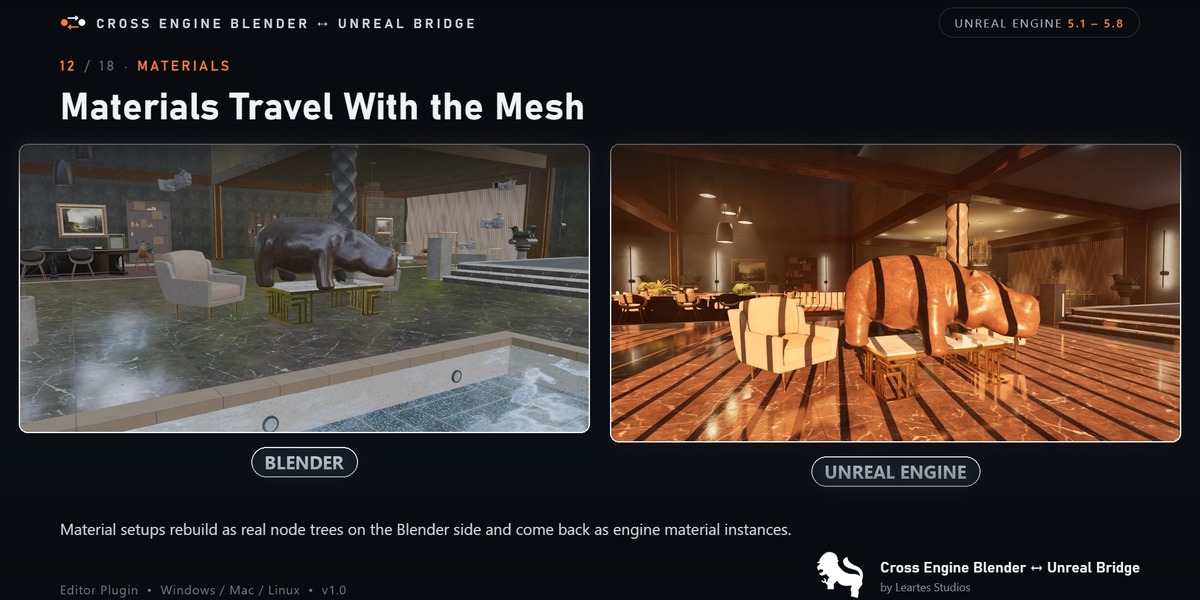
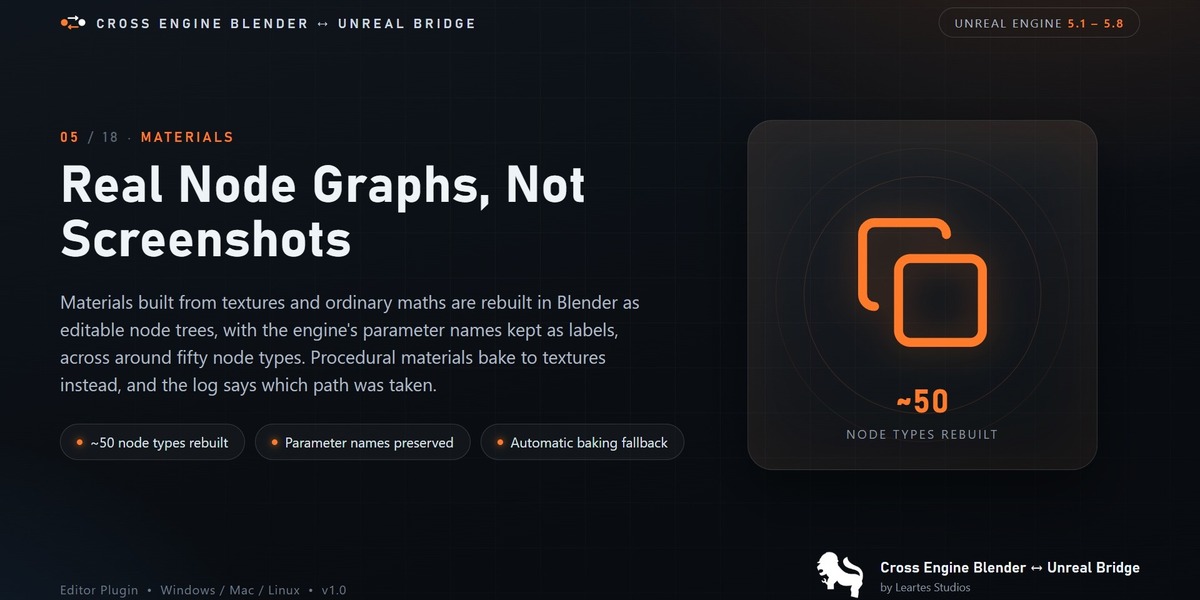
Will my materials look the same on both sides?
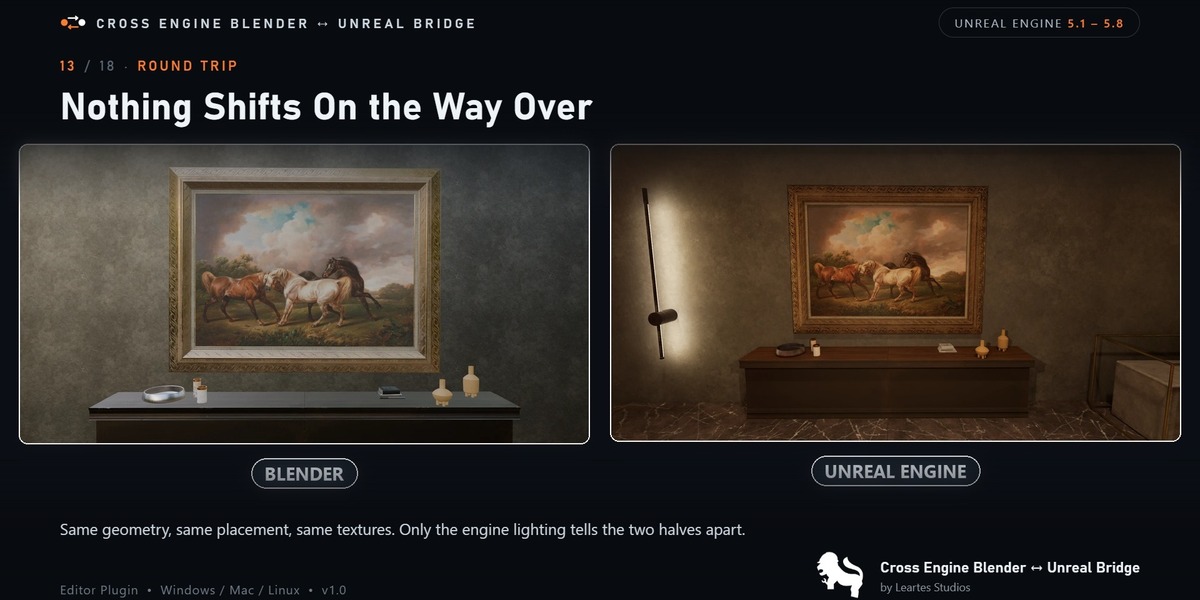
Materials built from textures and ordinary maths are rebuilt as real Blender nodes and match
closely. Materials that compute their look in ways Blender has no equal for are baked to textures
instead, which matches what you see but cannot be edited meaningfully in Blender.
The log always says which path a material took and why.
What sends my changes back?
Saving in Blender. You can also press the push button in the sidebar if you would rather choose
the moment.
Where do things land in Blender?
Inside a collection whose name starts with LB. That collection is the bridge; anything inside it
is watched, anything outside it is ignored.
Do I have to send everything at once?
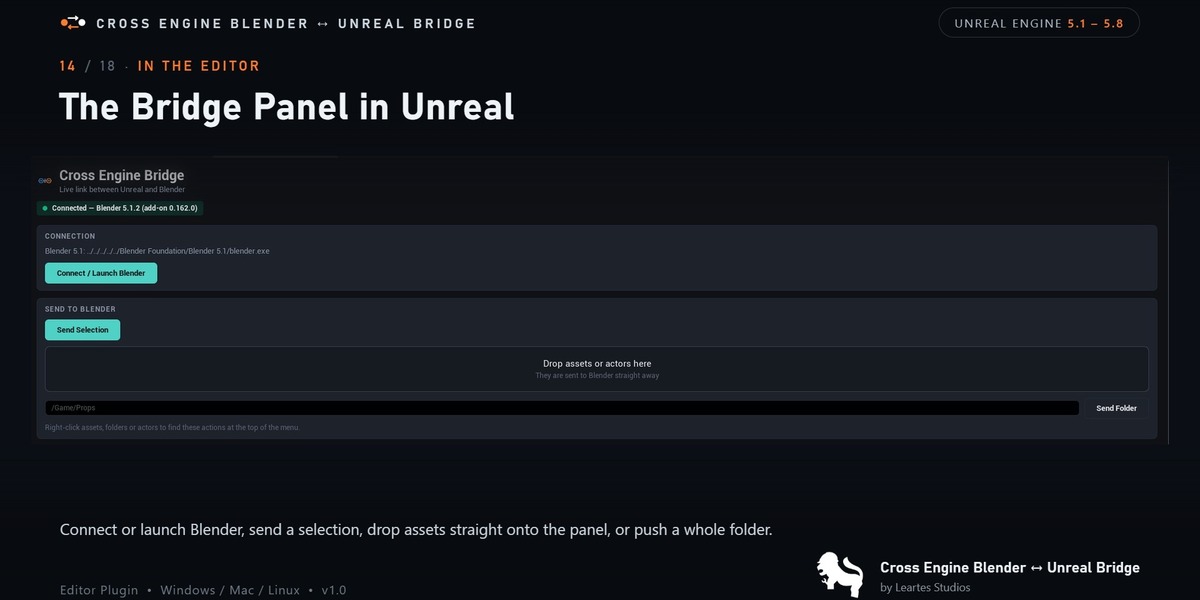
No. Send a single actor, a selection, a content folder or a whole level, whichever suits.
What travels between them?
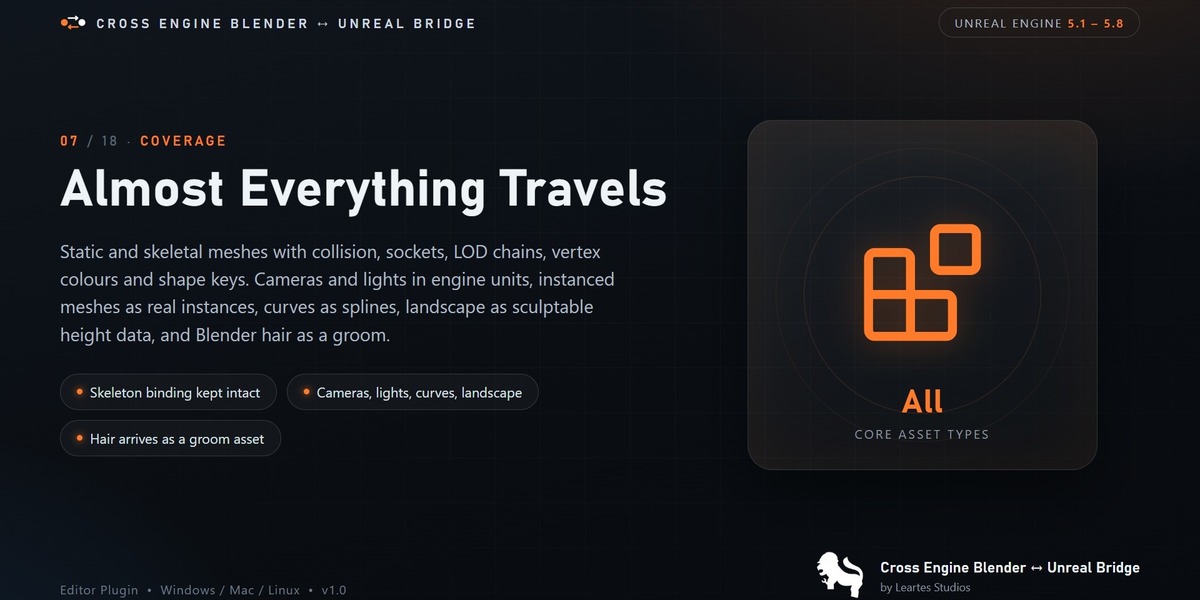
Meshes, materials and their textures, cameras, lights, landscape sculpting, curves, hair,
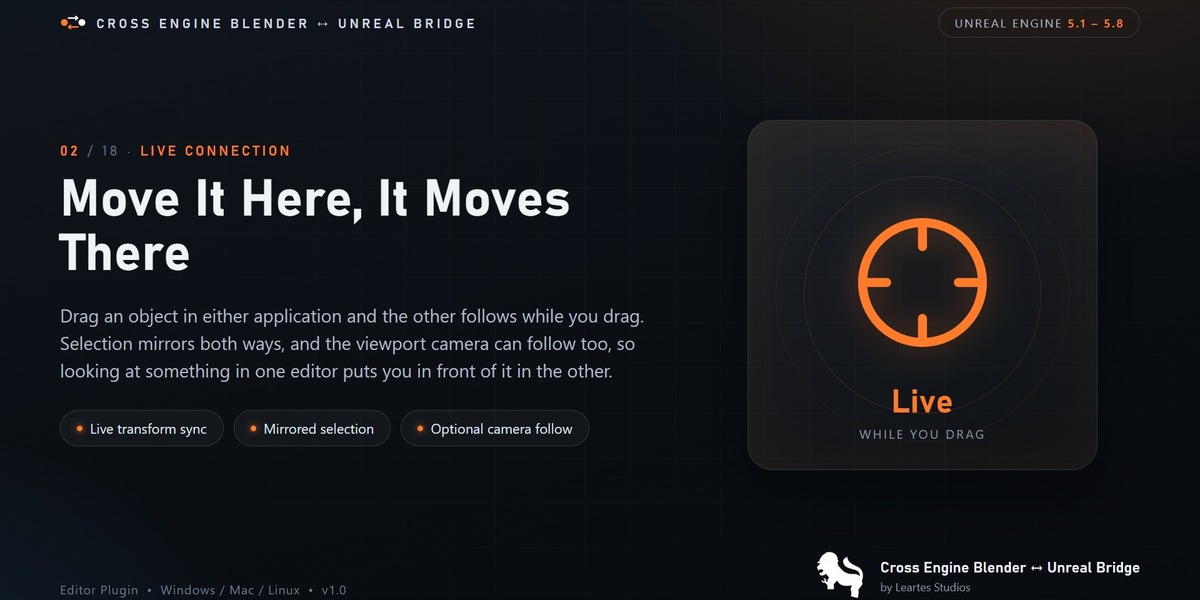
instances, custom properties and animation. Selections and transforms travel live while you work.
Is this an exporter?
No. An exporter writes a file you then import. This keeps both programs in step: a change on
either side reaches the other without a file round trip you have to manage.
Do I need to keep Blender open?
No. The engine launches it when needed. Anything you send while Blender is closed is held and
delivered once it connects.
Does my whole team need it installed?
Only the people moving work between the two programs. Assets that arrive in the engine are
ordinary assets afterwards and need nothing special to open or use.
Which versions are supported?
Unreal Engine 5.1 through 5.8, and Blender 4.2 or newer. Windows, Mac and Linux.
Do both programs have to be on the same machine?
Not necessarily. By default the bridge only listens locally, which covers the common case. If
the engine and Blender live on separate machines, turn on Accept Remote Connections in the engine
settings, name the address allowed to connect, and point Blender at the engine machine.
$49.99$37.49
Have questions about this product?
Login to message
| Published | 8 days ago |
| Blender Version | 4.4 - 5.2 |
| Extension Type | N/A |
| Render Engine Used | Blender-Internal, Blender-Game-Engine |
| License | Mit |

Discover more products like this
live link blender to unreal bridge Unreal Engine blender to UE5 pipeline unreal bridge blender to ue5 3D Pipeline Unreal Engine Export blender to unreal engine-ue5