 Jeff Lange
 Arze
Arze

Jeff Lange
over 4 years ago
Improving the UI is on my to-do list, I'll see what I can do, this is a good idea! Thanks, Arze!
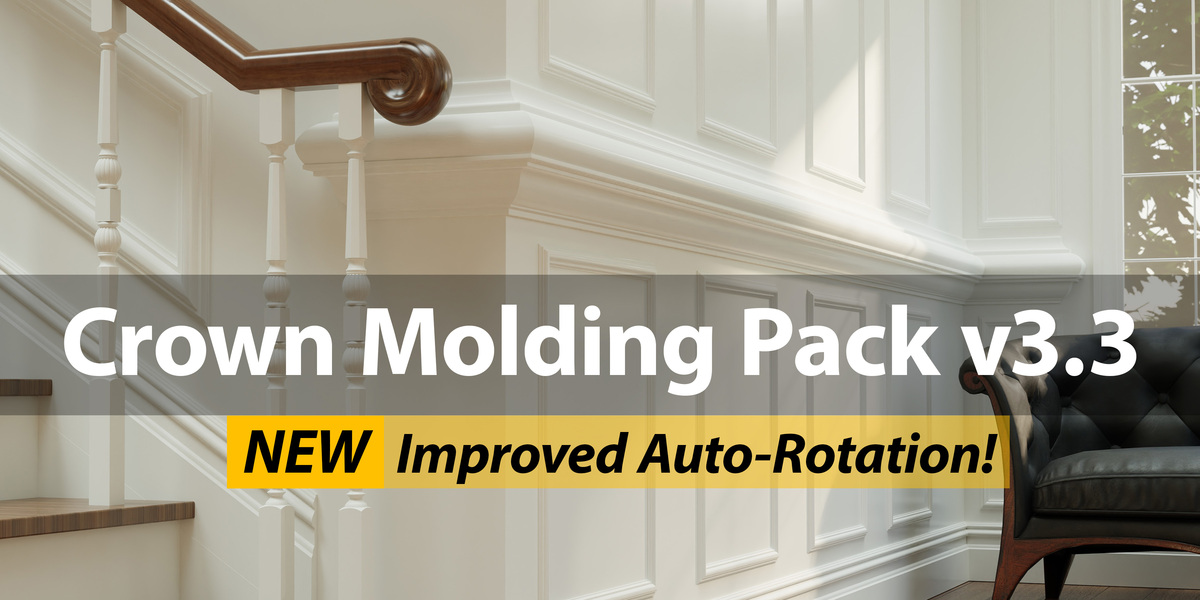
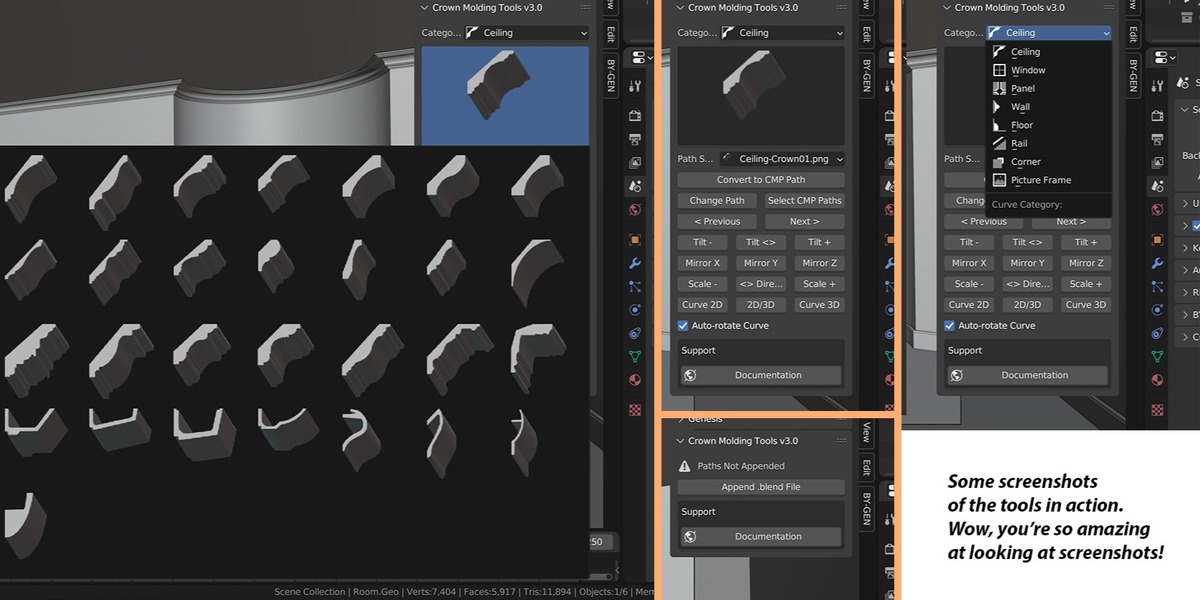


This item has an average rating of 4 from 13 ratings by the community.
Purchase this item to leave a review!
Jeff Lange
over 4 years ago
Improving the UI is on my to-do list, I'll see what I can do, this is a good idea! Thanks, Arze!
Jeff Lange
over 4 years ago
Hey Matthew, what isn't working? Have you checked out the documentation (https://blendermarket.com/products/crown-molding-pack/docs) on how to get started?
Jeff Lange
over 4 years ago
Paul, I'm sorry the add-on isn't what you were hoping for. If you'd like a refund, I'd be happy to do that for you. There is a way to see the name of the profile under the Properties > Data > Geometry > Bevel > Object section, but I know that isn't the easiest way to see it. Improving the interface is on my to-do list.
 Included
Includes 12 months of
Extend this product’s Support Period +12 months: 50% of product price
Have questions before purchasing?
Login to message
| Blender Extension Compatible | Yes |
| Sales | 400+ |
| Rating | 13 ratings |
| Dev Fund Contributor | |
| Published | almost 11 years ago |
| Blender Version | 2.8 - 5.2 |
| Extension Type | Add-on |
| License | GPL |
 matthew
 paul langlois
