 nice mesh
💎 Crystalline
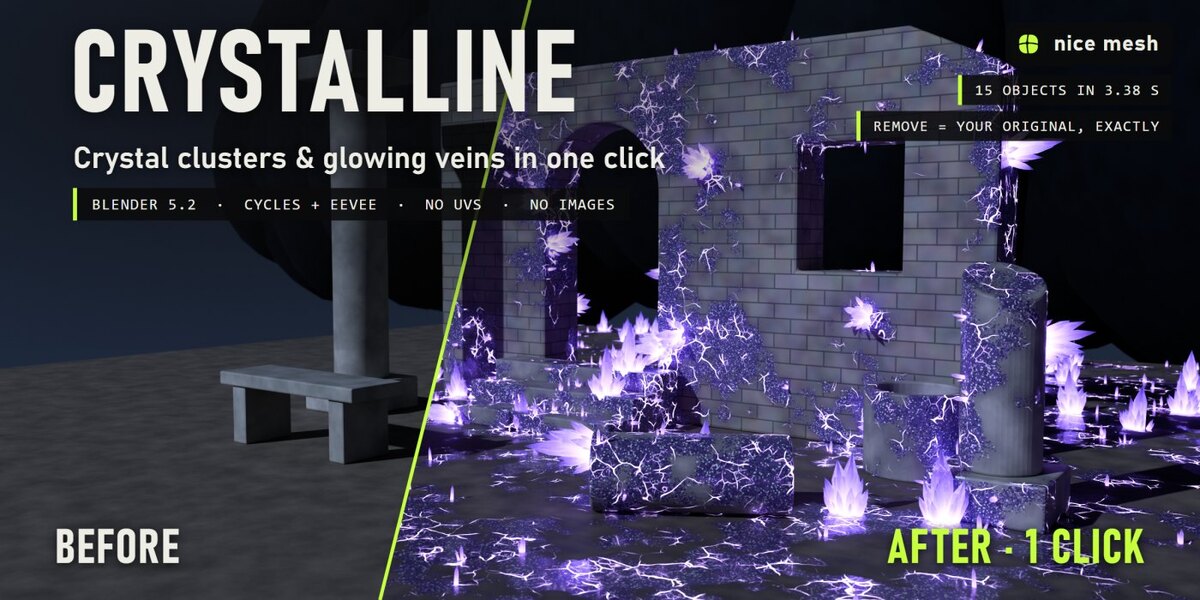
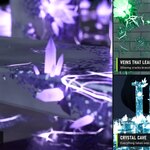
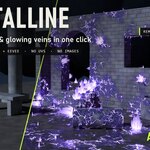
Crystal clusters that burst out of any surface, with glowing veins and a sparkling crust. Real geometry, no UVs, fully removable.
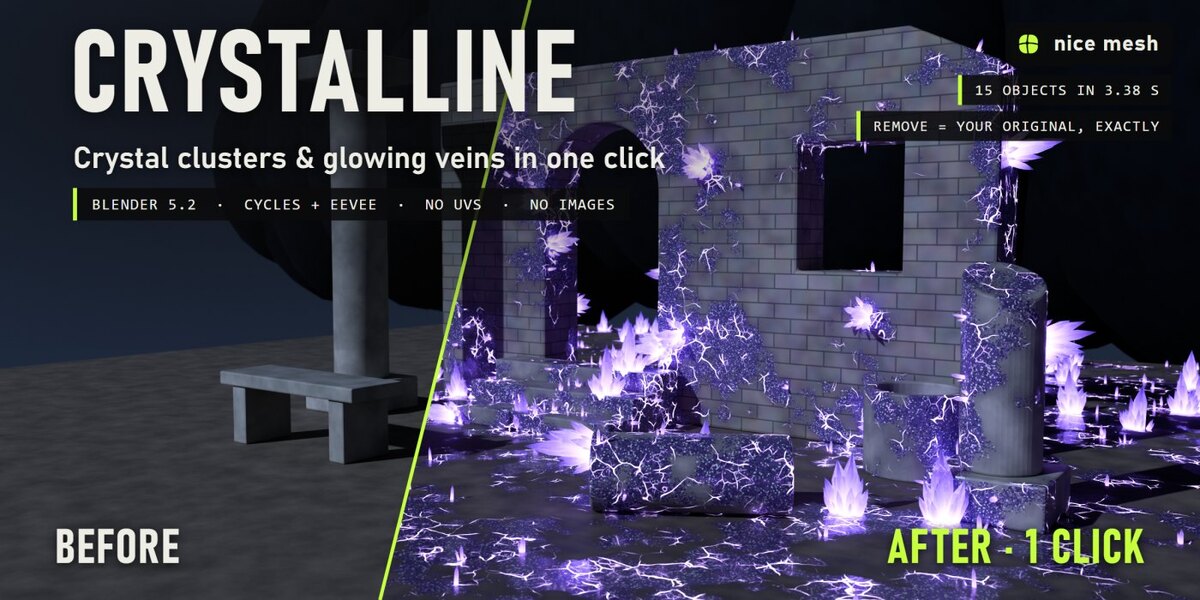
Select your objects, pick how far the infection has spread and a kind of crystal, and Crystalline grows real crystal clusters out of them: hexagonal crystals with pointed tips, the biggest in the middle and the smaller ones fanning out, tiny crystals sprouting around them. Glowing veins crack the surface around each cluster, a glittering crust fills in, and the material takes the crystal's colour. Your materials stay as they are, and one click takes it all off.
The problem
Crystal caves, corrupted ruins and magic props need crystals that grow out of the surface, not placed on it. Modelling clusters, scattering them by hand and painting glowing cracks that line up with them takes hours, and every new object starts from zero.
How it works
- Select your objects. Rocks, ruins, walls, swords, statues: any mesh, any material. No UVs.
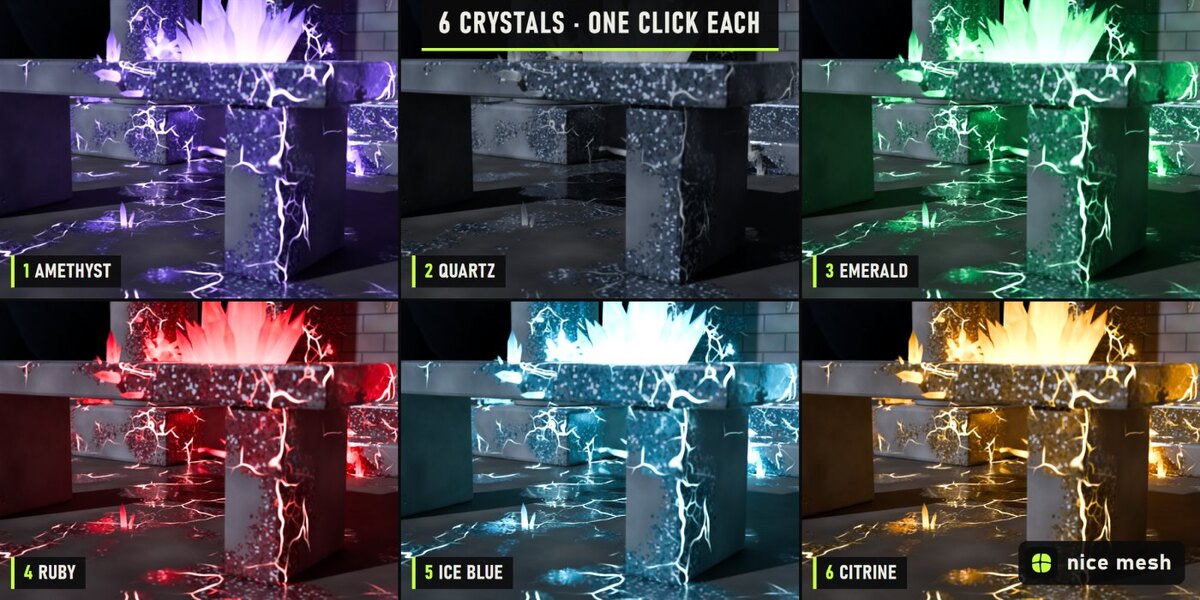
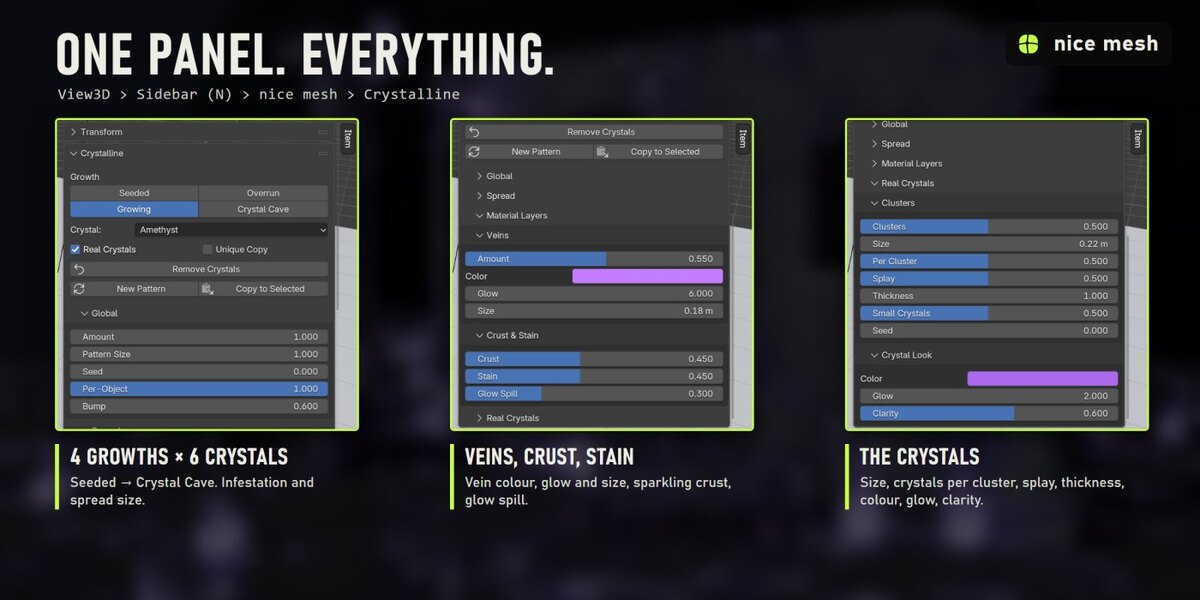
- Click a growth and a crystal: Seeded, Growing, Overrun or Crystal Cave, in Amethyst, Quartz, Emerald, Ruby, Ice Blue or Citrine.
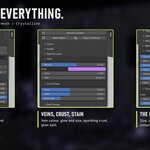
- Tweak if you want. Cluster size and shape, glow, clarity, veins, crust: all in the sidebar.
What you get
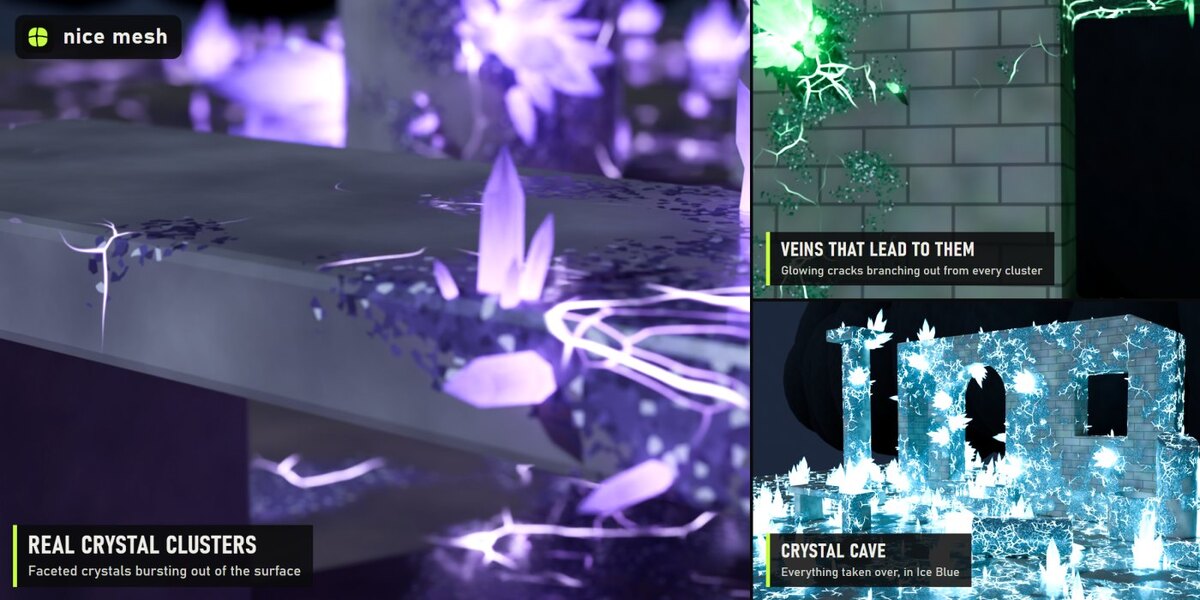
- Real crystal clusters: Hexagonal prisms with six-sided points and uneven faces, grouped in clusters: the biggest in the middle, smaller ones leaning out around it. Size, crystals per cluster, splay and thickness controls.
- Small crystals: Tiny crystals sprouting around the rims of the clusters.
- Glowing veins: Cracks branching out from the clusters, brighter and wider close to them, broken into separate runs.
- Sparkling crust: A crystalline crust of grains around the clusters, with glints.
- Stain & glow spill: The surface darkens and takes the crystal colour near the clusters, and a soft glow spills onto it (helps a lot in EEVEE).
- 6 crystal types: Amethyst, Quartz, Emerald, Ruby, Ice Blue and Citrine. Clear like glass or cloudy like rock (Clarity), with an inner glow strongest at the root.
- Everything lines up: The crystals, the veins and the crust come from the same infection map, so the cracks always lead to the crystals.
4 presets
- Seeded: A few small clusters breaking through
- Growing: Clusters with veins spreading out from them
- Overrun: Big crystals everywhere, thick crust, strong veins
- Crystal Cave: Everything taken over and glowing
6 kinds
- Amethyst: Deep purple
- Quartz: Clear and white, hardly any glow
- Emerald: Glowing green
- Ruby: Glowing red
- Ice Blue: Cold, bright cyan
- Citrine: Warm amber yellow
Measured, not promised
- Ruined courtyard of 15 objects at night: all done in 3.38 s on a laptop RTX 3060 (first click, which also builds the node groups).
- Render 2400 × 1200, Cycles, 64 samples: 29.5 s before, 48.2 s after.
- 4,602 light instances in that scene (drops, creatures or crystals), not real copies.
- Remove: every material link, node, slot and modifier comes back exactly as it was (checked by automatic tests).
Safe with your scenes
- Your material stays: the effect is mixed on top of your shader, nothing is replaced.
- Shared materials, empty or multiple slots, linked duplicates and materials from other files are handled. Unique Copy changes only the selected objects even when a material is shared.
- Plays nicely with the other surface add-ons (Timeworn, Overgrowth, Frostbite, Scorched...): removing one keeps anything stacked after it connected.
- Full undo, and the result is saved in your .blend. Remove puts every link, node, slot and modifier back exactly as it was (checked by automatic tests).
Where to find it
3D View > Sidebar (N) > nice mesh tab > Crystalline, and in the Object menu.
Good to know
- The infection map comes from the world position: if you move an object afterwards, its crystals grow somewhere else. Apply the modifier first if you animate the object.
- Crystals are light instances, but Crystal Cave on huge areas makes a lot of them: lower Clusters.
- Curves and text get the veins, crust and stain only; real crystals need a mesh.
Install
Edit > Preferences > Add-ons > drop-down arrow > Install from Disk, pick crystalline_v1.0.0.zip (don't unzip it) and tick Crystalline. Requires Blender 5.2 or newer.
Made by nice mesh.