Crystalline - Procedural Crystal Clusters & Glowing Veins
 nice mesh
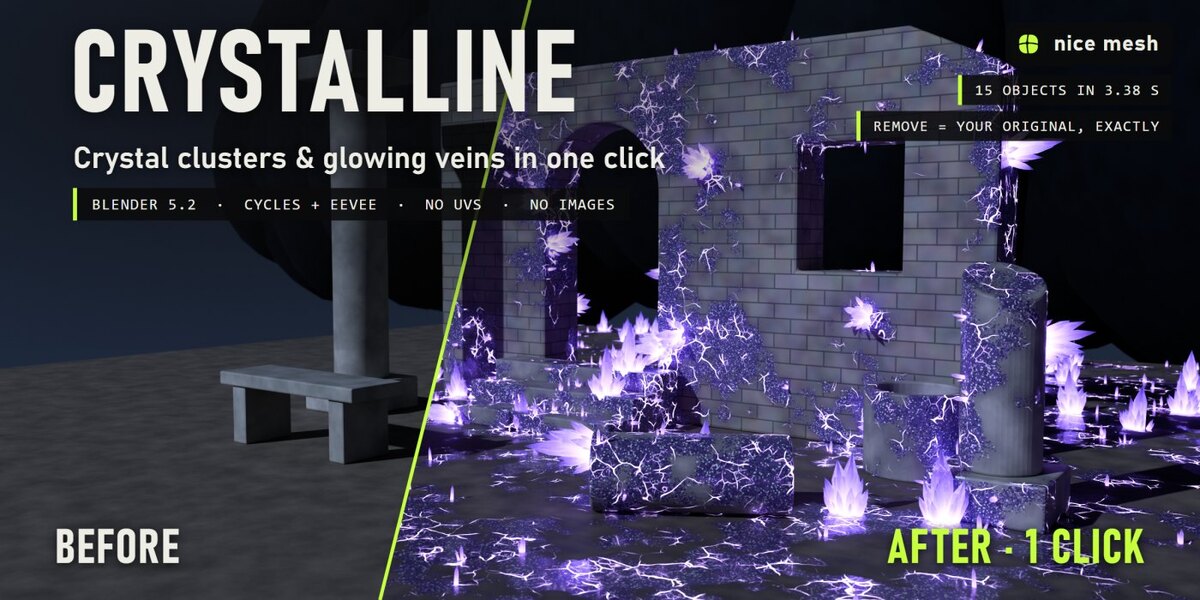
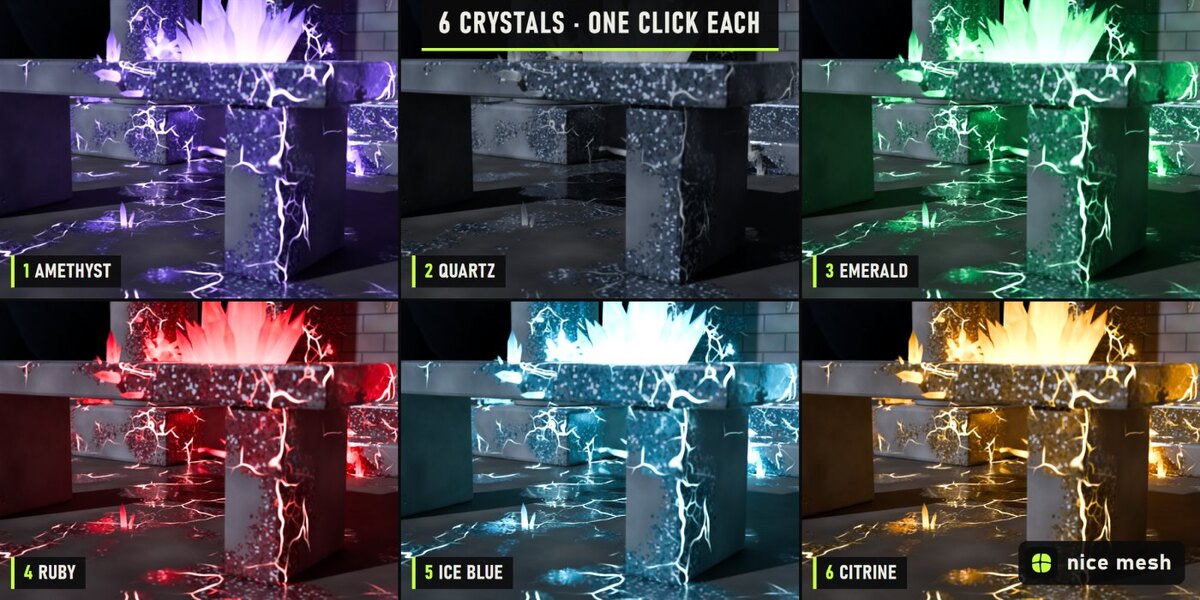
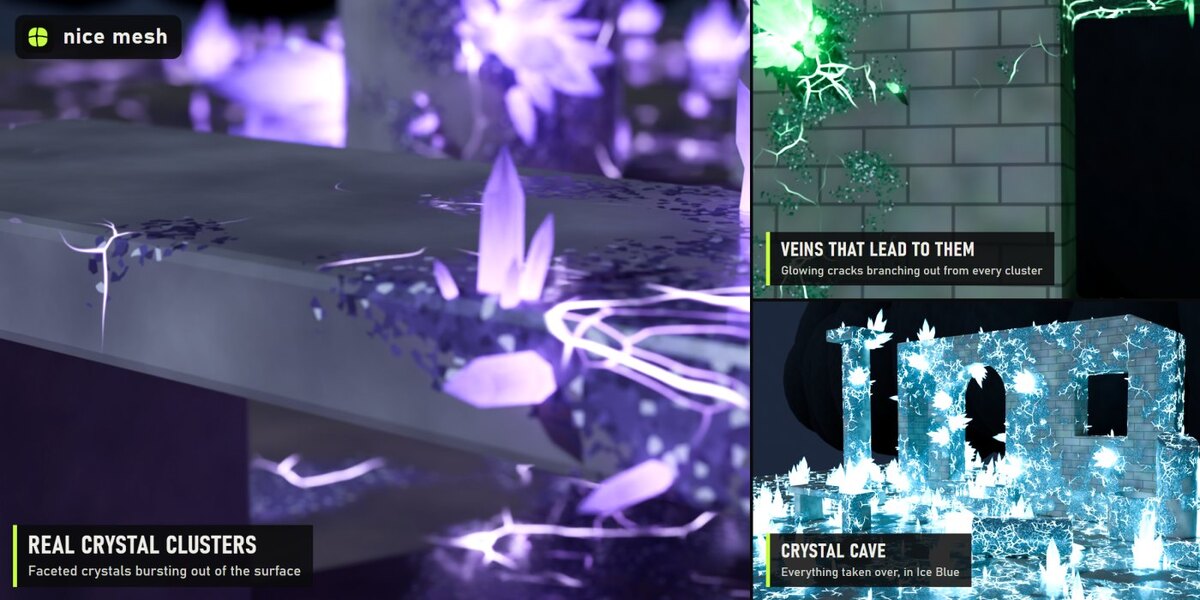
Crystalline - documentation
Install
Edit > Preferences > Add-ons > drop-down arrow > Install from Disk..., pick crystalline_v1.0.0.zip (don't unzip it) and tick Crystalline. Blender 5.2 or newer.
Use
- Select your objects.
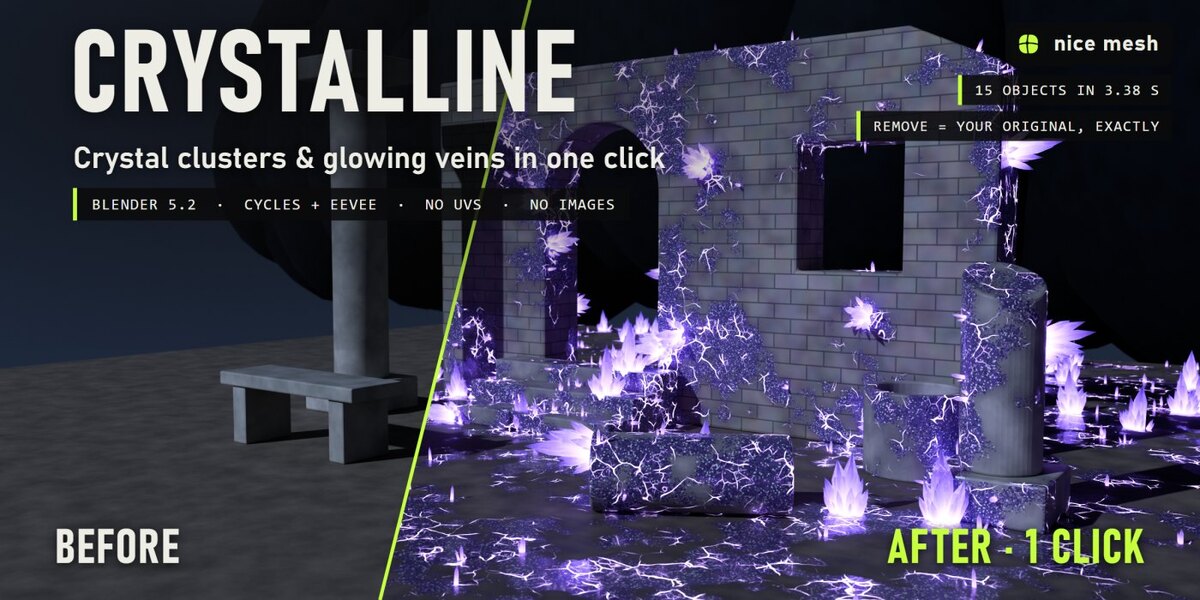
- 3D View > Sidebar (N) > nice mesh > Crystalline: click a preset.
- Tweak the sliders. The same buttons are in the Object menu.
Buttons
- Presets: apply (or update) the effect on the selected objects.
- Real geometry checkbox: also add the geometry (removable modifier). Off = material only.
- Unique Copy: own copy of a material shared with other objects.
- Remove: take it all off, exactly as it was.
- New Pattern / Copy to Selected: new seed / copy every setting to the selection.
Panels
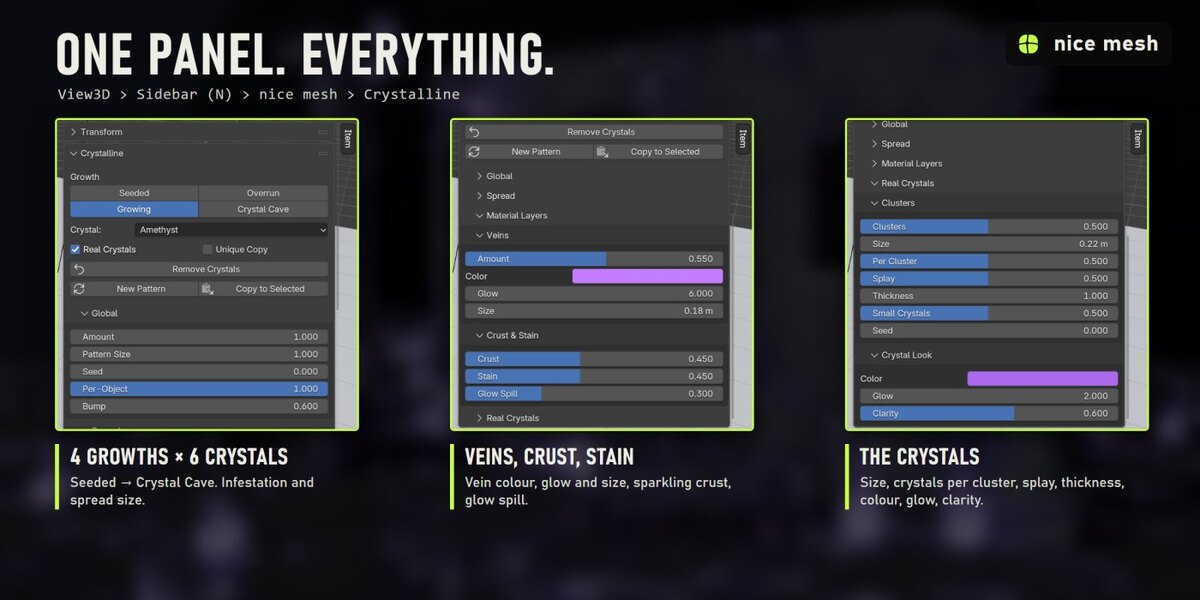
- Global: Amount (master), Pattern Size, Seed, Per-Object variation, Bump
- Spread: Infestation, Spread Size
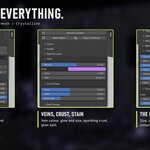
- Material Layers > Veins: Amount, Color, Glow, Size
- Material Layers > Crust & Stain: Crust, Stain, Glow Spill
- Real Crystals > Clusters: Clusters, Size, Per Cluster, Splay, Thickness, Small Crystals, Seed
- Real Crystals > Crystal Look: Color, Glow, Clarity
Tips
- In the dark the crystals carry the picture: a dim, cold light plus Crystal Glow gives the cave mood.
- Spread Size sets how big the infected areas are; Infestation sets how much of the surface they take.
- In EEVEE turn on Raytracing for clear crystals; without it they render solid and frosted.
Good to know
- The infection map comes from the world position: if you move an object afterwards, its crystals grow somewhere else. Apply the modifier first if you animate the object.
- Crystals are light instances, but Crystal Cave on huge areas makes a lot of them: lower Clusters.
- Curves and text get the veins, crust and stain only; real crystals need a mesh.
Have questions about this product?
Login to message
| Published | about 13 hours ago |
| Blender Version | 5.2 |
| Extension Type | N/A |
| Render Engine Used | Cycles, Eevee |
| License | GPL |
Discover more products like this
procedural fantasy crystals environment geometry nodes cave amethyst gems magic glowing