Csv Exporter
 Captain Pixel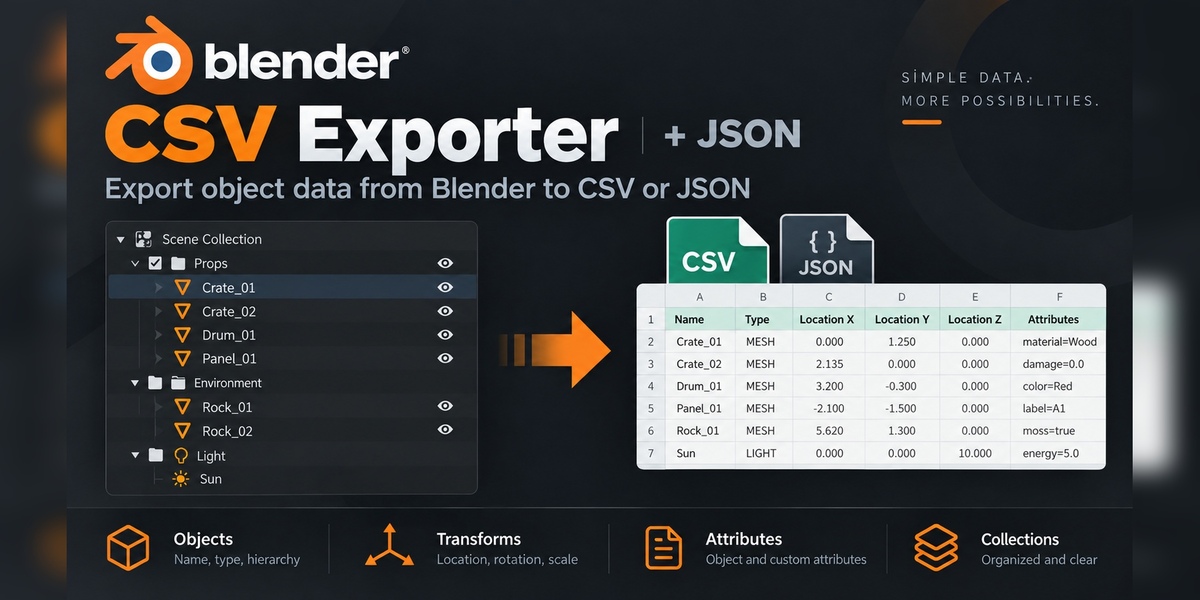
Installation
- Download the ZIP file. Do not unpack it.
- In Blender 4.2 and newer, open Edit > Preferences > Get Extensions, use the menu, then choose Install from Disk.
- In Blender 3.0–4.1, open Edit > Preferences > Add-ons and choose Install.
- Select the ZIP file and enable CSV Exporter.
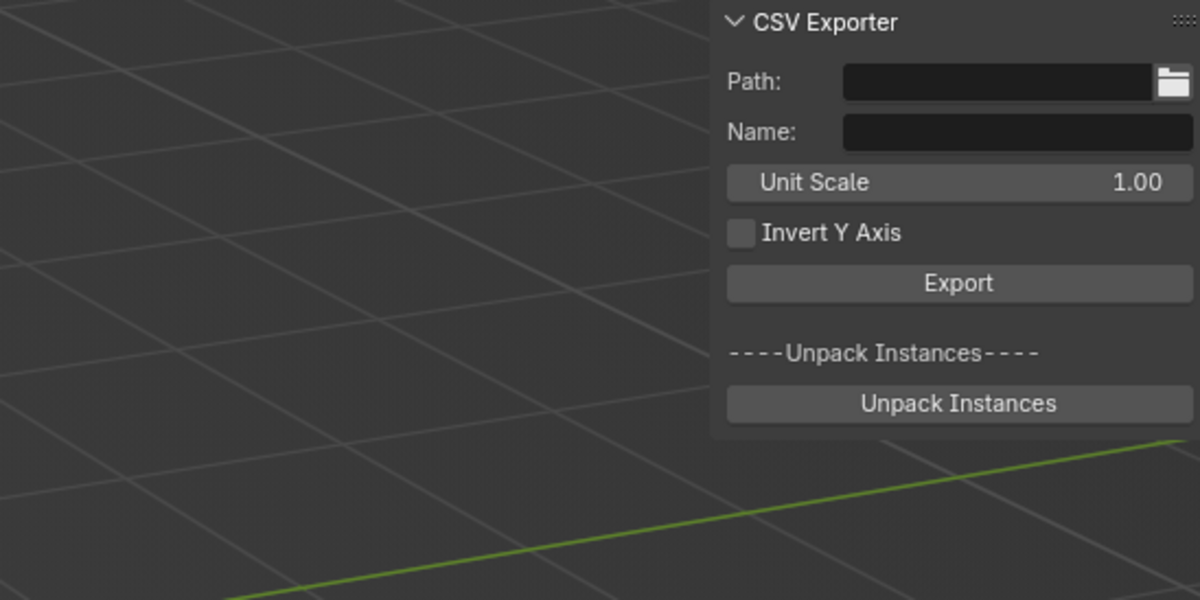
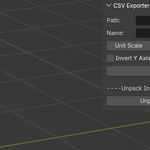
- Open a 3D Viewport sidebar with N and choose the CSV Exporter tab.
Data mode
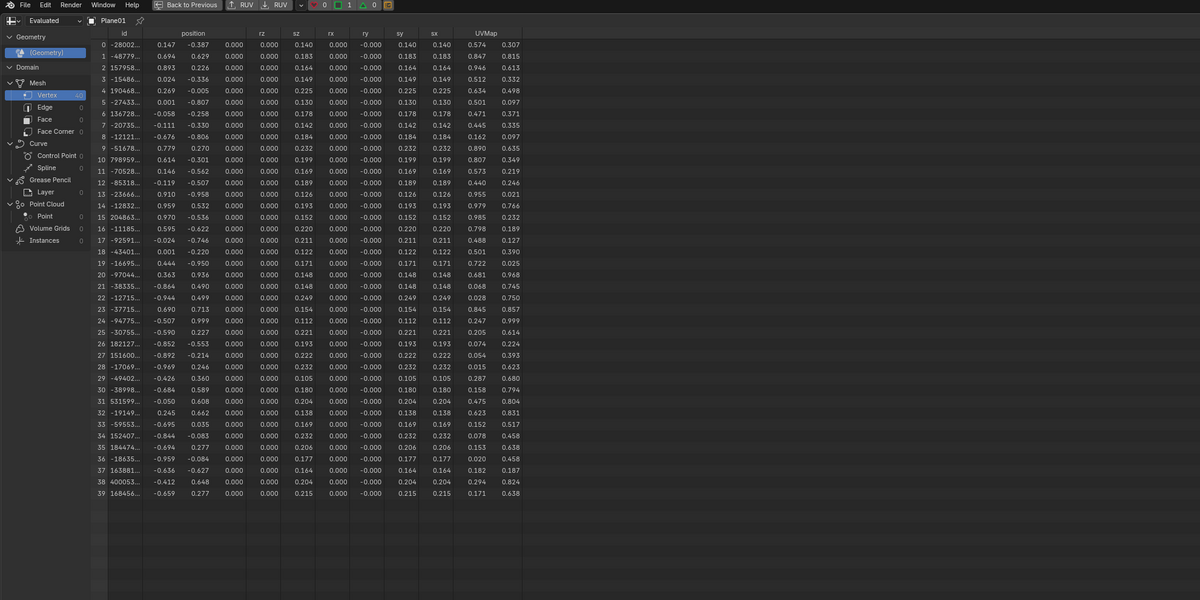
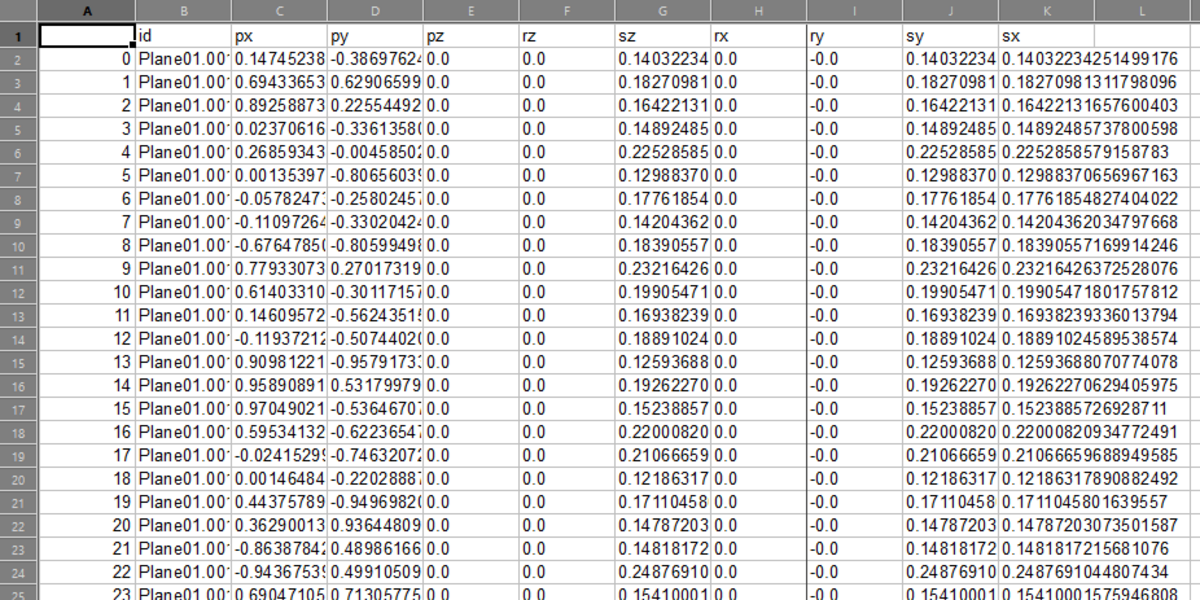
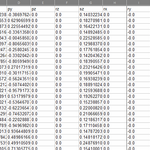
- One mesh: exports evaluated mesh and Geometry Nodes attributes.
- Two or more meshes: exports object transforms: position, rotation, scale and matrices.
- Use the attribute table to choose, order, split and rename exported fields.
- Use Frame Range for per-frame attribute or transform export.
BOM mode
Export grouped bill-of-materials data from a selection, collection, active scene or multiple scenes. CSV and structured JSON are supported. Configure grouping, materials, units, dimensions, preview and overwrite behavior before export.
Coordinates and quick export
Choose Blender Native, Unity, Unreal Engine or glTF coordinate presets. Quick Export is available in the 3D View sidebar and, where supported by Blender, the Spreadsheet sidebar.
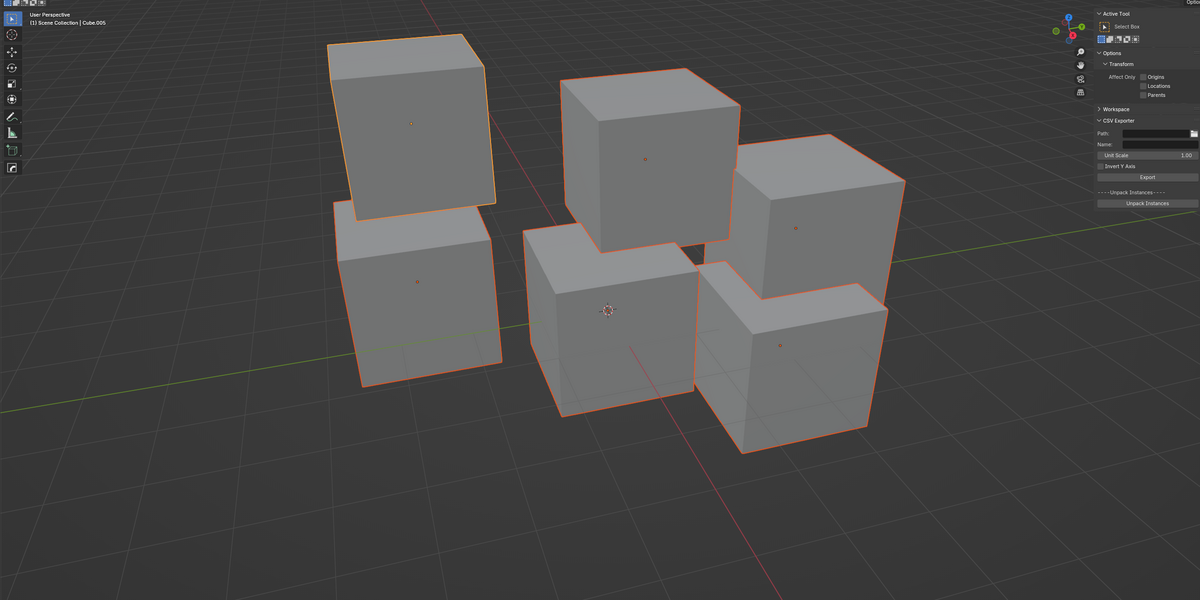
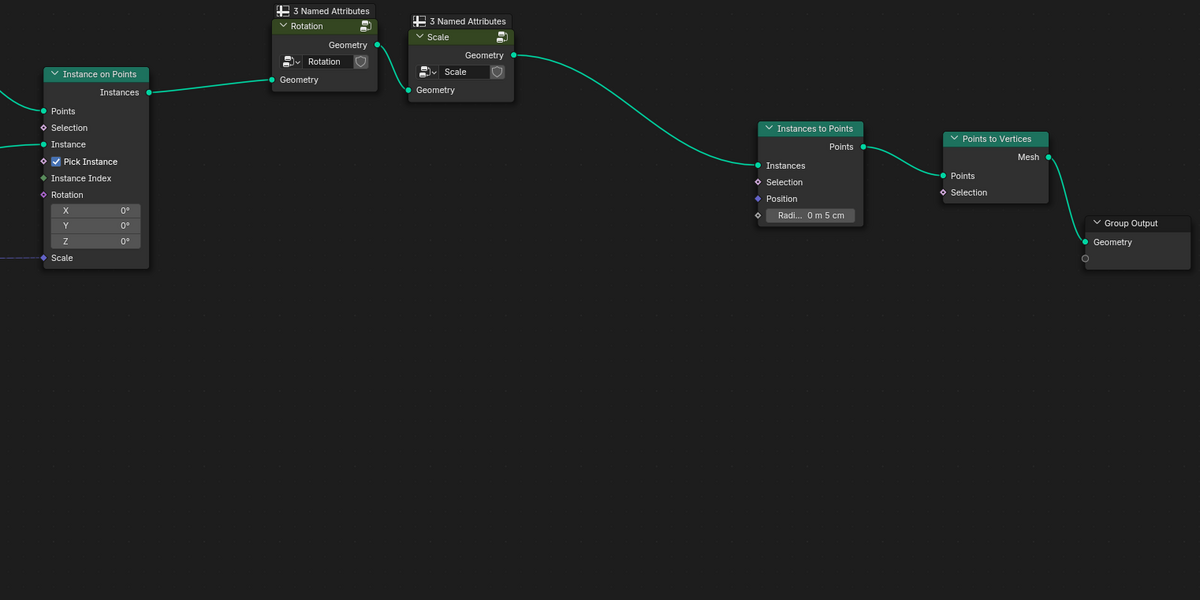
Geometry Nodes instances
Unpack Instances creates real Blender objects. It is practical for moderate counts; extremely large instance counts are limited by Blender object creation itself.
Compatibility
Blender 3.0–5.2. The add-on is tested across this range.
Need help?
For questions, issues or suggestions, contact [email protected].
Have questions about this product?
Login to message
| Blender Extension Compatible | Yes |
| Sales | 20+ |
| Published | over 1 year ago |
| Blender Version | 3.0 - 5.2 |
| Extension Type | Add-on |
| License | GPL |
Discover more products like this
Export animation Attributes geometry nodes pipeline json CSV export bom csv blender addon