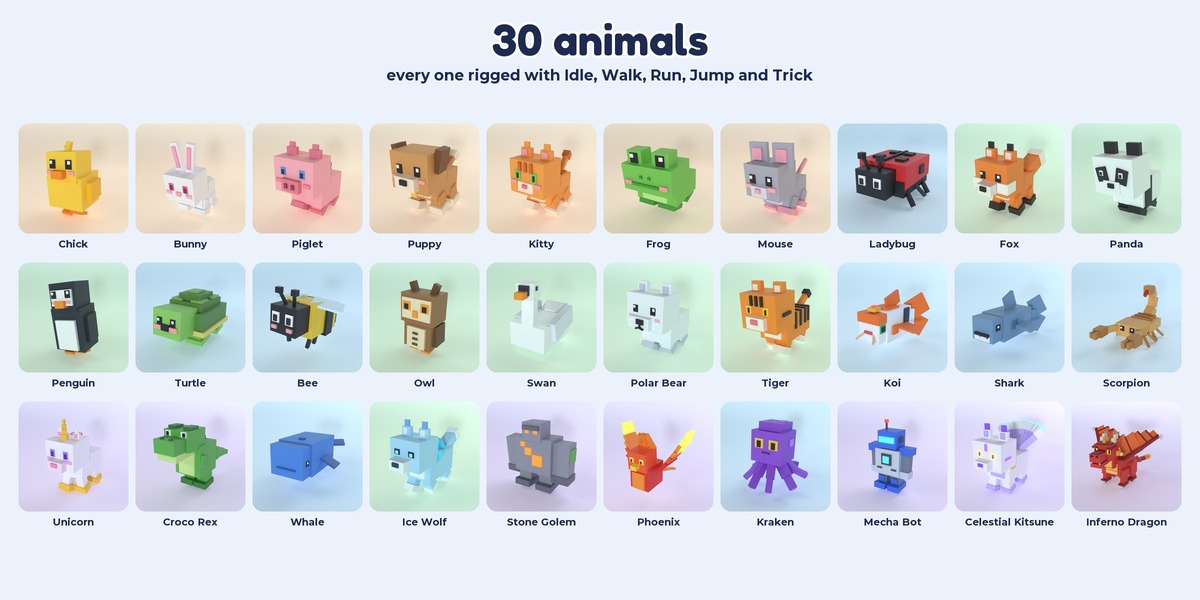
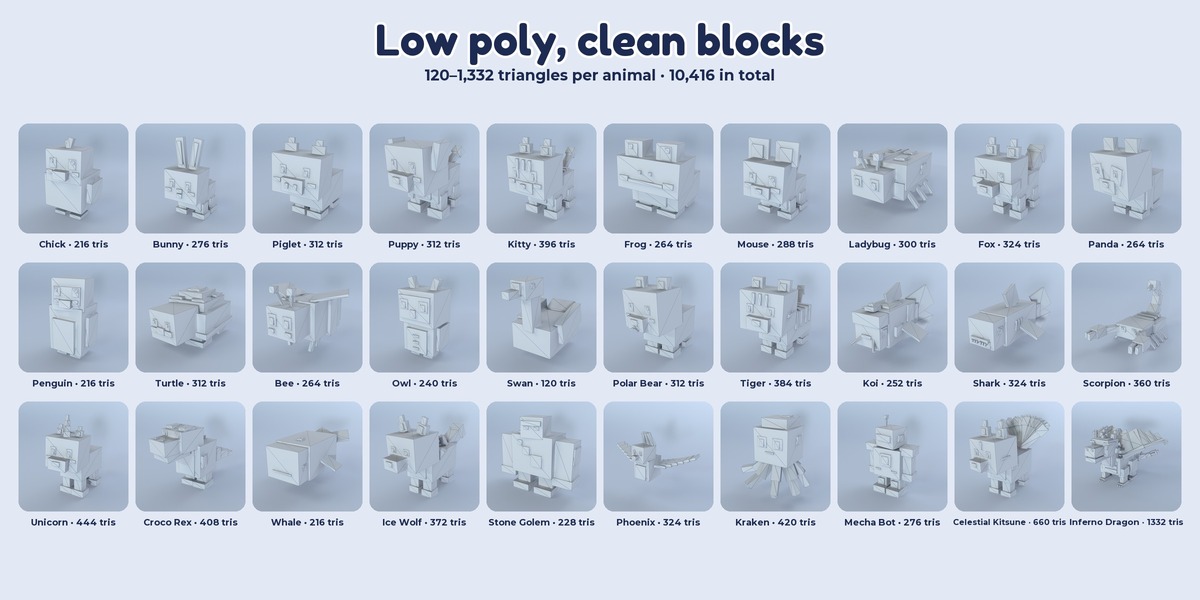
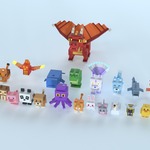
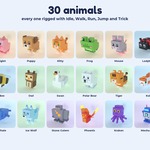
Cube Pets - 30 Animated Low Poly Animals
 Sneznyj 3D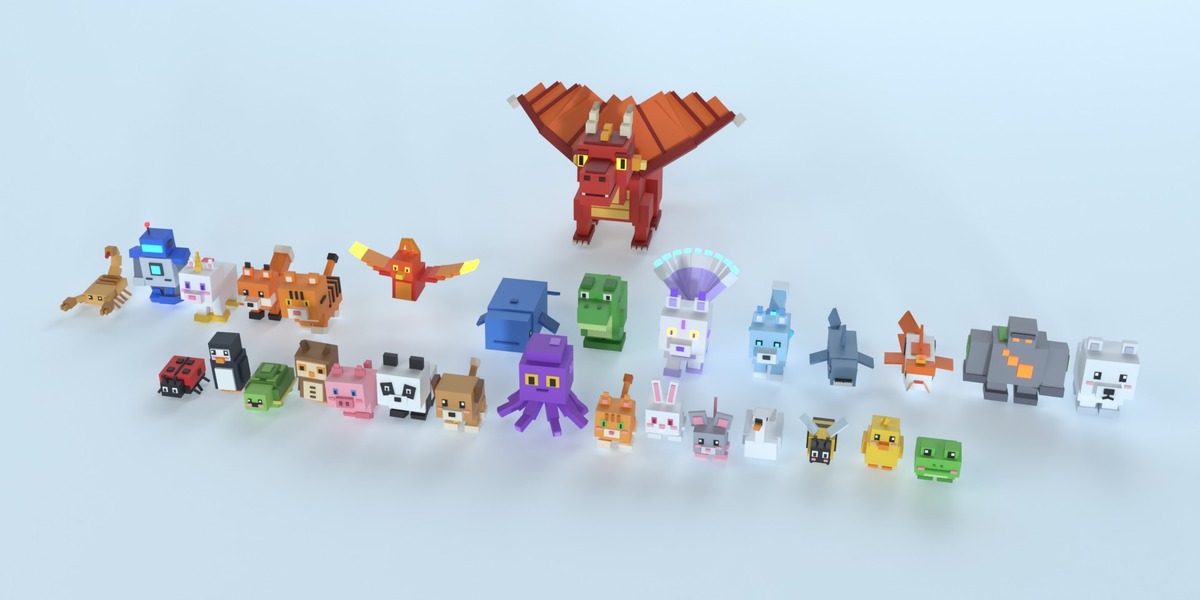
Getting started
Unzip the archive and keep the folder structure:
- CubePets/Models/Blend — one .blend per animal, CubePets_AllAnimals.blend (all 30 in one scene) and CubePets_Showcase.blend (render-ready stage)
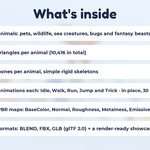
- CubePets/Models/FBX and CubePets/Models/GLB — the same animals for game engines
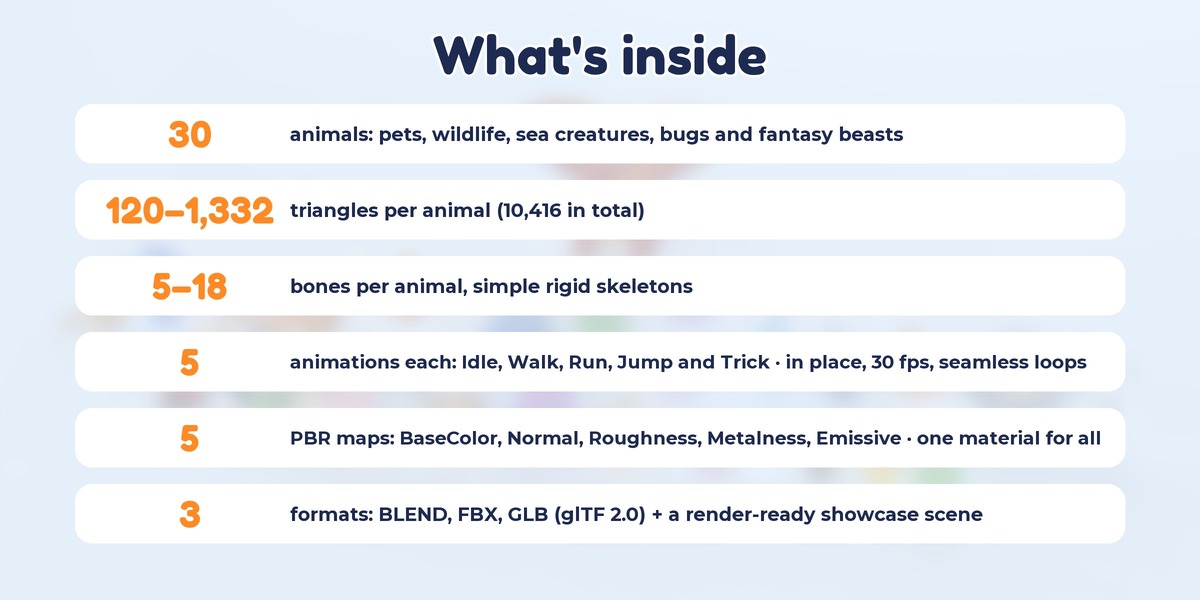
- CubePets/Textures — the shared PBR set: BaseColor, Normal, Roughness, Metalness, Emissive (64×64 PNG)
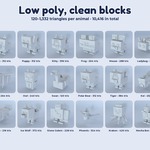
- CubePets/README.txt — per-animal triangles, bones and clip lengths
Blender
- Open any file from Models/Blend. Textures are packed into every .blend, nothing to relink.
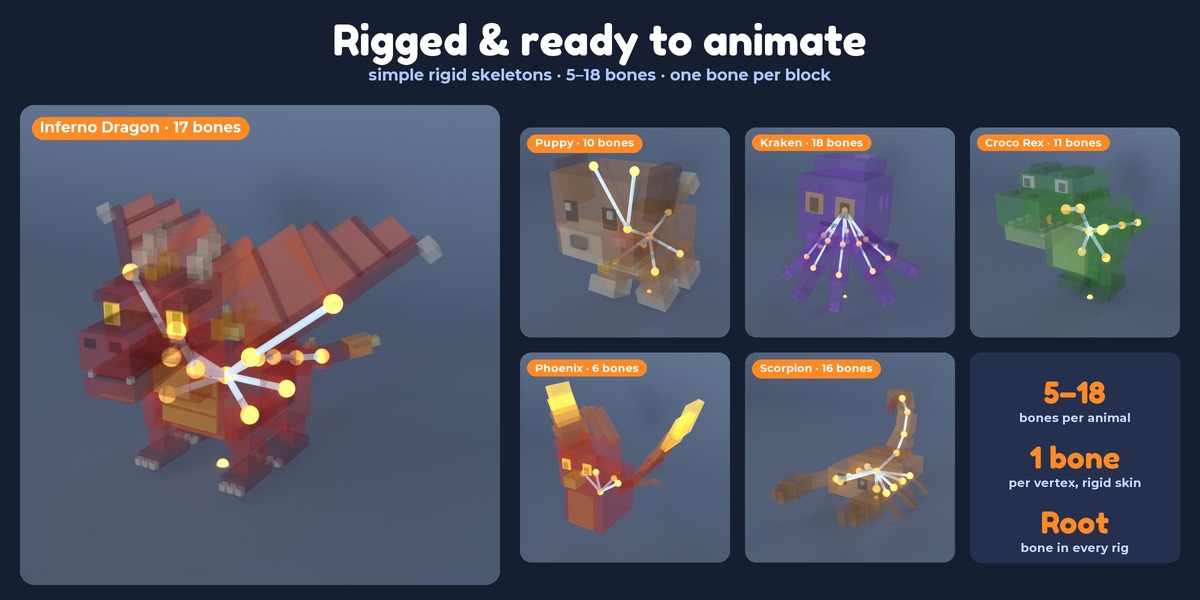
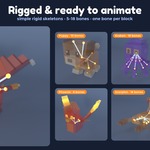
- Each animal is an armature (e.g. Puppy) with a skinned mesh (Puppy_Mesh). Its clips are NLA tracks on the armature: Idle is on, Walk, Run, Jump and Trick are muted.
- To preview another clip: open the NLA Editor, mute Idle and un-mute the clip you want. You can also pick an action directly in the Action Editor (Puppy_Idle, Puppy_Walk, Puppy_Run, Puppy_Jump, Puppy_Trick).
- CubePets_Showcase.blend: press Space — every animal plays its Idle loop. Numpad 0 shows the camera view, F12 renders the cover shot with Cycles.
- To use an animal in your own scene: File > Append > pick the file (e.g. Puppy.blend) > Object > select Puppy and Puppy_Mesh. The NLA tracks and actions come along.
- Scale and orientation: real-world meters, Z up, the animals face -Y.
Unity
- FBX: Rig = Generic; on the Animation tab set Loop Time on Idle, Walk and Run. GLB: import with glTFast.
- Textures: Filter Mode = Point, Compression = None, Generate Mip Maps off — the colors stay crisp. CubePets_Normal: Texture Type = Normal map.
Unreal Engine
- Import the FBX as a Skeletal Mesh; every take becomes an Animation Sequence.
- Textures: Filter = Nearest, Mip Gen Settings = NoMipmaps; turn sRGB off for Roughness and Metalness.
Godot 4
- Import the GLB; the clips appear in the AnimationPlayer. Set Loop on Idle, Walk and Run.
- Textures: Filter = Nearest.
Animations
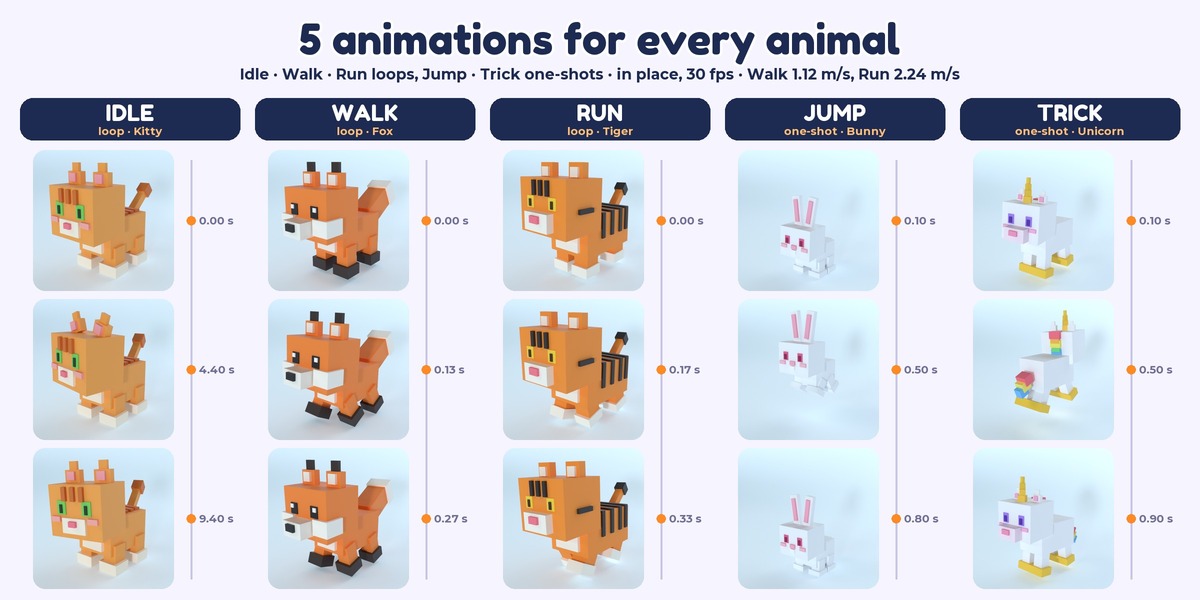
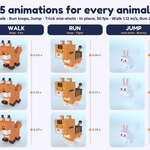
- Idle, Walk, Run — loops; Jump, Trick — one-shots. 30 fps.
- All clips are in place (no root motion). Move the character at 1.12 m/s for Walk and 2.24 m/s for Run so the feet don't slide.
Textures and material
- One material (CubePets) for the whole pack, metalness workflow. Every face maps to a single pixel of the 64×64 BaseColor palette.
- The FBX files don't embed textures — they link to ../../Textures/, so keep the folders together.
$9.99
Have questions about this product?
Login to message
| Published | about 5 hours ago |
| Blender Version | 5.2 |
| Render Engine Used | Cycles |
| License | Royalty Free |
