 ZEG
ZEG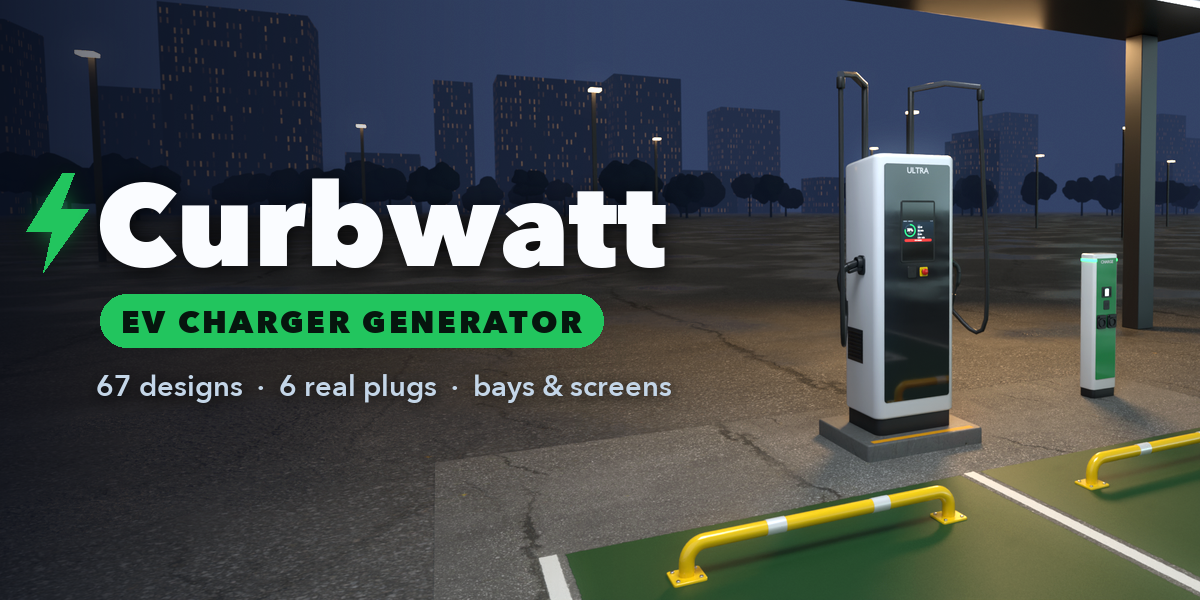
Installation
In Blender open Edit, Preferences, Get Extensions, then use Install from Disk and pick the ev_charger_parking_meter_generator zip.
Usage
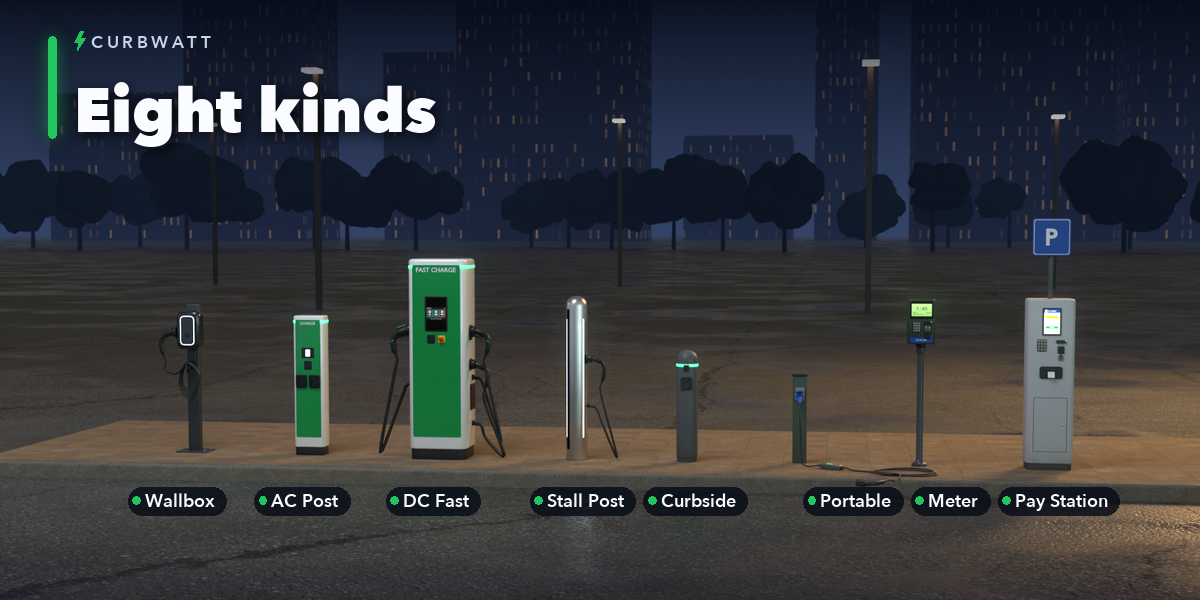
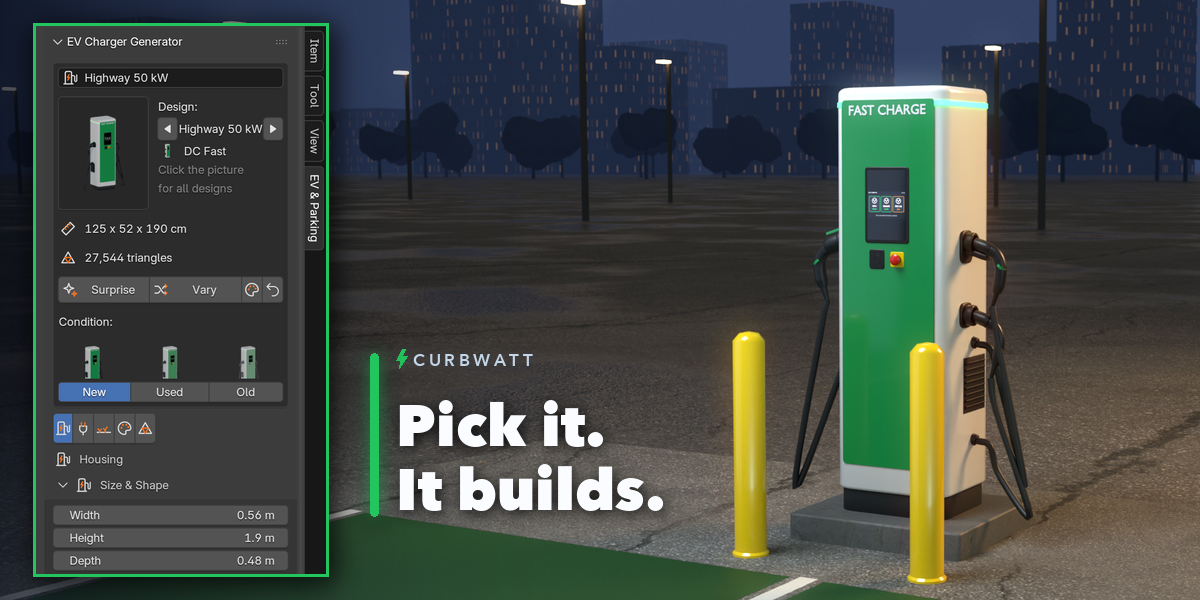
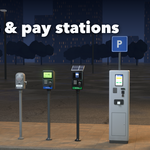
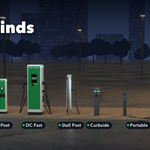
- Open the EV & Parking tab in the 3D viewport sidebar (N). With nothing selected, click the big picture to browse every design or pick one under Browse by Kind, then click Add to place it at the 3D cursor. You can also use Shift+A, Mesh, EV Charger.
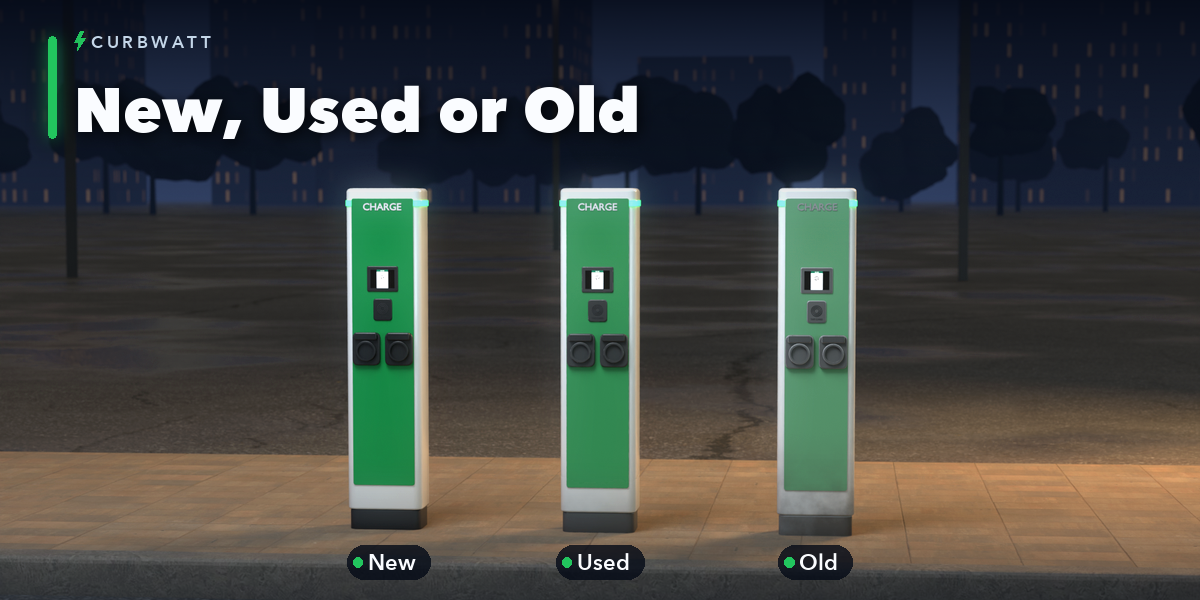
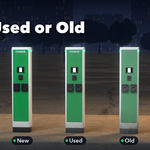
- The card at the top shows the design, its size and triangle count. Click a condition picture for New, Used or Old; Surprise makes a new random design of the same kind, Vary changes its shape and the palette button gives it new colors.
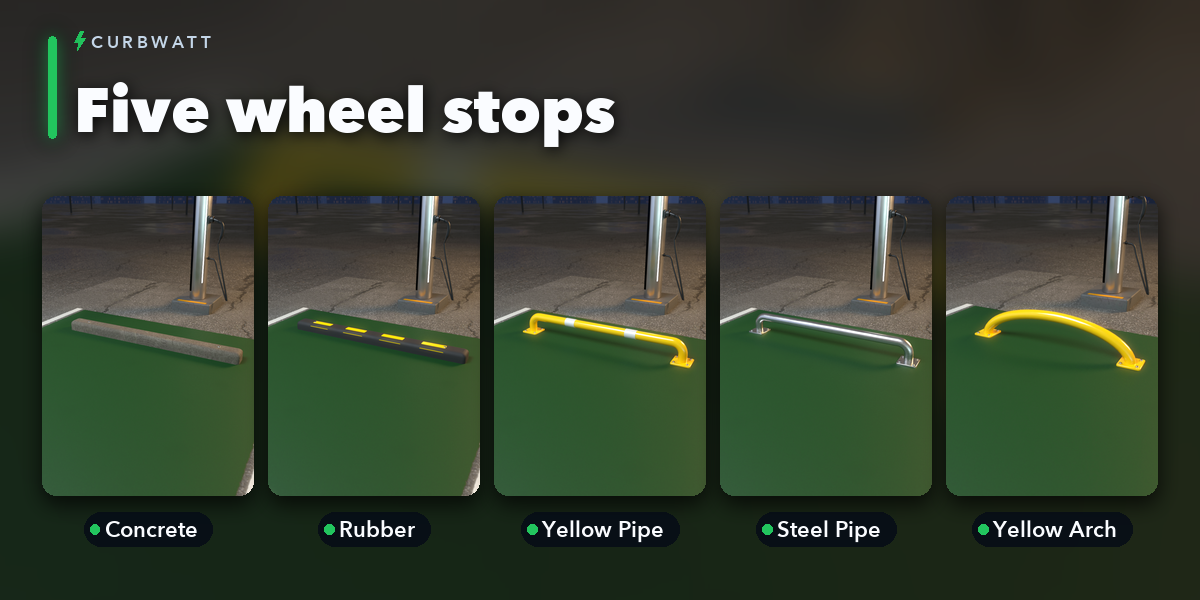
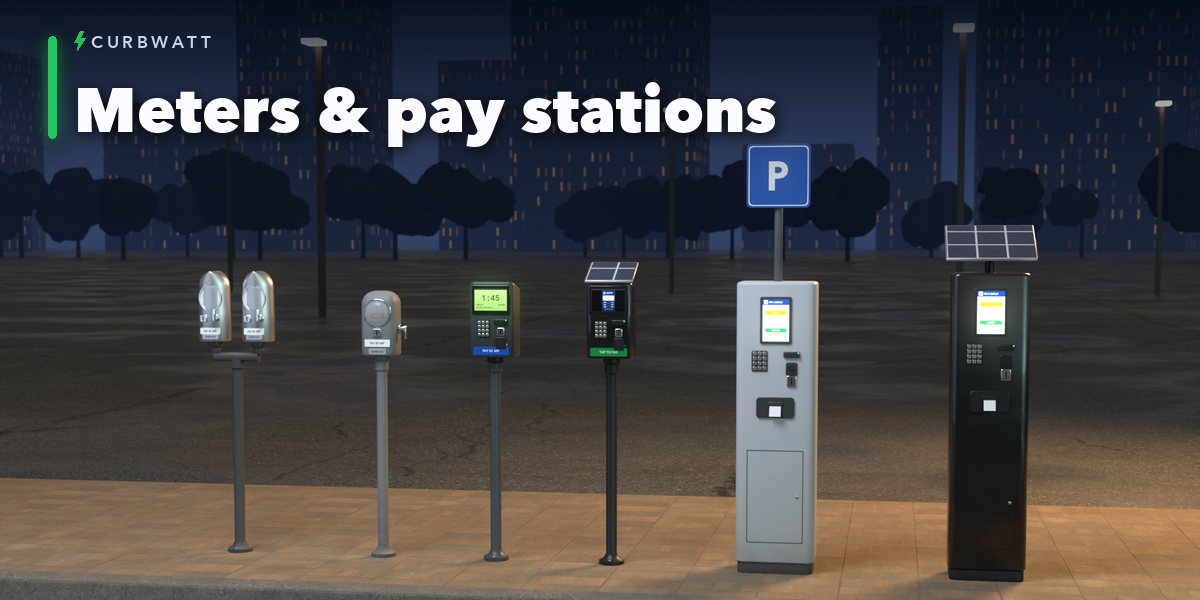
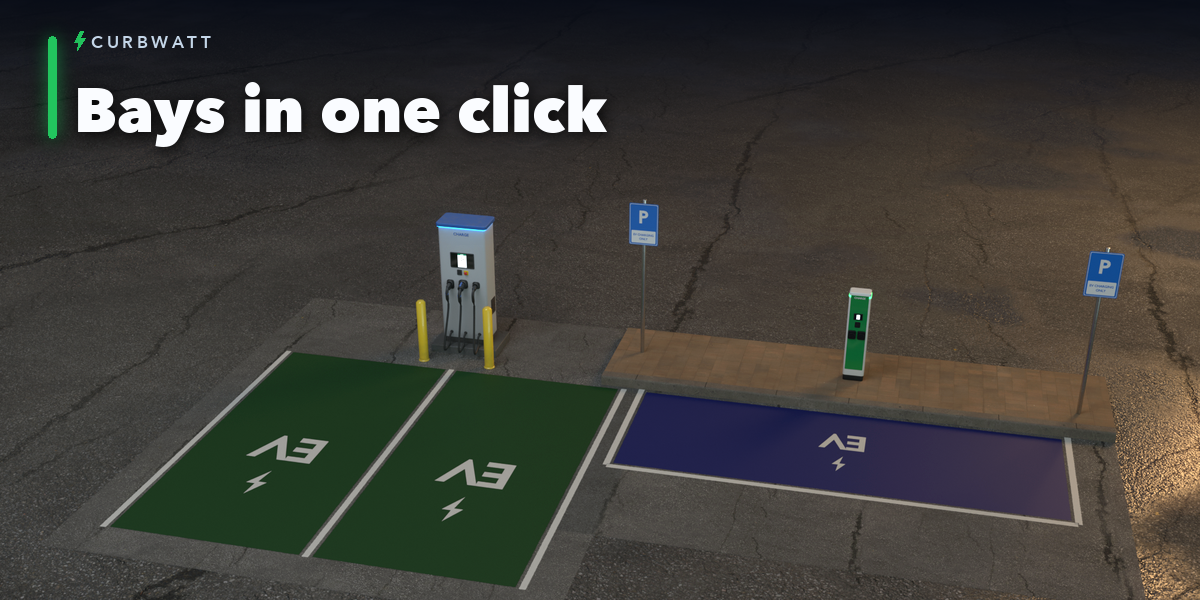
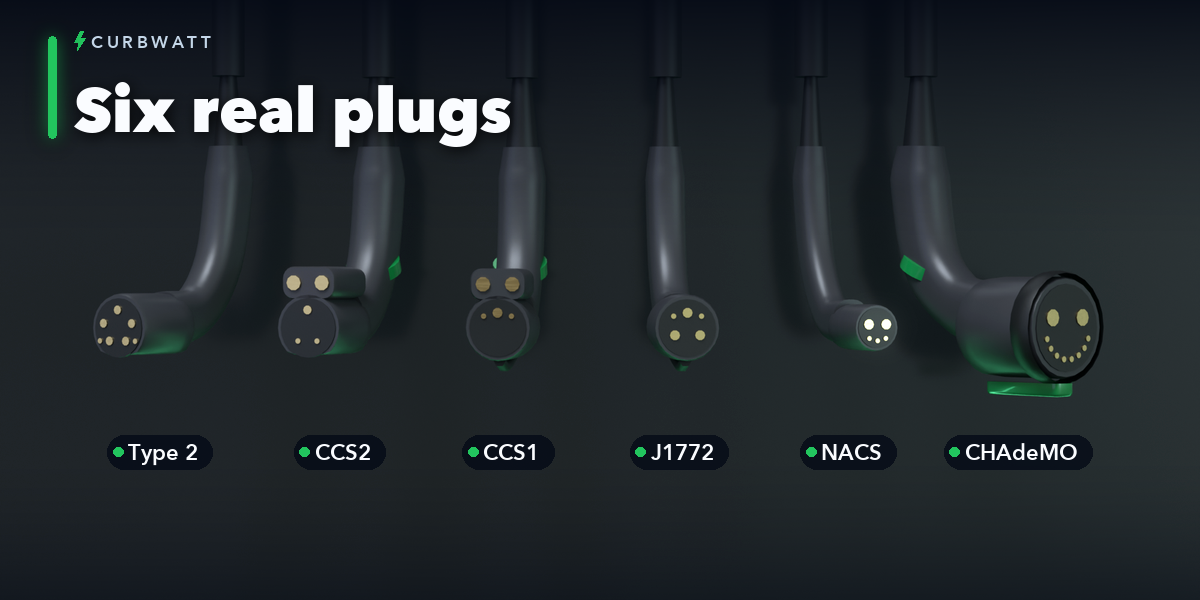
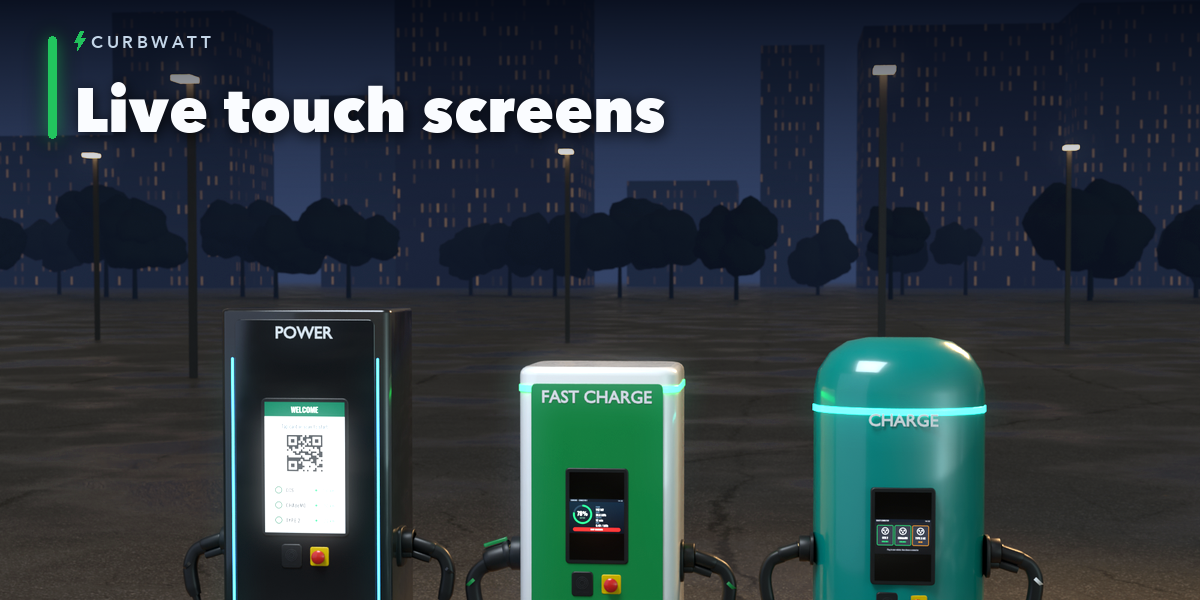
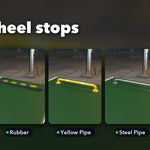
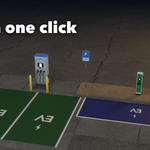
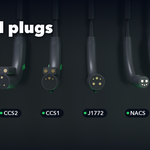
- The icon tabs hold every setting: Housing, Charging (screen, cables, plugs, sockets), Meter Head or Pay Station, Site (ground, bays, bollards, sign, wall), Colors & Wear and Detail & Mesh.
- Click a picture to choose a look; the arrows beside a picture step through the options.
- Convert to Mesh keeps the design as a plain mesh for editing; Delete removes it with its materials.
Have questions about this product?
Login to message
| Blender Extension Compatible | Yes |
| Published | 2 days ago |
| Blender Version | 4.2 - 5.2 |
| Extension Type | Add-on |
| Render Engine Used | Cycles, Eevee |
| License | GPL |

Discover more products like this
electric vehicle urban Generator parking procedural game assets parking meter PBR charging station city street props ev-charger