 Layerform


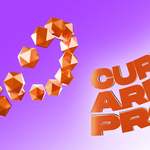
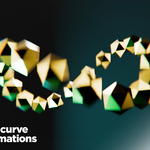
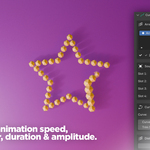

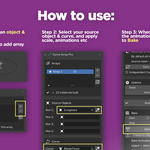
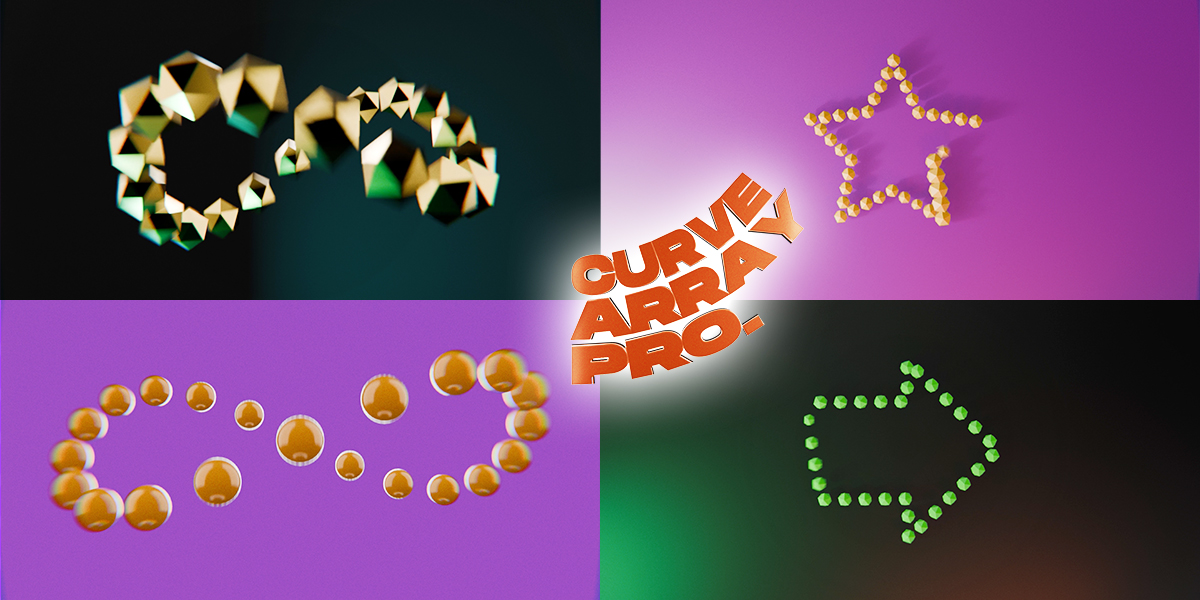
Curve Array Pro gives you full control over distributing objects along any curve and creating cool animations! — directly from the N-panel.
Array up to four different objects along a path with Alternating, Random, or Weighted distribution. Control spacing, scale, rotation, and offset with per-axis precision. Use Taper to scale instances from start to end, Trim to restrict the array to any portion of the curve, and Curve Offset to animate objects flowing along the path in one keyframe.
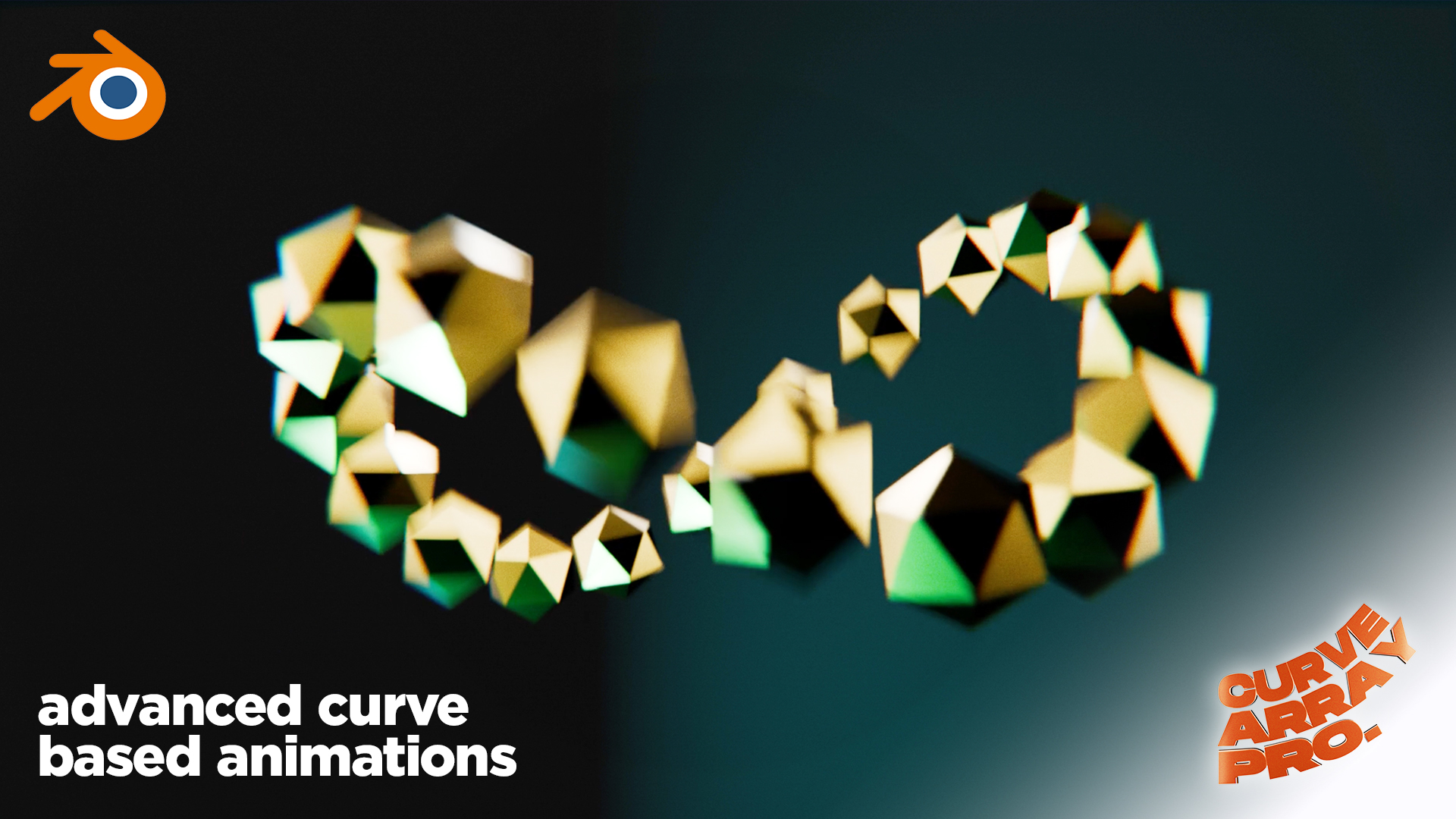
Eight built-in animation presets — including Wave, Bounce, Stagger In, and Product Reveal — run procedurally off the timeline with no manual keyframing. All instances share the source mesh by default, so materials and modifiers update everywhere at once.
For performance, use Bake Animation to convert any preset or keyframed parameter into real object keyframes. Renders perfectly as an MP4 or image sequence with zero overhead.
Compatibility: Blender 3.0 and above — Windows, macOS, Linux
8 Animation Presets One-click procedural animations that run off the timeline — no keyframing required. Scale In sweeps a reveal front along the curve. Wave sends a travelling sine pulse through your array. Stagger In pops instances in one by one. Product Reveal gives you a smooth, staggered scale-in with a lift — built specifically for hero product shots. All presets have Speed, Amplitude, Phase Offset, and Reverse controls.
Distribution Modes Distribute by count or by fixed world-space spacing. Combine with Trim and Curve Offset for precise placement.
Rotation & Scale Jitter Add randomness to rotation and scale with a seed you can change to generate different variations instantly.
Materials & Modifiers — edit once, update all All instances share the source mesh by default. Add a material, modifier, or bevel to the source object and every instance updates immediately. A one-click Sync button relinks any existing instances if needed.