 mrybrik
Getting help
The About panel links to this documentation https://docs.mrybrik.com/curve-bstrands/ , the Curve-BStrands product page and Contact the Creator (https://mrybrik.com/contact/). When you report a problem, include:
your Blender version and the Curve-BStrands version (both shown in About),
what you did and what you expected,
a screenshot of the relevant panel, or the .blend file if you can share it.
Which Blender versions are supported?
Blender 5.1 and newer. The About panel shows the installed version and where the add-on lives on disk.
Something looks wrong after updating
Restart Blender, or disable and re-enable Curve-BStrands in Preferences, so every part of the new version loads.
Strands show as thin one-pixel lines
The scene isn’t set up for strands. Press Activate Curve-BStrands (or Re-Initialize Scene) at the top of the panel. It sets curves to render with thickness.
Strands break into flat tabs when I zoom in
This is a viewport drawing effect, not a problem with the hair, and it never affects the bake. Blender draws each curve segment as a flat quad facing the camera; when a strand is thicker than its segments are long, those quads stop lining up. Lower Segments or Thickness. The Scatter panel tells you when this applies.
Changing a setting does nothing
Check the padlock on the bstrand’s row. A locked bstrand doesn’t rebuild, which protects hand edits. A padlock is also drawn on it in the viewport.
Check Live Update. If it’s off, press Rebuild.
Check the modifier’s checkbox and its masks: a Mask Root/Tip or Left/Right window can leave nothing for the modifier to act on.
Hard steps where strands overlap
Flat strip curves swap which one is in front in hard steps where strands cross, and the steps bake into the maps. Set Atlas & Bake Zone ▸ Curves ▸ Shape to Cylinder (EEVEE) or 3D Curves (Cycles). Layering in Scatter reduces the steps if you need to stay on strips.
A braid’s ropes pass through each other
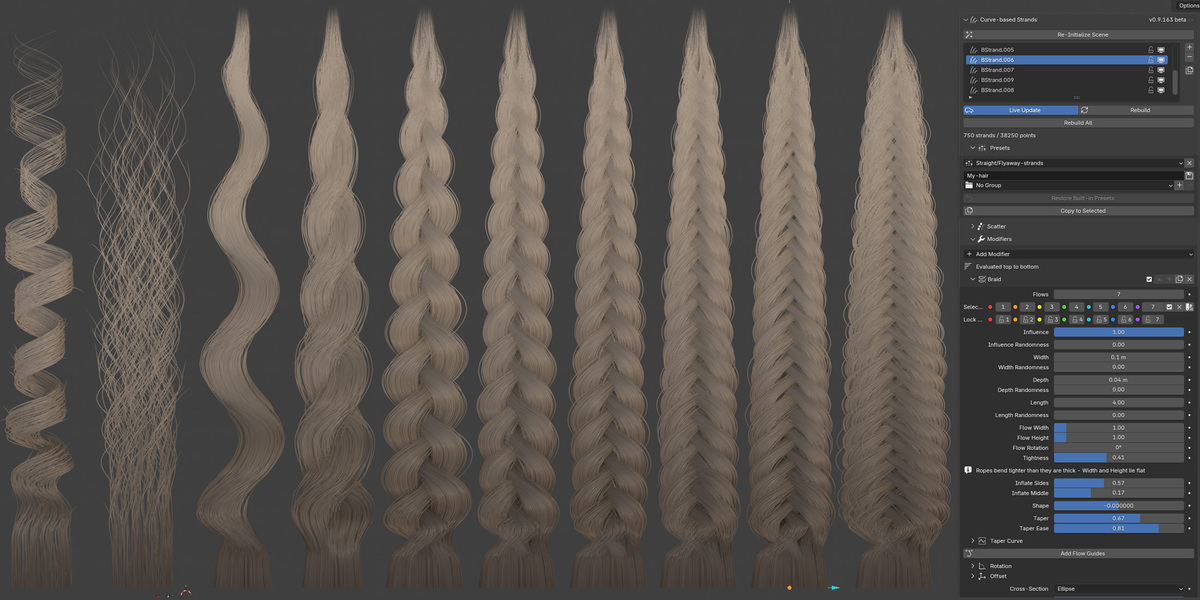
Raise Tightness to separate the plaits.
Raise Collision to push strands inside a rope off each other.
If the panel says the ropes are overpacked, use the Thickness, Width or strand count it suggests.
Raise Depth Density in Scatter for rounder, fuller plaits.
If the braid follows a Curve modifier, turn on Carry Section.
If nothing procedural will not help - edit manually with edit layers.
The guide curve deforms the lock strangely
The guide’s per-point Radius and Tilt shape the lock, so an accidental Alt+S or Ctrl+T while editing it shows up in the hair. Click Reset Radius and Tilt under Guide Shape.
I can’t click the stray hairs
Stick Out strays aren’t selectable by default, so clicks select the bstrand. Turn on Selectable in the Stick Out modifier. Strays are regrown on every rebuild, so edit the bstrand rather than the strays.
My hand edits disappeared
Edit layers are matched to the strands. If a change adds or removes strands (Width Density, Depth Density, Max Strands, Reduction), stored edits can no longer be applied. Undo the change, or sculpt and capture again.
A preset didn’t change the colours
All bstrands share one material, and a preset won’t recolour a shared material, because that would restyle every lock in the scene. Click Make Unique in the Material section, then apply the preset again.
How do I move my presets to another computer?
Copy the bstrands/presets folder from Blender’s configuration folder. On Windows it is %APPDATA%\Blender Foundation\Blender\\config\bstrands\presets. Each group is a subfolder of JSON files.
Hair BSDF does nothing
Principled Hair BSDF only responds to its settings in Cycles. Under EEVEE the strands keep the Principled BSDF, and the toggle says so.
Baked strands look dotted or dashed
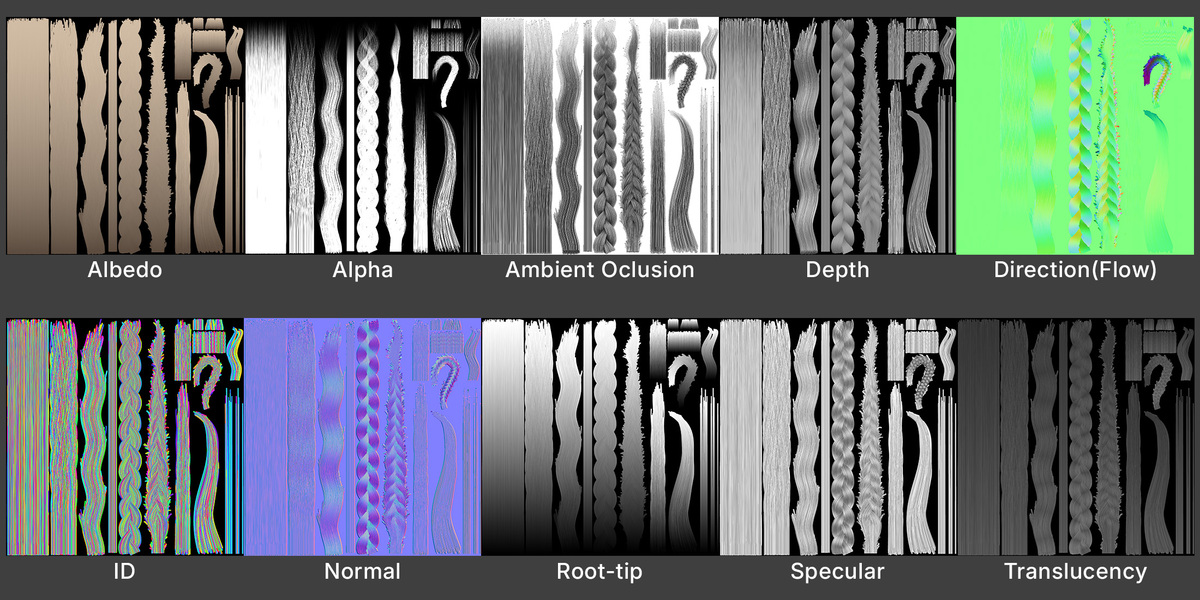
The strands are thinner than about 1.5 atlas pixels. The strand width line above the Bake button shows the thinnest bstrand. Raise Thickness or Resolution, or set Fix Dashed Gaps to 1–2 for a solid mask.
Baked strands look semi-transparent
That’s coverage, not the shader. A strand thinner than a pixel can only partly cover it. Raise Thickness or Resolution, or set a negative Alpha Threshold to make faint strands read solid.
Baked colours look washed out or tone-mapped
The scene’s colour management isn’t Standard. Press Activate Curve-BStrands. The bake itself always writes data maps without a view transform.
The Normal map looks lit from the wrong side in my engine
Switch Normal Format: DirectX for Unreal Engine and 3ds Max, OpenGL for Blender, Unity and Godot.
The texture is square but my zone isn’t
Under Aspect: Power of 2, a zone typed by hand bakes at the power-of-two shape that contains it. Press Fit Zone to bstrands to snap the zone to that shape, or choose Free for a texture that follows the zone exactly.
The Ambient map looks flat
Hair occlusion is naturally subtle. Click Fit AO Distance, then raise Strength. More Samples reduce noise.
Cards still show the old bake
Blender keeps images in memory. Click Reload Baked Maps in Texture Bake.
Where did my maps go?
To the Output Folder in Export & Save: by default a folder named after the Name Prefix, next to your saved .blend. If the file was never saved, the panel shows the folder used instead. Open Output Folder takes you there.
The viewport is slow
Live Update rebuilds on every change, which is comfortable up to a couple of thousand strands. For denser locks, turn Live Update off and press Rebuild when you’re ready, or lower Max Strands or Reduction while you work.
$25
 Included
Includes 12 months of
- Support from mrybrik
- Product updates
Extend this product’s Support Period +12 months: 50% of product price
Have questions before purchasing?
Login to message
| Blender Extension Compatible | Yes |
| Published | 1 day ago |
| Blender Version | 5.1 - 5.2 |
| Extension Type | Add-on |
| Render Engine Used | Cycles, Eevee |
| License | GPL |
Discover more products like this
texture atlas hair fur texture-baking game hair hair atlas Grooming character hair hair cards Procedural Hair hair texture braid