Curve Fill Advanced
 SVBDVN
Why is my .SVG file filled in upon import and the CFA modifier is not working?
Sometimes Blender will switch on the Fill Curve option upon importing a .SVG file which will turn the curve into a mesh and prevent the CFA modifier from working properly. It should be a simple fix to turn this off :) Go to the curve tab in the properties window and under the "Shape" drop down menu there should be an option for "2D" and "3D". If you select "2D" you should see a drop down menu called "Fill mode". Set this to "None" and it should fix the issue. Have a look at the included image here.
Why am I having topology issues when using centerline method 1 ?
The new centerline calculation method has an inherent instability that can in some circumstances lead to grids not overlapping themselves. There is some behind the scenes functionality that ought to automatically correct for these issues but if you notice them crop up try adjusting the "centerline smoothing" slider and this should fix the vast majority of cases.
Which version of Blender is this for ?
It is designed to work with Blender 4.3 and onwards.
Does it work with vectorized, hand drawn artwork including fonts or characters ?
The modifier tends to yield the best aesthetic results when using smooth curve shapes. Sometimes image tracing and hand-drawn fonts can have very "bumpy" and irregular contours that can cause the modifier to create overly dense center lines resulting in a perhaps less than desirable aesthetic. The best course of action I have found so far is to try retracing it in Blender manually using a NURBS curve and then using the modifier on that. Generally speaking the aesthetics of the geometry will require experimentation on the part of the user to achieve their desired, aesthetic results.
Where can I get in touch ?
Please send a message here on Superhivemarket.
Why am I getting these very small, highly dense clusters of vertices ?
The CFA modifier is INCREDIBLY sensitive to the positions of your spline control points. Try adjusting the positions of the control points and/or their relative handle points to see if this gets rid of the problem. Try adjusting both the position and the direction of the control points. You can also try adjusting the resolution parameters in the modifier stack. Sometimes lowering these values a bit can help get rid of super-dense problem areas.
How do I move/rotate/scale the CFA mesh object?
The CFA modifier will cause the CFA_Mesh object to inherit the transforms applied to the selected curve object. This is done so that the mesh will be generated wherever the curve object is located and in whatever orientation it happens to be in. To transform the generated mesh, go ahead and try transforming the input curve.
Does this modifier work perfectly 100% of the time ?
I have built CFA to be fairly robust and hopefully equipped it to handle the vast majority of curve-types and shapes. I have tested it a lot in the course of using it for my own artwork and found that it works well for even the most complicated splines I can throw at it. There are, however, probably edge cases I have not encountered where the modifier will break and/or yield undesirable results. Please do not hesitate to reach out with any situations you may encounter where things do not seem to be working properly.
Why am I having problems with the texture coordinates ?
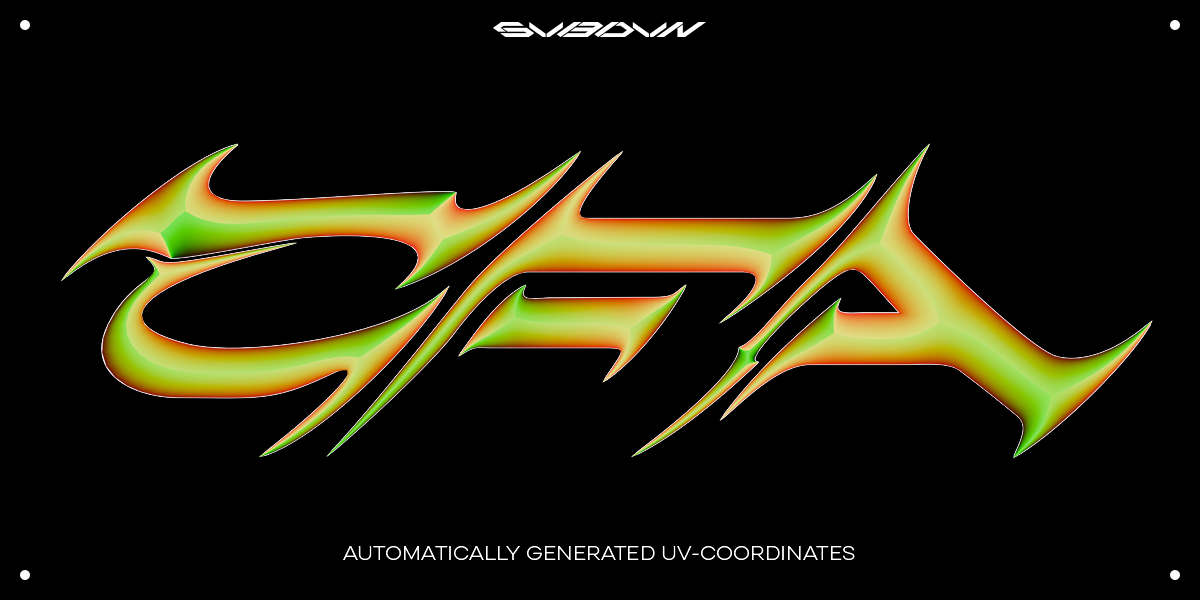
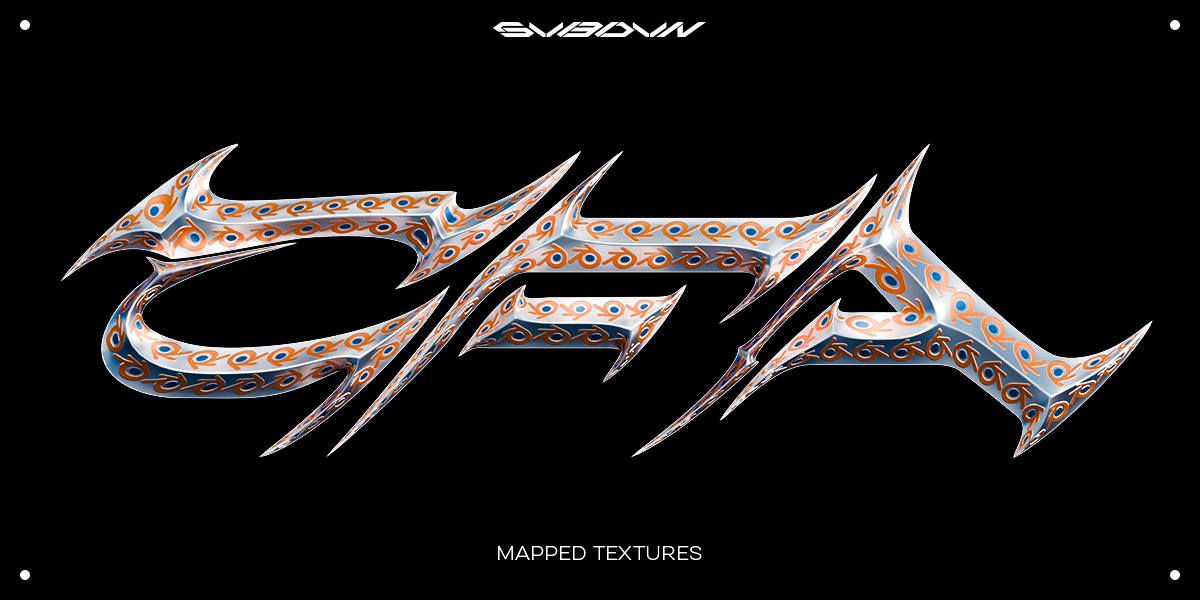
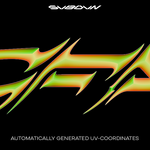
The CFA modifier is INCREDIBLY sensitive to the positions of your spline control points. I have discovered that when the control points or their handle points are too close or cross over one another the CFA modifier can have a hard time calculating UV-coordinates even when the mesh geometry looks fine. I have noticed this particularily when dealing with splines I have imported as .SVG files. I have found that going through imported splines and cleaning up their control points solves about 99% of problems I have encountered in this regards. Please have a look at the walk-through and instructional video for an example of this.
Have questions about this product?
Login to message
| Sales | 100+ |
| Dev Fund Contributor | |
| Published | over 1 year ago |
| Blender Version | 4.3 - 5.2 |
| License | Royalty Free |
Discover more products like this
Blender geometry nodes topology curve fill Curve Fill Fill Curve geometry-nodes-modifier extrude geometrynodes Advanced