 KushiroCG


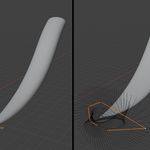
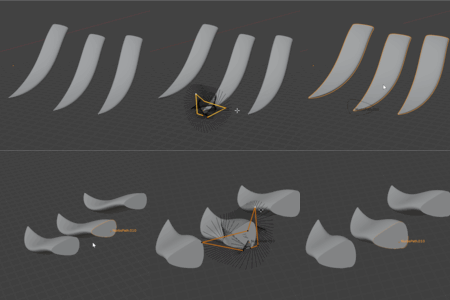
Usage
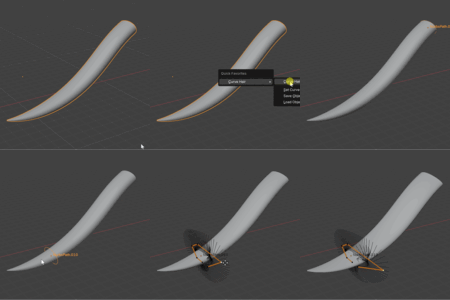
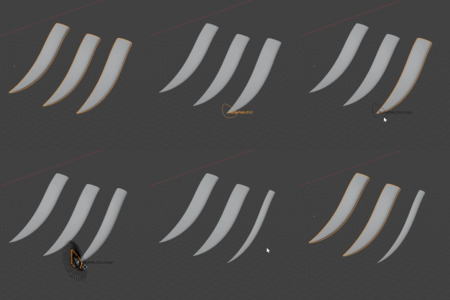
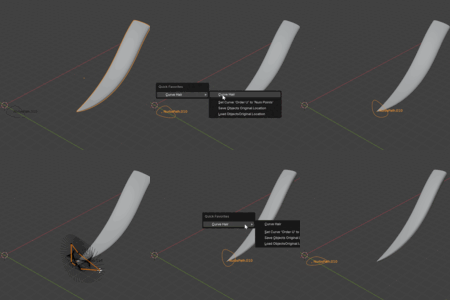
In Object mode, select the Hair strand curve (Curve Object),
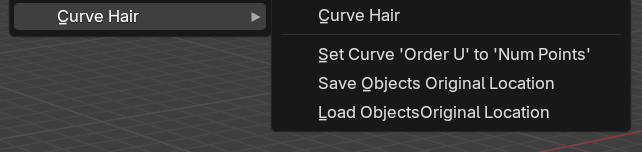
Right click in the 3D viewport, then you will see Curve Hair at the bottom of the pop up Context Menu of blender.
You can then select Curve Hair in the sub menu.
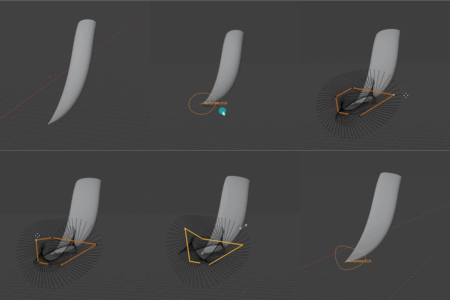
After running Curve Hair, you can open the setting menu at the Left-bottom of the screen.
You can change the location (from head to tail) of the moved profile curve.
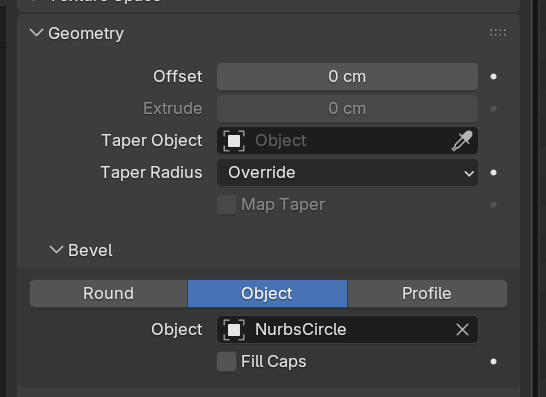
For Curve Hair to work, you should set the Bevel "Object" to the curve already.
In the Bevel setting of the curve, choose "Object" mode and select a circle curve.
Discover more products like this
anime strand hair character hair-strand along curve curve #Character Modeling spline