 Mark Kingsnorth
What is Curve Sculpt 3D?
Create editable 3D curves on your mesh and sculpt along them using Blender's native brushes.
What is Curve Sculpt 3D?
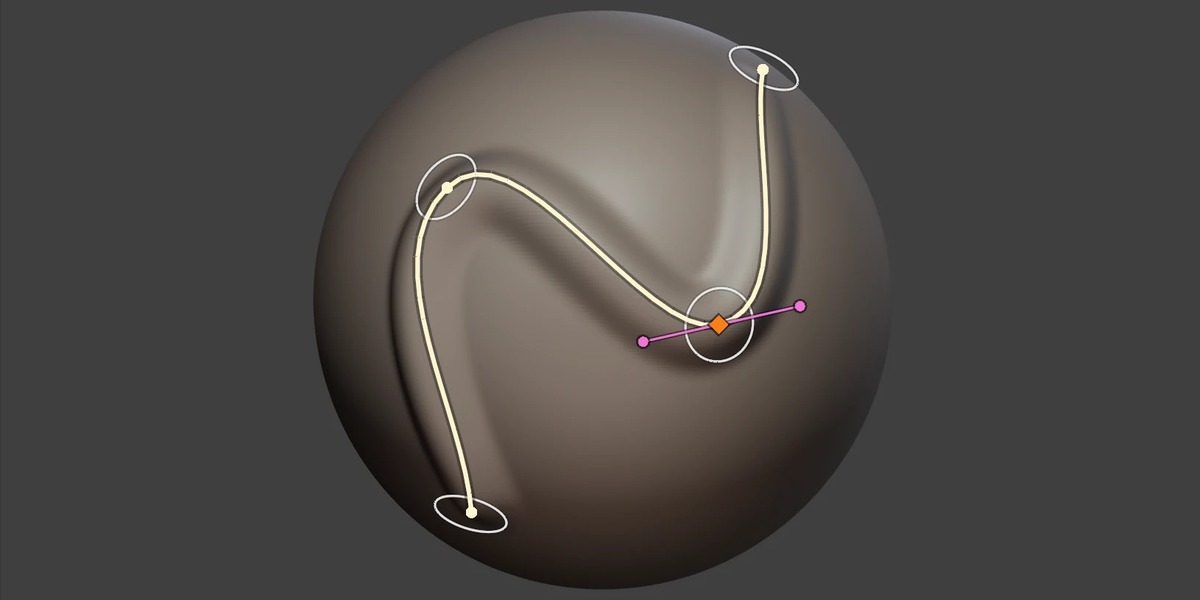
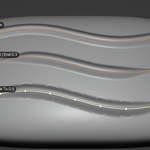
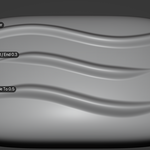
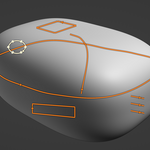
Curve Sculpt 3D is a Blender add-on that lets you draw curves directly onto the surface of a 3D mesh, then run Blender's sculpt brushes along them.
Think of it as Blender's existing 2D based Curve stroke method, but in three dimensions.
Blender's built-in Curve stroke method lets you create precise, repeatable brush strokes, but the curves are drawn flat on the screen and projected onto the mesh from your current view. This makes it difficult to create strokes that follow complex surfaces or wrap around objects.
Curve Sculpt 3D removes this limitation.
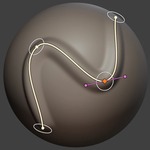
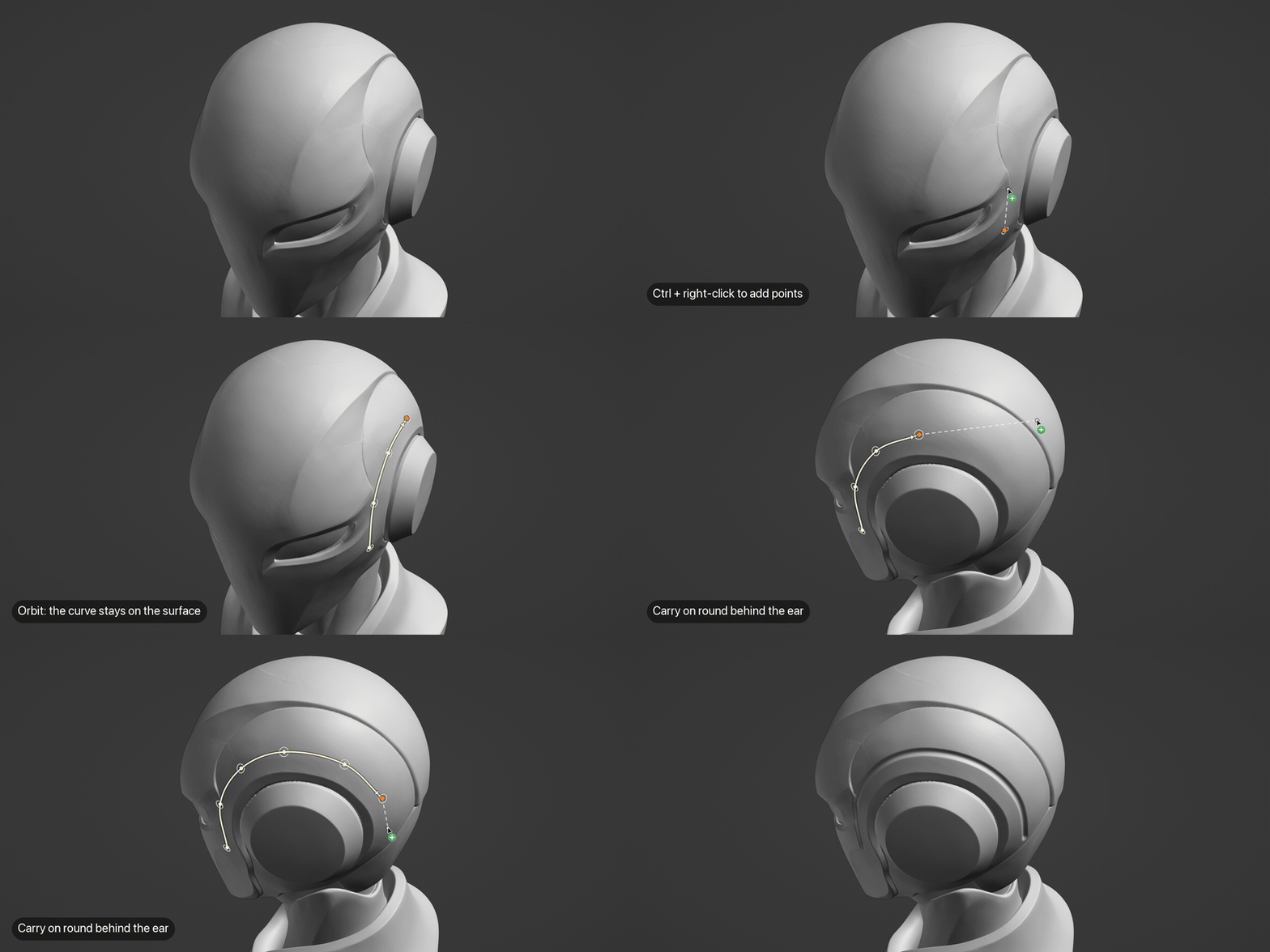
Draw curves that follow the contours of your model, refine them from any angle, and use them to guide Blender's sculpt brushes precisely along the surface.
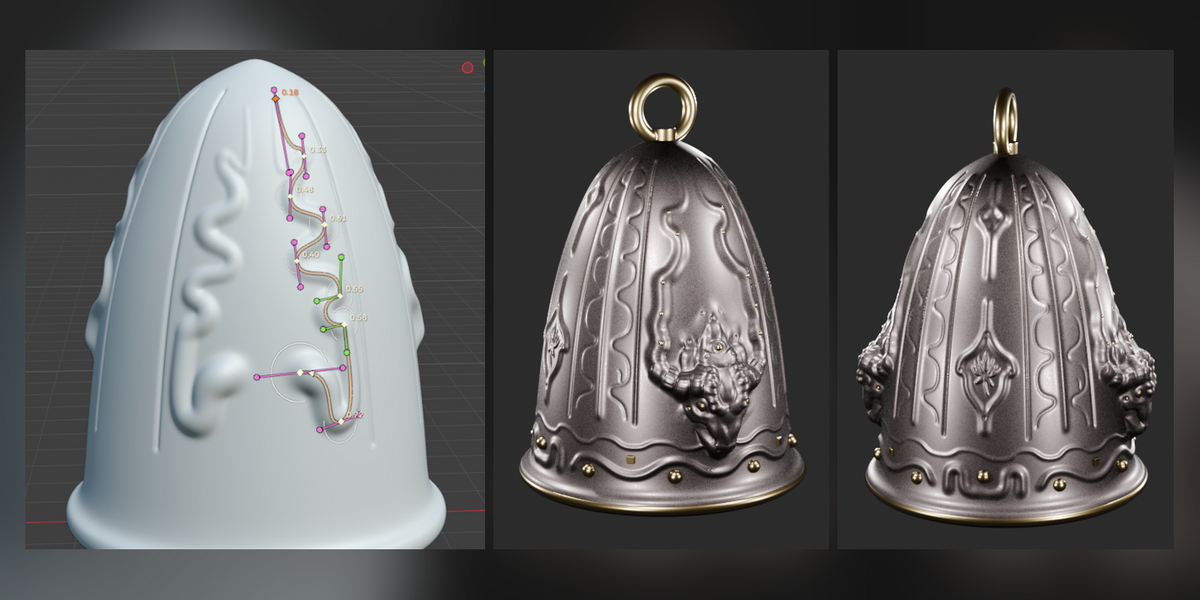
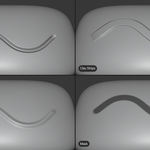
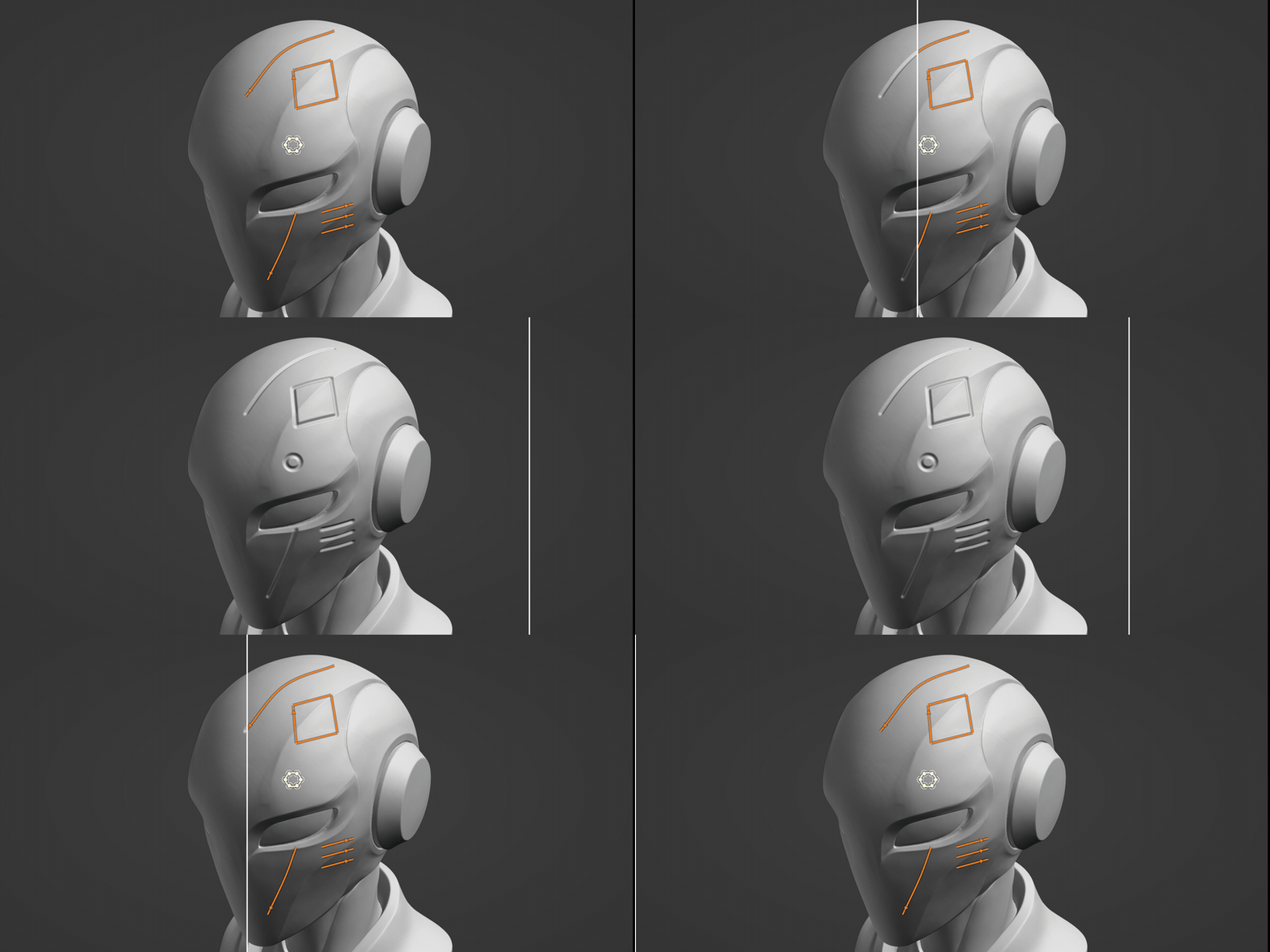
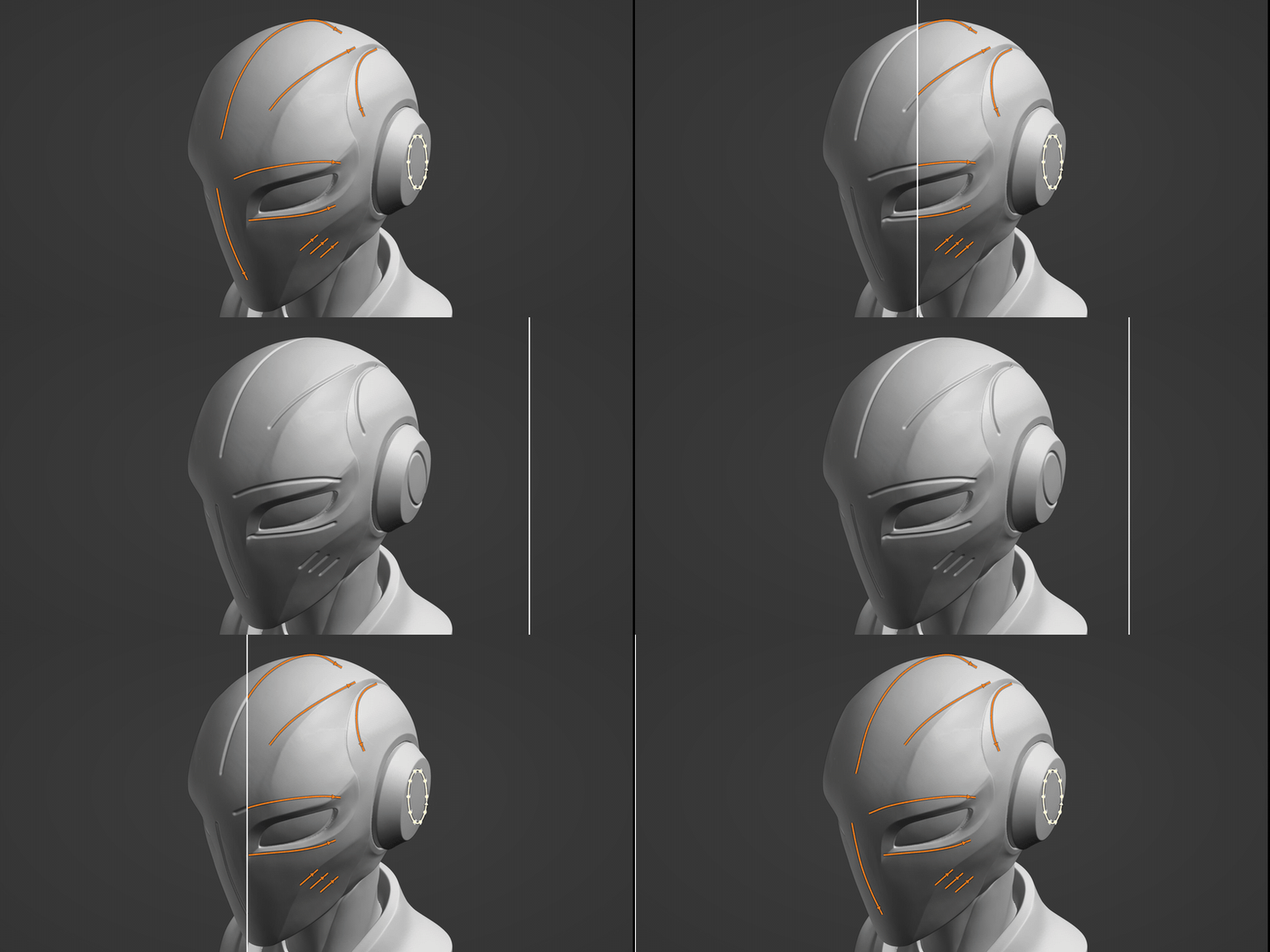
Whether you're carving grooves, creating raised details, painting intricate patterns or defining masks, Curve Sculpt 3D gives you greater control over where and how your brush strokes are applied.
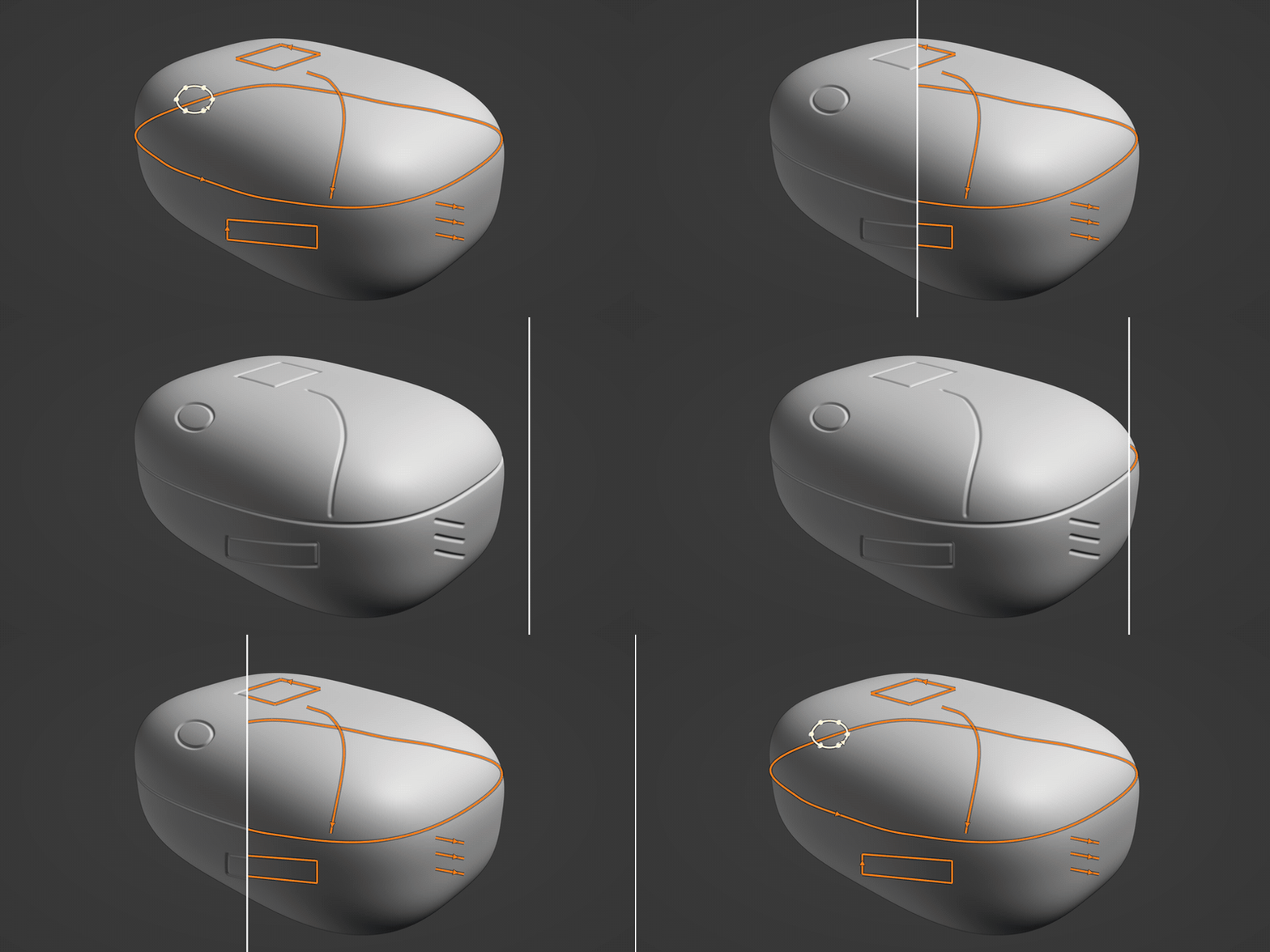
Your curves remain available for editing and reuse, so you can experiment with different brushes, strengths and effects without having to redraw them each time.
Features
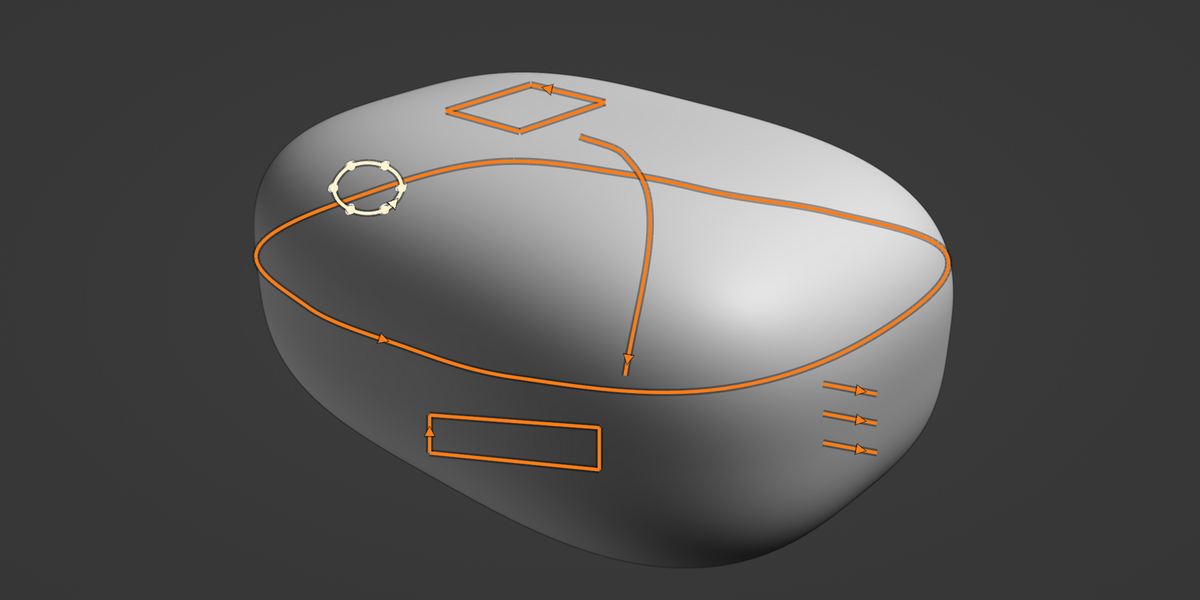
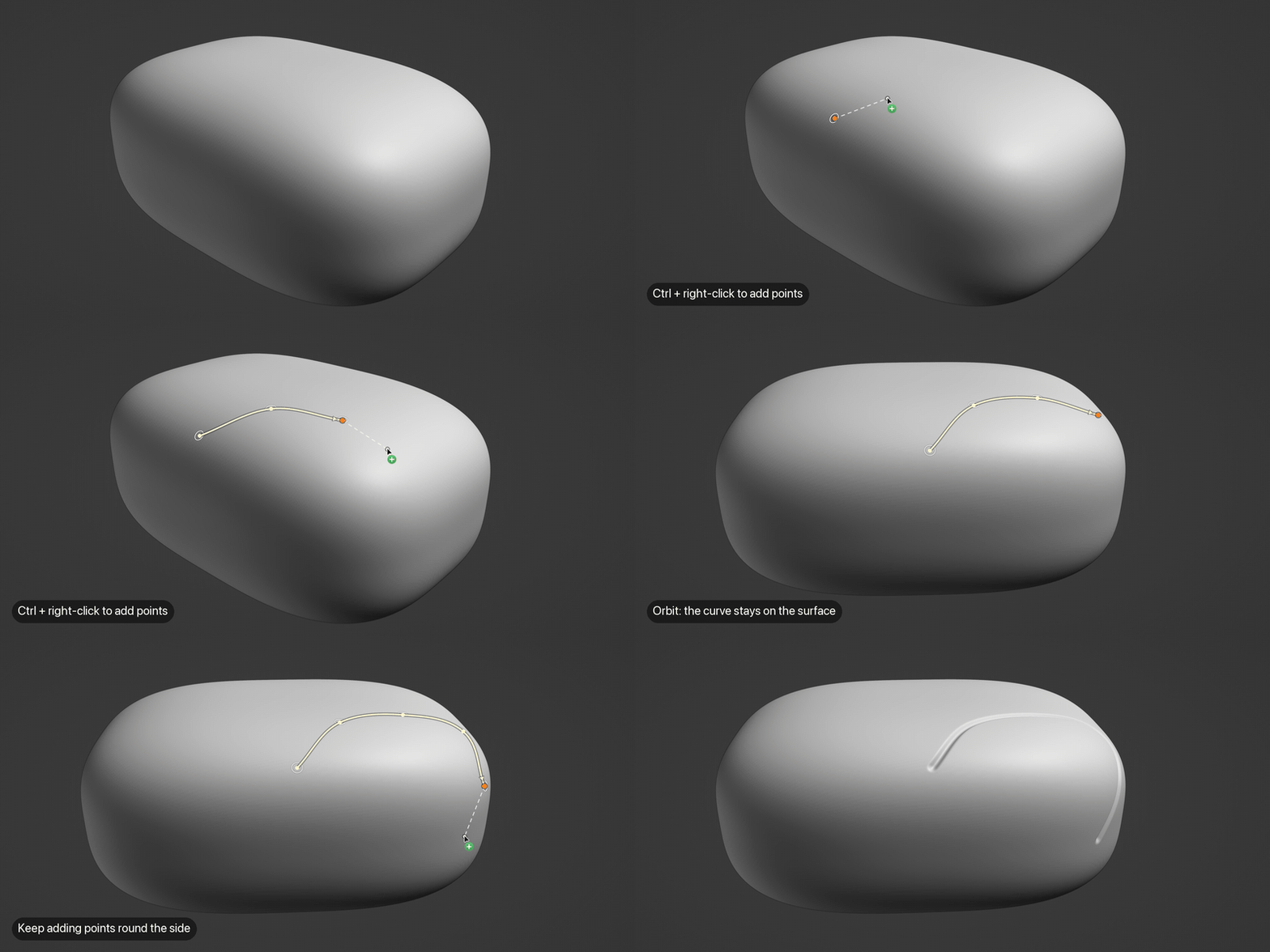
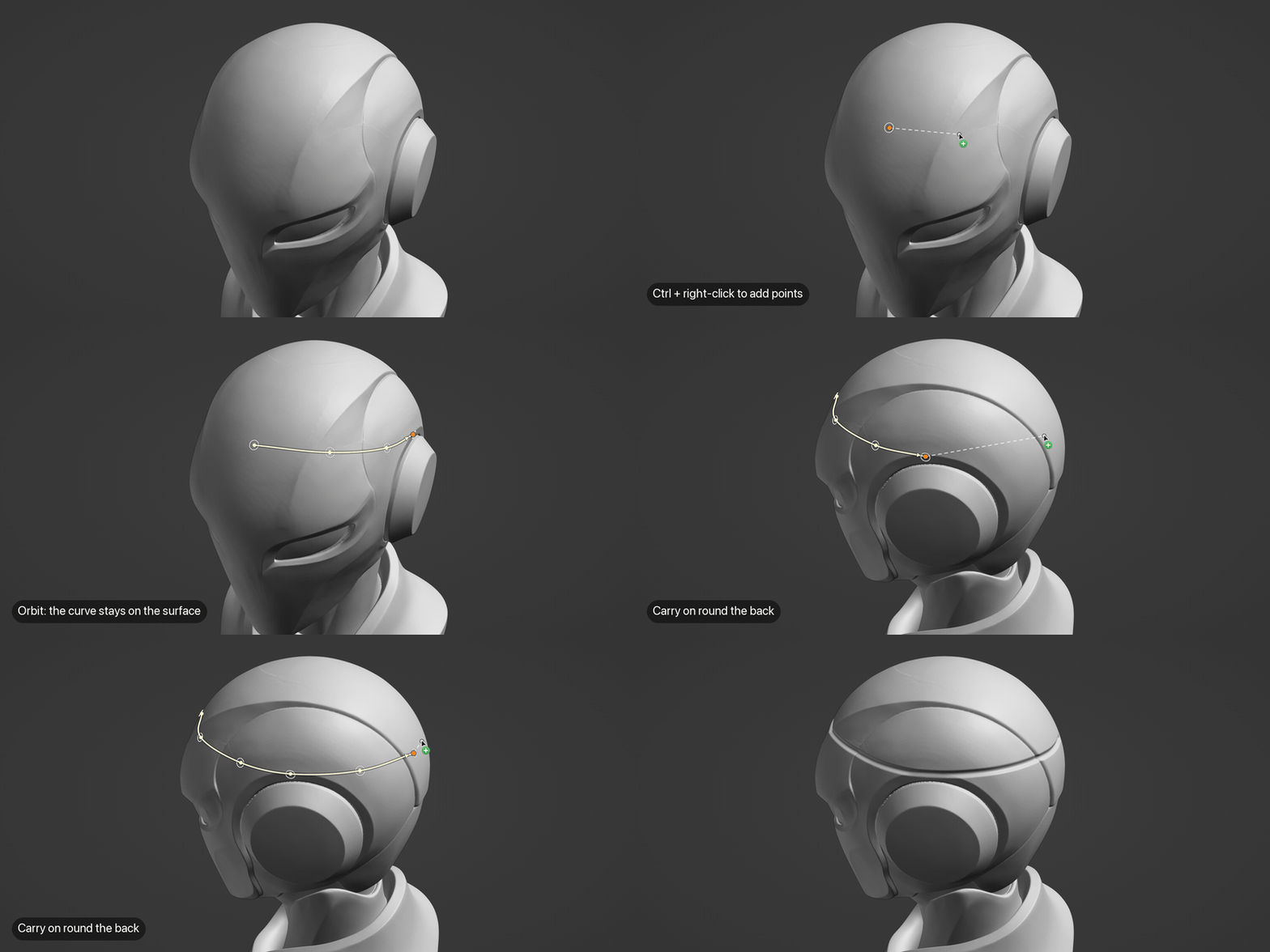
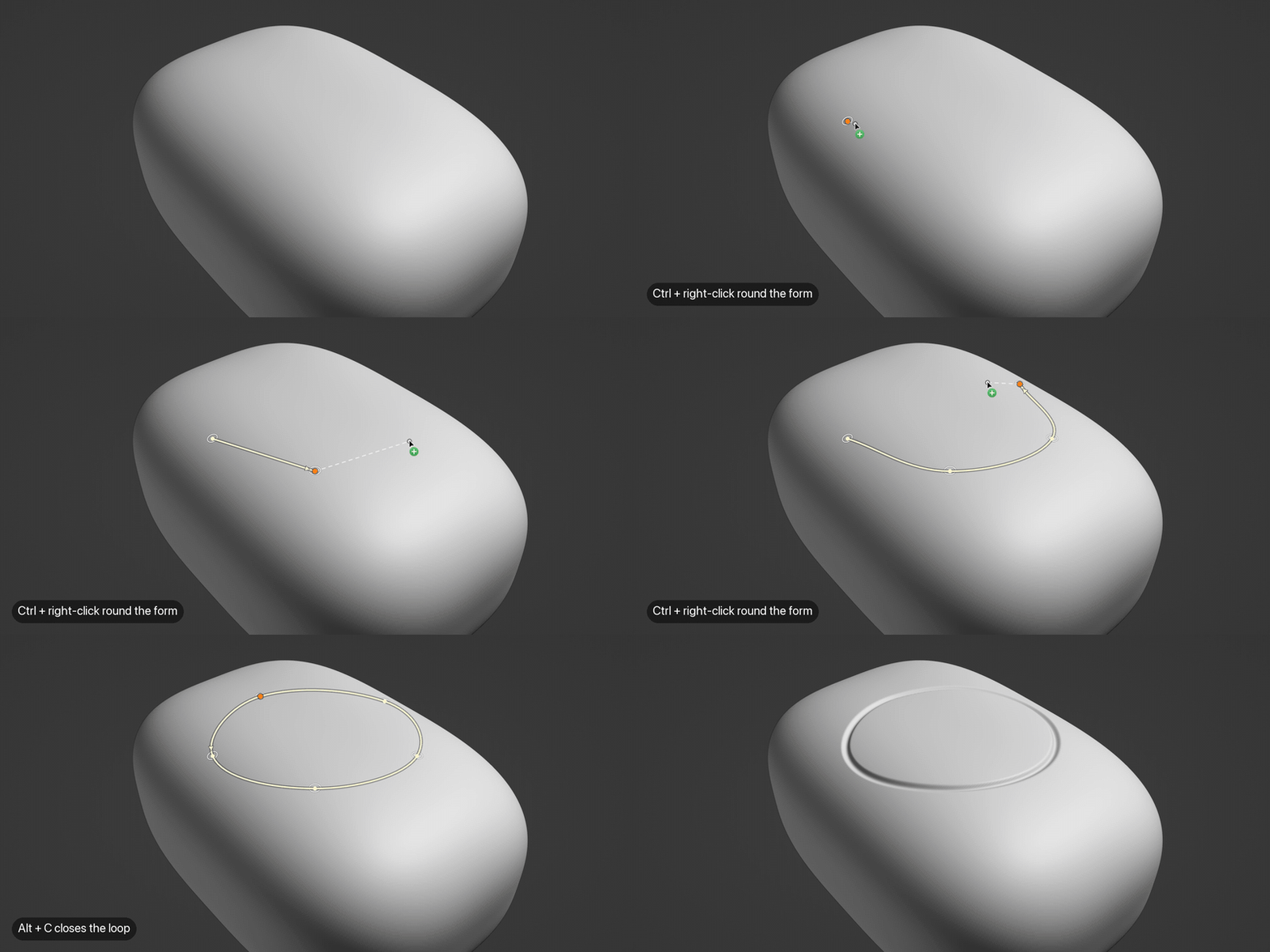
Draw directly onto 3D surfaces. Create curves that follow the shape of your mesh, including around curved and complex forms, rather than being restricted to a single viewport projection.
Intuitive curve drawing and editing. Draw and adjust curves using familiar controls based on Blender's existing curve tools.
Precise control over curve shapes. Use smooth, sharp and Bézier points to create anything from flowing organic lines to crisp, angular details.
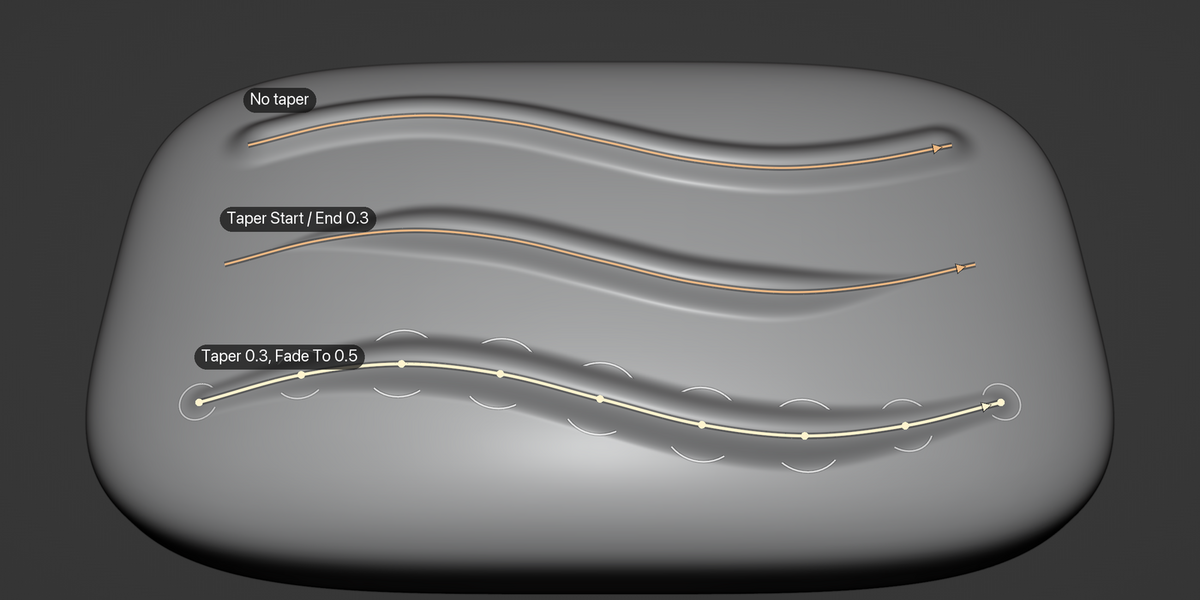
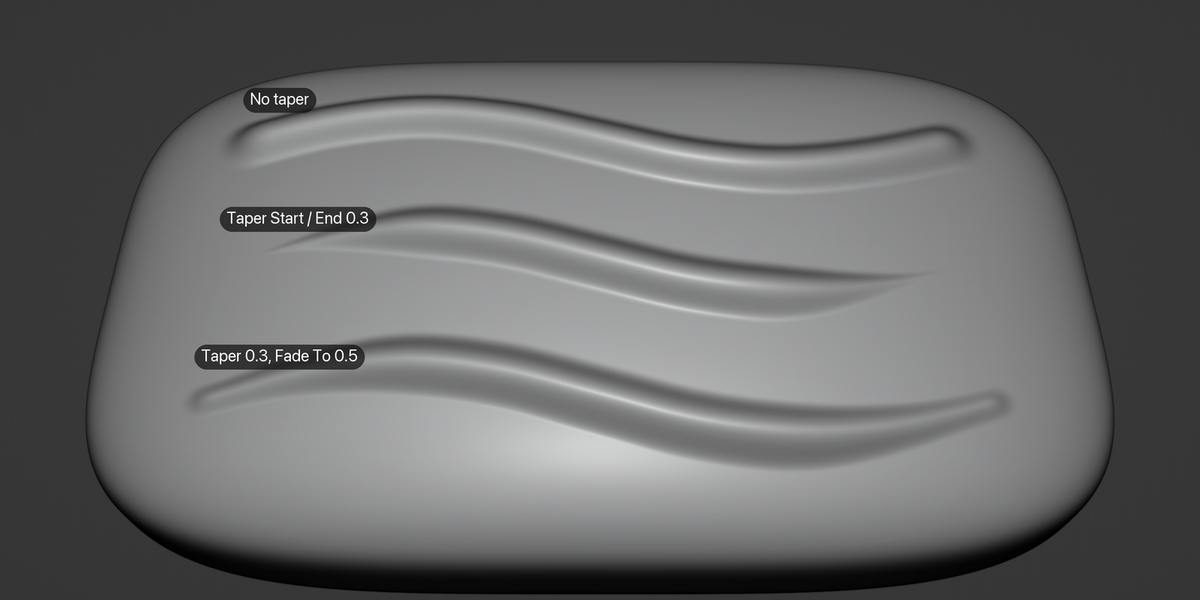
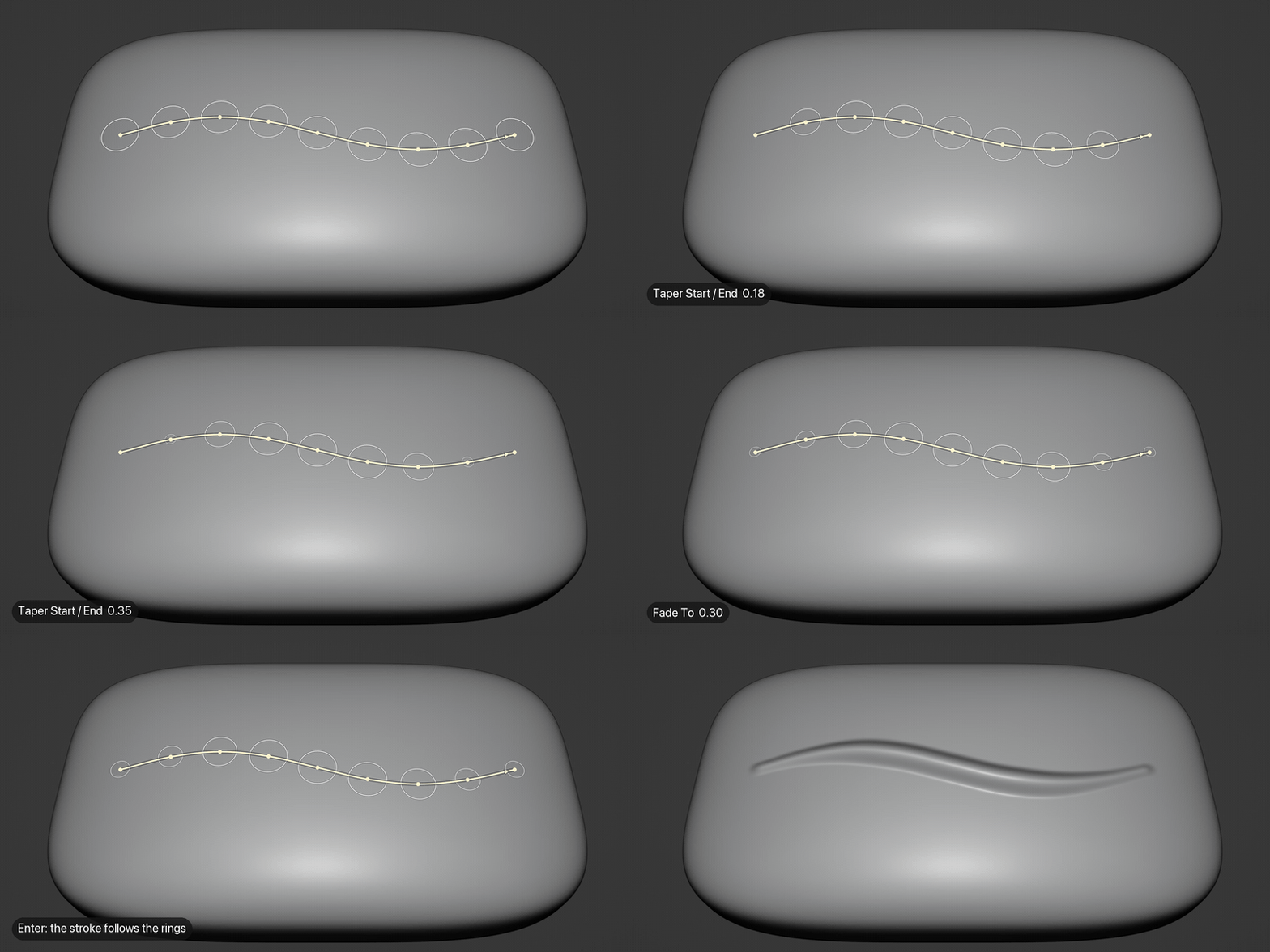
Control brush pressure along the curve. Adjust pressure at individual points or automatically taper the stroke at its ends for smooth, natural transitions.
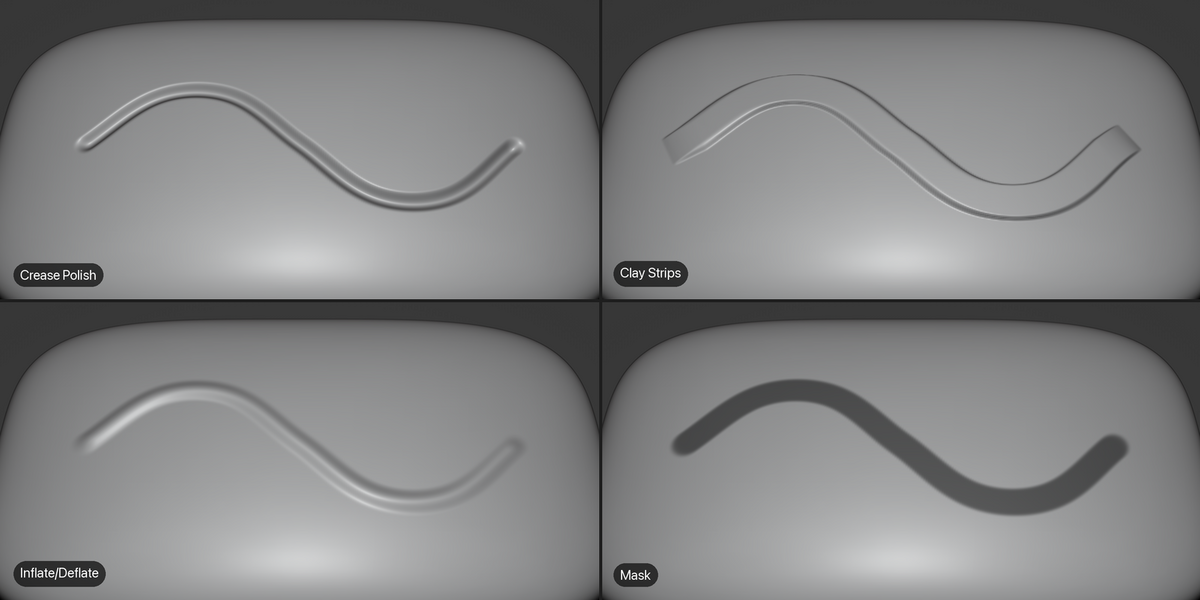
Works with Blender's sculpt brushes. Apply Draw, Crease, Clay, Mask, Face Sets, colour painting and other supported brushes along your curves.
Edit and reuse your curves. Keep curves associated with your mesh, allowing you to refine their shape and apply additional strokes whenever needed.
Multiple curves per object. Create as many curves as you need, hide those you're not working with, and apply strokes along several curves at once.
Import existing Blender curves. Project existing curve objects onto your mesh surface and use them to guide sculpting operations.
Respects brush stroke settings. Blender's brush spacing, dash and jitter settings are supported, giving you control over the appearance of each stroke.
-
Multiresolution support. Use Curve Sculpt 3D with Blender's Multires modifier for detailed sculpting workflows.
How does it work?
Curve Sculpt 3D introduces a straightforward workflow:
Draw: Choose a brush and sketch a curve directly onto your object's surface.
Refine: Adjust its control points, shape and pressure from different viewing angles.
Sculpt: Press Enter to run the brush along the curve.
Repeat: Modify the curve, change brushes or apply further strokes and select 3D curve mode without starting again.
Because the curves follow the actual surface of your mesh, you can create precise details that would otherwise be difficult to achieve using Blender's standard screen-based 2D Curve stroke method.
What can you create?
Curve Sculpt 3D is particularly useful for:
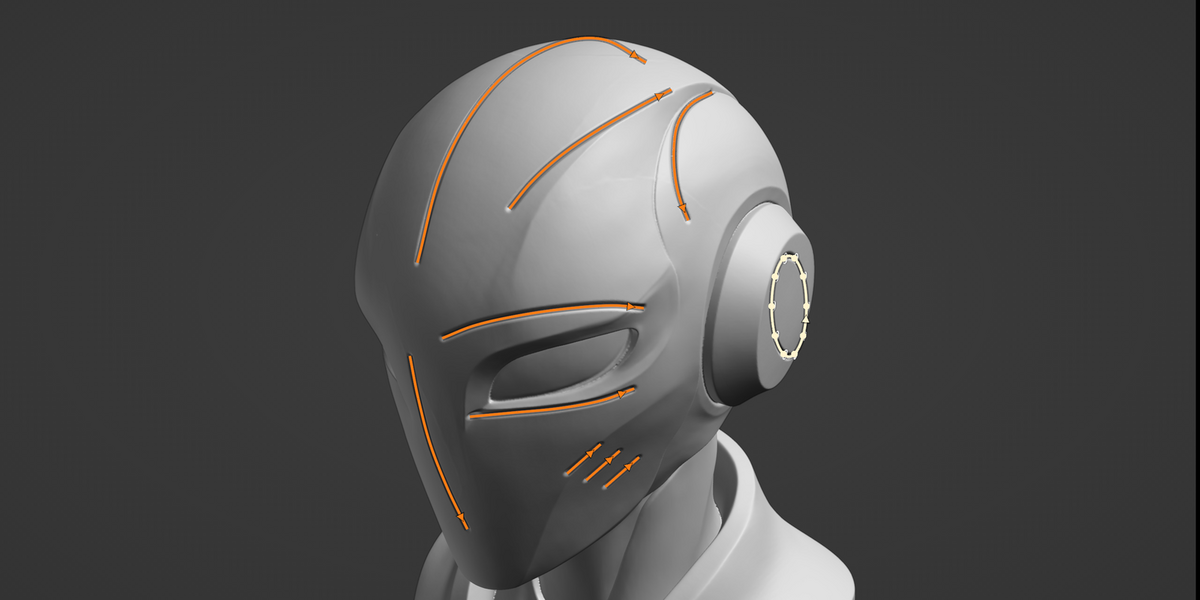
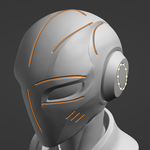
Carving precise grooves, channels and recessed details.
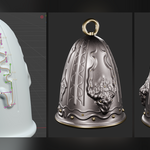
Creating raised ridges, seams and decorative patterns.
Adding flowing organic details that follow complex surfaces.
Painting colour or applying masks along accurately positioned paths.
Repeating sculpting operations along editable curves.
From hard-surface detailing to organic sculpting, Curve Sculpt 3D provides a flexible way to guide Blender's brushes across three-dimensional forms.
Please note...
Blender 5.2 or later is required.
Curve Sculpt 3D is an early release. Feedback, bug reports and suggestions are very welcome.
Sculpting operations use Blender's own brushes, so performance depends on the brush, mesh complexity and stroke length, just as it does when sculpting manually.
The sculpted results modify the mesh in the same way as ordinary Blender brush strokes. Although the guiding curves remain editable and reusable, previously applied sculpting strokes are not automatically updated when a curve changes.
Questions?
If you have any questions, encounter a problem or have suggestions for future improvements, please get in touch using the Ask a Question button on this page or email [email protected].
Documentation
Full documentation, including installation, getting started, curve editing, brush strokes, importing curves and troubleshooting, is available here:
