Curve Sculpt 3D
 Mark Kingsnorth
Curve Sculpt 3D 0.15.31
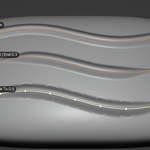
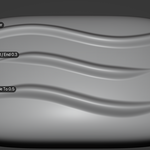
Brush textures now follow the curve
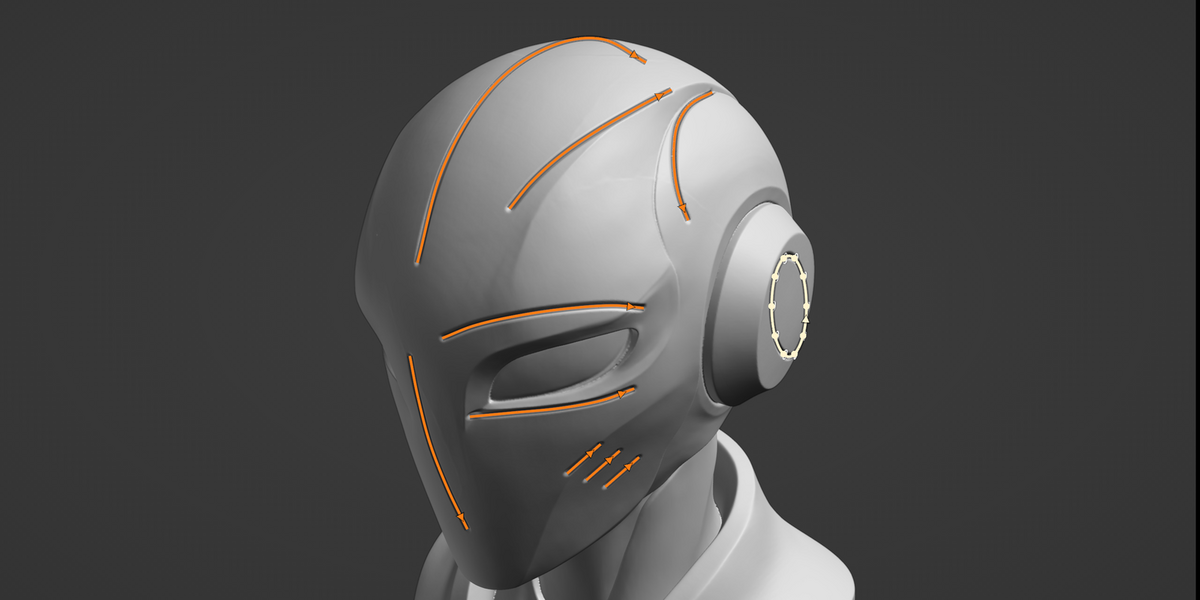
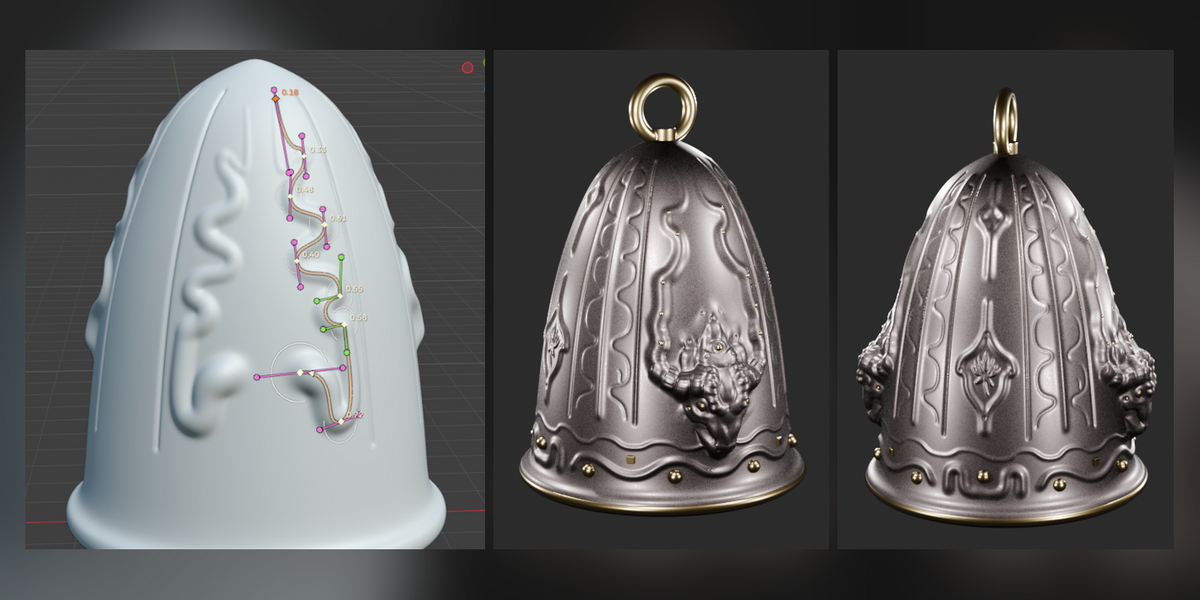
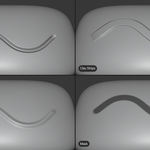
- Tick Rake in the brush's Texture panel and the texture turns along the curve as it's stroked, so arrows, scales or stitches run with it. Before, it stayed at the view's angle whichever way the curve went.
- The first dab turns with the curve too, rather than landing at the view's angle.
- Turning Rake off again puts the texture back at its own angle for the next stroke.
Tip: with Angle at 0°, the top of the texture image points back towards the curve's start. Set Angle to 180° to point it the way the curve runs (shown by the arrow at the curve's end; Alt+F switches the direction).
New: a warning for side-on curves
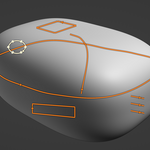
Blender lays a brush texture out from the screen, so stamps come out turned and smeared where a curve runs over surface you're seeing side-on. When a brush with a texture strokes such a curve, the status bar now says so. For clean stamps, face the curve before pressing Enter, and stroke a curve that wraps around a form in sections.
More in the docs: https://curve-sculpt-3d.readthedocs.io/en/latest/stroking.html#brush-textures
Curve Sculpt 3D 0.15.30
Brush textures now follow the curve
- Tick Rake in the brush's Texture panel and the texture turns along the curve as it's stroked, so arrows, scales or stitches run with it. Before, it stayed at the view's angle whichever way the curve went.
- The first dab turns with the curve too, rather than landing at the view's angle.
- Turning Rake off again puts the texture back at its own angle for the next stroke.
Tip: with Angle at 0°, the top of the texture image points back towards the curve's start. Set Angle to 180° to point it the way the curve runs (shown by the arrow at the curve's end; Alt+F switches the direction).
More in the docs: https://curve-sculpt-3d.readthedocs.io/en/latest/stroking.html#brush-textures
 Included
Includes 12 months of
- Support from Mark Kingsnorth
- Product updates
Extend this product’s Support Period +12 months: 50% of product price
Have questions before purchasing?
Login to message
| Blender Extension Compatible | Yes |
| Sales | 20+ |
| Published | about 5 hours ago |
| Blender Version | 5.2 |
| Extension Type | Add-on |
| License | GPL |
Discover more products like this
blender sculpting sculpt brush mesh 3D Sculpting curve Curve Sculpting Sculpt Brush 3d-modelling curves surface