Curve to Stitch
 Blender Easy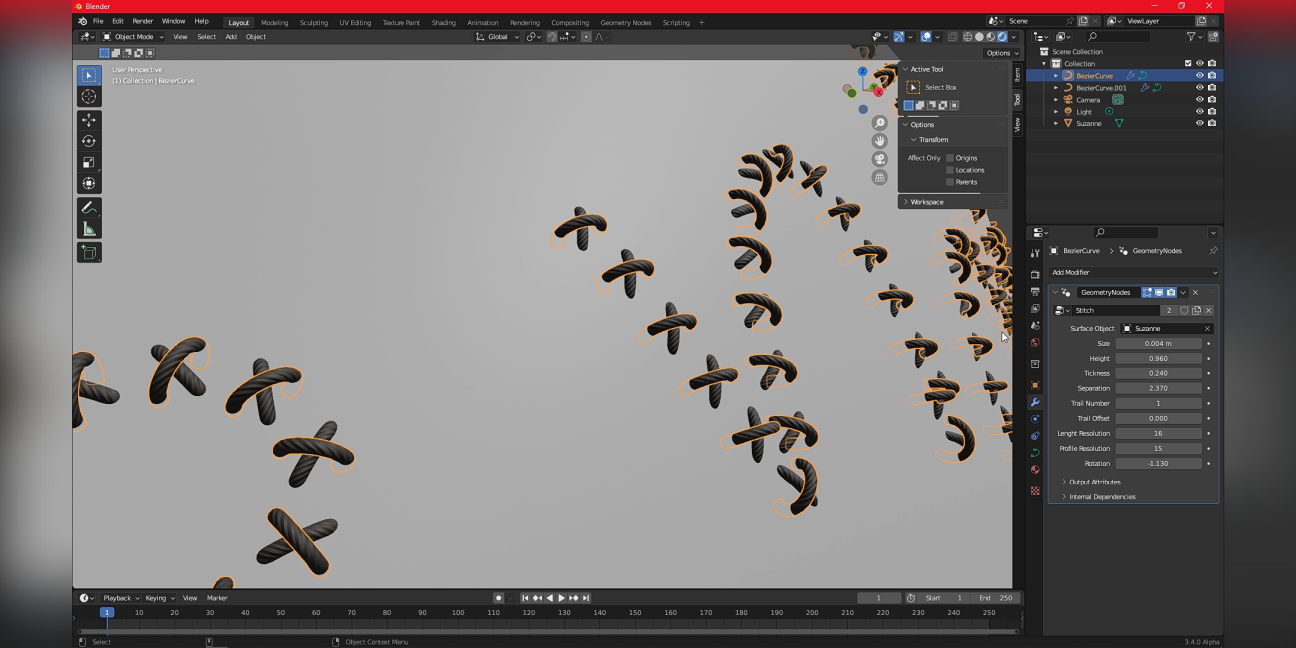
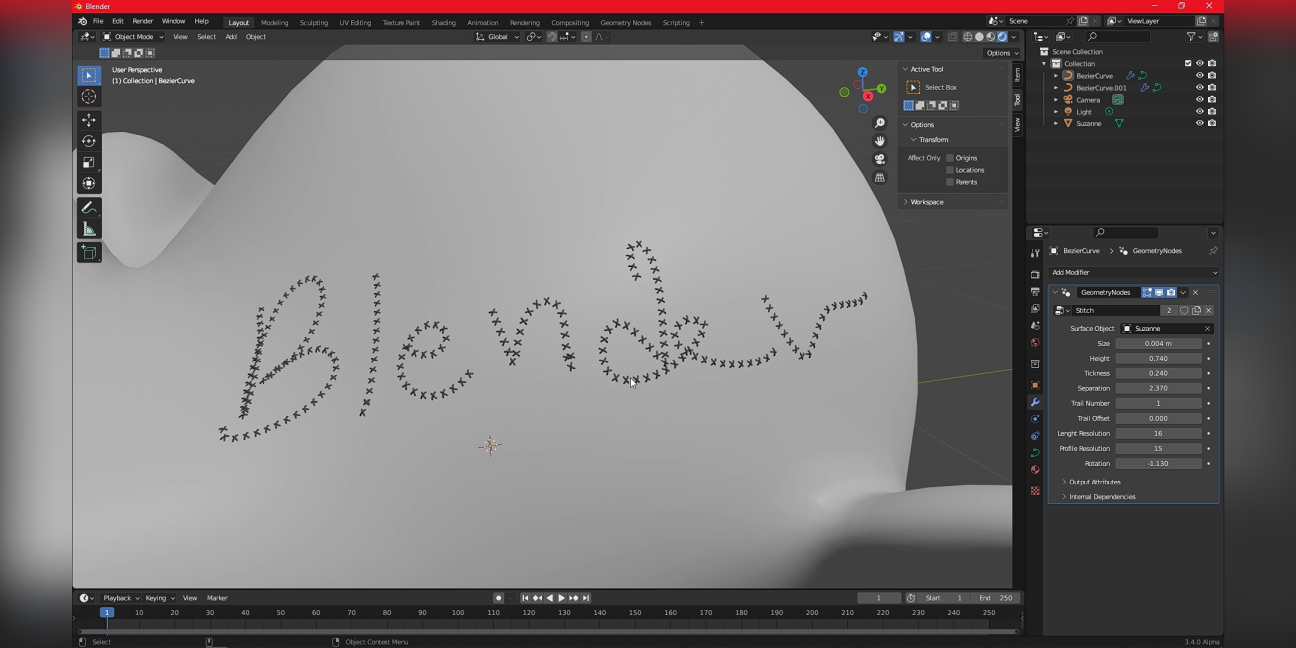
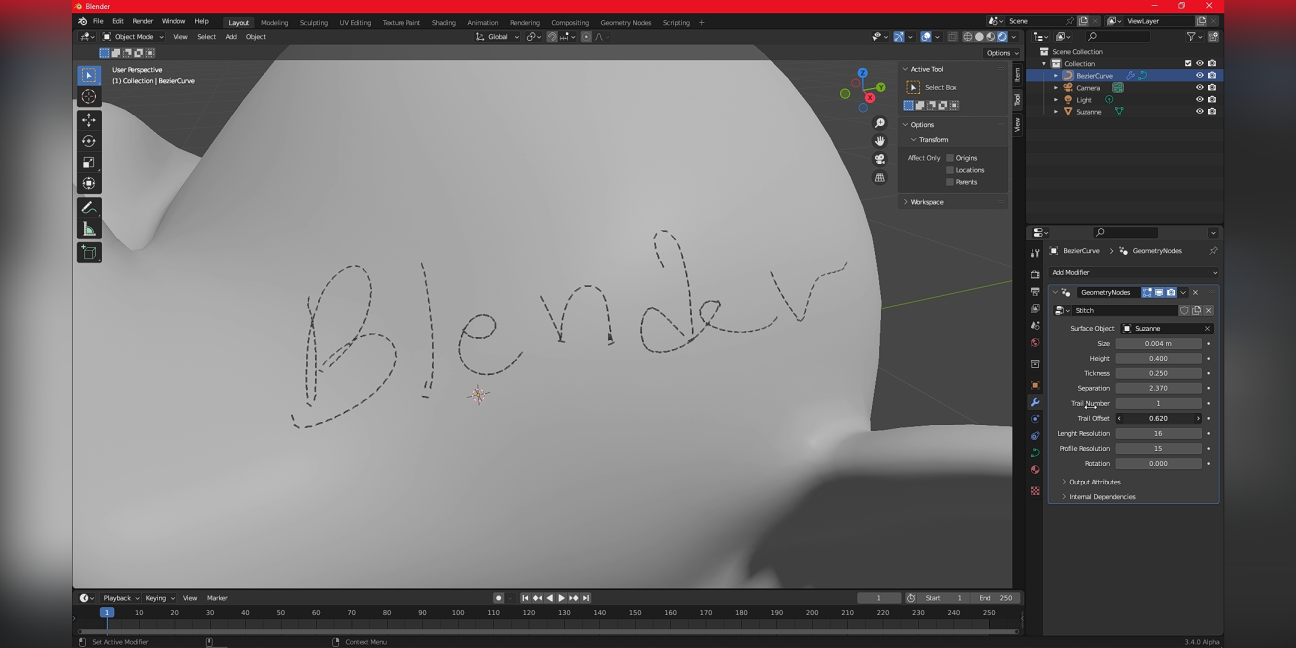
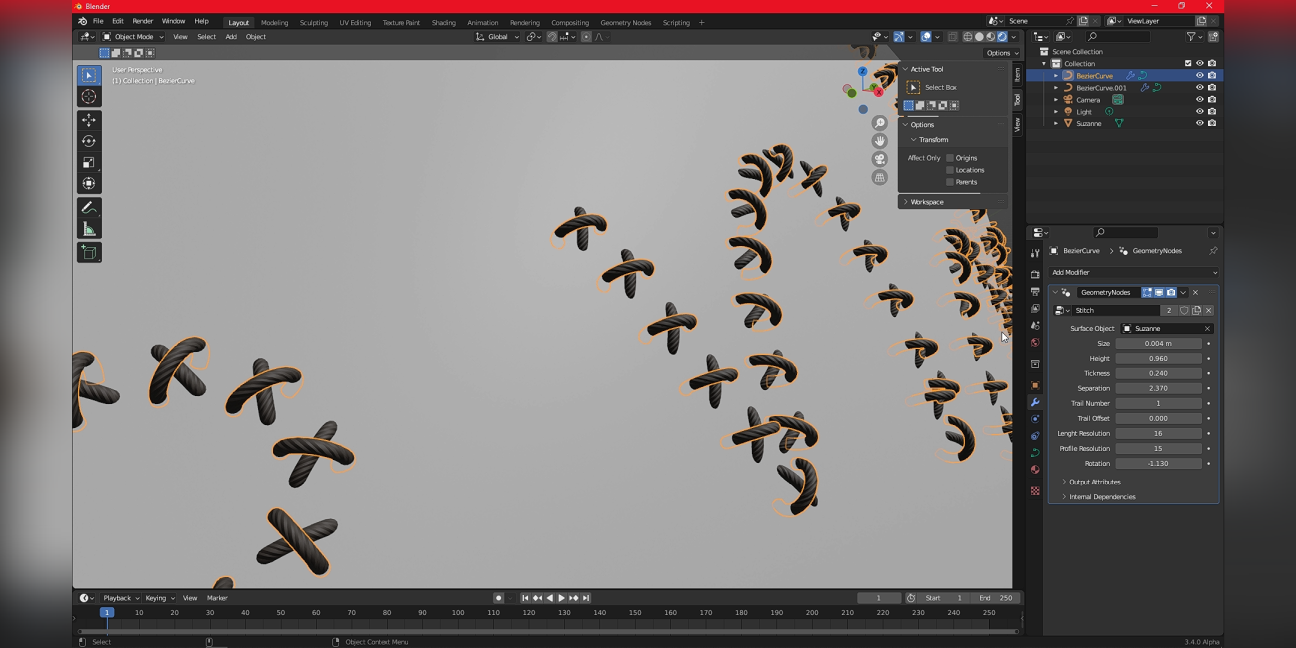
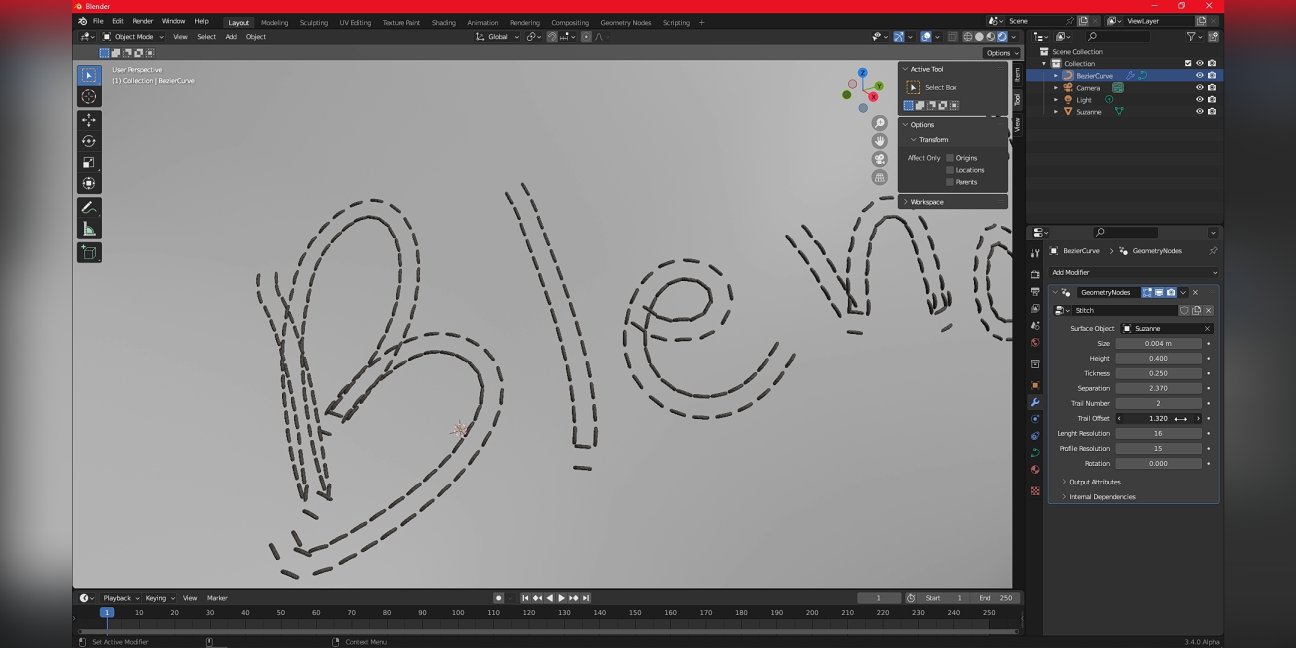
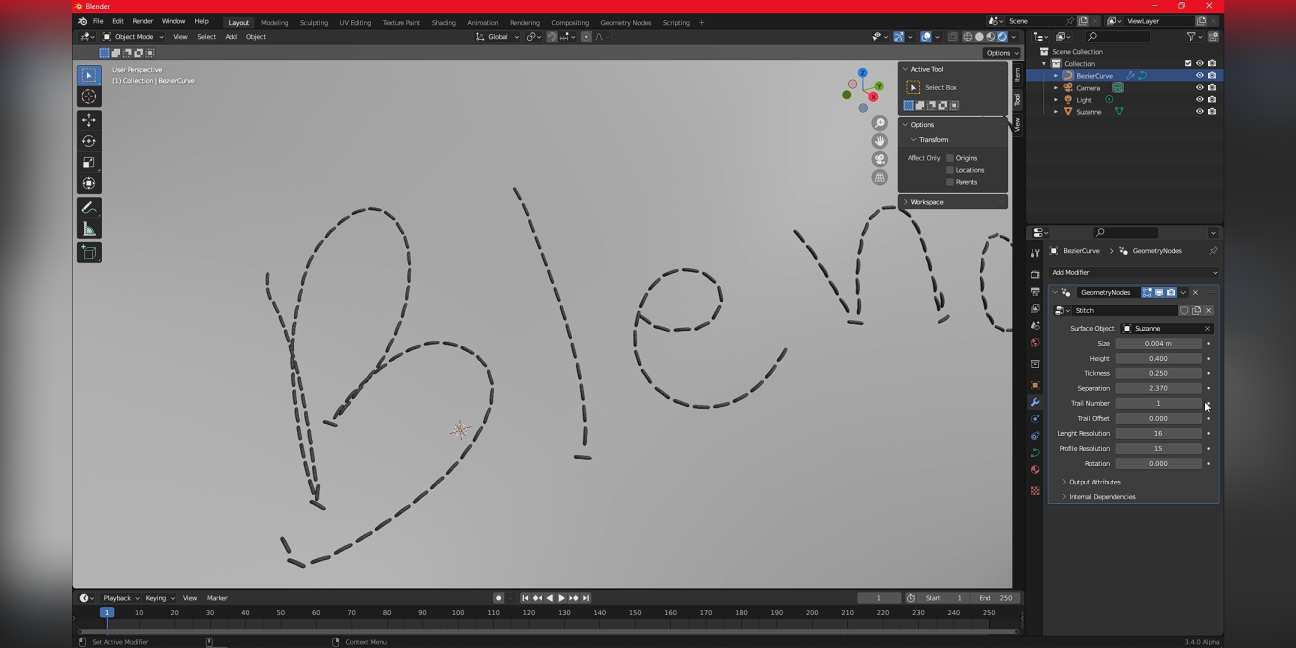

This tool transforms multiple curves into customizable stitch lines. It fits perfectly to the surface and gives you controls for scale, shape and number of stitches per stroke.
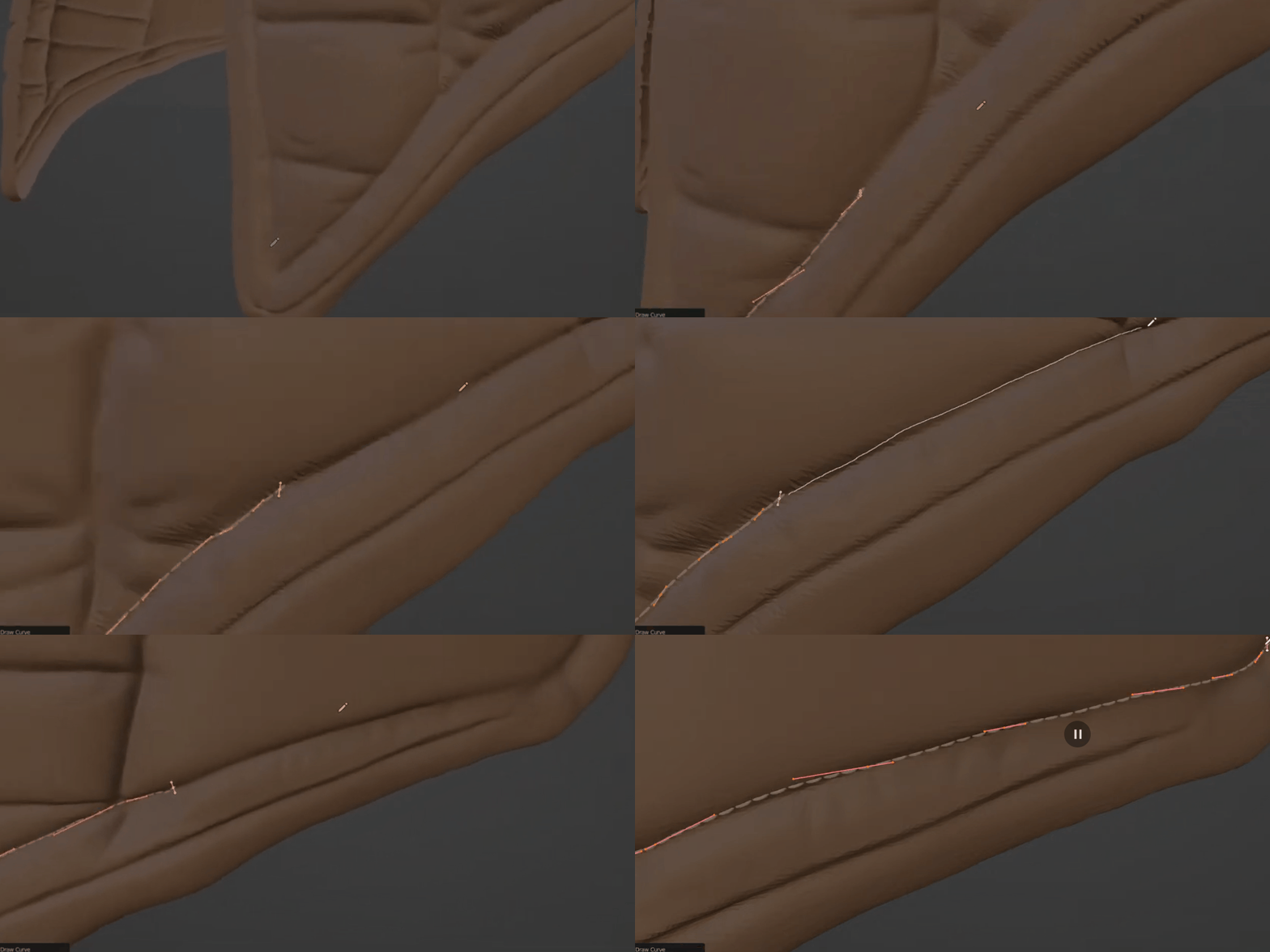
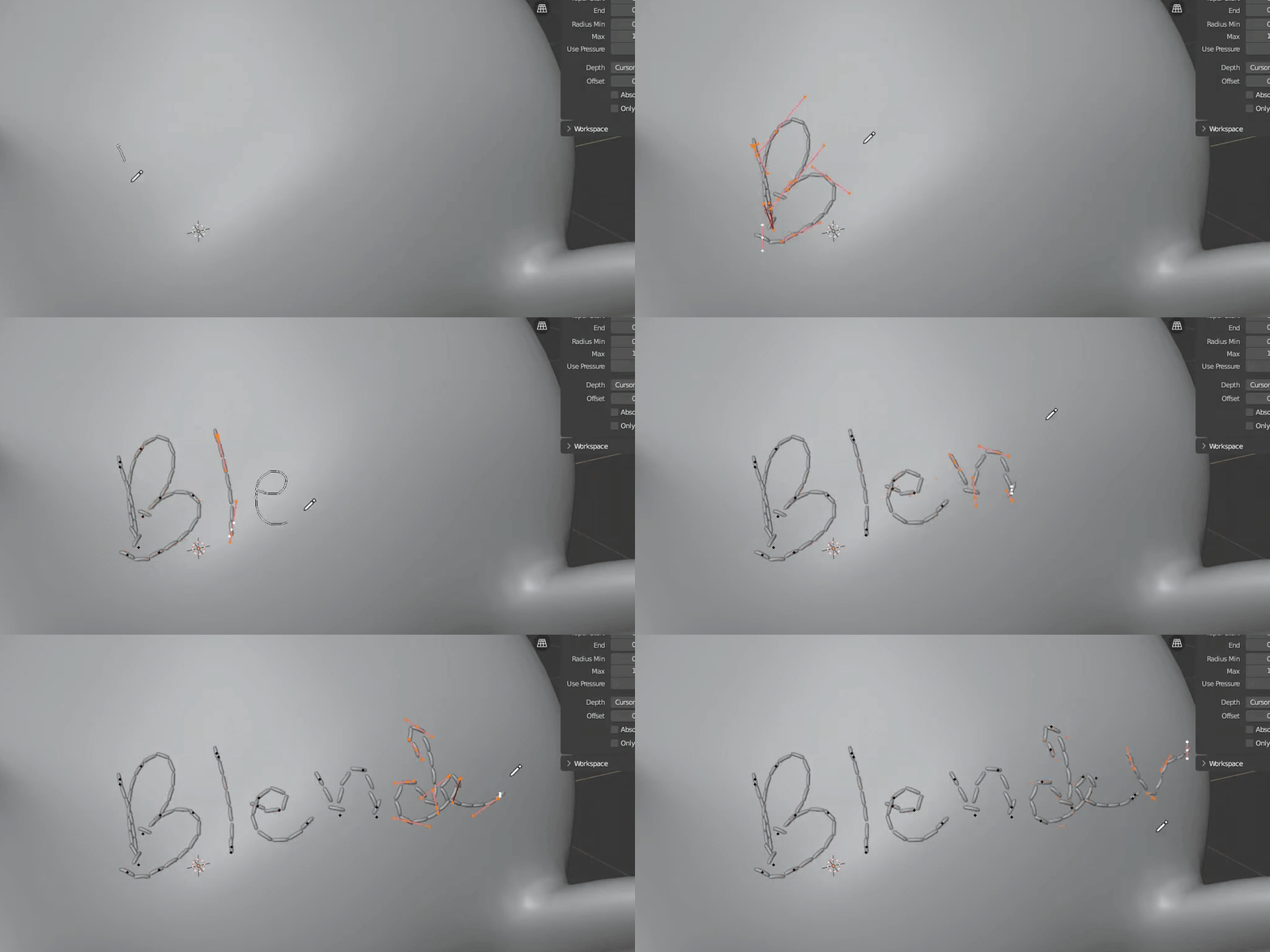
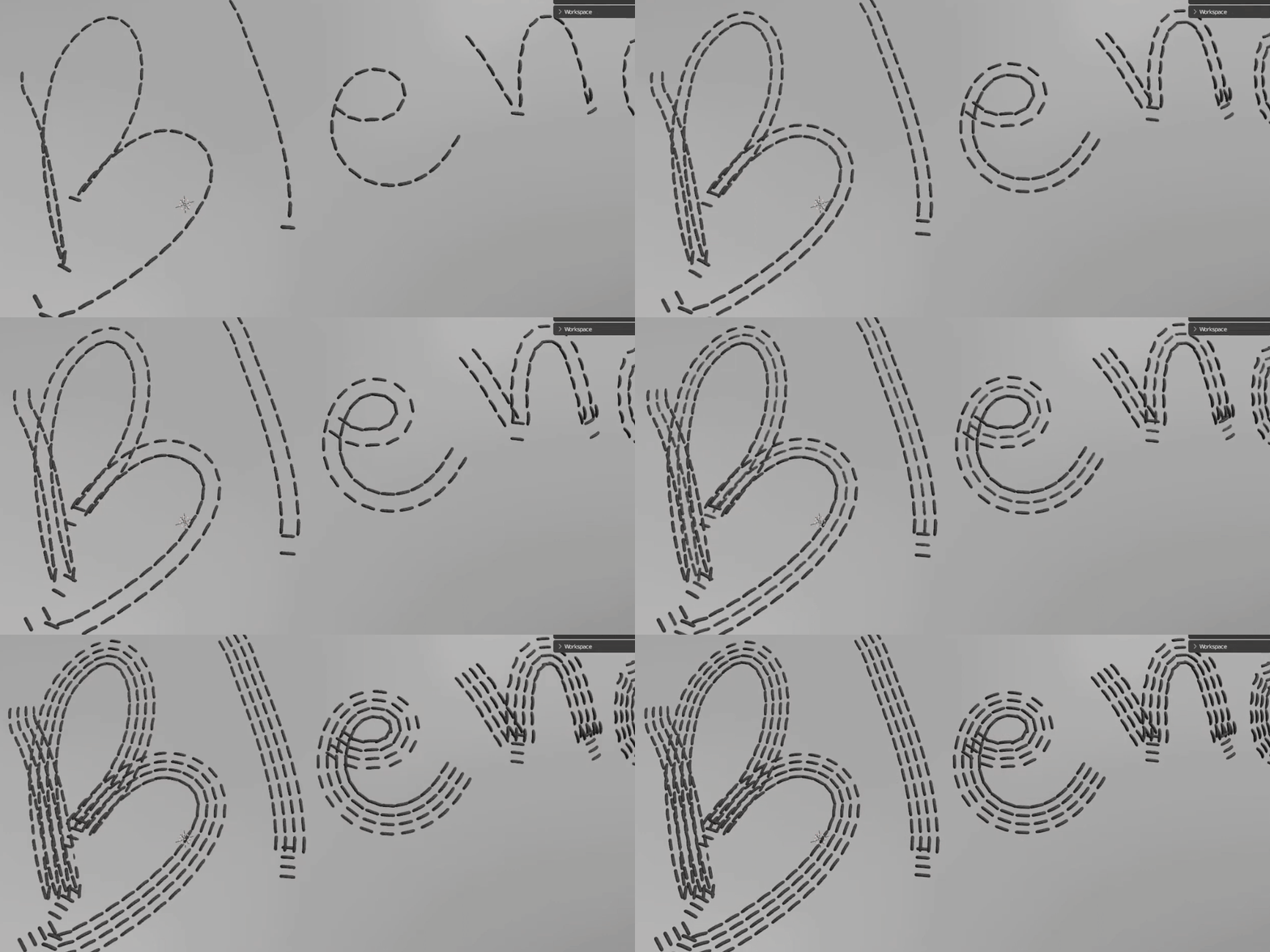 You can connect the curves ends to make your life easier.
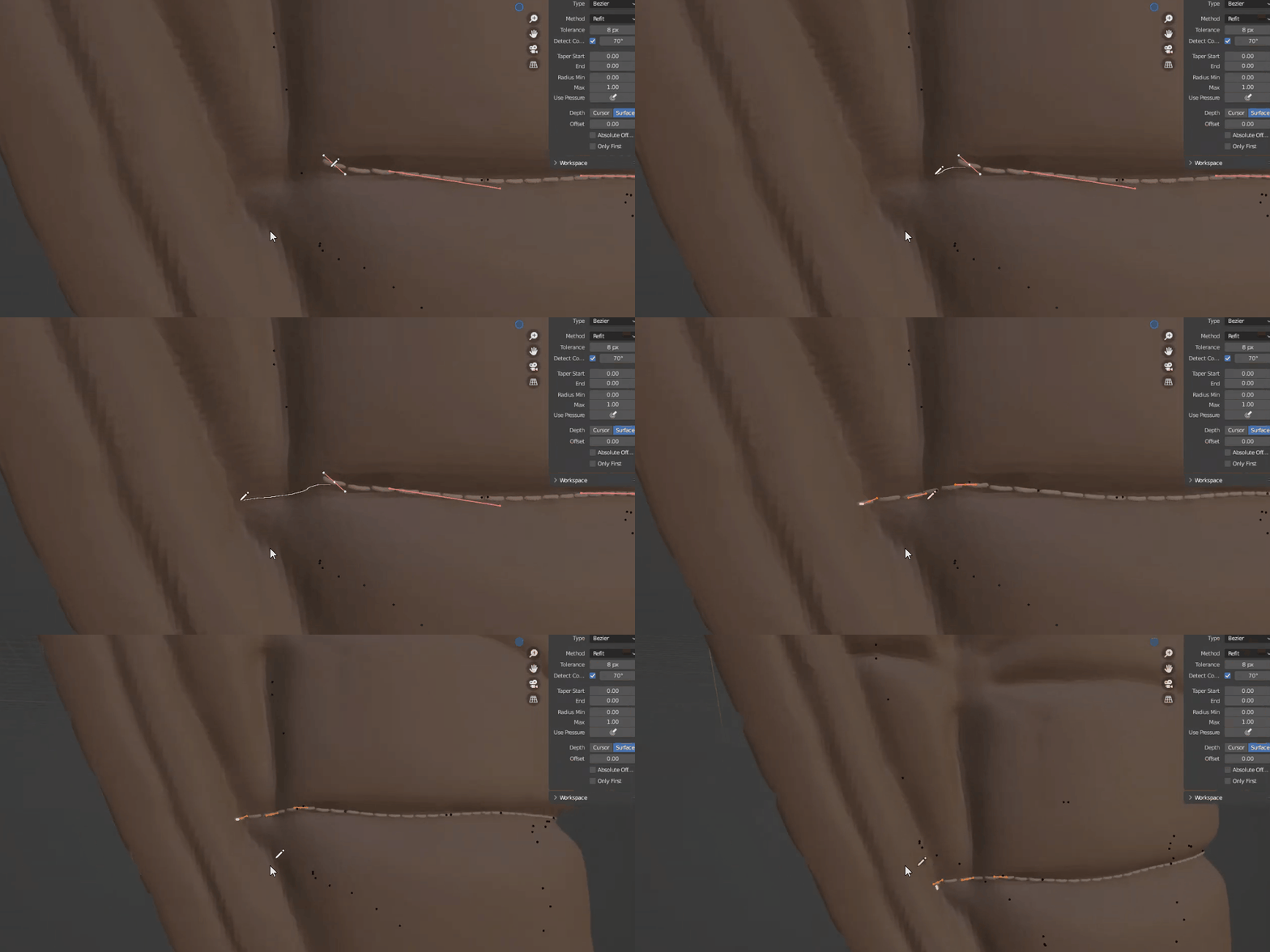 It's very simple to use;
and start drawning.
 Included
Includes 12 months of
- Support from Blender Easy
- Product updates
Extend this product’s Support Period +12 months: 50% of product price
Have questions before purchasing?
Login to message
| Sales | 30+ |
| Rating | 1 ratings |
| Dev Fund Contributor | |
| Published | about 4 years ago |
| Blender Version | 4.1 - 5.1 |
| License | Royalty Free |