CurviBlend
 Robert Natoli



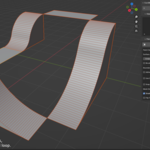
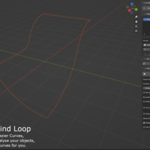
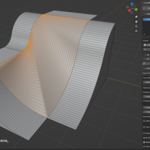
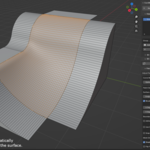
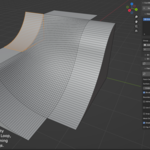
Big improvements to "Add Selected (When in Edit Mode)"! You can now select an entire chain or closed loop of Edges in Edit Mode, press 'Add Selected', and have CurviBlend perform a 'Split by Angle' on the edge chain, to automatically split the chain up into the required number of segments (check Add-on Preferences for new related Settings). You can now also re-select any edges that were used in an "Add Selected in Edit Mode", simply by clicking on the Mesh Icon next to the Source Object which you wish to select the 'Original Edges' of. Plus a few other small improvements.

Discover more products like this
quad mesh hard surface modeling patch-generator Face Fill surface from curves bridge edge loops fill hole automotive loft Fill Curve Fill Edge Loop retopology