Custom Planet

MLT-Studios in Rendering


Item Rating

This item has an average rating of 5 from 6 ratings by the community.

84%
0%
17%
0%
0%

Purchase this item to leave a review!

  • Uet Boq
    12 months ago

    Is it possible to make this thing sound reacting? I tried to insert key frames to the parameters. It seems like only the basic ones are appearing at the graph editor but the sound waves can not move those parameters, there are some changes by the numbers but no movement visually. I would love to use this add on in my projects because of it simplicity and the fast performance but first i need to know if there is a way to use like this before i purchase.

  • Eric
    almost 2 years ago

    Fantastic addon.

  • James Musiak
    over 2 years ago

    Amazing add-on! Gotta say my favourite part about this add-on is the performance. It's extremely fast and I think that in it self is worth it.

    One thing I would love is to have more control over the sun light location & colour, other than that, fantastic add-on!

  • FA Luminous
    about 3 years ago

    beautiful addon for background planets

  • Tom Morris
    over 3 years ago

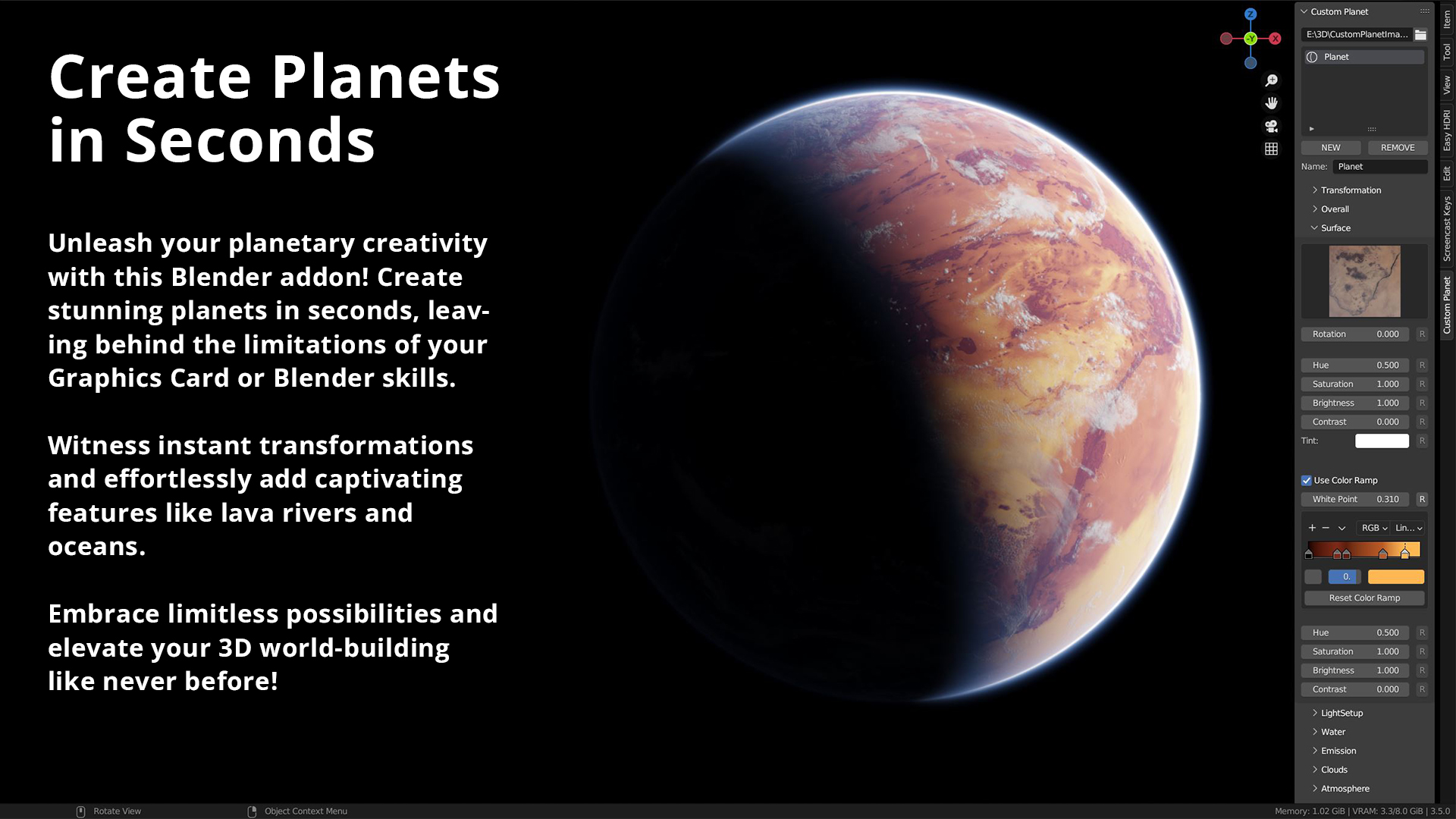
    This a beautiful and simple addon for creating diverse planet views. Two suggestions for new users to see the results you expect in Blender renders:
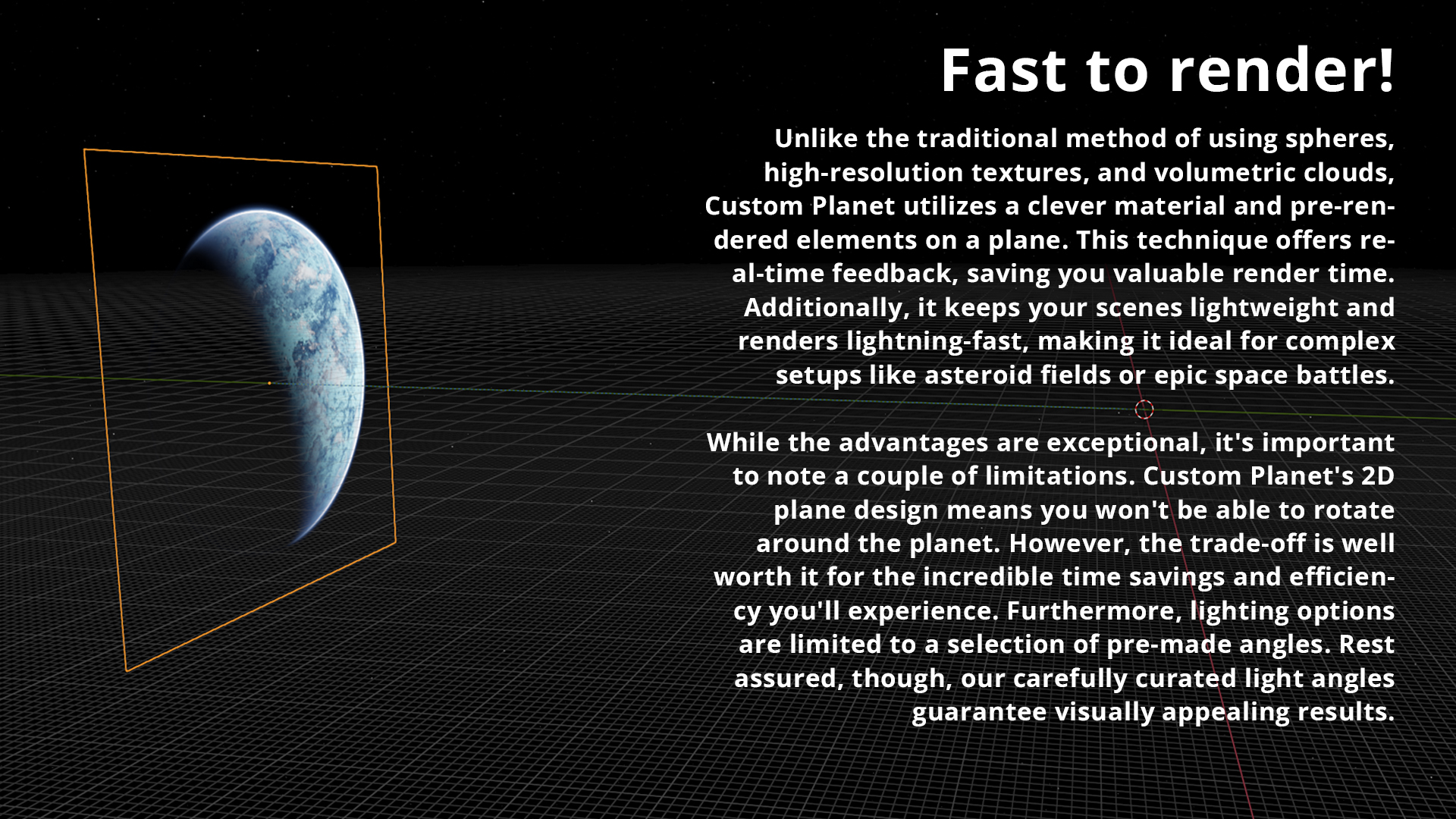
    1. Select your camera in the Blender scene properties panel. Set your camera's "Clip End" to 100,000 or more. Otherwise your planet won't render because it is placed far, far away.
    2. When viewing your planet through your active camera frame, fine tune its position in the frame by using Custom Planet's Vertical Location and Horizontal Location controls on the Custom Planet control panel.
    One request for the developer: It would be nice to be able to change the hue of the star light illuminating the planet -- given that stars come in different colors, yellow, orange, red, blue, and white.
    Very impressive and fun addon.

  • Raj Sekhar
    about 1 year ago

    The free version can't be rendered or doesn't appear within the camera view. I'm not sure if it is built that way. Otherwise, the product is good.

    • Malte Ullrich

      about 1 year ago

      You need to increase the end clipping plane of the camera. The addon automatically adjusts the scene clipping end plane, but when you create a plane, it is way to low. That is why you cant see it through your camera
  • Displaying 6 ratings
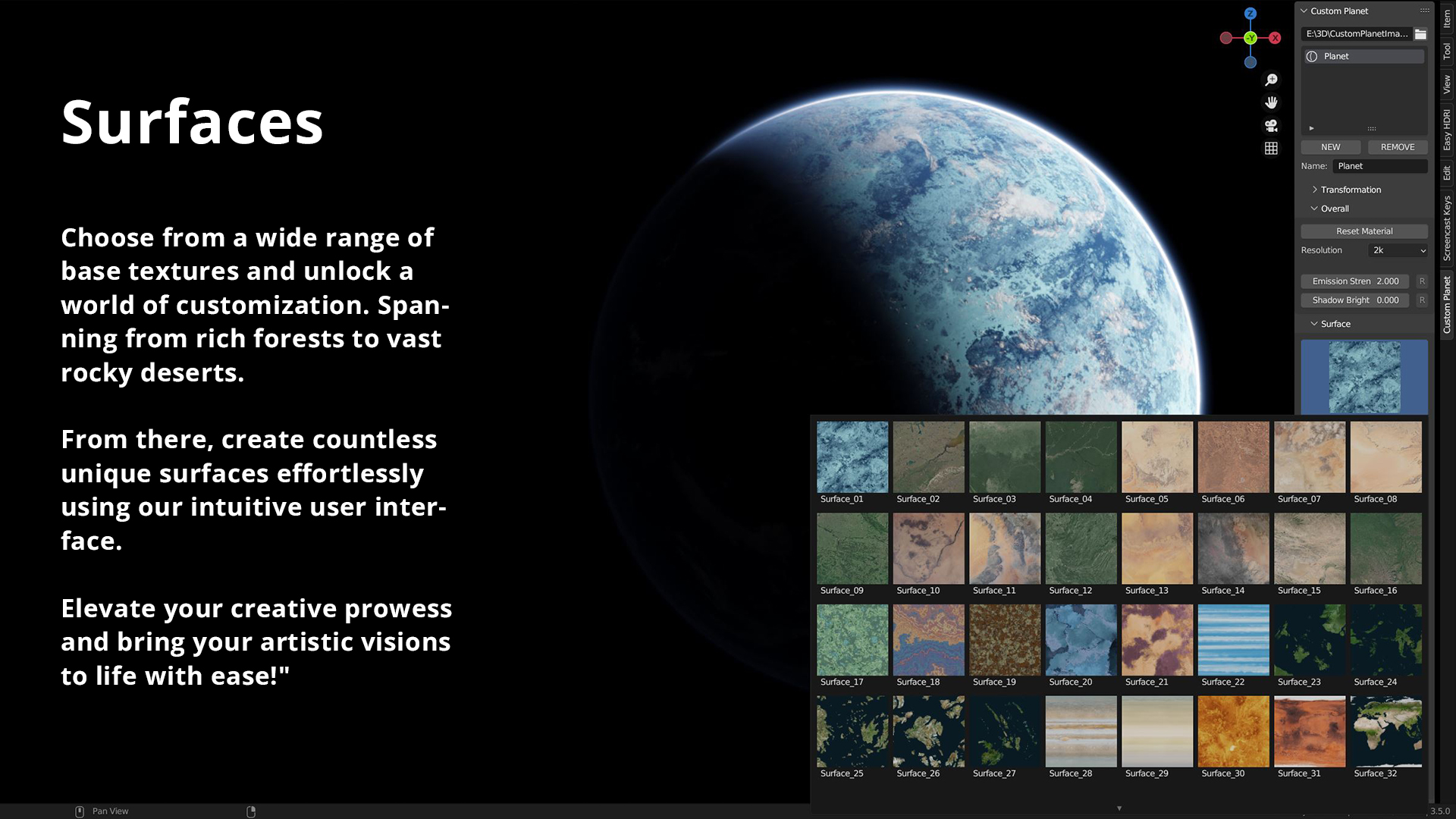
  • Custom Planet Addon - 1 Surface, 1 Cloud Layer, 1 Atmosphere, up to 2k resolution - including Starfield - no time restriction

    $0
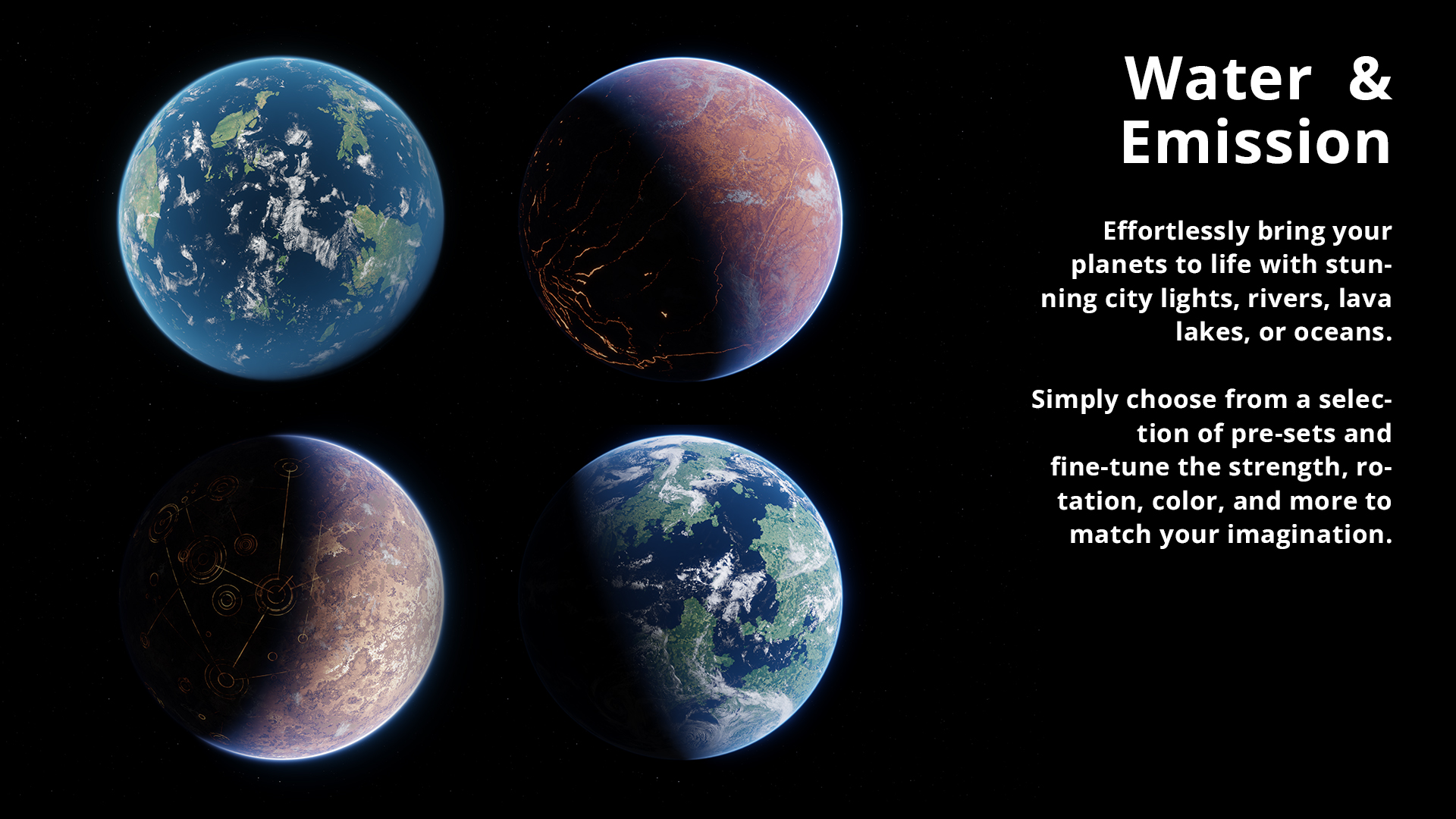
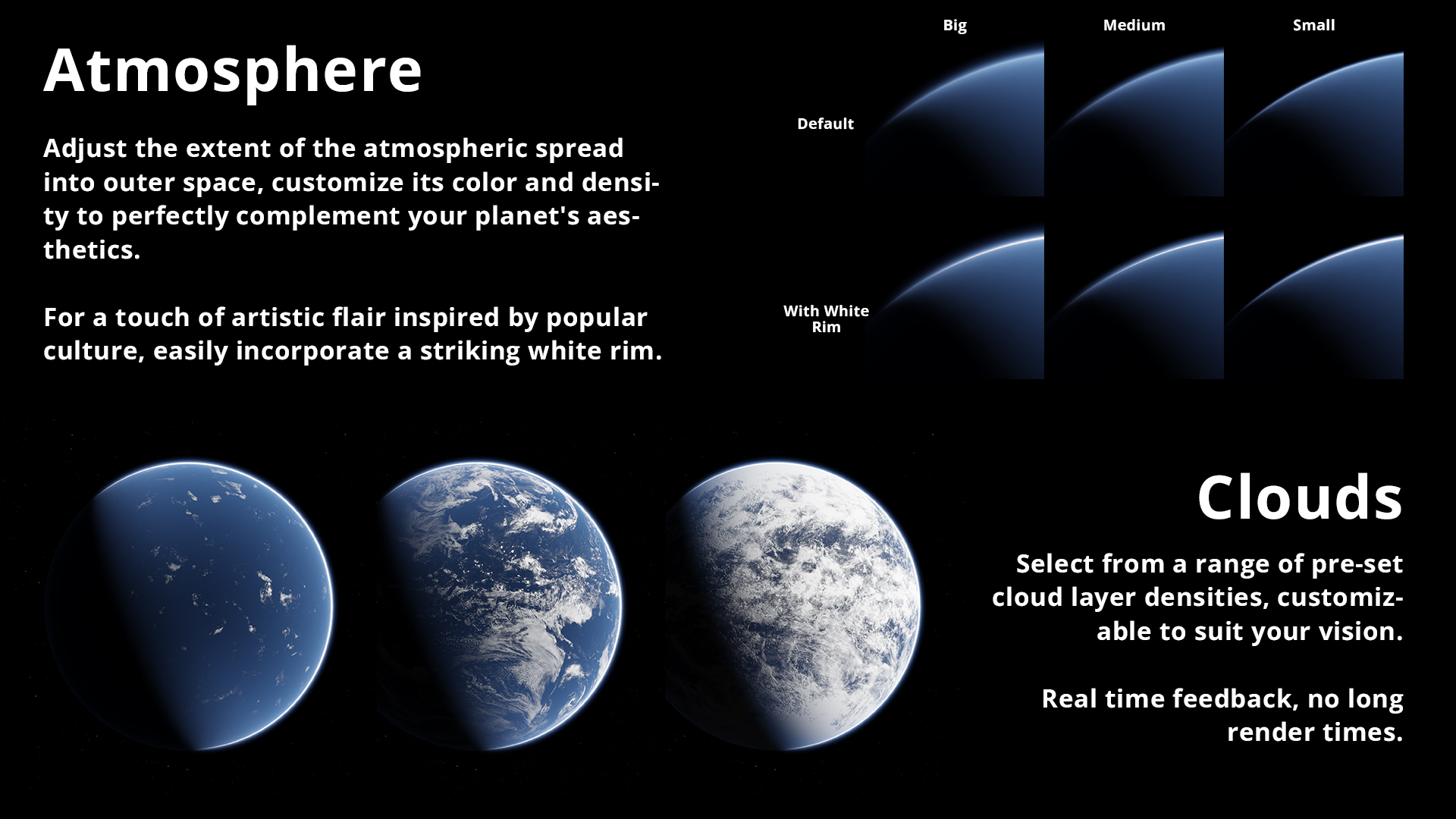
  • Custom Planet Addon - All Surfaces, Water, Emission, Clouds, Atmopheres and Starfield - up to 4k resolution - Free Updates!

    $30
  • Custom Planet Addon - Multi-seat license - All Basic Version Features

    $210
$30

Have questions about this product?
Login to message

Details
Sales 100+
Downloads 2000+
Rating
6 ratings
Published over 3 years ago
Blender Version 3.5, 3.6
License GPL
Discover more products like this

summer23 planet bfcm23 Starfield realtime space starwars