 TopoPen

CutFlex — Quick Start
Draw a cut, refine the seam, then separate the parts or add a movable joint.
Your first cut or joint
Open CutFlex
On Windows x64, use Blender 4.5+.Install cutflex.zip throughEdit > Preferences > Get Extensions > menu > Install from Disk.In the 3D Viewport, choose Object Mode, press N and open CutFlex.
Make a plain cut
- Select the original mesh and click Cut.Under Size and fit (optional), set Peg count = 0.Set Model size (mm) to the intended longest dimension of the whole source model.
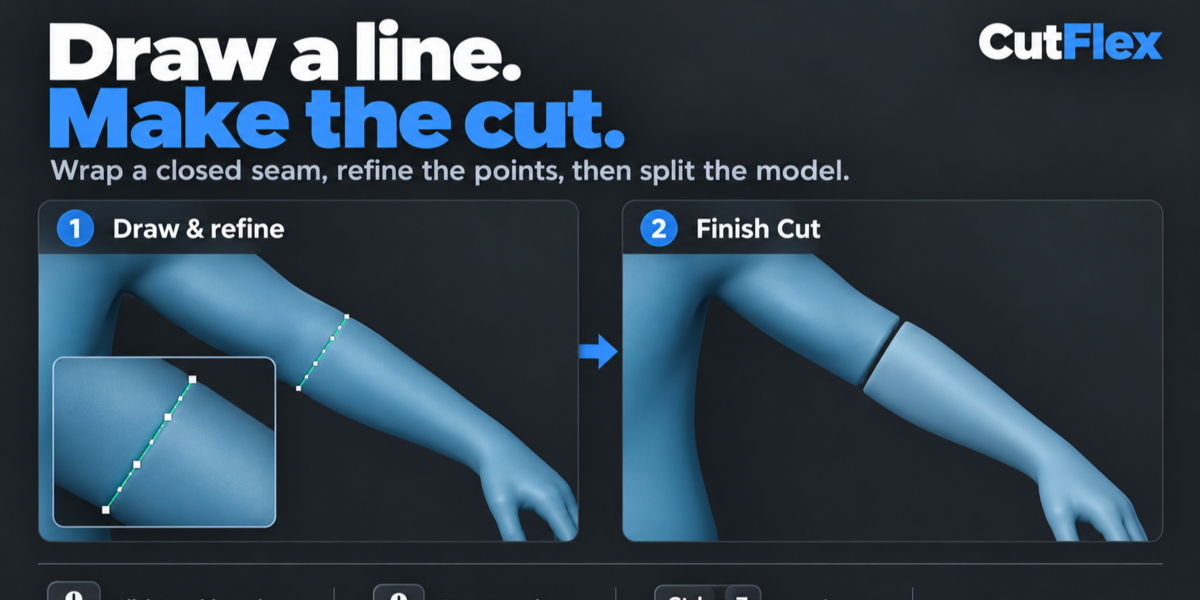
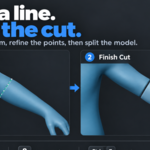
- Left-drag across the part and release.Start and end on its surface. CutFlex wraps a closed line around the back.
- Refine the line.If there are no white points and the panel says Choose, press Enter to accept the contour;Tab tries another. Orbit to inspect the back.
- Click Finish Cut.Separate parts are created and the original is hidden.For matching rigid pegs, use Peg count 1 or 2 instead of 0.
Add a movable joint
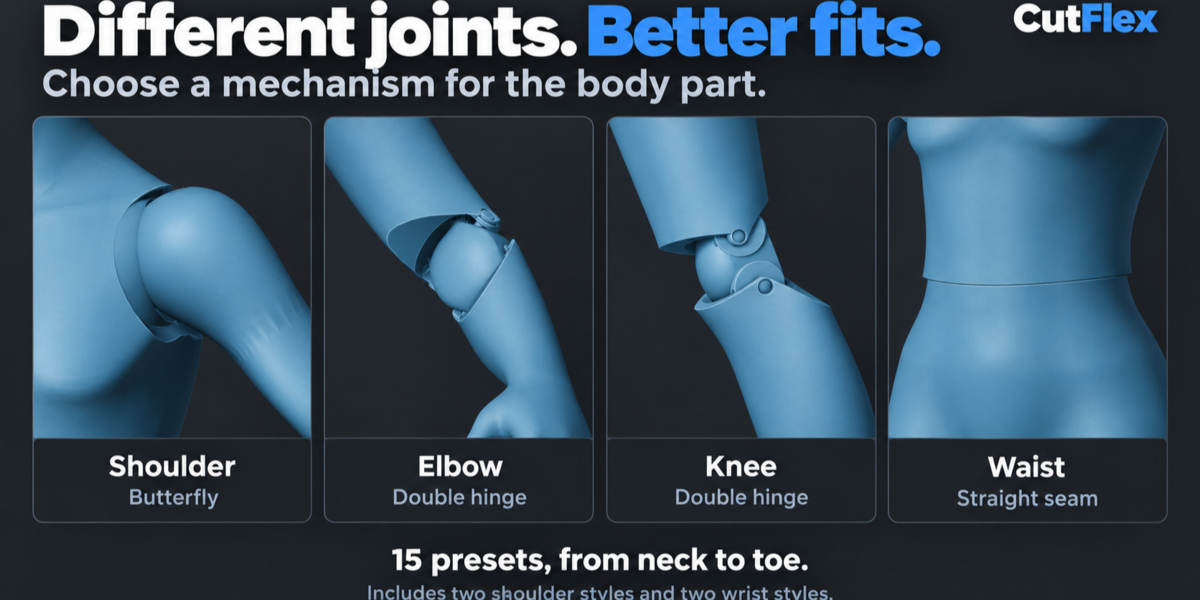
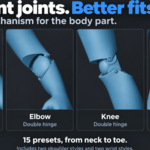
- Select a Body joint preset, such as Elbow, Knee or Wrist / concealed ball.Click Cut + Joint, then draw and refine the seam as above.
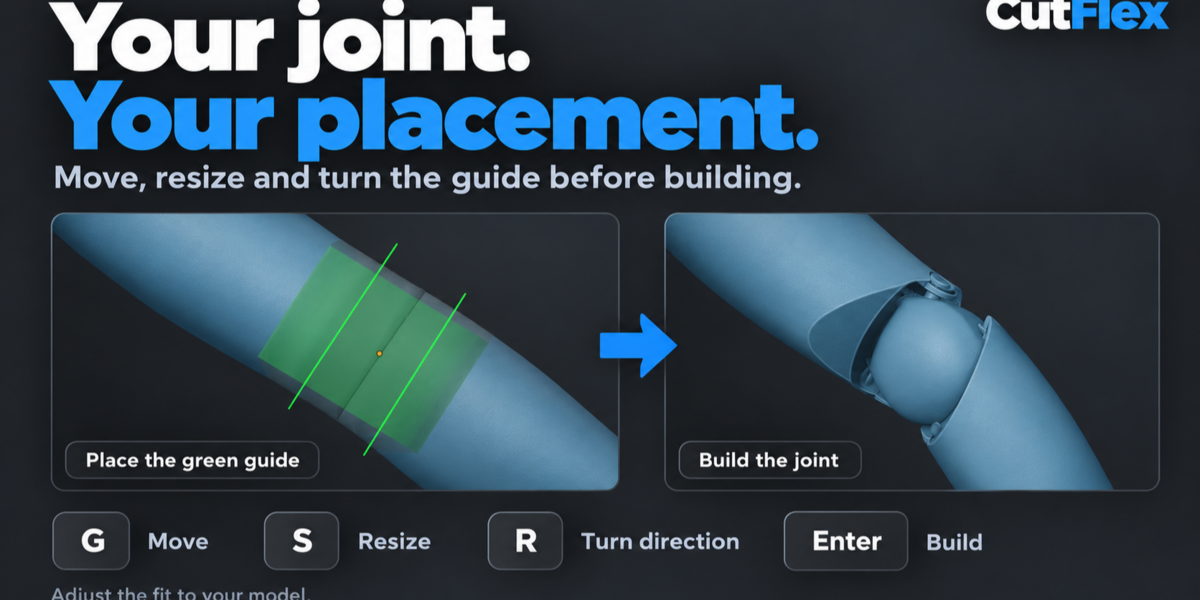
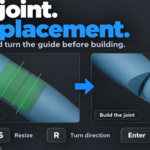
- Click Place Joint.In the transparent view, drag the green guide to move it,use S to resize and R to turn the bending direction on anatomical presets.
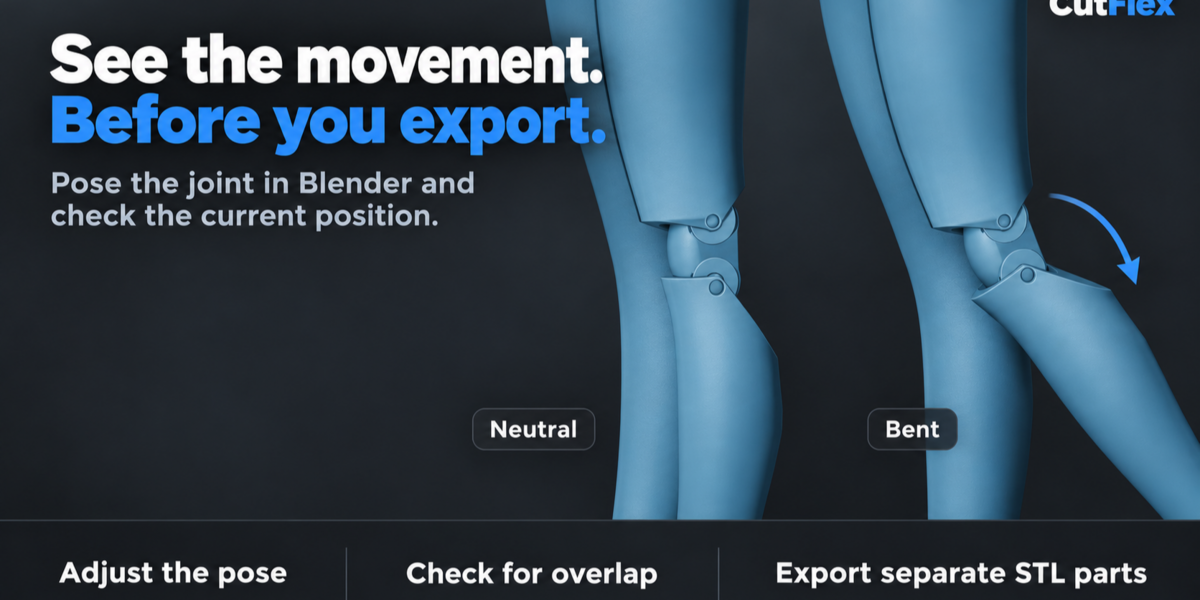
- Click or press Enter to accept an adjustment.Then click Finish · Enter to build.Use the result's movement sliders to try a pose; Reset returns to neutral.
| Edit the drawn line | Control |
|---|---|
| Add / move a point | Click the line / drag a white point. |
| Delete a point | Click the point, then Delete. |
| Undo / redo | Ctrl + Z / Ctrl + Shift + Z. |
| Redraw / finish | R redraws; Enter accepts or continues the current stage. |
| Orbit / pan / zoom | Middle mouse / Shift + middle mouse / wheel. Release the stroke before navigating. |
Click the line to edit it.Clicking the model away from the line starts a new stroke.Esc cancels an active drag or stroke first; otherwise it exits the tool.
Connect, export and edit
Connectors and holes
Add Connector:select two meshes, peg side last. Open Assembly tools > Add Connector,choose Round or Keyed, then click the active surface.The root must overlap this part; the tip must reach the other.
Add Hole:select one mesh, click Assembly tools > Add Hole, then its surface.Set Diameter / width and Depth.Enable Through hole or leave it off for a blind pocket.
| While placing a guide | Control |
|---|---|
| Move / resize / turn | G / S / R. For connectors and holes, S changes width only; set depth in the sidebar. |
| Fit an elbow, knee or ankle region | H adjusts height; W adjusts width, when shown. |
| Accept / build / cancel | Click or Enter accepts an adjustment. Enter while idle builds. Esc cancels the adjustment first, then the tool. |
Separate two contacts, such as feet from a base
Click Paired Cut / Separate from Base.Draw cut 1, then Save First · Draw Second.Draw cut 2 and Build Both Cuts.Refine each seam before continuing; they must not intersect. All pieces are kept.
Export STL, OBJ or FBX
- Open Batch export.Choose Selected parts for a specific set,Active assembly for connected pieces,or All CutFlex results for visible results.
- Choose the format, Neutral assembly or Current pose,and whether to use a Separate file per part.Include any pins and links.
- Choose a Folder and click Export Parts.A new subfolder is created. STL/OBJ coordinates are in mm; FBX carries unit metadata.
No editable dots:accept the suggested contour, or read the error and redraw.
Build failed:open Details.Check placement, attachment overlap and mesh condition.
Save the .blend file after finishing the tool.Keep the source and helper collections.The main edit and movement controls target the scene's current result, not whichever older result you select.
Full reference:in Blender, open CutFlex > Help > Open user guide,then choose Full reference.Check Pose tests one pose only; inspect geometry and test the fit before printing.
Have questions about this product?
Login to message
| Blender Extension Compatible | Yes |
| Published | about 3 hours ago |
| Blender Version | 4.5 - 5.2 |
| Extension Type | Add-on |
| Render Engine Used | Cycles |
| License | GPL |
Discover more products like this
action figure STLExport 3d print joints mesh separation addon for spliting blender parts connectors 3d_hard_surface Articulation Joints ball joints cutting 3d printed poseable