 TopoPen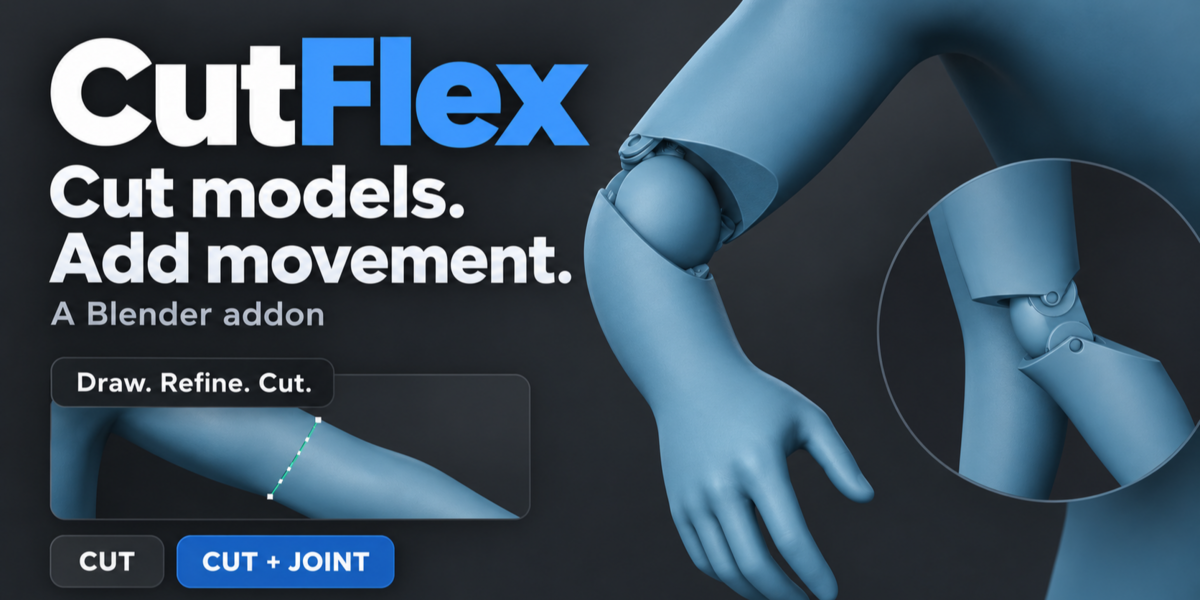
Model cutting. Character articulation.
CutFlex brings editable surface cuts, fitted character joints and assembly tools into one Blender panel. Split a sculpt into separate parts, add movement where it belongs, and adjust the fit before building.
01 / Surface cutting
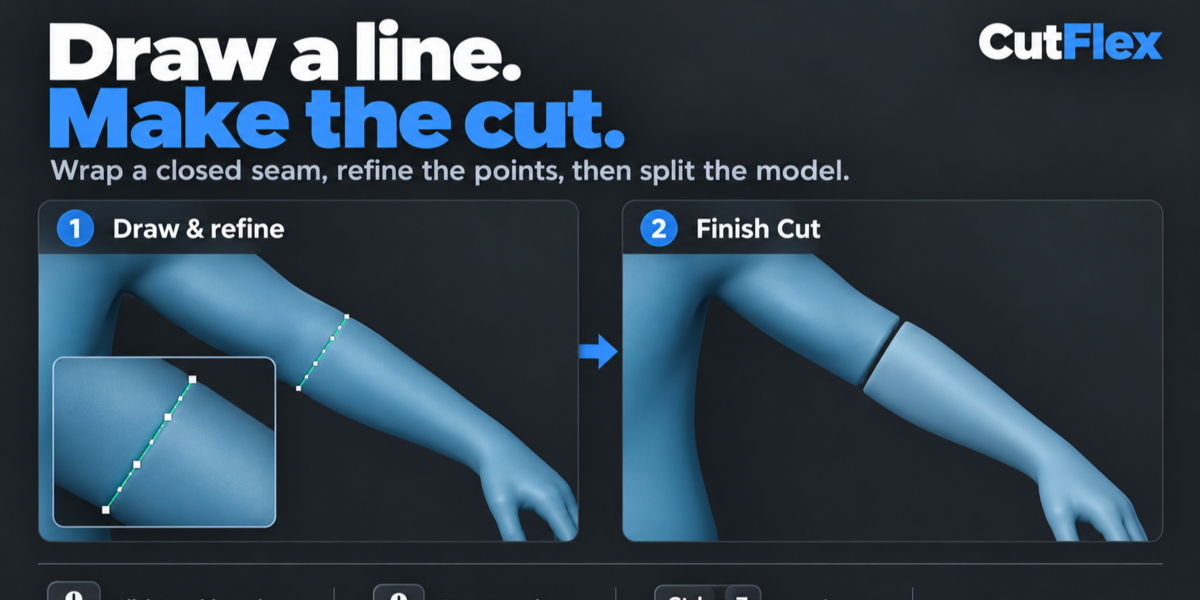
Draw the cut. Shape the seam.
A short stroke across the visible surface becomes a closed contour around the model, including the back. Refine the line directly on the mesh, then separate the parts.

Editable points, right on the surface
Hover to preview a new point. Click to add it, drag to reshape the seam, or delete it. Undo and redo each edit while orbiting the model.

Separate parts. Preserved source.
Confirm the seam to build the cut. Add alignment pegs for a rigid connection, or keep a plain cut. The original mesh remains in the scene.
02 / Character articulation
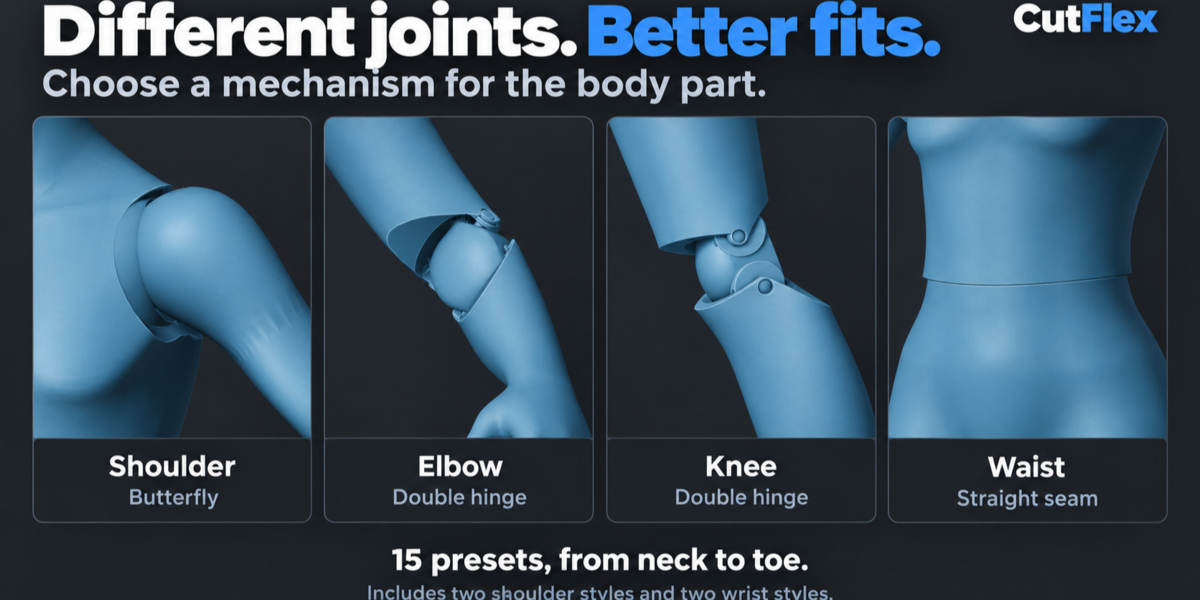
The right mechanism for each joint.
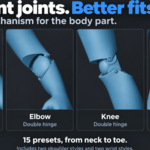
Choose from 15 configurable presets for different parts of the body. Rounded hinge links, recessed bearings and fitted housings give you a starting point designed around character forms.
| Body region | Mechanism | Movement |
|---|---|---|
| Neck | Concealed ball | Head tilt and rotation |
| Shoulder | Fitted swivel · Butterfly | Arm raising and rotation; butterfly adds chest reach |
| Elbow | Double hinge | Two bending axes in a rounded middle link |
| Wrist | Concealed ball · Swivel hinge | Compact tilt and rotation, or a separate bending hinge |
| Chest | Fitted ball | Torso tilt and rotation |
| Waist | Straight seam | Recessed articulation with a straight neutral seam |
| Hip | Recessed ball | Thigh swing and tilt, fitted toward the pelvis |
| Knee | Double hinge | Two parallel bending axes |
| Ankle | Bend + rocker | Foot bend and side-to-side movement |
| Bicep / Thigh | Two swivel presets | Rotation around the limb |
| Toe | Hinge | Upward foot flexion |
| General | Ball and socket | A configurable exposed bearing |
Two shoulder styles and two wrist styles are included. The neutral silhouette and the available travel depend on the surrounding sculpt and your placement.
03 / Fit and movement
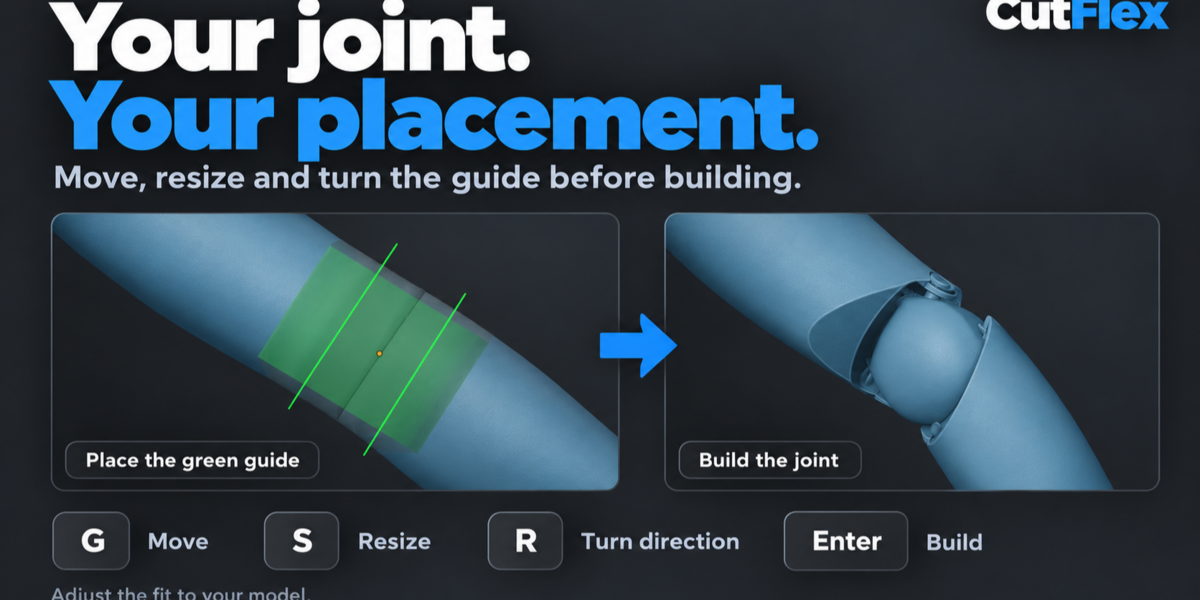
Place it where the movement belongs.
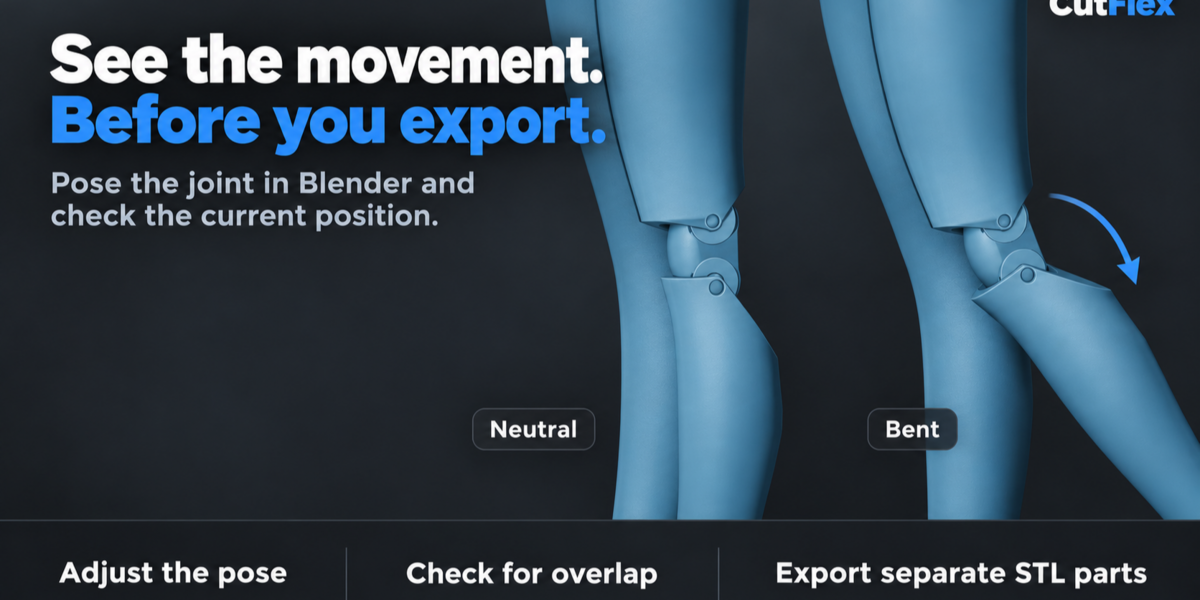
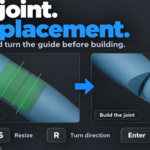
After the cut, an orthographic, translucent view reveals the green joint guide inside the model. Move it, adjust its size and turn the bending direction. Build the exact geometry when the placement is ready.

Adjust the fit before building
The lightweight guide keeps placement responsive. Elbow, knee and ankle presets also provide region height and width controls.
Inspect the joint in motion
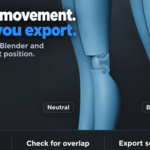
Bend, tilt or rotate the generated parts with the controls for that joint. Check the current pose for rigid overlap, then return to neutral.
Actual Blender workflow recordings. The joint-build wait is shortened in the placement clip.
04 / Connectors and holes
Build the connections around your design.
Add a peg and matching socket between existing parts, or place a hole directly on a surface. Dimensions, placement and clearance stay adjustable in the saved operation.

Round or keyed connectors
Choose the connector shape and adjust its diameter, depth, embed and clearance. Move, rotate or resize it before confirming.
Holes and recesses
Create a blind recess or a through-hole. A circular blind hole can be sized for a magnet pocket.
Saved operations
Reopen a connector or hole to edit it. Toggle its visibility or remove it while keeping the target mesh data intact.
05 / Paired cuts and export
Two seams. One separation.
Cut a part connected in two places, separate a model from its base, or remove a band between two sections. Draw and edit both seams, then build them together. All resulting parts are kept.

Take the whole assembly with you.
Export selected parts, the active assembly or all CutFlex results. Choose separate files or a combined file, in the neutral assembly or the current pose.
Exports include the evaluated geometry, connectors and holes. Each export receives its own folder and a part manifest.
07 / Included and compatible
Everything stays inside Blender.
Included in CutFlex
- Editable surface cuts and alignment pegs
- 15 configurable joint presets
- Joint placement and movement preview
- Round / keyed connectors and holes
- Paired cutting and saved seam editing
- Batch STL, OBJ and FBX export
- Bundled native geometry acceleration
- Offline installation and workflow guide
Compatibility
Verified on 4.5.5 and 5.2.2
08 / Before you begin
A few practical details.
Can I change a cut or joint?
The wrapped seam has editable points and undo/redo. Before building, move, resize and turn the joint guide. Save the .blend file to keep the source and setup. Select a generated part to reopen its saved joint placement; saved seams require the original source geometry and transform to remain unchanged.
What kind of mesh works best?
A coherent, closed surface with enough material around the mechanism gives the most predictable result. Overlapping shells, holes, internal faces and very thin areas can need repair or a different cut position. CutFlex fits the joint to the section you choose; anatomy selection and placement remain in your control.
Does it rig or articulate the entire character automatically?
CutFlex creates mesh parts and provides joint-specific movement previews. You choose each cut and preset. The current workflow edits one active seam at a time; whole-character rigging and automatic anatomy detection are outside its scope.
What does the movement check tell me?
Check Pose evaluates rigid overlap at the current sampled pose. Travel depends on the surrounding sculpt, placement and joint size. Gaps can become visible as a joint bends. Added connectors and holes can change collision geometry, so the original joint checker is disabled while those operations are enabled; posing and export remain available.
How does it handle dense models?
Placement uses a lightweight guide while you adjust the fit. Exact geometry is built on request, with native geometry acceleration included in the package. Build time depends on the model, mechanism and computer. Workflow videos demonstrate the tools; they are not timing benchmarks.
What should I know about export and printing?
Batch export includes evaluated modifiers and omits CutFlex helpers. STL contains geometry; OBJ and FBX carry available UVs and material assignments. External textures are not packed. Cut-generated meshes may need UV work, and paired cuts do not transfer the original UV layout. Physical fit, strength and assembly still depend on scale, material and manufacturing settings.
Model cutting and articulated joint design for Blender.